
Link Party System Explained
★ Arkveld Gamma Armor | MH Stories 3 Collab
☆ Version 1.041: Sororal α Armor | Shatterseal
★ How to Unlock Proof of a Hero Quest
☆ Omega Planetes | Savage Omega | Builds vs Omega
★ Armor Set Search updated for Ver 1.041
☆ HR50+ Builds | Tier List | Weapon Guides
Link Members are part of a Link Party in Monster Hunter Wilds, and can go on quests or explore the map together. Find out what Link Members are, and how to invite Link Members in this guide!
List of Contents
What are Link Members?
Part of the New Link Party Function

Link Members are a part of the new Link Party multiplayer feature added in Monster Hunter: Wilds. Having a Link Party or being part of one as a Link Member immediately notifies you of any posted quests by players, apart from just being in a lobby with no direct interaction to quests.
To make a Link Party, simply head to the Communication tab and choose Invite to Link Party. Make sure you're in an online lobby, whether private or public, to access the member list available for Link Parties.
Multiplayer Guide: How to Play Co-Op
Link Party Can Only Accomodate Four Players
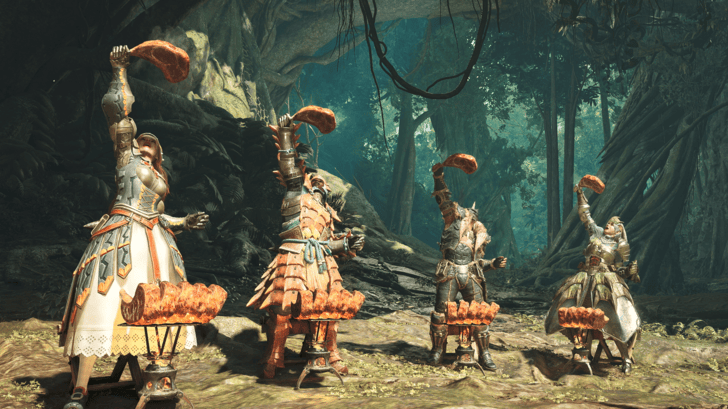
Link members per Link Party are limited to four. If you're planning to accommodate more players, make a private lobby instead and rotate link members as needed.
Use Environment Link to Free-Roam
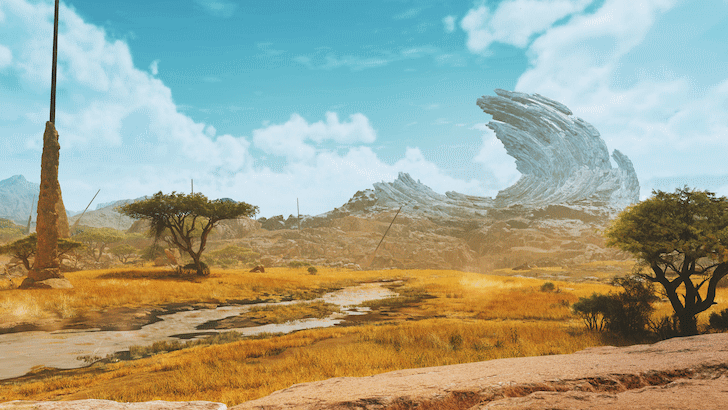
Environment Link allows all members of a Link Party to enter a player's world. This lets them freely explore the map, even outside of active quests. Otherwise, players not in a Link Party can only participate in quests or explore nearby areas.
You can find the Invite All to Environment Link option under Link Party, but it will only appear if you have an active Link Party. Be sure to scout first before starting!
Match Progress for Multiplayer Story
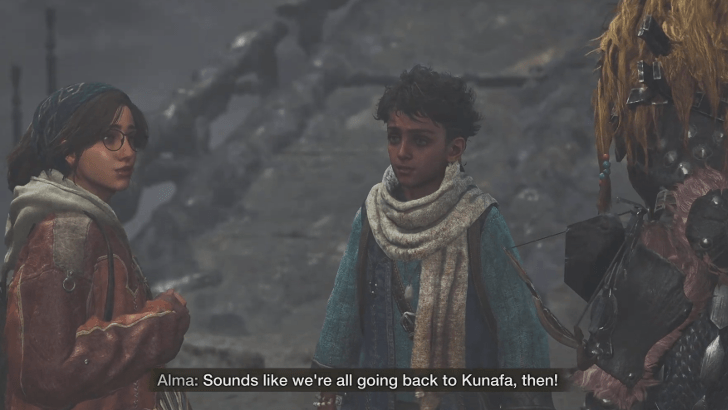
Opening an Environment Link with players who have less story progression than the host is not allowed. This is to prevent players who haven't completed certain chapters from gaining an unfair advantage by obtaining weapons, armor, and materials of higher rarity earlier than intended upon returning to their original worlds.
To host, make sure a link member has at least the same story progression as you. If not, a link member in the early story chapters can host, and any members ahead can join.
Multiplayer Story: How to Play Campaign Co-op
How to Invite Link Members
Navigate to Link Party in the Options
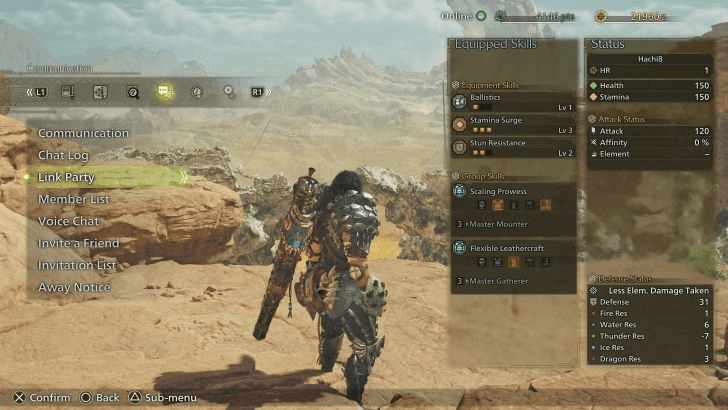
To invite people to be Link Members, head to the speech bubble tab in the Options menu to find the Link Party section. Scroll to this and select it, then select Invite to Link Party.
Select Hunters to Invite

Once in the Link Party invite screen, players can choose from their friends list, recent interactions, and lobby members to invite to the Link Party. Note that the maximum amount of players in a Link Party is four.
Send Environment Link
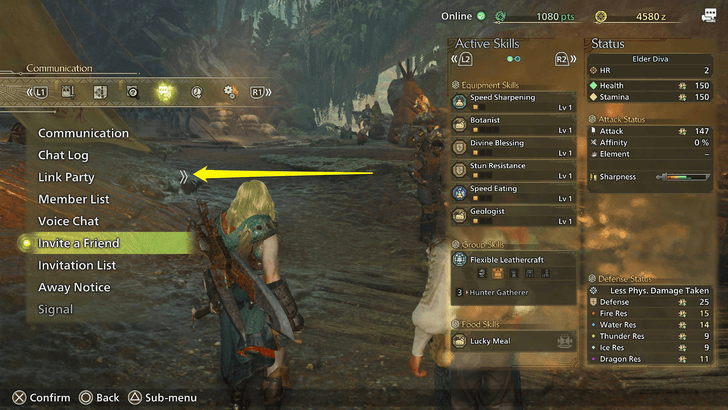
If you want your Link members to join your world, head to the Link Party options in the Communication tab. Select Invite All to Environment Link and wait for them to accept before they can join.
Monster Hunter Wilds Related Guides
All Tips and Tricks Guides
Comment



Author

Link Party System Explained

Premium Articles
Rankings
Gaming News

![Monster Hunter Stories 3 Review [First Impressions] | Simply Rejuvenating](https://img.game8.co/4438641/2a31b7702bd70e78ec8efd24661dacda.jpeg/show)


![Monster Hunter Stories 3 Review [First Impressions] | Simply Rejuvenating](https://img.game8.co/4438641/2a31b7702bd70e78ec8efd24661dacda.jpeg/thumb)
Popular Games

Genshin Impact Walkthrough & Guides Wiki
Honkai: Star Rail Walkthrough & Guides Wiki
Umamusume: Pretty Derby Walkthrough & Guides Wiki
Pokemon Pokopia Walkthrough & Guides Wiki
Resident Evil Requiem (RE9) Walkthrough & Guides Wiki
Monster Hunter Wilds Walkthrough & Guides Wiki
Wuthering Waves Walkthrough & Guides Wiki
Arknights: Endfield Walkthrough & Guides Wiki
Pokemon FireRed and LeafGreen (FRLG) Walkthrough & Guides Wiki
Pokemon TCG Pocket (PTCGP) Strategies & Guides Wiki









Recommended Games
Diablo 4: Vessel of Hatred Walkthrough & Guides Wiki
Cyberpunk 2077: Ultimate Edition Walkthrough & Guides Wiki
Fire Emblem Heroes (FEH) Walkthrough & Guides Wiki
Yu-Gi-Oh! Master Duel Walkthrough & Guides Wiki
Super Smash Bros. Ultimate Walkthrough & Guides Wiki
Pokemon Brilliant Diamond and Shining Pearl (BDSP) Walkthrough & Guides Wiki
Elden Ring Shadow of the Erdtree Walkthrough & Guides Wiki
Monster Hunter World Walkthrough & Guides Wiki
The Legend of Zelda: Tears of the Kingdom Walkthrough & Guides Wiki
Persona 3 Reload Walkthrough & Guides Wiki










All rights reserved
©CAPCOM
The copyrights of videos of games used in our content and other intellectual property rights belong to the provider of the game.
The contents we provide on this site were created personally by members of the Game8 editorial department.
We refuse the right to reuse or repost content taken without our permission such as data or images to other sites.