
Best Settings
NEW: Hexi Map | Chapter 3 | Flute Mystic Skill
★ Unfettered and Everspring Build
☆ Liangzhou | Cat Fever | Prismatic Essence
✪ Updated: Best Weapon | Best Builds
☆ WWM Game8 Twitter: New tips daily!
Recruit using our Guild Recruitment Board!
Here are the best and recommended settings for playing Where Winds Meet. Check out all the Controls, Game, Camera, Display, Audio, Language, and Other settings in this guide!
List of Contents
Best and Recommended Settings for Where Winds Meet
| Jump to a Setting! | |||||||||||
|---|---|---|---|---|---|---|---|---|---|---|---|
| PC Controls | Controller | Game | |||||||||
| Camera | Display | Audio | |||||||||
| Language | Other | ||||||||||
Best Keyboard & Mouse Settings
| Camera Mode | ARPG or MMORPG |
|---|---|
| Button Layout | User preference |
| Skill Display Mode | Simple |
| Mouse Display | User preference |
The Keyboard and Mouse Settings are reserved for PC Controls, particularly. The ARPG Mode will have the camera move according to the mouse's movements instead, unlike in MMORPG mode, where you will need to hold the right mouse button to move this.
Additionally, set the Skill Display Mode to Simple rather than Detailed so you can avoid cluttering the screen with flashy effects and animations. This may also lessen some lags that you might experience in your gameplay.
Reassign Parry and Dodge to Forward and Back Mouse Buttons
| Parry | Forward Mouse Button |
|---|---|
| Dodge | Back Mouse Button |
If your mouse has side buttons, it is recommended to set the forward mouse button binding for Parry and the back mouse button for Dodge.
As you progress further in the main stories, bosses will become more difficult and faster, so having a quick way to access these moves will provide you with a smoother transition between parrying, dodging, and attacking.
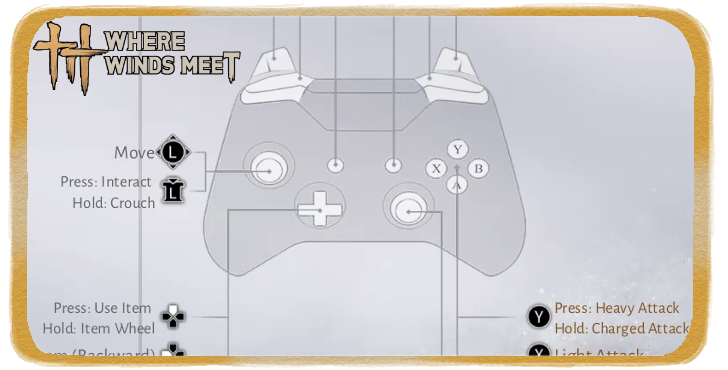
List of All Console and PC Controls
Best Controller Settings
| Button Layout | User Preference |
|---|---|
| Button Settings | User preference |
| Swap/Confirm Cancel | User Preference |
| Swap Sticks | User Preference |
| Function Wheel Settings | User preference |
Controller Feedback
| Controller Vibration | Enable |
|---|---|
| Vibration | 100 (Default) |
| Dynamic Aiming | User preference |
| Motion Sensor Sensitivity | 50 (Default) |
| Motion Sensor Rotation Mode | User preference |
| Invert Vertical Input for Motion | User Preference |
The Controller Settings primarily depend on what the user would prefer when they connect their controller to the game. Connecting a controller to the PC platform is doable, and the same settings can be applied for PS5 controllers.
Best Game Options
| Combat Difficulty | User preference |
|---|---|
| Skill Display Mode | Simple (Default) |
| Assist Deflection | User preference |
| Enable Assist Deflection for Power Attack of Bosses | User preference |
| Enable Assist Deflection for Normal Attack of Bosses | User preference |
| Enable Assist Deflection for Power Attack of Minions | User preference |
| Enable Assist Deflection for Normal Attack of Minions | User preference |
| Ranged Attack Hit | User preference |
| Damage Numbers | Simplified |
| Approach Cover | User preference |
For an easier and casual gameplay, enable Assist Deflection so it can prompt you when to parry against your enemies. This will slow the game down momentarily and provide you with visual clues on when you can successfully parry.
On the other hand, if you prefer to go for a more Soulslike experience, close Assist Deflection. Take note that this is also disabled whenever you enter Multiplayer mode.
Guide Settings
| Guidance Mode | Free Exploration |
|---|---|
| Red Dot Style | Sonic Red Dot |
Combat Targeting
| Lock Player Target | Nearest |
|---|---|
| Lock Enemy Target | Nearest |
| Auto Lock Switch | User preference |
| Prioritize the Target at the Center of the Screen | Enable |
Skill Assist
| Enhanced Target Selection | User preference |
|---|---|
| Skill Approach | User preference |
| Treasure Hunt Mode | User preference |
Item Use Settings
| Auto Switch Medicine When Empty | Enable |
|---|---|
| Auto Switch Food When Empty | Enable |
| Auto Switch Divinecraft Item When Empty | Enable |
| Auto Use Divinecraft Tool | User preference |
Have the Damage Numbers set to Detailed to get a better estimate of how much damage you are dealing with your enemies, as well as their health. It is recommended to set Guidance Mode to Free Exploration for more freedom in exploring the overworld in your own terms.
Enable Auto Lock if you want to easily land attacks against your enemies. However, you can also Close this if you want a more challenging battle. Lock your targets to Nearest to spot them immediately. Enable Auto option for Item Use to immediately access alternative items.
Best Camera Settings
| Camera Zoom | Wide |
|---|---|
| Camera Direction Correction | Close |
| Grand Lightness Skill Camera | Free Camera |
| Horizontal View | 50 (default) |
| Vertical View | 50 (default) |
| Camera Sensitivity - Horizontal | 50 (default) |
| Camera Sensitivity - Vertical | 50 (default) |
| Invert Horizontal Camera | Close |
| Invert Vertical Camera | Close |
Set the Camera Zoom settings to Wide, as this can help you get a better view of an enemy's movements, especially large bosses. Close the Camera Direction Correction to avoid shaky camera controls. This will keep the gameplay smooth and visually clear. Switch the inverted camera options to Close for more straightforward camera movement.
Best Display Configuration
| Visual Style | User preference |
|---|---|
| Brightness | Max |
| Motion Sickness Reduction | Apply Settings |
| Display Mode | Fullscreen |
| Resolution | User preference |
| Select Monitor | User preference |
| FPS Limit | 120+ FPS |
| V-Sync | Close |
| Motion Blur | Close |
Close the V-Sync and Motion Blur Settings for less input lag and better visual clarity. Closing off Motion Blur will also allow you to have better visual clarity over Parry prompts if your Assist Deflection is enabled.
Super Resolution Sampling
| Super Resolution Type | Set to DLSS for Nvidia GPUs or TSR for AMD GPUs. |
|---|---|
| FSR Resolution Quality | User preference |
For the Super Resolution Type, DLSS has a better performance compared to FSR. Choose TSR if you do not meet the required GPU.
Visual Details
| Graphics Quality | User preference |
|---|---|
| Ambient Occlusion | High |
| Tesselation | Low |
| Vegetation Quality | Low |
| Lightning Quality | Low |
| View Distance | Low |
| Effect Quality | Low |
| Reflection Quality | Low |
| Real-Time Sunlight | User preference |
Keep most Visual Details to low to prevent lag inputs while playing, especially Vegetation Quality, View Distance, and Reflection Quality since they have the most impact in regards to performance.
Best Audio Settings
| Master Volume | 100 (Default) |
|---|---|
| SFX Volume | 80 (Default) |
| Music Volume | 80 (Default) |
| Voice Volume | 80 (Default) |
| Background Audio | Close |
| Skill Voice | Close |
| Ambient Volume | 80 (Default) |
Voice Settings
| Voice Chat Volume | 100 (Default) |
|---|---|
| Microphone Volume | 60 (Default) |
| Enhanced Background Audio | Close |
| Reduce Ambient Sound | 40 (Default) |
| Voice Changer | User Preference |
| Keep Voice in Background | Close |
Close all Settings involving Background Audio to avoid hearing other players nearby during random explorations. Close Keep Voice in Background to filter out background noises while you are on your mic.
Best Language Settings
| Game Language | User preference |
|---|---|
| Game Voice | User preference |
| Language Resources | User preference |
Translation Settings
| Target Language | Follow Client |
|---|
Language Settings greatly depend on the user's preferences and convenience. As of the game's release, the game has 6 languages in its selection, except for voice acting, which is only available in Chinese and English.
It's possible to enjoy the game even in its English localization, especially if you have difficulties concentrating on the subtitles while playing.
Is There English Voice Acting?
Best Other Settings
| Account Info | |
|---|---|
| Bind Account | User preference |
| Exchange Code | User preference |
Security Settings
| Social Lock | Close |
|---|---|
| Appearance Lock | User preference |
| Challenge Lock | User preference |
| Gift Lock | User preference |
Interface Settings
| Immersive Mode | User preference |
|---|---|
| Map Info Mode | Detailed |
| In-Game Banners | Enable |
| Custom Notification | User preference |
| Limited-time Event | Enable |
| Message Reply | User preference |
Invitation Settings
| Spar | Enable |
|---|---|
| Friend Request Pop-up | User preference |
| Team Bar Notification | User preference |
| Co-op Mode | User preference |
| Guild Invitation | User preference |
| Smart Invitation Recommendations | User preference |
| Voice Invitation | User preference |
Social Preferences
| Chat Display | User preference |
|---|---|
| Custom Chat Channels | User preference |
| Red Envelope Notification | User preference |
| Show Scrolling Chat on Main Page | Close |
| Custom Settings | User preference |
| Voice Message Auto-Play | User preference |
| Voice Messages Settings | User preference |
| Show Other Players' Models in Solo Mode | User preference |
| Show Other Players' Shadows in Solo Model | User preference |
| Cross-Platform Settings | Enable |
Close the Show Scrolling Chat on Main Page to avoid having a cluttered UI. Enable the Cross-Platform Settings to engage with other players from different platforms.
Windtail Lounge Preference
| Auto Join Guild Windtail Lounge | User preference |
|---|---|
| Auto Join Painted Boat Windtail Lounge | User preference |
Signpost Settings
| Show Your Own Signposts | User preference |
|---|---|
| Show Other Players' Signposts | User preference |
| Show Jianghu Wanderers' Signposts | User preference |
| Record Defeated Info | User preference |
Storage Settings
| Image Storage Path | User preference |
|---|---|
| Video Storage Path | User preference |
Privacy Policy
| Privacy Policy | User preference |
|---|
All Other Settings cater more to the security and socializing features in-game, such as your account details or automatic responses from other players. Keep the Map Info Mode to Detailed to keep the Mini Map and its icons active on the UI.
Where Winds Meet Related Guides

Meta Guides
 Weapons Martial Arts Tier List Weapons Martial Arts Tier List |
 Best Mystic Arts to Unlock Early Best Mystic Arts to Unlock Early |
 Best Inner Ways Tier List Best Inner Ways Tier List |
 Best Gear Sets Best Gear Sets |
 Best Starting Weapon Best Starting Weapon |
 Best Companions to Summon Best Companions to Summon |
Message Boards
 Character Sharing Board Character Sharing Board |
 Guild Recruitment Board Guild Recruitment Board |
 Photo Mode Sharing Board Photo Mode Sharing Board |
Beginner Guides
 Beginner's Guide and Best Starting Tips
 All Redeem Codes
 Difficulty Settings Guide
 How to Progress Efficiently
 Daily Reset Timer and Cap Unlocks
 Dailies and Weeklies Guide
 How to Increase World Level
 Story Explained
 How to Play Co-Op and Online Mode
 How to Self-Heal Illness
 How to Change Time
 How to Place Signposts
 How to Use Stored EXP
 Battle Pass Guide
 How To Use Wind Sense
 List of Achievements
 How To Farm Enlightenment Points
 How to Save Game Data
 How to Upgrade Healing Potions
 How to Rest
 Best Sect to Join
 Stamina System Explained
 Best Activities to Spend Energy
 Best Side Quests
 How to Level Up Fast
 Skill Theft Guide
 How to Get Commerce Coins
 How to Crouch
 List of Characters
Exploration Guides
 All Puzzle Solutions
 How To Farm Exploration Points
 How to Get Mount Early
 How to Fly
 How to Repair Bell of Demoncalm
 How to Get to Ghostlight Market
 How to Unlock Beastheart
 How to Negate Fall Damage
 Jumping Explained
 Lock Picking Guide
 How to Unlock Roaring Sands
 How to Talk to Animals
 How to Play Mahjong
 List of All Gear Sets
 Should You Kill Night Asura?
 Cascading Water Ruins
 Anti-Fraud Manual Guide
 Seven-Day Promise Guide
 Solve the Puzzle on the Wall
 How to Head to Liangzhou
Combat Guides
 How to Parry Attacks and Parrying Tips
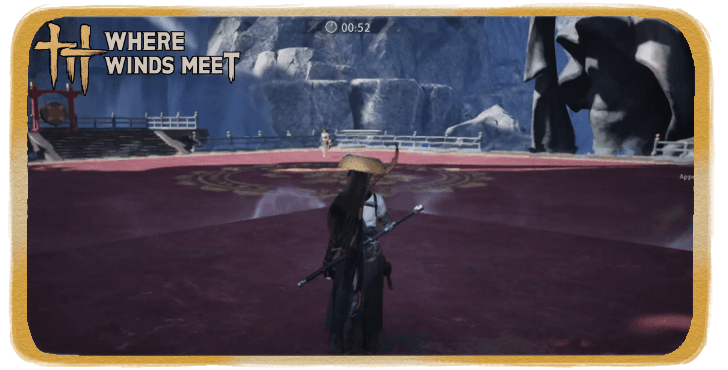 PvP Guide
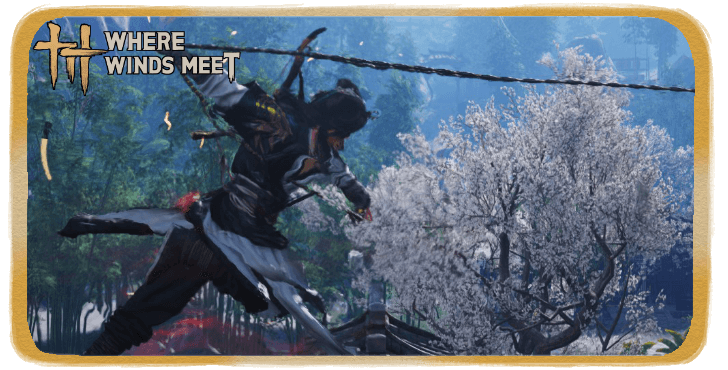 Advanced Combat Guide
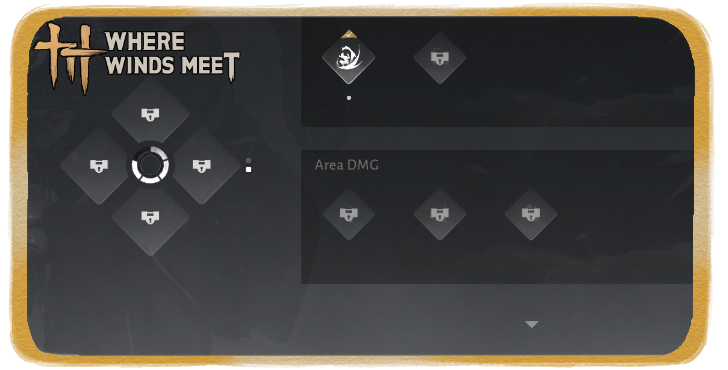 How to Unlock Mystic Skill Slots
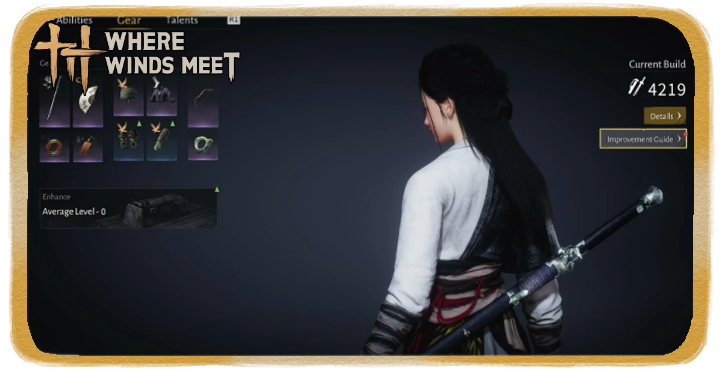 Stats Explained
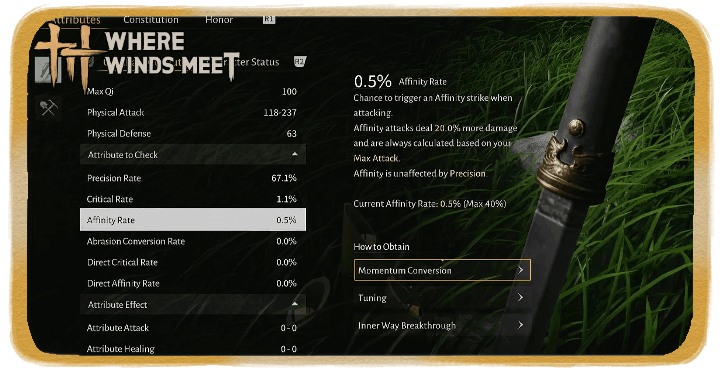 What is Affinity Damage?
 Gear Durability Explained
 Gear Rarity Explained
 Gear Tuning Guide
 How to Upgrade Weapons
 How to Unlock Arsenal
 How to Increase Vitality
 Animation Canceling Guide
 Taiping Mausoleum Guide
 Perception Forest Guide
 How to Increase Perception
 How to Increase Mindset
 How to Increase Coordination
Character Creation Guides
 Character Creation Guide
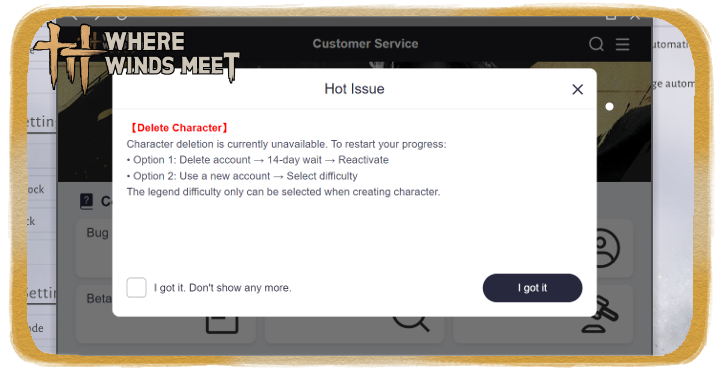 How to Delete Characters
 Best Starting Choices
 Can You Change Gender?
 How to Change Hair Color
 Can You Have Multiple Characters?
 Should You Choose Legends Difficulty?
 How to Change Name
Common Questions and Technical Guides
 Should You Use DirectX 12?
 How Long is Where Winds Meet?
 What is the Max Level?
 What To Do With Old Gear?
 What are Pardon Parades?
 Death Penalty Explained
 All Missables and Points of No Return
 False Accusation Explained
 Endgame Guide
 How to Top Up
 How to Change Language
 How to Get Unstuck
 Best Settings Guide
 List of All Controls
 How to Hide Bow and Weapons
 How to Skip Cutscenes
 Microtransaction Guide
 Upcoming Weapons and Martial Arts
Gameplay Features
 Gacha System Explained
 How to Unlock Fishing
 How to Disguise
 Wanted System and Law Violation
 Guild System Guide
 How to Leave Guild
 How to Leave Sect
 How to Unlock Base Building
 Romance System Explained
 How to Increase Intimacy
 Guild Wars Guide
 Season Challenges Guide
 Eastern Herald Quiz Answers
 Training Dummy Guide
 Spotlight Mode
Lore
 The Story of Blissful Retreat The Story of Blissful Retreat |
- | - |
Comment
 AL3xXx88 4 months
THANK YOU SIR/MAAM!! 😂 100% TRUE AND SO STUPID THAT I TOTALLY WOULD CREATE AN ACCOUNT JUST TO COMMENT THE EXAXT SAME... LOL



Author
Best Settings

Rankings
Gaming News

![Marathon Cryo Archive Map Teased as [REDACTED] on Selection Screen](https://img.game8.co/4442236/6357203e58172f6de57f1991e7c39b22.png/show)


Popular Games

Genshin Impact Walkthrough & Guides Wiki
Umamusume: Pretty Derby Walkthrough & Guides Wiki
Pokemon Pokopia Walkthrough & Guides Wiki
Honkai: Star Rail Walkthrough & Guides Wiki
Monster Hunter Stories 3: Twisted Reflection Walkthrough & Guides Wiki
Arknights: Endfield Walkthrough & Guides Wiki
Wuthering Waves Walkthrough & Guides Wiki
Zenless Zone Zero Walkthrough & Guides Wiki
Pokemon TCG Pocket (PTCGP) Strategies & Guides Wiki
Monster Hunter Wilds Walkthrough & Guides Wiki










Recommended Games
Diablo 4: Vessel of Hatred Walkthrough & Guides Wiki
Cyberpunk 2077: Ultimate Edition Walkthrough & Guides Wiki
Fire Emblem Heroes (FEH) Walkthrough & Guides Wiki
Yu-Gi-Oh! Master Duel Walkthrough & Guides Wiki
Super Smash Bros. Ultimate Walkthrough & Guides Wiki
Pokemon Brilliant Diamond and Shining Pearl (BDSP) Walkthrough & Guides Wiki
Elden Ring Shadow of the Erdtree Walkthrough & Guides Wiki
Monster Hunter World Walkthrough & Guides Wiki
The Legend of Zelda: Tears of the Kingdom Walkthrough & Guides Wiki
Persona 3 Reload Walkthrough & Guides Wiki










All rights reserved
©1997-2025 NetEase, Inc. All Rights Reserved
The copyrights of videos of games used in our content and other intellectual property rights belong to the provider of the game.
The contents we provide on this site were created personally by members of the Game8 editorial department.
We refuse the right to reuse or repost content taken without our permission such as data or images to other sites.
Hi! Thanks for pointing that out. We updated the page to provide more details and information about this.