
Slumber Island Guide
★ Update 3.0 and NS2 Editions are out now!
┗ Unlock the Hotel & the Special Nintendo Catalog.
┗ Collab Guides with LEGO, Splatoon, and Zelda
☆ Switch 2 Edition Features and Price
★ Enjoy sandbox building in Slumber Islands.
☆ New Villagers: Cece, Viche, Tulin, and Mineru!
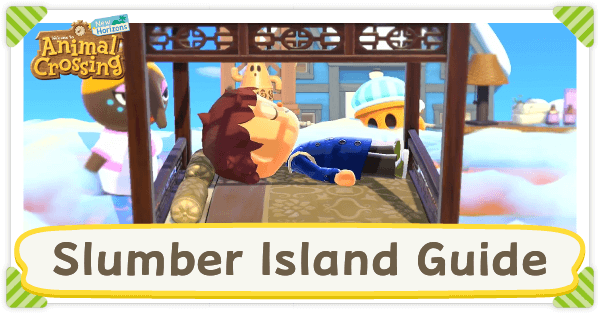
Slumber Islands are sandbox areas added in Animal Crossing: New Horizon's (ACNH) 3.0 update where you can design and decorate islands freely. Learn how to unlock Slumber Islands, what you can do inside these islands, and how to set up multiplayer sessions!
List of Contents
How to Unlock Slumber Islands
Sleep on a Bed After 3.0 Update
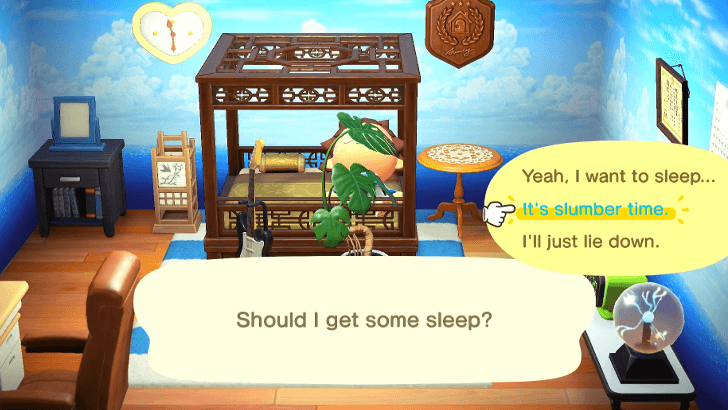
To unlock the Slumber Island feature, you first need to update the game to its 3.0 version. After updating the game, you will receive a letter from Luna saying that she has something new in store for you.
Head to any bed inside your house and choose 'it's slumber time' to access Slumber Island. You will then be greeted by Luna and she will run you through setting up your first Slumber Island.
Version 3.0 Update Guide: All New Content and Features
Island Sizes
There are three different sizes to choose from when setting up a Slumber Island.
| Size | Description |
|---|---|
 Small Small |
Same size as islands in Mystery Tours |
 Medium Medium |
Bigger than islands in Mystery Tours but smaller than your home island |
 Large Large |
Same size as your home island |
Slumber Island Guide
Design a Separate Island
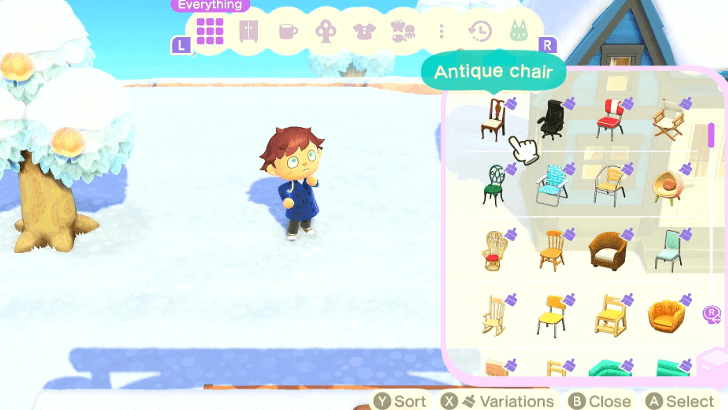
The Slumber Island is essentially a sandbox mode where you can decorate the island however you want it. Anything you do inside a Slumber Island will not affect your actual island.
Any furniture and decorative items, including trees, flowers, and shrubs, that you have access to in your save file can be used in a Slumber Island. You can also place as many items as you want as it is not tied to the quantity of the items you have back in your island.
Your progress is autosaved while playing in a Slumber Island. If you want to quit, go back to the bed near Luna or press the Plus (+) button to wake up. All of your designs will be saved.
List of All Items and Furniture
Change House Design and Location
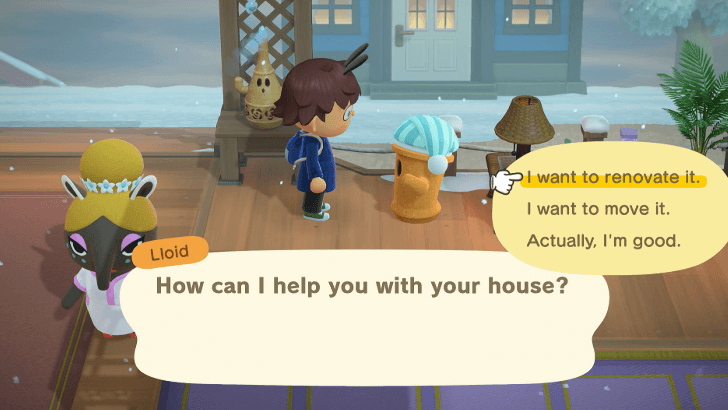
Your house will be the only building in a Slumber Island. You can change the look of your house by talking to Lloid found near Luna and the bed.
You can change your house's exterior and its location if you want to move it somewhere else.
Do note that this is free and Lloid will not charge you for anything, unlike in your island.
List of House Customization Options
Build Bridges and Inclines
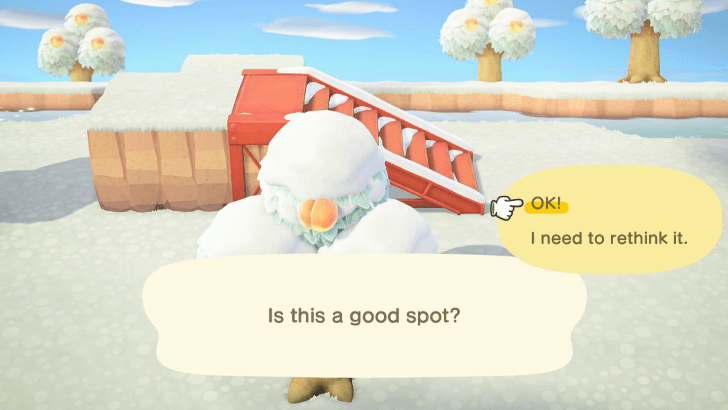
Additionally, you can also talk to Lloid if you want to add any bridges to connect islands and inclines to serve as ramps to reach cliffs.
You can choose any design you want, and like the previous feature, you also do not need to pay for anything.
Terraform Freely
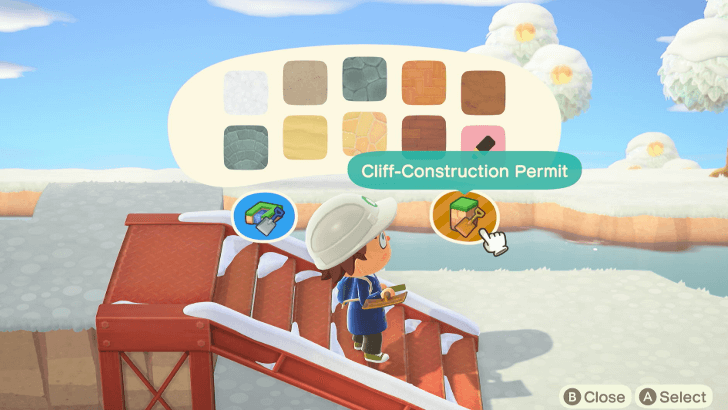
The Waterscaping and Cliff-Construction Permits are also available in a Slumber Island, which lets you terraform and make rivers or cliffs anywhere on the map.
Do note that you cannot terraform if you are playing with other people.
Change Time of Day and Weather
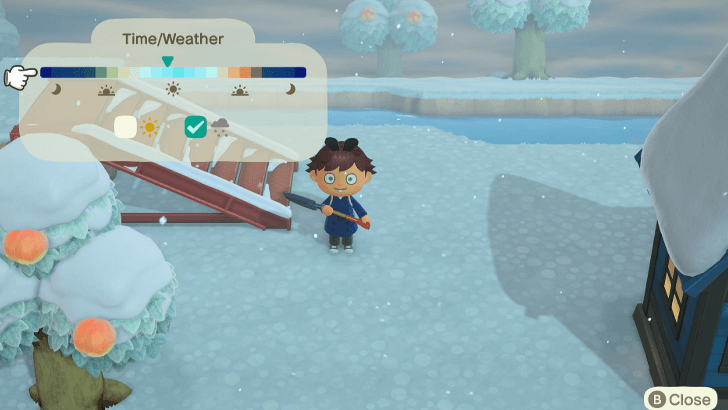
While inside a Slumber Island, you can also change the time of day and weather by pressing the Left D-Pad.
Separate Custom Design Slots
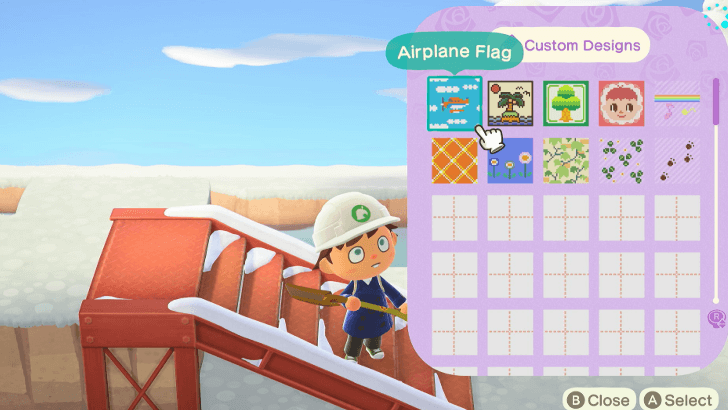
A Slumber Island will also have its separate custom design slots. When you start a new Slumber Island, you will need to import designs from your own island to use it in the dream one.
You can also create custom designs while in a Slumber Island, but do note that these will be deleted if the connected Slumber Island is deleted as it is not saved on your real island.
Managing Slumber Islands
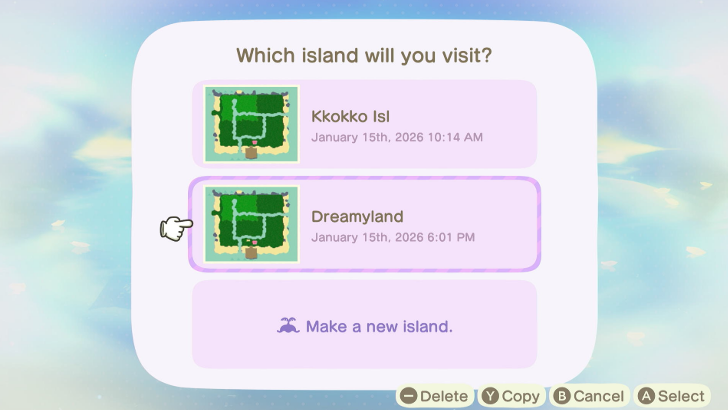
You can save up to three Slumber Islands at a time. Your initial island will take up the first slot, and you can start a new one the next time you speak to Luna.
You can also copy an existing island to another slot or delete an island to make space for a new one in the same menu.
Place Villagers
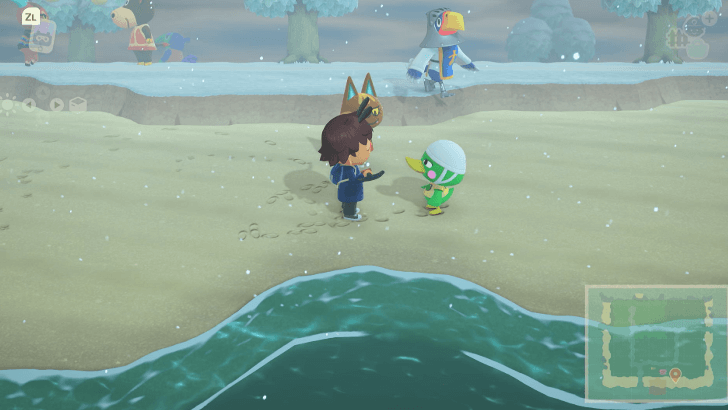
You can also place villagers in a Slumber Island if you wish to populate the area with people. You will be able to choose from all current residents on your island or even those that have lived on your island before.
Play With Your Friends
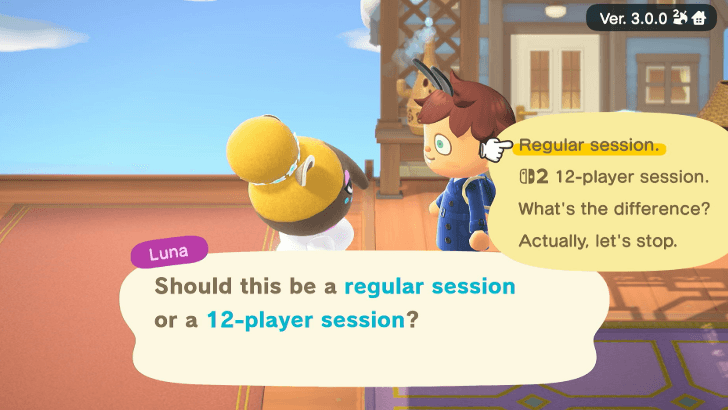
Multiplayer is available in a Slumber Island, which allows you to decorate with other players. You can either host your own session or join someone else's island.
How to Play Online Multiplayer with Friends
Plant Pitfalls and Gold Nuggets
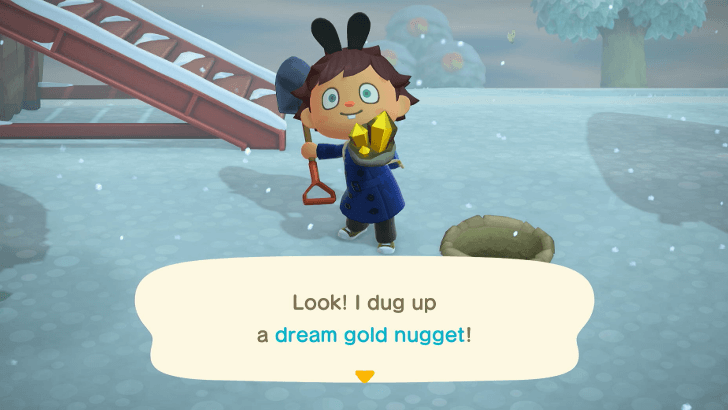
You can get pitfall seeds and gold nuggets from Lloid to set up a treasure hunting minigame with your friends. You can bury pitfalls to trap them or plant gold nuggets as rewards.
Slumber Island Multiplayer Guide
Talk to Luna to Invite Other Players
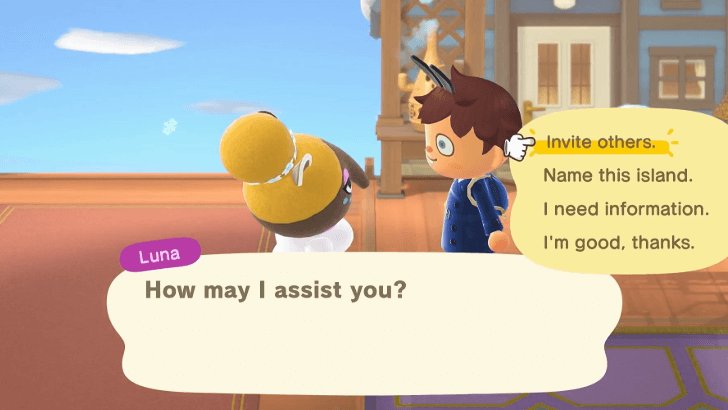
You can invite other players on your Slumber Island if you talk to Luna once you are on the island. You can select either inviting your friends or setting up a Doze Code which allows people to join by typing a code.
You will also be asked if you want to start a regular session, which has a limit of eight players and those with a Nintendo Switch 1 can join, or a 12-player session, where up to 12 players on the Nintendo Switch 2 can join. Do note that those on the Switch 1 cannot join 12-player sessions.
Connect to Someone Else's Island
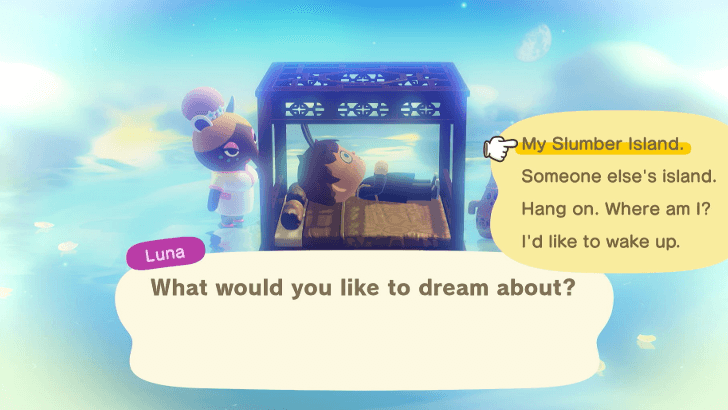
If you want to join someone else's Slumber Island, you can select 'someone else's island' when talking to Luna on the initial Slumber Island menu. You choose to either join a friend's session or join via Doze Code from another player's session.
Slumber Island Limitations
Cannot Add Villager Buildings and Facilities
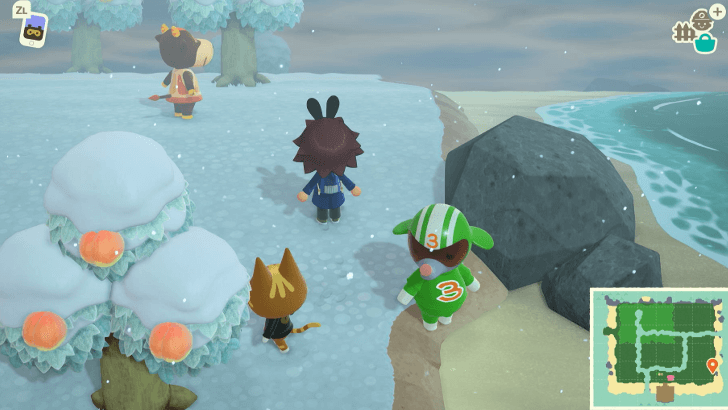
In a Slumber Island, you can place villagers anywhere on the map, but you cannot place their existing homes from your island. They will only wander around the area as you cannot import their homes.
You will also not be able to add any of the facilities in your island, so all shops, the museum, and the like will not be available.
Villagers Cannot Talk
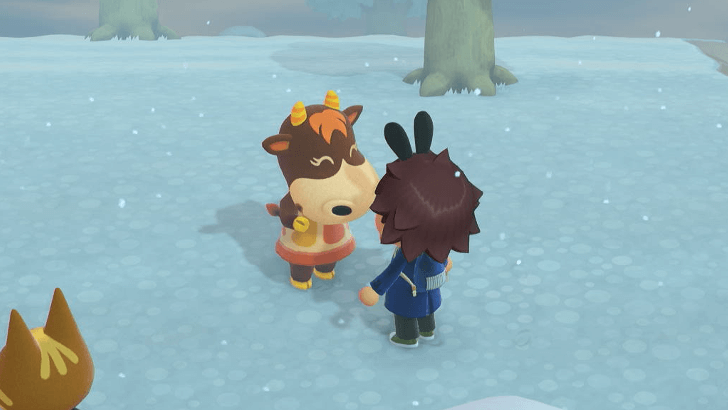
Villagers will also not have any dialogue unlike when you talk to them anywhere else. If you talk to them, they will only wave to you.
Cannot Change Seasons
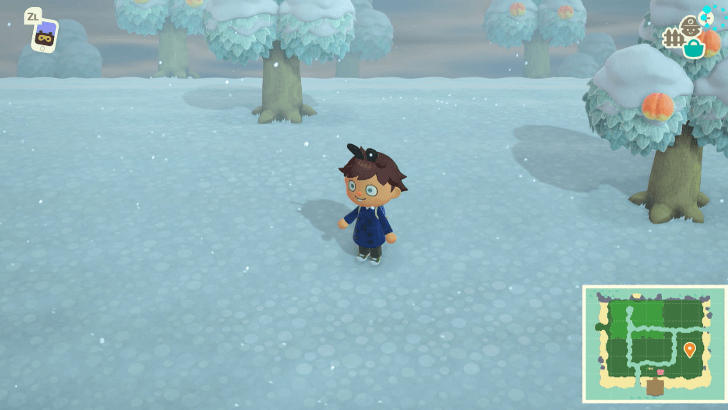
You also cannot change seasons unlike when designing houses in Happy Home Paradise. The season of a Slumber Island will be tied to the current season in your actual island.
List of Seasons and Seasonal Materials
What is Luna's Slumber Island?
Sandbox Area Separate from Real Island
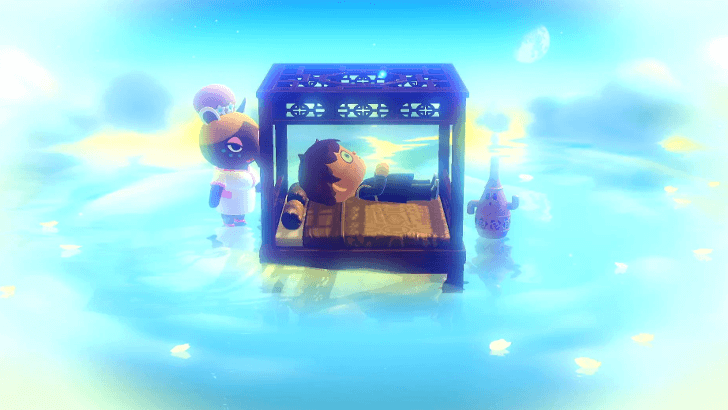
Luna's Slumber Islands are sandbox areas where you are free to design and decorate an island however you want it. These islands are not connected to your actual island, so you can mess around however you want it.
Slumber Islands were added in the Version 3.0 patch for the game, which also added the hotel and other new features.
Version 3.0 Update Guide: All New Content and Features
Needs Internet Connection
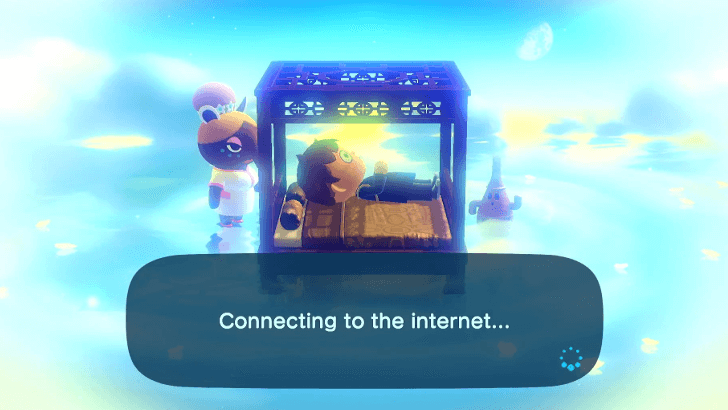
Playing in a Slumber Island you to be connected to the Internet and is not a offline game mode. There is an autosave feature while playing so you will not lose any progress.
Animal Crossing: New Horizons (ACNH) Related Guides
All Tips and Tricks Guides
 What to Do Before the 3.0 Update
 How to Get Zelda Items
 How to Jump, Skip, and Sidestep
 How to Invite Guests Using amiibo
 How to Farm Hotel Tickets
 Bulk Crafting Guide
 Hotel Guide
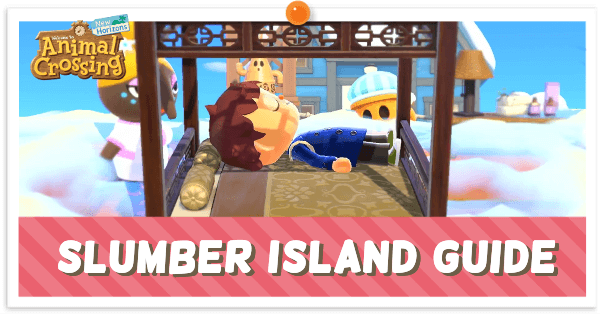 Slumber Island Guide
 How to Get and Use the Megaphone on Switch 2
 How to Decorate Hotel Rooms
 DIY Item Requests Guide
 Resetti's Reset Service Guide
 How to Get Splatoon Items
 All Grams Souvenir Shop Items
 ACNH 100% Checklist
 Daily & Weekly To-Do List
 How to Increase Inventory Space
 How to Get Presents from Balloons
 Island Designer Unlock Walkthrough
 How to Raise Your Island's Star Rating
 How to Kick Out Villagers
 How to Get New Villagers
 How to Get Specific Villagers You Want
 How to Get Villager Photos and Posters
 Jolly Redd's Treasure Trawler
 List of Haunted Art
 How to Get Infinite Tarantula Island
 How to Get Infinite Scorpion Island
 Stalk Market Guide
 Time Traveling Guide
 Secrets and Hidden Content
 What is Luck?
 How to Use the Warp Pipe
 Message in a Bottle Spawn Time
Comment



Author
Slumber Island Guide

Rankings
Gaming News


![Monster Hunter Stories 3 Review [First Impressions] | Simply Rejuvenating](https://img.game8.co/4438641/2a31b7702bd70e78ec8efd24661dacda.jpeg/thumb)
![The Seven Deadly Sins: Origin [First Impressions] | A Promising Start](https://img.game8.co/4440581/584e0bfb87908f12c4eab6e846eb1afd.png/thumb)

Popular Games

Genshin Impact Walkthrough & Guides Wiki
Umamusume: Pretty Derby Walkthrough & Guides Wiki
Pokemon Pokopia Walkthrough & Guides Wiki
Honkai: Star Rail Walkthrough & Guides Wiki
Monster Hunter Stories 3: Twisted Reflection Walkthrough & Guides Wiki
Arknights: Endfield Walkthrough & Guides Wiki
Wuthering Waves Walkthrough & Guides Wiki
Zenless Zone Zero Walkthrough & Guides Wiki
Pokemon TCG Pocket (PTCGP) Strategies & Guides Wiki
Monster Hunter Wilds Walkthrough & Guides Wiki










Recommended Games
Fire Emblem Heroes (FEH) Walkthrough & Guides Wiki
Diablo 4: Vessel of Hatred Walkthrough & Guides Wiki
Cyberpunk 2077: Ultimate Edition Walkthrough & Guides Wiki
Yu-Gi-Oh! Master Duel Walkthrough & Guides Wiki
Super Smash Bros. Ultimate Walkthrough & Guides Wiki
Pokemon Brilliant Diamond and Shining Pearl (BDSP) Walkthrough & Guides Wiki
Elden Ring Shadow of the Erdtree Walkthrough & Guides Wiki
Monster Hunter World Walkthrough & Guides Wiki
The Legend of Zelda: Tears of the Kingdom Walkthrough & Guides Wiki
Persona 3 Reload Walkthrough & Guides Wiki










All rights reserved
©2020 Nintendo
The copyrights of videos of games used in our content and other intellectual property rights belong to the provider of the game.
The contents we provide on this site were created personally by members of the Game8 editorial department.
We refuse the right to reuse or repost content taken without our permission such as data or images to other sites.