
How to Decorate Hotel Rooms
★ Update 3.0 and NS2 Editions are out now!
┗ Unlock the Hotel & the Special Nintendo Catalog.
┗ Collab Guides with LEGO, Splatoon, and Zelda
☆ Switch 2 Edition Features and Price
★ Enjoy sandbox building in Slumber Islands.
☆ New Villagers: Cece, Viche, Tulin, and Mineru!
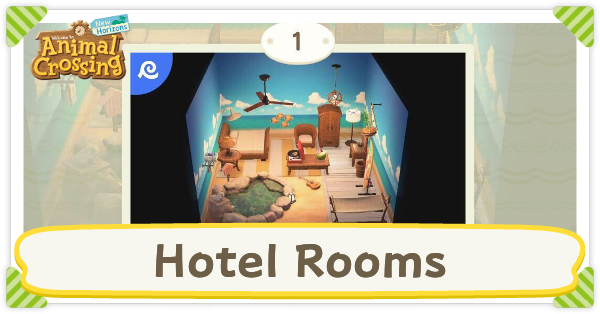
Decorate hotel rooms by talking to Leilani at the hotel in Animal Crossing: New Horizons (ACNH). Read on for more information on how to decorate hotel rooms, how to unlock more rooms to decorate, a list of all hotel room themes, and how to redecorate hotel rooms.
List of Contents
How to Decorate Hotel Rooms
- Talk to Leilani at the hotel
- Place items in the available room
- Add a music player for themed music
- Take a picture of the room
- Unlock more rooms
- Use Happy Home Paradise design skills
Talk to Leilani at the Hotel
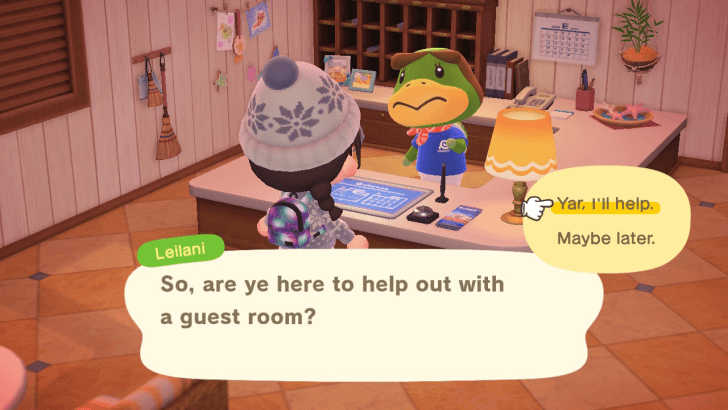
Whenever you want to decorate a hotel room, you must talk to Leilani at the front desk of the hotel. If a room is available to be decorated, she will let you know.
Other than the very first room you decorate, you will be given themes to choose from for each room. The theme will affect the recommended furniture items in your menu.
Take note that the hotel only becomes available after you get a 3-star island rating, have K.K. Slider come to your island, and unlock Kapp'n's boat tours.
Hotel Guide: Everything You Can Do in the Hotel
Place Items in the Available Room
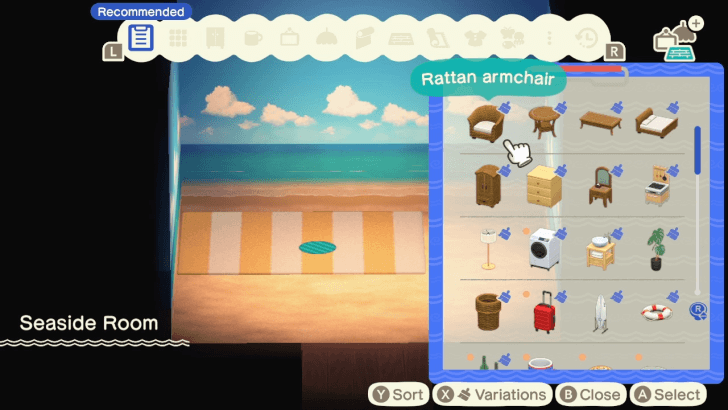
Now that you have a room to decorate, you can start placing furniture items. Items that fit the theme can be found in the Recommended tab of your furniture list, but you are free to use items that aren't part of this tab. Use the L and R shoulder buttons to navigate through all the furniture tabs.
All furniture items that you've ever owned should be available in the furniture menu when you decorate a room. Furniture items with alternate color options will show you all possible colors for it if you hover over the item and press the X button. Wallpaper and flooring can also be changed.
Once you're done decorating, talk to Leilani and tell her that you're All done. You can also talk to Leilani if you want to stop decorating and return to the lobby without saving your work.
List of All Items and Furniture
Following the Theme is Optional
Although there is a theme set for the room, you do not have to follow it at all. Decorate however you want! No one will get mad at you.
Hotel Items Can Be Used
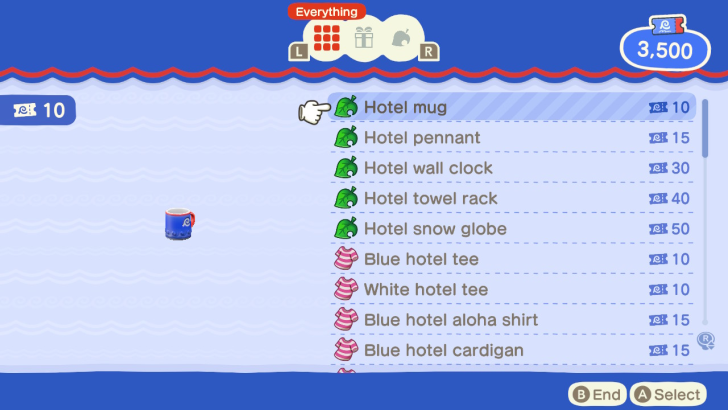
Even if you haven't purchased any souvenirs from Grams, hotel-branded items can appear in your furniture list. However, not all items will be available.
Only hotel items that match the theme can be used in the room. If you want to be able to permanently add a souvenir item in your furniture list, you must purchase it from Grams at the hotel lobby.
Add a Music Player for Themed Music
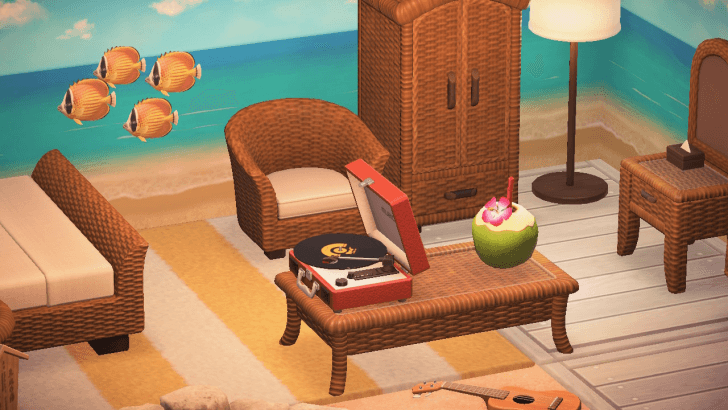
If you add any furniture item that can play music, a K.K. Slider song that matches the theme of the room will start to play. This is a great way to emphasize the room theme and enhance the vibe.
You can change the song playing in the music player by exiting decorating mode and interacting with the music player.
List of Musical Instruments and Music Players
Take a Picture of the Room

Once you're done decorating the room, you can pull out your phone, open the Camera app, and take a picture of your hard work. The picture you take will become the room photo when viewing the rooms in the hotel menu.
If you don't like the initial photo you took of the room, you can take another photo. Press the Plus button (+), and select the new photo to replace the old one.
To remove characters in the room, press the left stick while in the Camera app. This will remove the characters one by one. You can press the left stick again to return the characters once they're all gone.
Unlock More Rooms
| Room | Details |
|---|---|
| 1 | 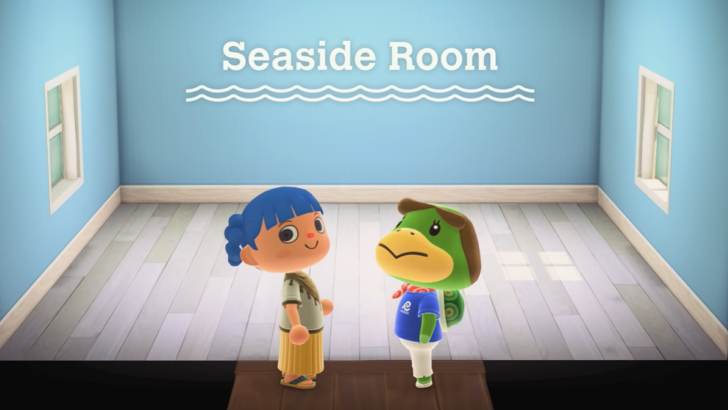 Initial Theme: Seaside Room How to Unlock: Visit the hotel for the first time |
| 2 | 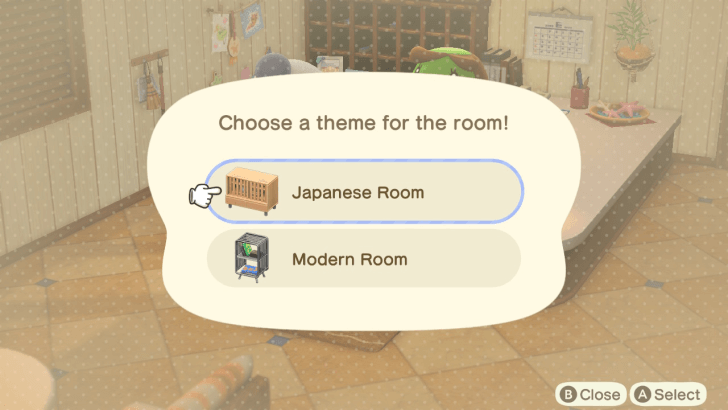 Initial Theme: Japanese Room or Modern Room How to Unlock: Talk to Leilani after finishing room 1 |
| 3 | 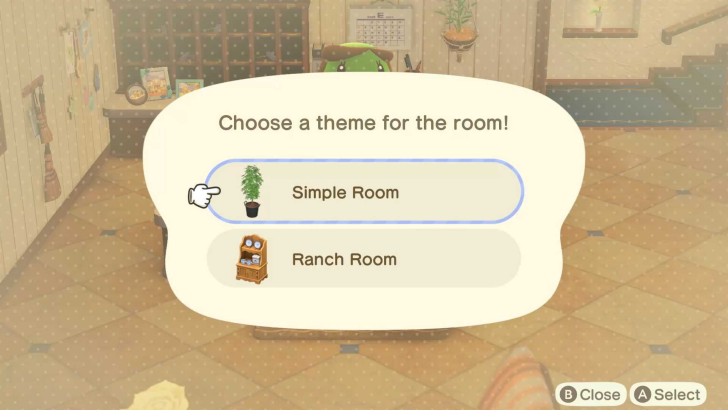 Initial Theme: Simple Room or Ranch Room How to Unlock: Available the day after finishing room 2 |
| 4 | 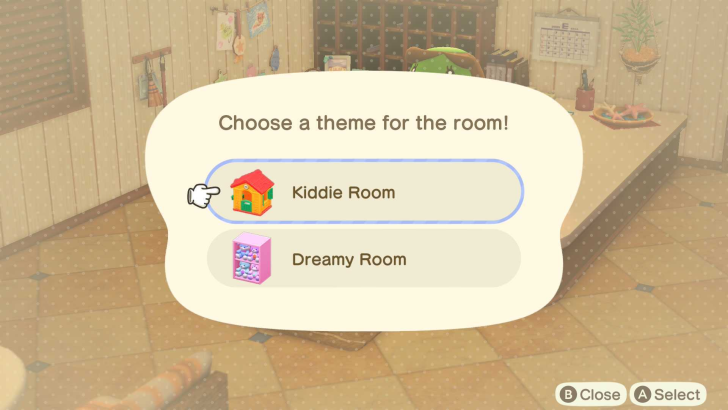 Initial Theme: Kiddie Room or Dreamy Room How to Unlock: Finish decorating room 3 |
| 5 | 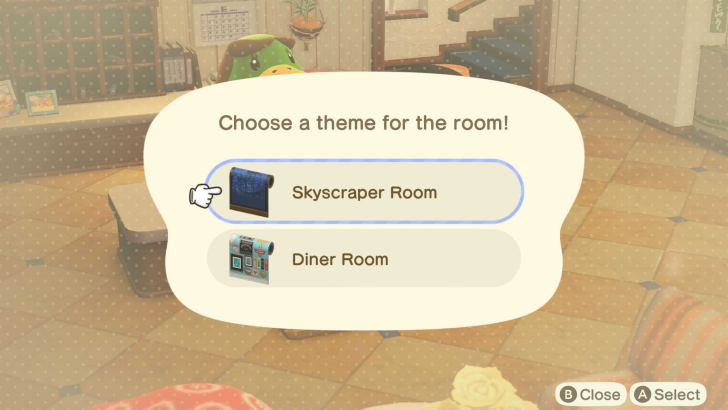 Initial Theme: Skyscraper Room or Diner Room How to Unlock: Available the day after finishing room 4 |
| 6 | 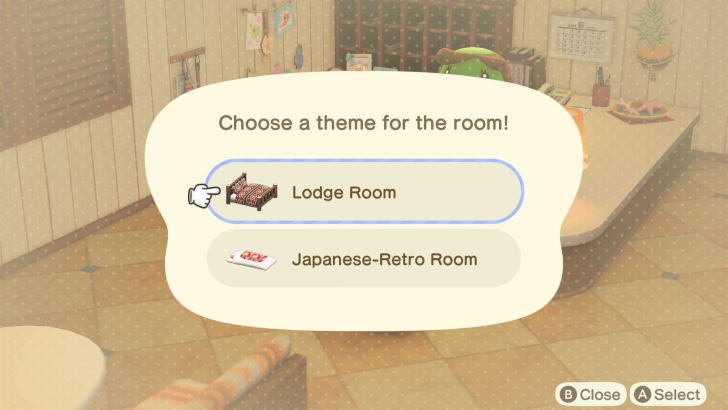 Initial Theme: Lodge Room or Japanese-Retro Room How to Unlock: Finish decorating room 5 |
| 7 | 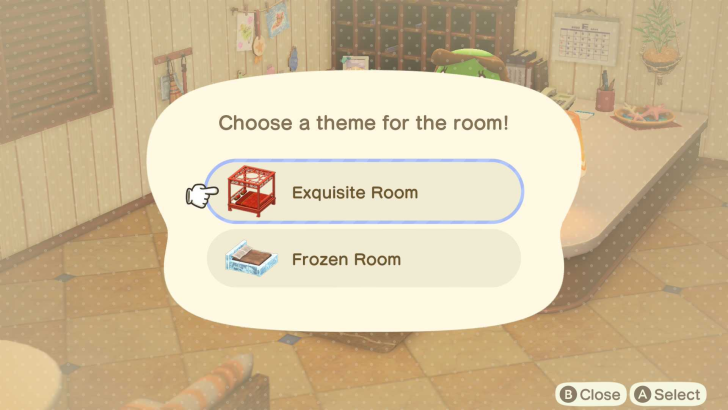 Initial Theme: Exquisite Room or Frozen Room How to Unlock: Available the day after finishing room 6 |
| 8 | 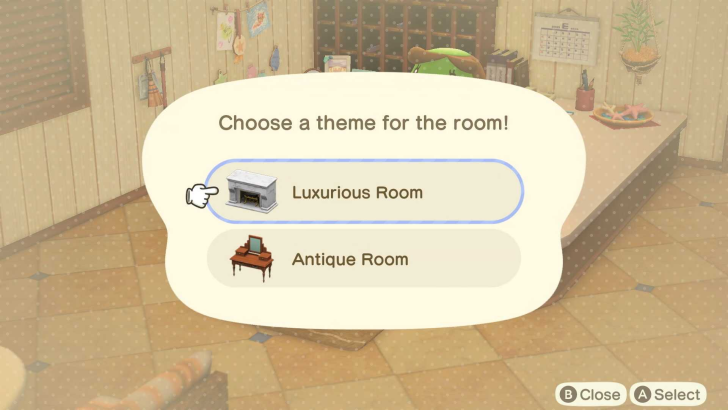 Initial Theme: Luxurious Room or Antique Room How to Unlock: Finish decorating room 7 |
| VIP | 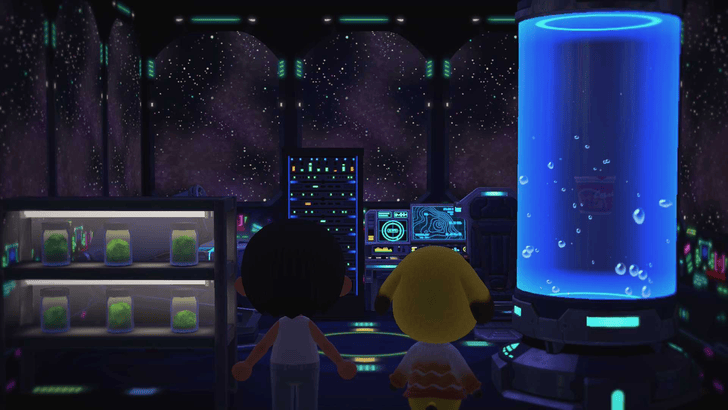 Initial Theme: Choose any theme How to Unlock: Available the day after finishing all rooms |
Once you have the hotel on your island, you can unlock up to two rooms per day until you unlock all 8 standard rooms. However, if you decide to decorate the second available room for the day on a different day, the next room will not be unlocked until the day after you finish the second room.
The VIP room as well as the ability to invite amiibo characters are unlocked the day after you finish decorating all 8 rooms. The VIP room is exclusively for characters you invite to the hotel either by using amiibo or by talking to tourists without a room yet on your island.
Use Happy Home Paradise Design Skills

If you have the Happy Home Paradise DLC, you can improve your room decorating with the design skills unlocked through your DLC game progress.
This includes changing room sizes, adding partition walls, building pillars, making counters, modifying the lighting, and adding ambient soundscapes.
You can access your design skills by pressing the left button on the D-pad while decorating a room.
All Hotel Room Themes
VIP Room Themes
| Cafe-Terrace Room | Club Room |
| Mermaid Room | Jungle Room |
| Stellar Room | Fruit Room |
| Birthday-Party Room | Spa Room |
| Soda-Shop Room | Library Room |
| Laboratory Room | Family-Restaurant Room |
| School Room | Hospital Room |
| Restaurant Room | Arcade Room |
| Picnic Room | Summer-Festival Room |
| Autumn-Leaves Room | Halloween Room |
| Toy Day Room | Japanese-Garden Room |
| Cityscape Room | Underwater Room |
| Spaceship Room | Pirate Room |
| Amusement-Park Room | Park Room |
| Construction Room | Ancient Room |
These themes can only be used for VIP rooms. However, this does not prevent you from using theme-specific furniture in the regular rooms of the hotel as long as you've owned the furniture pieces.
Most of the furniture pieces of the VIP room themes are from seasonal recipes or items from special characters. The wallpaper and flooring best suited for these rooms are also mainly obtainable from Sahara.
Standard Room Themes
| Seaside Room | Japanese Room |
| Modern Room | Simple Room |
| Ranch Room | Kiddie Room |
| Dreamy Room | Skyscraper Room |
| Diner Room | Lodge Room |
| Japanese-Retro Room | Exquisite Room |
| Frozen Room | Luxurious Room |
| Antique Room | - |
The standard room themes are all of the themes you've encountered as you unlock each hotel room.
How to Redecorate Hotel Rooms
Unlock All Rooms
The ability to redecorate hotel rooms can be unlocked the day after unlocking all 8 standard hotel rooms. Once you've unlocked all rooms and decorated the VIP room, you will be able to redecorate any of the hotel rooms by talking to Leilani.
Redecorating a room will reward you with 200 tickets once per day.
Animal Crossing: New Horizons (ACNH) Related Guides
All Tips and Tricks Guides
 What to Do Before the 3.0 Update
 How to Get Zelda Items
 How to Jump, Skip, and Sidestep
 How to Invite Guests Using amiibo
 How to Farm Hotel Tickets
 Bulk Crafting Guide
 Hotel Guide
 Slumber Island Guide
 How to Get and Use the Megaphone on Switch 2
 How to Decorate Hotel Rooms
 DIY Item Requests Guide
 Resetti's Reset Service Guide
 How to Get Splatoon Items
 All Grams Souvenir Shop Items
 ACNH 100% Checklist
 Daily & Weekly To-Do List
 How to Increase Inventory Space
 How to Get Presents from Balloons
 Island Designer Unlock Walkthrough
 How to Raise Your Island's Star Rating
 How to Kick Out Villagers
 How to Get New Villagers
 How to Get Specific Villagers You Want
 How to Get Villager Photos and Posters
 Jolly Redd's Treasure Trawler
 List of Haunted Art
 How to Get Infinite Tarantula Island
 How to Get Infinite Scorpion Island
 Stalk Market Guide
 Time Traveling Guide
 Secrets and Hidden Content
 What is Luck?
 How to Use the Warp Pipe
 Message in a Bottle Spawn Time
Comment



Author
How to Decorate Hotel Rooms

Rankings
Gaming News


![Monster Hunter Stories 3 Review [First Impressions] | Simply Rejuvenating](https://img.game8.co/4438641/2a31b7702bd70e78ec8efd24661dacda.jpeg/thumb)
![The Seven Deadly Sins: Origin [First Impressions] | A Promising Start](https://img.game8.co/4440581/584e0bfb87908f12c4eab6e846eb1afd.png/thumb)
Popular Games

Genshin Impact Walkthrough & Guides Wiki
Umamusume: Pretty Derby Walkthrough & Guides Wiki
Pokemon Pokopia Walkthrough & Guides Wiki
Honkai: Star Rail Walkthrough & Guides Wiki
Monster Hunter Stories 3: Twisted Reflection Walkthrough & Guides Wiki
Arknights: Endfield Walkthrough & Guides Wiki
Wuthering Waves Walkthrough & Guides Wiki
Zenless Zone Zero Walkthrough & Guides Wiki
Pokemon TCG Pocket (PTCGP) Strategies & Guides Wiki
Monster Hunter Wilds Walkthrough & Guides Wiki










Recommended Games
Fire Emblem Heroes (FEH) Walkthrough & Guides Wiki
Diablo 4: Vessel of Hatred Walkthrough & Guides Wiki
Cyberpunk 2077: Ultimate Edition Walkthrough & Guides Wiki
Yu-Gi-Oh! Master Duel Walkthrough & Guides Wiki
Super Smash Bros. Ultimate Walkthrough & Guides Wiki
Pokemon Brilliant Diamond and Shining Pearl (BDSP) Walkthrough & Guides Wiki
Elden Ring Shadow of the Erdtree Walkthrough & Guides Wiki
Monster Hunter World Walkthrough & Guides Wiki
The Legend of Zelda: Tears of the Kingdom Walkthrough & Guides Wiki
Persona 3 Reload Walkthrough & Guides Wiki










All rights reserved
©2020 Nintendo
The copyrights of videos of games used in our content and other intellectual property rights belong to the provider of the game.
The contents we provide on this site were created personally by members of the Game8 editorial department.
We refuse the right to reuse or repost content taken without our permission such as data or images to other sites.