
Updates and Patch Notes
✬ Pokemon HOME Dex Completion Shiny Rewards:
┗ Meloetta | Manaphy | Enamorus | Keldeo | Meltan
☆ All Maps & Pokemon Locations
★ Best Battle Tower Team (100 Win Streak!)
☆ How to Complete the National Dex
★ Tier List and Movesets for Online Battle

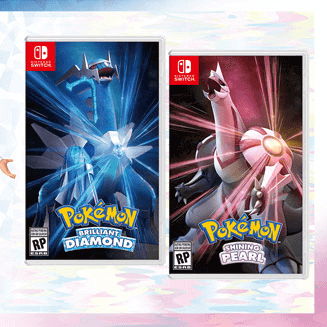
This is a list of all update versions and patch notes for the Diamond and Pearl Remakes. Read on for recent updates, bug fixes, QoL improvements, and how to update Pokemon Brilliant Diamond and Shining Pearl (BDSP).
List of Contents
Ver 1.2.0 Update
| Ver 1.2.0 Update Summary |
|---|
Source: Nintendo Suppport |
More players can now join in Union Rooms, as the number of people allowed per session has been increased to eight, and Trainer Cards and Capsule Decorations can now be viewed.
Additionally, the Colosseum is now available on the top floor of any Pokemon Center with support for using custom rulesets. Join Single, Double, or Multi Battles with your friends!
Ver 1.1.3 Update
| Ver 1.1.3 Update Summary |
|---|
Source: Nintendo Suppport |
The glitches that allowed you to Surf to Shaymin early and open the Menu while traversing the map have been patched.
Ver 1.1.2 Update
Ver 1.1.2 Update Fixes Glitches and Bugs
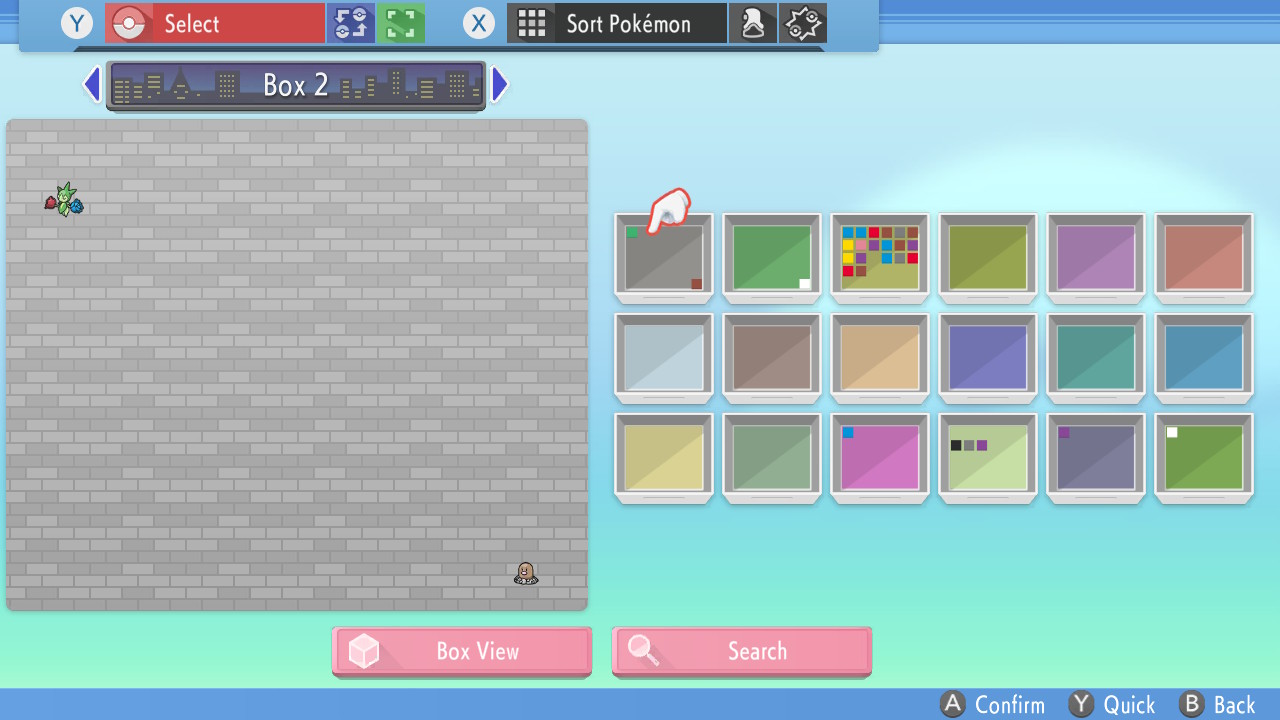
The Ver 1.1.2 Update was made available on December 1st. The update patches glitches that allowed players to duplicate Pokemon and items and that allowed players to open their menu while walking.
Ver 1.1.0 Update (Day One Patch)
The Ver 1.1.0 Update (Day One Patch) was made available on November 11th, over a week before the games' launch on November 19th.
| Ver 1.1.0 Update Summary |
|---|
|
Ver 1.1.0 Update: Day One Patch
Next Update Details
Future Updates Confirmed
In the official notes for the Day One patch, future updates for the game were also confirmed. The following points are expected to be added in the future, though no release date for future patches has yet been confirmed.
- Increase of allowed players in the Union Room (base game allows only 2)
- Addition of Greetings and Ball Decoration options to the Union Room (base game features battling, trading, and record mixing)
- Addition of the Global Wonder Station in Jubilife City, a location where players can trade online
- Addition of the Colosseum feature in Pokemon Centers, a location where players can battle
How to Update Pokemon Brilliant Diamond and Shining Pearl
| 1 | With the Pokemon Brilliant Diamond or Pokemon Shining Pearl game selected on the Home Screen, press the + button on your Switch to view the game data. |
|---|---|
| 2 | Select Software Update from the left tab. |
| 3 | You can update your game Via the Internet (connection to Wi-Fi is required) or you can Match Version with Local Users (this will prompt you to create or join a group with other nearby users with the updated software). |
| 4 | Wait for the update download to complete. |
How to Troubleshoot Update Issues
Check Your Internet Connection
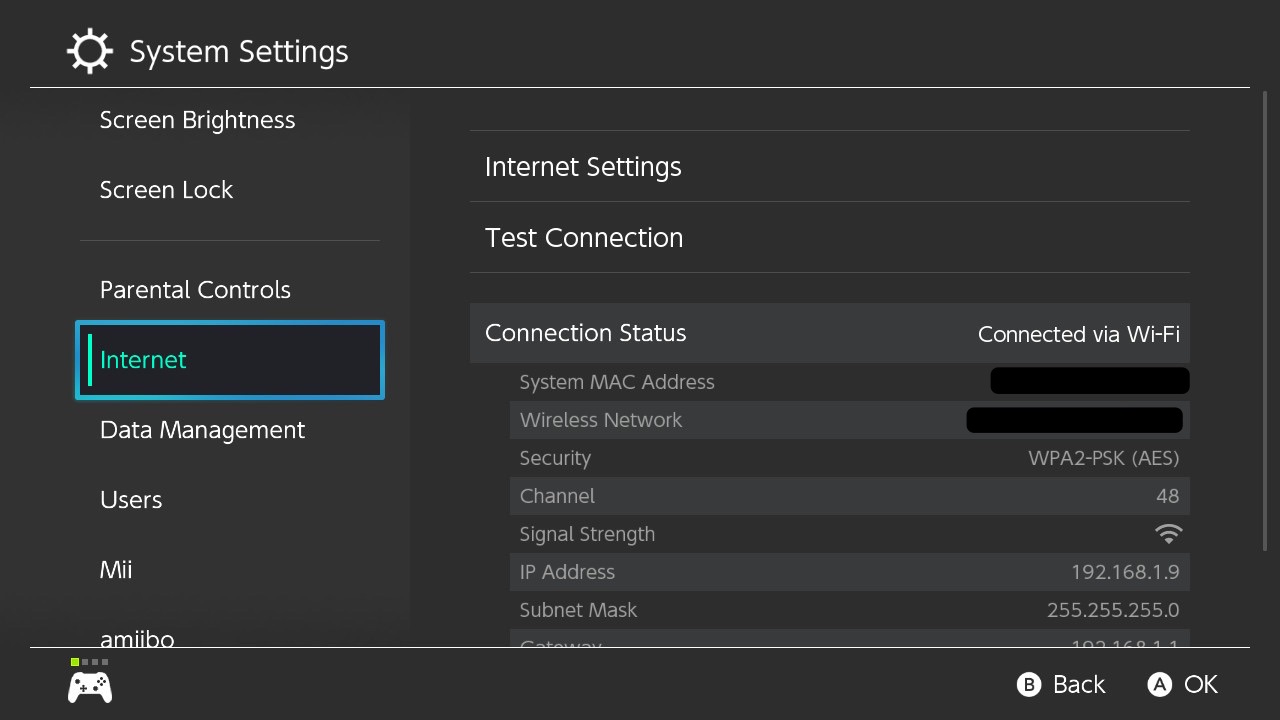
If your update still would not push through, check if your Switch is connected to the internet.
You can check your internet status by going to the System Settings from the Home screen, and selecting Internet on the left tab.
If the problem persists, you can try restarting your Switch or your router.
Check Nintendo's Official Server Status

If Nintendo's official servers are offline, that may explain why you aren't able to update your game.
Nintendo's Official Server Status
How To Check Current Version
Press the + Button on the Home Screen
You can check if your software is up to date after pressing the + button on the Pokemon Brilliant Diamond or Pokemon Shining Pearl application while on the Home Screen. It will be under the title on the top left corner.
Pokemon BDSP News

Pokemon HOME News

All Latest News
-
![]()
Better Version to Buy
Updated 11/25/2021
Learn the differences between versions and better version of the Diamond and Pearl Remakes to buy.
-
![]()
How Long to Beat Pokemon BDSP
Updated 11/17/2021
Find out how long it will take to finish Pokemon BDSP!
-
![]()
List of Glitches
Updated 2/21/2022
Learn all glitches and bugs in Brilliant Diamond and Shining Pearl!
-
![]()
Online Features
Updated 2/22/2022
Find out what are the game's online multiplayer features and if a Nintendo Online Subscription is required.
-
![]()
Will There Be DLC?
Updated 11/17/2021
Find out if there will be an upcoming DLC for Pokemon BDSP!
-
![]()
Is Ranked Battle Available?
Updated 11/9/2021
Read on to learn about the availability of online, ranked battles!
-
![]()
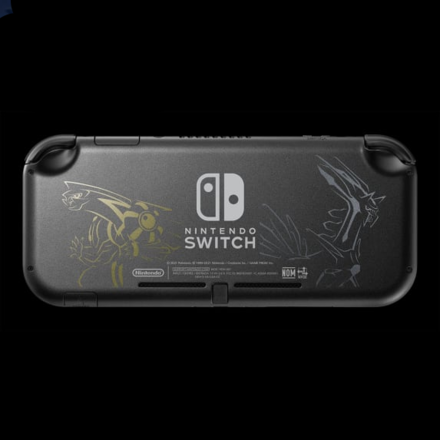
Dialga & Palkia Switch Lite
Updated 11/9/2021
Learn how to preorder the limited edition Switch Lite ahead of the release date!
-
![]()
Available Platforms
Updated 11/12/2021
Find out where you can play Pokemon Brilliant Diamond and Shining Pearl!
-
![]()
All Gen 4 Pokemon Excluded from Sword and Shield
Updated 11/10/2021
Learn all Generation 4 Pokemon that could be added to Pokemon Sworld and Shield after the release of BDSP.
-
![]()
Connections to Pokemon Legends Arceus
Updated 12/15/2021
Learn about the hidden connections, hints, and Easter eggs in the Sinnoh remakes for the upcoming Arceus game!
-
![]()
Release Date & Time
Updated 12/23/2021
Learn more about the release date and release time of Brilliant Diamond and Shining Pearl!
-
![]()
Release Time & Countdown
Updated 11/19/2021
Find out when Pokemon BDSP will be available in your region!
-
![]()
Preorder Guide & Bonuses
Updated 11/9/2021
Find out how and where to preorder the Sinnoh remakes!
-
![]()
Preload Guide
Updated 11/12/2021
Learn how to preload the game ahead of its scheduled release date!
-
![]()
All Confirmed Pokemon
Updated 11/25/2021
Find out all returning Pokemon and new additions to the Sinnoh Pokedex!
-
![]()
All Confirmed Moves
Updated 12/24/2021
Learn all returning moves, Hidden Moves, and TMs in the Diamond and Pearl Remakes.!
-
![]()
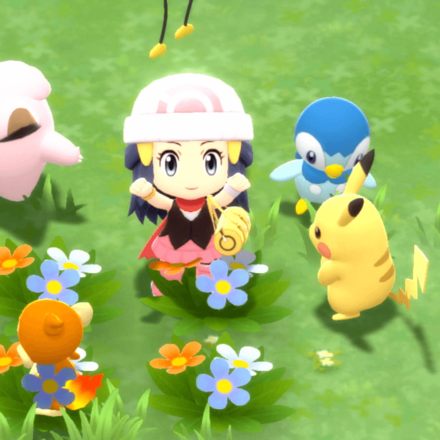
Remakes' Graphics
Updated 11/9/2021
Find out more about the chibi art style and the new battle animation!
-
![]()
Pokemon BDSP Review
Updated 4/26/2022
The jury is out. Do the Sinnoh remakes live up to the hype? Hear our thoughts and opinions about Pokemon BDSP.










All News Categories
-
![]()
All Mystery Gifts
Updated 1/28/2025
Find out all exclusive, limited-time items and Event Pokemon you can collect!
-
![]()
Updates and Patch Notes
Updated 2/22/2022
Learn all update versions and patch notes and how to update the games!
-
![]()
Trailers and Gameplay Videos
Updated 11/24/2021
This page contains all trailers and pre-release gameplay videos for Pokemon Brilliant Diamond and Shining Pearl.


All Other News



Author


Rankings
- We could not find the message board you were looking for.
Gaming News




![Monster Hunter Stories 3 Review [First Impressions] | Simply Rejuvenating](https://img.game8.co/4438641/2a31b7702bd70e78ec8efd24661dacda.jpeg/thumb)
Popular Games

Genshin Impact Walkthrough & Guides Wiki
Honkai: Star Rail Walkthrough & Guides Wiki
Umamusume: Pretty Derby Walkthrough & Guides Wiki
Pokemon Pokopia Walkthrough & Guides Wiki
Resident Evil Requiem (RE9) Walkthrough & Guides Wiki
Monster Hunter Wilds Walkthrough & Guides Wiki
Wuthering Waves Walkthrough & Guides Wiki
Arknights: Endfield Walkthrough & Guides Wiki
Pokemon FireRed and LeafGreen (FRLG) Walkthrough & Guides Wiki
Pokemon TCG Pocket (PTCGP) Strategies & Guides Wiki










Recommended Games
Diablo 4: Vessel of Hatred Walkthrough & Guides Wiki
Cyberpunk 2077: Ultimate Edition Walkthrough & Guides Wiki
Fire Emblem Heroes (FEH) Walkthrough & Guides Wiki
Yu-Gi-Oh! Master Duel Walkthrough & Guides Wiki
Super Smash Bros. Ultimate Walkthrough & Guides Wiki
Pokemon Brilliant Diamond and Shining Pearl (BDSP) Walkthrough & Guides Wiki
Elden Ring Shadow of the Erdtree Walkthrough & Guides Wiki
Monster Hunter World Walkthrough & Guides Wiki
The Legend of Zelda: Tears of the Kingdom Walkthrough & Guides Wiki
Persona 3 Reload Walkthrough & Guides Wiki









All rights reserved
©2021 Pokémon. TM, ®Nintendo.
The copyrights of videos of games used in our content and other intellectual property rights belong to the provider of the game.
The contents we provide on this site were created personally by members of the Game8 editorial department.
We refuse the right to reuse or repost content taken without our permission such as data or images to other sites.