
How to Create and Share Blueprints
✪ Check Game8 Endfield Twitter for daily tips!
★ Exclusive: Endfield's Connection to Arknights
★ Ver. 1.1: Release Date | Livestream | Maintenance
★ Tangtang (Build | Banner) | Rossi (Build | Banner)
★ Best Builds: Yvonne | Last Rite | Laevatain
★ Hot: Essence Tool | Blueprint | Best Dijiang Setup
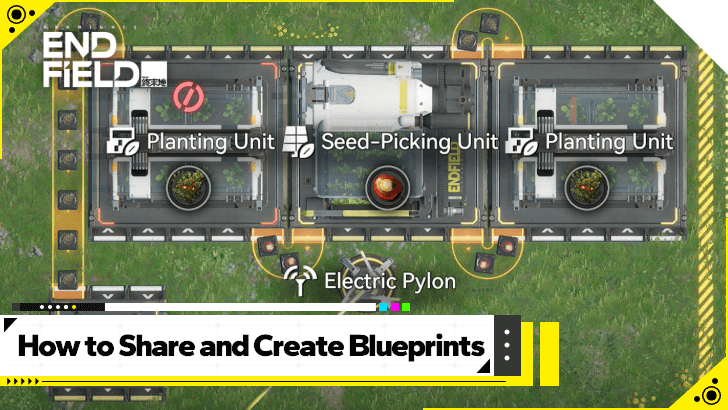
Blueprints allows players to share their factory layouts and creations in Arknights: Endfield. Learn how to create blueprints, how to share blueprints, and more!
How to Create Blueprints
Hit Bulk Action and Highlight the Buildings
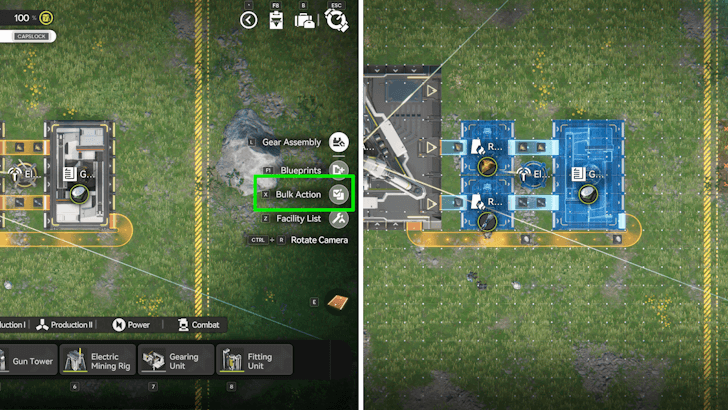
While inside your factory, go to AIC Mode and enter Top View. Once there, select Bulk Action and highlight the portion of your AIC facilities that have a working production line that you want to make a blueprint of. Some structures may not be included in the blueprint, so make sure to double-check which is supported!
Also note that you can only make a blueprint of built facilities, so if your blueprint should not have placeholder ghosts from another blueprint.
Save the Highlighted AIC Factory Setup
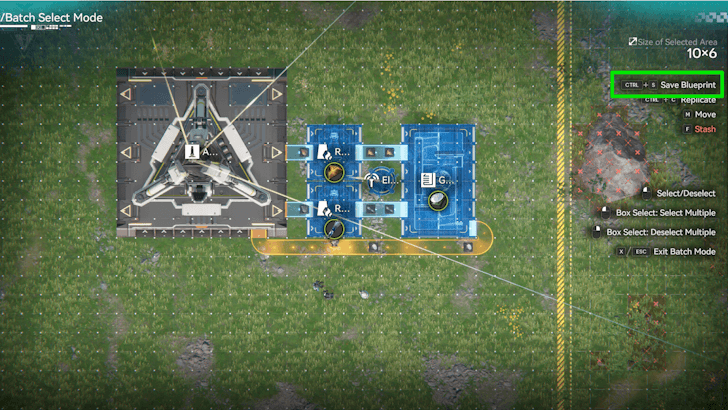
Once you have selected the AIC facilities you want to put in your blueprint, you can then Save the Blueprint. This will take you to a new window to edit the blueprint.
Edit the Name, Tags, Icon Setups, and Description
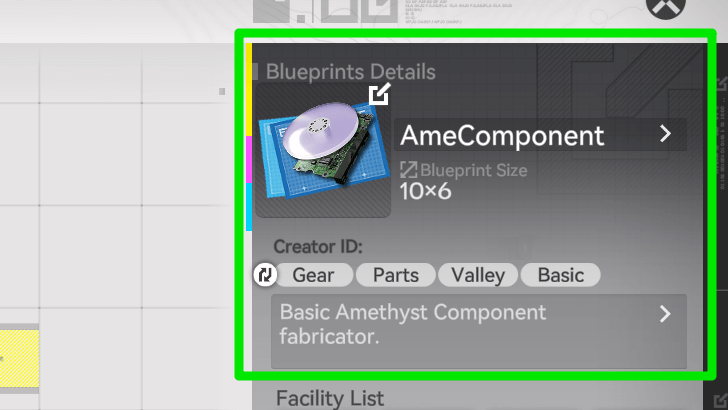
Saving your blueprint will then allow you to edit the Blueprint's name, as well as change the tags, icon, and description. Make sure to change this so you and other players can tell at a glance what the Blueprint is for.
Submit for Review After Saving in My Blueprints
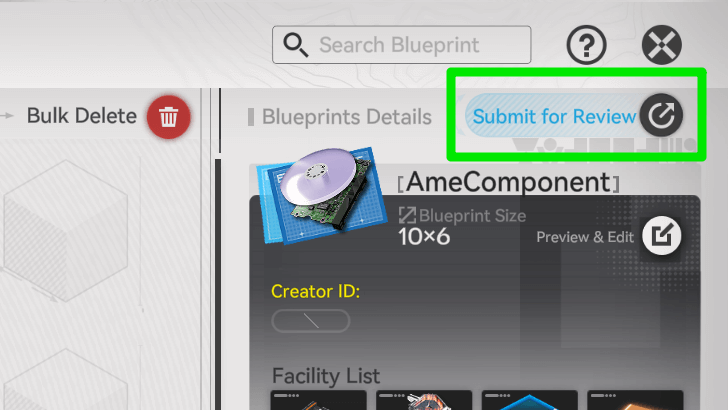
Once you have finalized your Blueprint, you can then Submit it for Review. You will know the review is done once the text above your Blueprint's details changes from Under Review to Share.
Don't worry, the review takes around 3-5 seconds to finish and if there aren't any inherent violations with your blueprint, you should be safe.
How to Share Blueprints
Hit the Share Button Once Approved
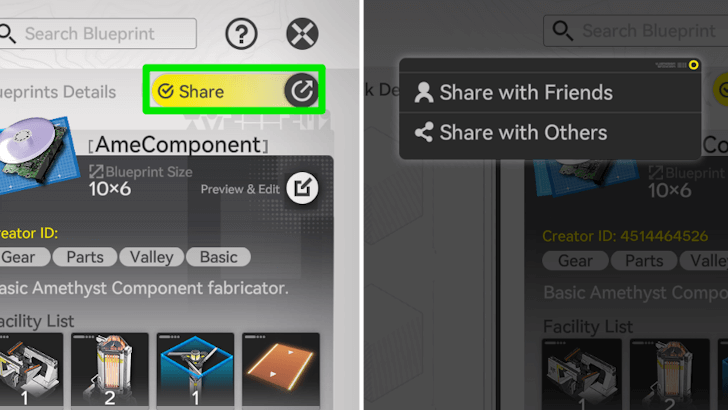
Once the Blueprint has been approved, you can now share it with your Friends, or with Others.
Share with Friends
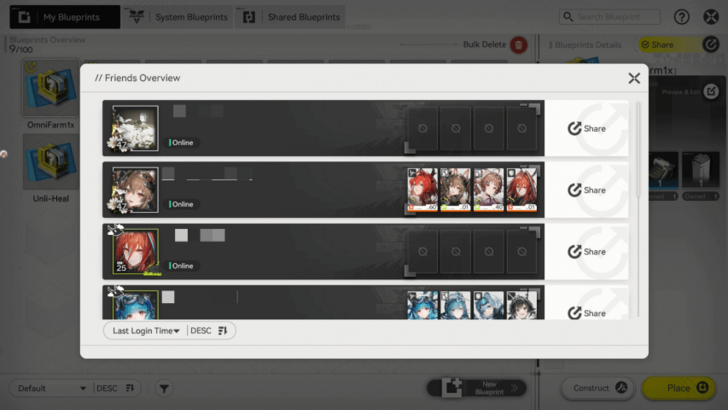
Sharing with Friends opens your friends list, allowing you to share the blueprint directly to your in-game friends. This is very straightforward, and if you have your circle playing Endfield then this should be the easiest way.
Share with Others via a Code
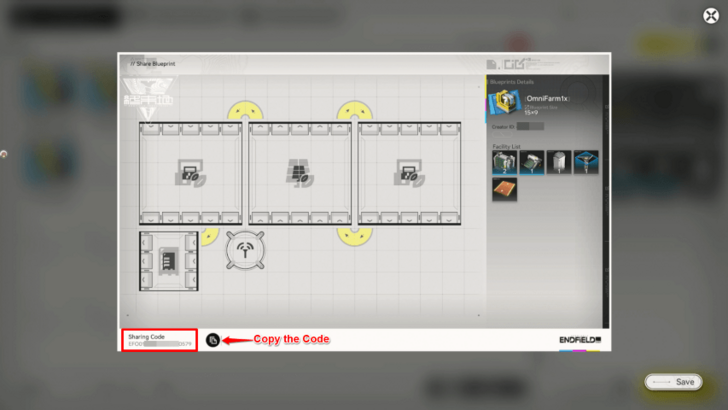
On the other hand, Sharing With Others gives you an image with a code on the lower left that allows you to share that unique code to anyone via other means. The code could be sent either via social media or instant messaging.
What are Blueprints?
Used to Save a Factory Layout
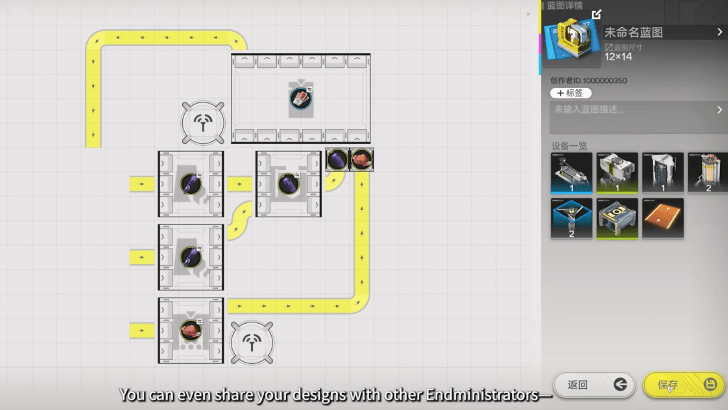
Blueprints is a method of saving a certain factory or module layout that allows you to repeatedly use the same layout without starting from scratch. Blueprints saves time, and can even be a way to help other players.
Arknights: Endfield Related Guides
AIC Progression Guides
| Valley IV Progression | ||
|---|---|---|
| Early Game Layout | Mid Game Layout | Late Game Layout |
| Wuling Progression | ||
| Starter Factory in Wuling | Mid Game Factory in Wuling | - |
AIC Factory Guides
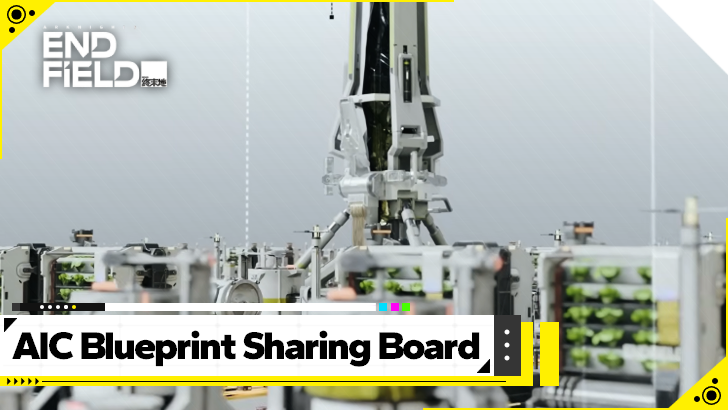 Best Blueprint Codes and AIC Layouts
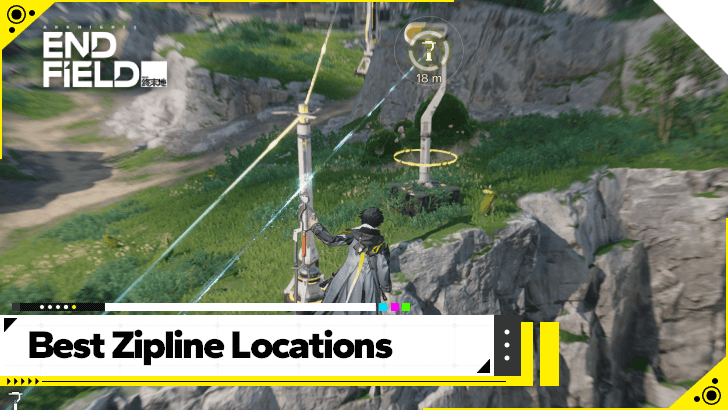 Best Zipline Locations
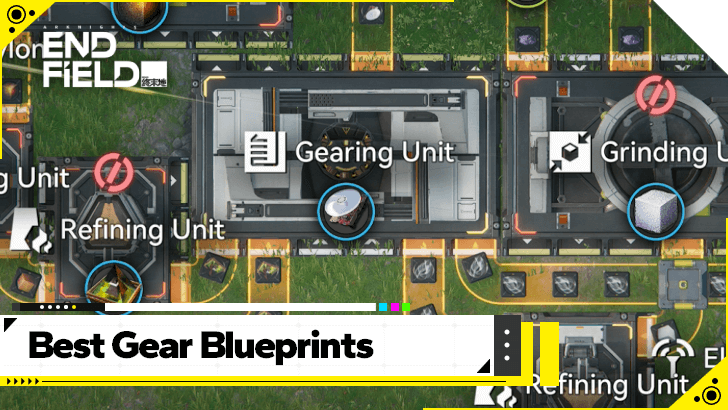 Best Gear Blueprints
 All AIC Buildings
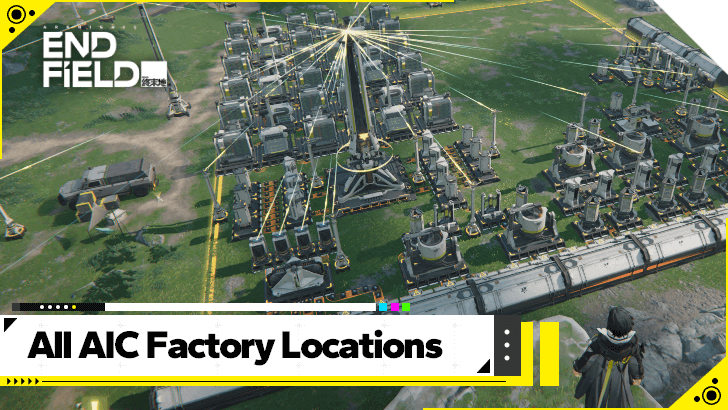 All AIC Factory Locations
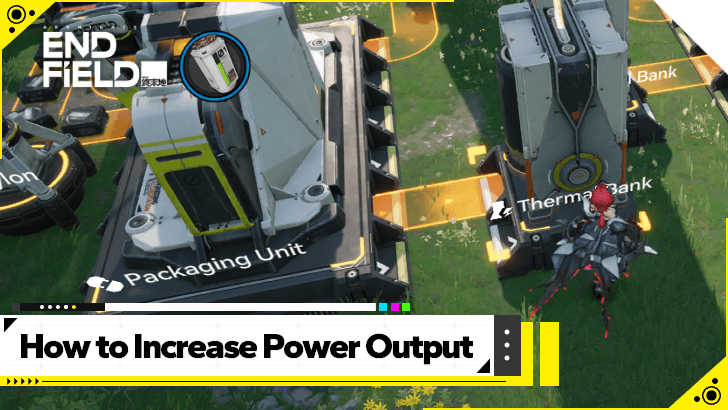 How to Increase Power Output
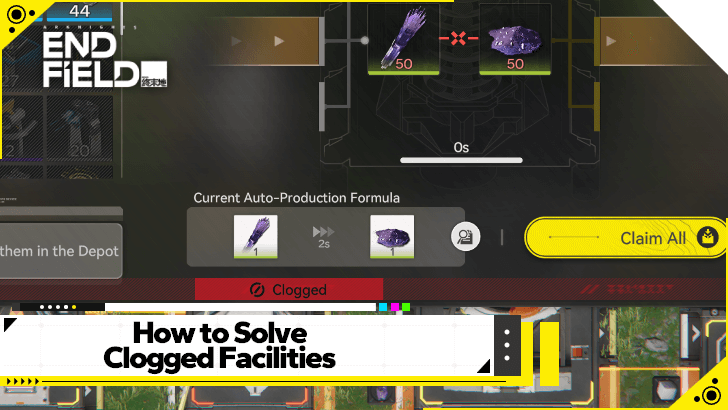 How to Solve Clogged Facilities
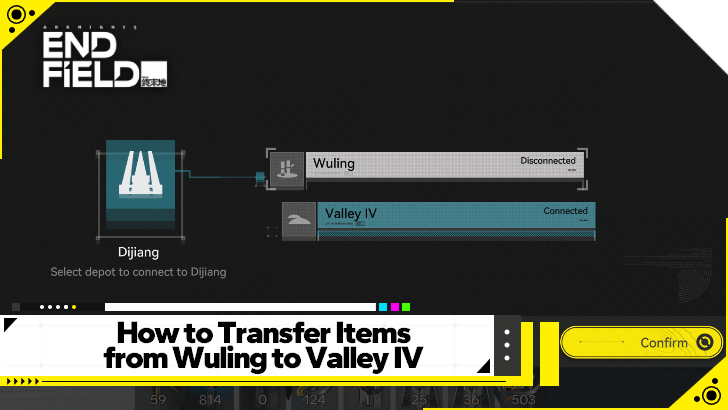 How to Move Items Between Regions
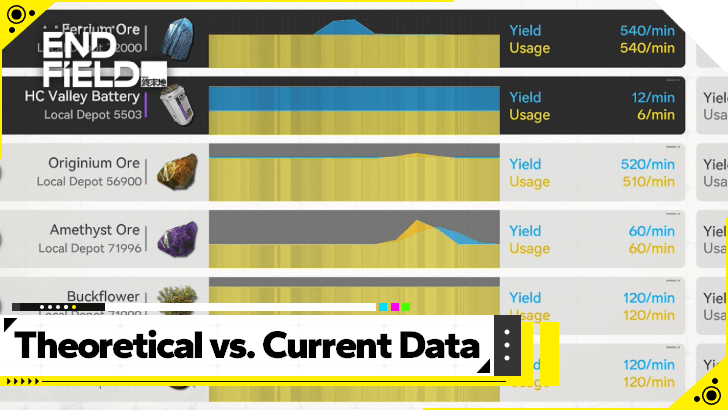 Theoretical Data Explained
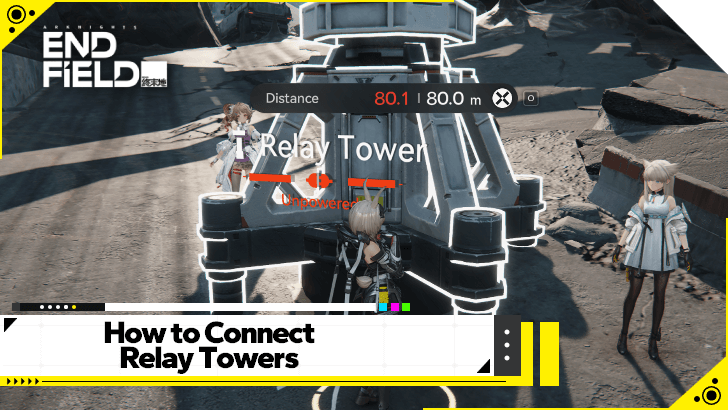 How to Connect Relay Towers
 How to Increase AIC Storage
 Differences Between Portable and Electric Mining
 How to Expand the Factory
AIC Factory Simulation Guides
| Reactor Expansion Guide | Depot Bus Integration Guide | Belt Integration Guide |
AIC Buildings by Type
| Resourcing | Logistics | Processing |
| Power | Combat | Exploration |
| Xiranite | - | - |
Comment



Author

How to Create and Share Blueprints

Premium Articles
Rankings

Gaming News




![Nova Roma Review [Early Access] | Newer, Better, and More Confusing](https://img.game8.co/4455512/2cbf8926e9a1c72a3ff056088f801ef4.png/thumb)
Popular Games

Genshin Impact Walkthrough & Guides Wiki
Umamusume: Pretty Derby Walkthrough & Guides Wiki
Crimson Desert Walkthrough & Guides Wiki
Monster Hunter Stories 3: Twisted Reflection Walkthrough & Guides Wiki
Honkai: Star Rail Walkthrough & Guides Wiki
Pokemon Pokopia Walkthrough & Guides Wiki
The Seven Deadly Sins: Origin Walkthrough & Guides Wiki
Wuthering Waves Walkthrough & Guides Wiki
Zenless Zone Zero Walkthrough & Guides Wiki
Arknights: Endfield Walkthrough & Guides Wiki









Recommended Games
Fire Emblem Heroes (FEH) Walkthrough & Guides Wiki
Diablo 4: Vessel of Hatred Walkthrough & Guides Wiki
Cyberpunk 2077: Ultimate Edition Walkthrough & Guides Wiki
Yu-Gi-Oh! Master Duel Walkthrough & Guides Wiki
Super Smash Bros. Ultimate Walkthrough & Guides Wiki
Pokemon Brilliant Diamond and Shining Pearl (BDSP) Walkthrough & Guides Wiki
Elden Ring Shadow of the Erdtree Walkthrough & Guides Wiki
Monster Hunter World Walkthrough & Guides Wiki
The Legend of Zelda: Tears of the Kingdom Walkthrough & Guides Wiki
Persona 3 Reload Walkthrough & Guides Wiki










All rights reserved
Copyright © 2022 - 2025 GRYPHLINE. All Rights Reserved.
The copyrights of videos of games used in our content and other intellectual property rights belong to the provider of the game.
The contents we provide on this site were created personally by members of the Game8 editorial department.
We refuse the right to reuse or repost content taken without our permission such as data or images to other sites.