
Gear System Crafting Guide
✪ Check Game8 Endfield Twitter for daily tips!
★ Exclusive: Endfield's Connection to Arknights
★ Ver. 1.1: Release Date | Livestream | Maintenance
★ Tangtang (Build | Banner) | Rossi (Build | Banner)
★ Best Builds: Yvonne | Last Rite | Laevatain
★ Hot: Essence Tool | Blueprint | Best Dijiang Setup
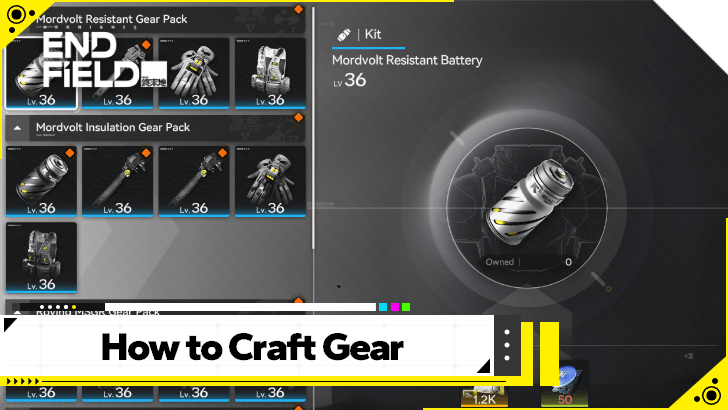
Arknights: Endfield's Gear System Crafting uses materials from your AIC Factories! Find out how to craft gears for your characters and what to prepare before creating them here!
List of Contents
Gear Crafting System Guide
How to Craft Gear
- Obtain Gear Templates
- Research Gearing Tech
- Manufacture Gear Materials
- Go to the Gear Assembly Screen
- Choose Which Gear Piece to Make
Obtain Gear Templates
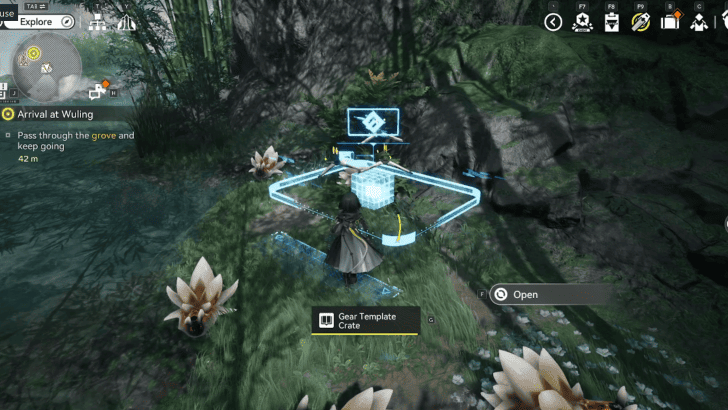
Before you can begin crafting specific Gear, you have to obtain a Gear Template. This contains the recipe for crafting specific Gear.
These can be obtained in two ways: either by finding them in the overworld; or by reaching certain Authority Levels that reward the player with Gear Templates.
Gearing Unit Recipes and How to Get
Research Gearing Tech
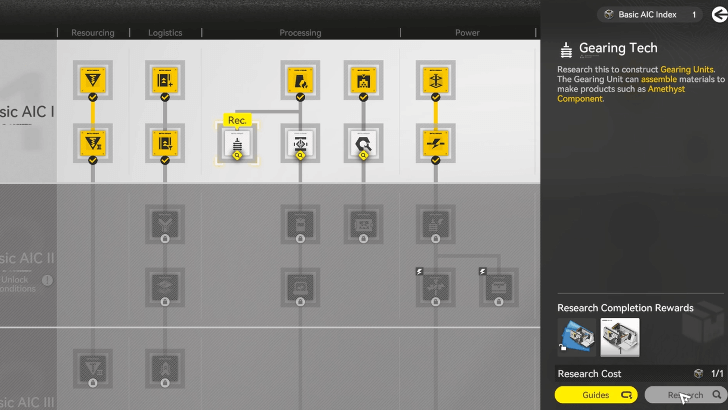
Make sure to also research the Gearing Tech node in the AIC Factory Plan. This enables the creation of materials used to craft equippable Gear.
Manufacture Gear Materials
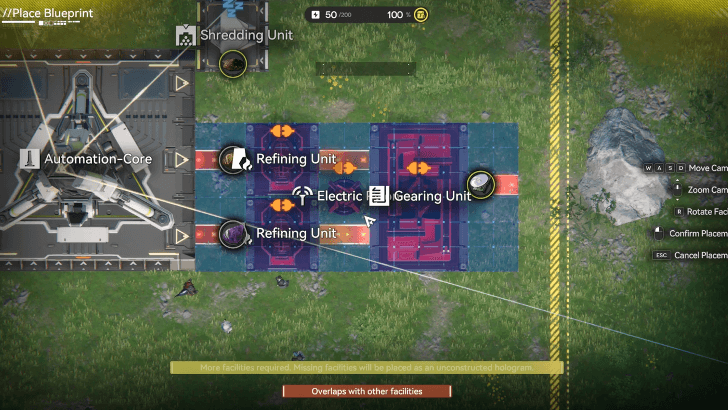
A lot of the materials needed to create Gear can be made from the Gearing Unit in your AIC locations. Make sure to have a line set up using their required materials to make the material that you need!
Go to the Gear Assembly Screen
| AIC Zone | Protosync Menu |
|---|---|
 |
 |
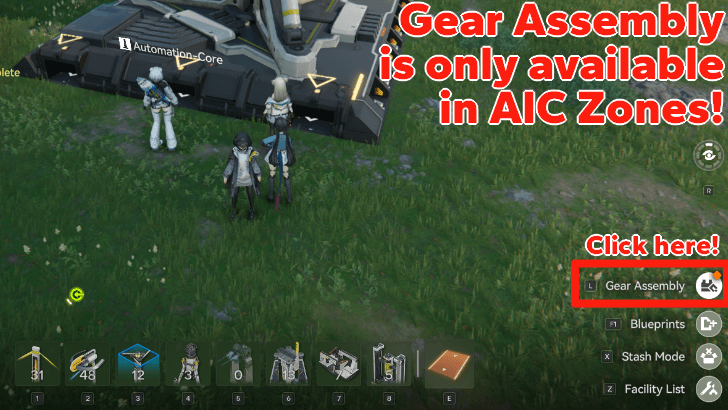
The AIC Zones, whether it is in the Core AIC Area or the ones set up in various Outposts, are the default locations in which you can craft Gear. While in this Zone, Exploration Mode automatically switches to AIC Mode, which automatically makes Gear Assembly available!
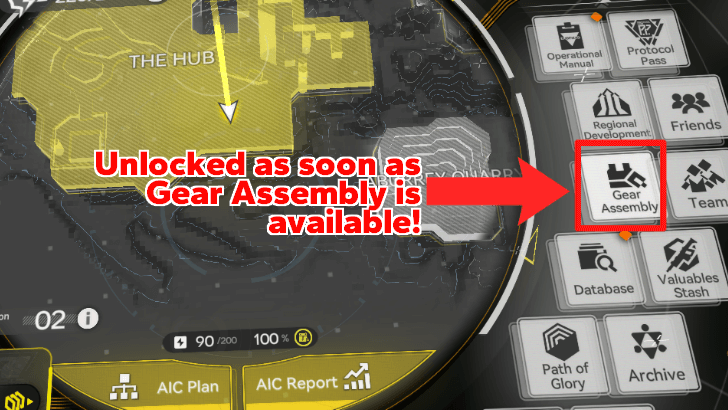
Alternatively, once the Gear Assembly becomes available, players can directly access it through the Protosync Menu. It can be found on the left side, flanked by the Regional Development, Database and Team menus!
Switch to AIC Mode to Craft Gear Anywhere
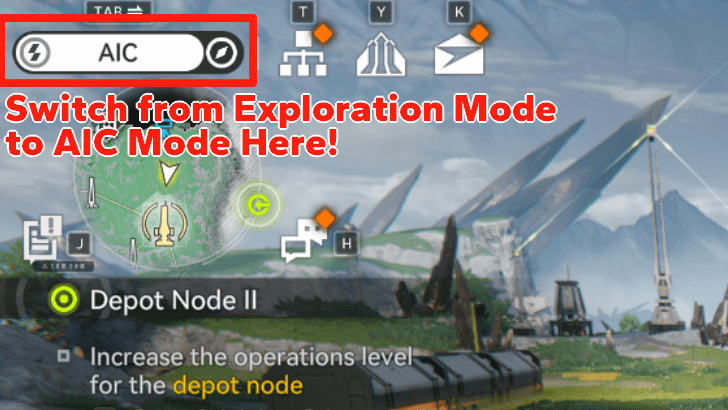
You can always check out what Mode is active on the top-left corner of the screen, right above the mini-map. Press tab on the keyboard or a different assigned hotkey to switch between Exploration and AIC mode as you wish!
Choose Which Gear Piece to Make
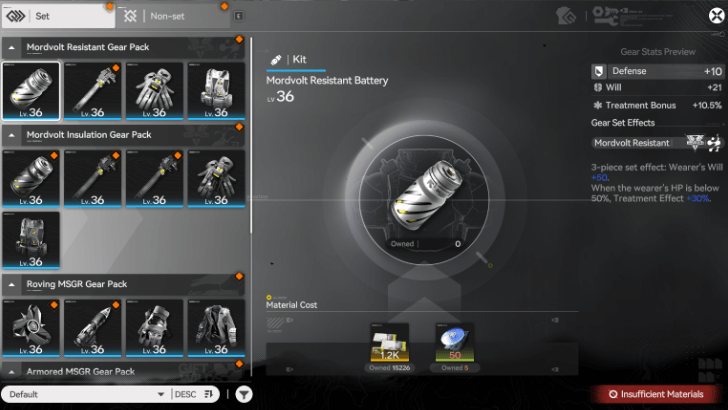
Crafting Gear works exactly the same as how you would craft items. You can select which piece of Gear to Assemble on the left side of the menu, as the middle will show the required materials you have on hand.
In the lower-right corner, you will set how many pieces of the Gear will be crafted. Once ready, press Craft to create your Gear!
All Gear and Gear Set Effects List
Arknights: Endfield Related Guides
All Tier Lists and Meta Guides
 Characters Tier List
 Reroll Guide and Tier List
 Best Team Comps
 Team Building Guide
 All Character Builds
 Weapons Tier List
 All Stats and Explanation
 Best Weapons Per Character
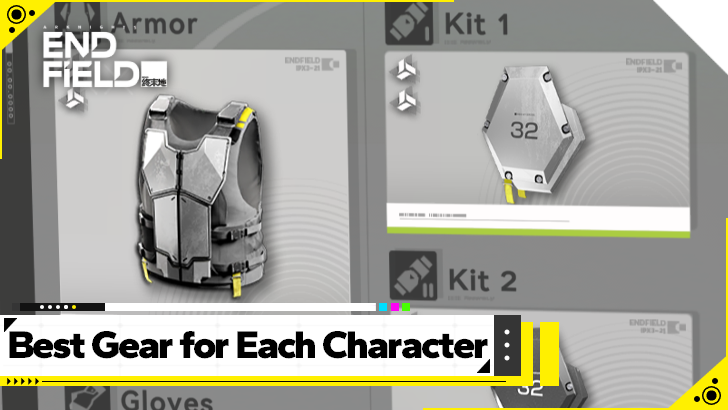 Best Gear Sets Per Character
All Helpful Tools
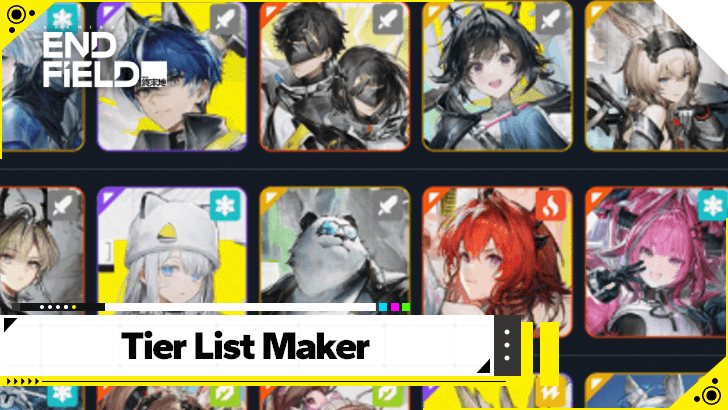 Tier List Maker Tier List Maker |
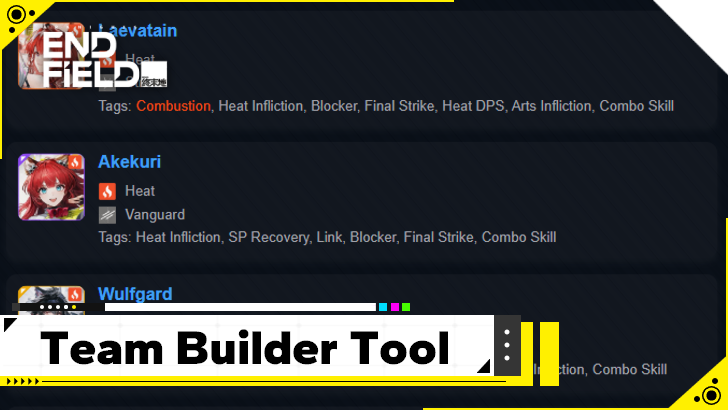 Team Builder Tool Team Builder Tool |
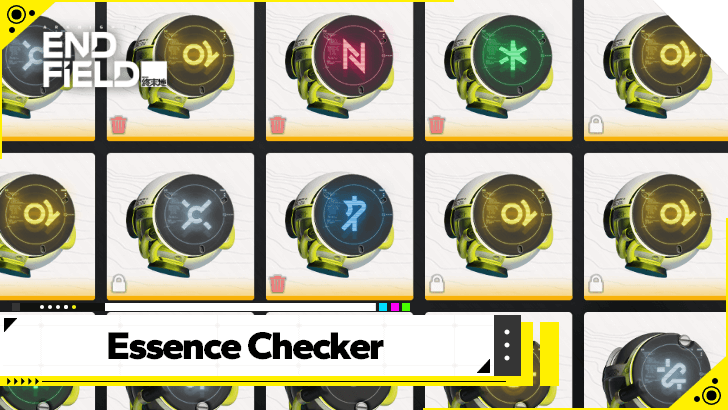 Weapon Essence Checker Weapon Essence Checker |
All Recommended Guides
 Gacha System Explained
 Protocol Pass Details
 Server Status and Times
 Bugs and Known Issues
 Medals and Achievements
 All Weapon Supply Guides
 Imminent Incursion Guide
 Etchspace Salvage Guide
 How to Farm Plants and Unlock Planting
 All Races In-Game
 Is Amiya in Endfield?
 List of All Bosses
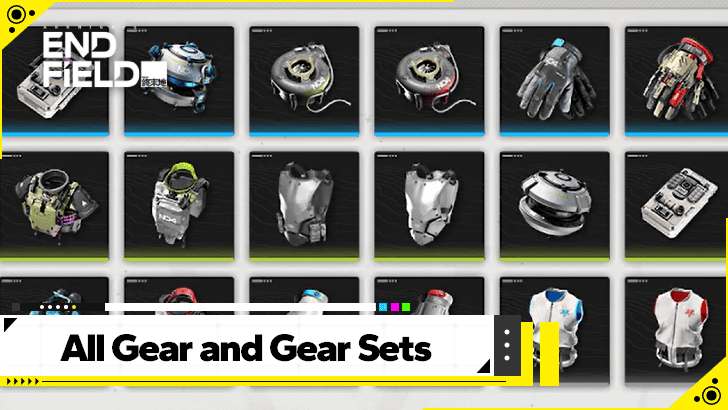 All Gear and Gear Set Effects List
 Best Blueprint Codes Sharing Codes
 Explosives Guide
 Best Banner To Pull On
 All Protocol Space Locations
 Delver of the Cryptic Guide
 How to Upgrade Gear
 Metastorage Transfer Guide
 Essence Guide: How to Farm Essence
 How to Upgrade Essence
 All Dried Originium Slug Locations
 Best Characters for Each Outpost
 How to Farm T-Creds
Comment



Author

Gear System Crafting Guide

Premium Articles
Rankings
- We could not find the message board you were looking for.

Gaming News

![Monster Hunter Stories 3 Review [First Impressions] | Simply Rejuvenating](https://img.game8.co/4438641/2a31b7702bd70e78ec8efd24661dacda.jpeg/show)
![Monster Hunter Stories 3 Review [First Impressions] | Simply Rejuvenating](https://img.game8.co/4438641/2a31b7702bd70e78ec8efd24661dacda.jpeg/thumb)
![The Seven Deadly Sins: Origin [First Impressions] | A Promising Start](https://img.game8.co/4440581/584e0bfb87908f12c4eab6e846eb1afd.png/thumb)

Popular Games

Genshin Impact Walkthrough & Guides Wiki
Umamusume: Pretty Derby Walkthrough & Guides Wiki
Pokemon Pokopia Walkthrough & Guides Wiki
Honkai: Star Rail Walkthrough & Guides Wiki
Monster Hunter Stories 3: Twisted Reflection Walkthrough & Guides Wiki
Arknights: Endfield Walkthrough & Guides Wiki
Wuthering Waves Walkthrough & Guides Wiki
Zenless Zone Zero Walkthrough & Guides Wiki
Pokemon TCG Pocket (PTCGP) Strategies & Guides Wiki
Monster Hunter Wilds Walkthrough & Guides Wiki









Recommended Games
Fire Emblem Heroes (FEH) Walkthrough & Guides Wiki
Diablo 4: Vessel of Hatred Walkthrough & Guides Wiki
Cyberpunk 2077: Ultimate Edition Walkthrough & Guides Wiki
Yu-Gi-Oh! Master Duel Walkthrough & Guides Wiki
Super Smash Bros. Ultimate Walkthrough & Guides Wiki
Pokemon Brilliant Diamond and Shining Pearl (BDSP) Walkthrough & Guides Wiki
Elden Ring Shadow of the Erdtree Walkthrough & Guides Wiki
Monster Hunter World Walkthrough & Guides Wiki
The Legend of Zelda: Tears of the Kingdom Walkthrough & Guides Wiki
Persona 3 Reload Walkthrough & Guides Wiki










All rights reserved
Copyright © 2022 - 2025 GRYPHLINE. All Rights Reserved.
The copyrights of videos of games used in our content and other intellectual property rights belong to the provider of the game.
The contents we provide on this site were created personally by members of the Game8 editorial department.
We refuse the right to reuse or repost content taken without our permission such as data or images to other sites.