
Combat System Tips and Tricks
✪ Check Game8 Endfield Twitter for daily tips!
★ Exclusive: Endfield's Connection to Arknights
★ Ver. 1.1: Release Date | Livestream | Maintenance
★ Tangtang (Build | Banner) | Rossi (Build | Banner)
★ Best Builds: Yvonne | Last Rite | Laevatain
★ Hot: Essence Tool | Blueprint | Best Dijiang Setup
Combat in Arknights: Endfield involves a lot of mechanics that you can use to gain an advantage. Learn the most useful tips on Arknights Endfield's combat system and how to win hard battles here!
List of Contents
Combat Tips and Tricks
All Battle Tips and Tricks
- Lock Onto Targets
- Land Heavy Hits to Stagger Enemies
- Trigger Combo Skills
- Trigger Arts Bursts and Reactions
- Interrupt Enemy Attacks
- Initiate Perfect Dodges
Lock Onto Targets
| How to Lock Onto Enemies | |
|---|---|
 Click Mouse Wheel Click Mouse WheelPC |
 Press R3 Press R3PS5 |
When facing a powerful foe, it’s wise to lock onto them to keep an eye on them at all times. This way, you will be able to see any attack cues and study their attack patterns.
To do this, simply click on your mouse wheel if you're playing the PC Version, or press R3 if you're playing on the PS5.
Land Heavy Hits to Stagger Enemies
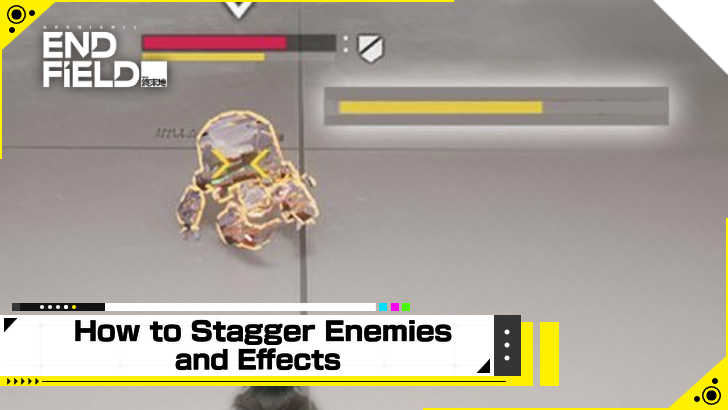
Heavy hits like Final Strikes, Combo Skills, or Combat Skills accumulate Stagger on enemies, which can be ascertained by the bar below their HP gauge.
Fill this up to render the enemy Staggered. Staggered enemies will not be able to move and will take significantly more DMG than normal!
Trigger Combo Skills
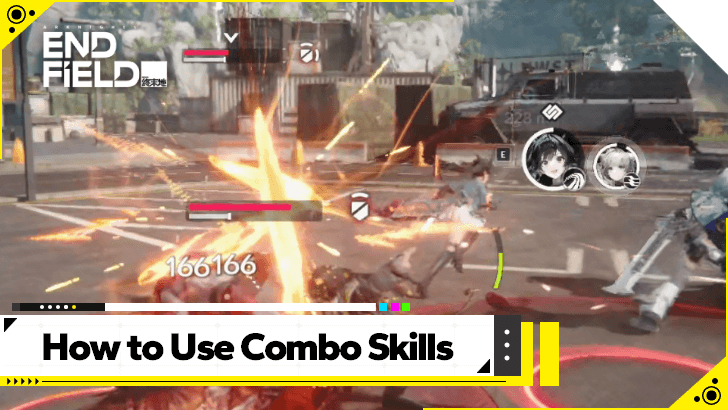
Combo Skills are unique to every Operator, so much so that they even differ in how to trigger them. Nevertheless, once Combo Skills are initiated, they deal substantial DMG and Stagger to enemies.
Get to know your Operators and find out what triggers their Combo Skills, then form your parties according to who synergizes well with whom. Then, make sure to initiate them in battle whenever you can!
Trigger Arts Reactions and Bursts
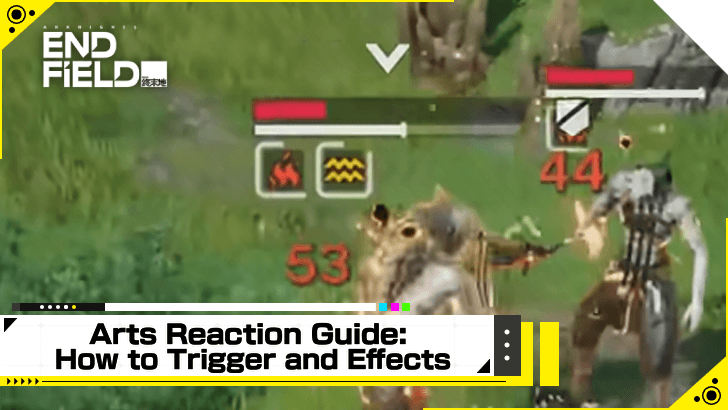
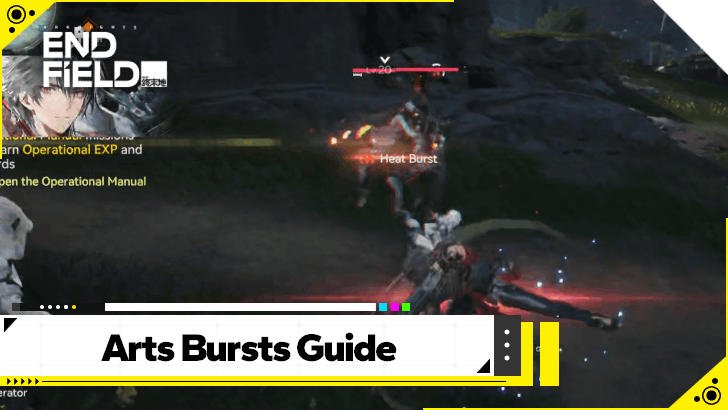
Each Operator comes with their own element, and elements can trigger Arts Bursts and Reactions. The former requires two elements of the same type. Physical attacks apply Vulnerable on enemies, who can then be Lifted by another Physical attack.
The latter, on the other hand, requires two different elements. Attacking enemies affected by Cryo with Physical attacks can cause Solidification, which immobilizes enemies. Trigger these as often as you can!
Arts Bursts and Reactions Guide
Interrupt Enemy Attacks
Whenever you see a big red circle around an enemy, it means that they are charging up a strong attack that can take off a huge chunk of your HP if you let it.
The moment you see this circle, use a Combat Skill or Combo Skill to interrupt that action, dealing a large amount of DMG and Stagger to the enemy as a result and rendering them vulnerable for a short time.
Initiate Perfect Dodges
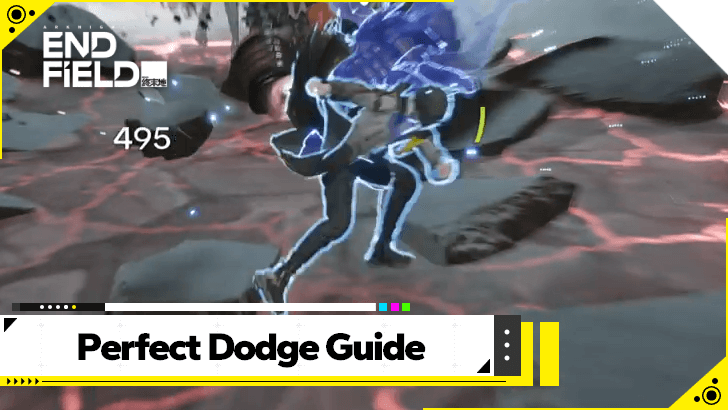
When in battle, enemies can either glow red or emit a red glint when they are about to attack. When you see this, dodge away at the precise moment to negate any incoming DMG and restore some Stamina in the process!
Learn the Combat Terms
All Arknights Endfield Combat Terms
- Basic Attack and Final Strike
- Battle Skills
- Combo Skills
- Ultimate
- Finishers
- Energy Charge Up and Interruptions
- Physical Statuses and Arts Reactions
Arknights: Endfield uses these terminologies in their descriptions for Skills, Talents, and everything else related to combat.
Basic Attack and Final Strike
Basic Attack is performed by repeatedly pressing or holding down the attack button. Operators may vary in Basic Attack sequences, as some may perform 4 hits of Basic Attacks while some can perform up to 5 hits.
Final Strike is the last basic attack of the sequence. Final Strikes can build Stagger on hit and restore SP.
Battle Skills
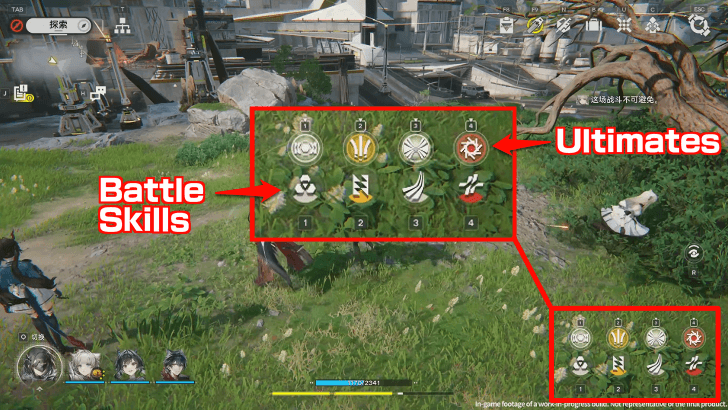
Battle Skills have no cooldown but require SP to cast. Battle Skills vary in SP cost and effect.
In combat, it is best to keep in mind synergies and combos between Battle Skills, Combo Skills, and Talents to maximize the use of SP.
Combo Skills

Combo Skills can be performed by meeting certain conditions, such as performing Final Strikes or triggering Arts Reactions. These skills have no SP cost but will enter cooldown after triggering. Conditions to trigger Combo Skill and cooldown timers vary between Operators.
When triggered, a quick time event will occur, where pressing the buttons that appear on the screen will trigger the Combo Skill.
Ultimate
Ultimates require Ultimate Energy to perform, obtained by performing Battle Skills and Combo Skills in combat. Operators vary in the Ultimate Energy cost to cast this ability.
Ultimates can be performed by holding the Battle Skill button of the Operator.
Finishers
Finishers occur when performing a Basic Attack on a Staggered enemy. This deals massive damage and restores SP when successful.
Note that an enemy will only enter the Staggered state after filling their Stagger Meter.
Energy Charge Ups and Interruptions
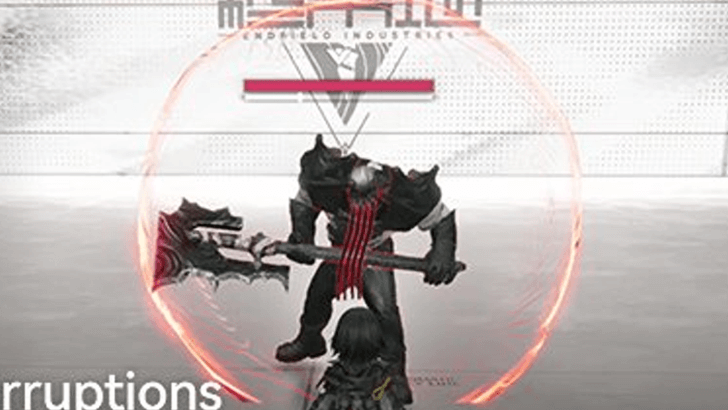
In battle, a red circle may appear around an enemy, indicating that they are charging up to cast a skill. These can be interrupted by performing a Battle Skill, Combat Skill, or Ultimate, halting their skill use and increasing their Stagger Meter when successful.
Physical Statuses and Arts Reactions
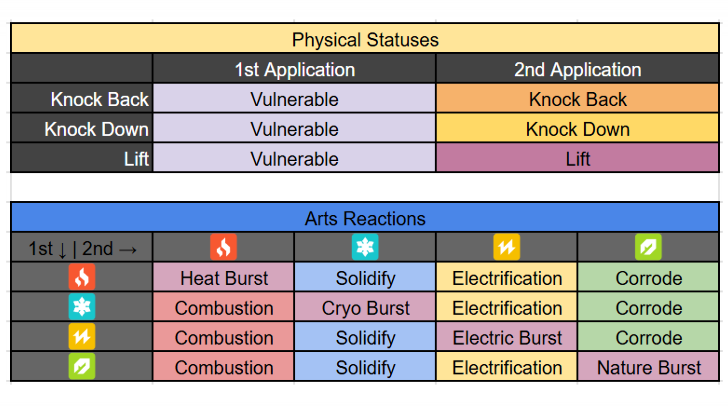
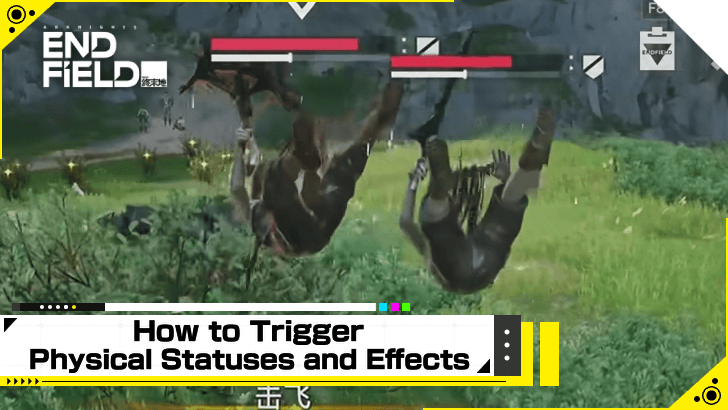
Physical Statuses can be applied by performing an attack that can apply either Knock Back, Knock Down, or Lift. The first Physical status applied will always result in the Vulnerable status, and applying a second Physical status on a Vulnerable enemy will result in their corresponding effect.
If an enemy is under an Infliction, applying an Infliction of a different arts element will result in an Arts Reaction. These reactions include Combustion for Heat Infliction, Solidify for Cryo Infliction, Electrification for Electric Infliction, and Corrode for Nature Infliction.
Arts Bursts and Reactions Guide
Arknights: Endfield Related Guides
Beginner Guides
 How to Level Up Fast How to Level Up Fast |
 Best Settings Best Settings
|  Early Game Tips Early Game Tips |
 Level Up Guide Level Up Guide |
 Upgrade Weapons Upgrade Weapons |
- |
Combat Guides
 Arts Reaction Guide Arts Reaction Guide |
Combat System Tips and Tricks |
 How to Do Perfect Dodge How to Do Perfect Dodge |
 Arts Bursts Guide Arts Bursts Guide |
 Physical Status Guide Physical Status Guide |
 How to Stagger Enemies How to Stagger Enemies |
 How to Use Combo Skills How to Use Combo Skills |
- | - |
General Guides
 Top Up Guide
 Main Character Differences
 Ways to Spend Currency
 Dailies Guide
 Reset Times
  Easter Eggs
 Credit Store Guide
 Clue Room Guide
  Trust Guide
 All Puzzles and How to Solve
 Originium Repair Module Guide
 Weeklies and Things to Do Every Week
 How to Recover Sanity
 How to Heal
 Reception Room Guide
 All Roles Explained
Technical Guides
 List of Controls List of Controls |
 Controller Support Controller Support |
 How to Download How to Download |
 How to Link Accounts How to Link Accounts |
- | - |
Frequently Asked Questions
 What is Purity
 Backpack Guide
 How to Change Genders
 How to Revive Allies
 How to Raise Exploration Lv.
 How to Drain Water
 How to Power Aburrey Quarry
 How to Power Originium Science Park
 How to Power Electric Nexus
 How to Increase Inventory
 How to Change Name
 When Do Materials Spawn?
 How to Spray and Change Water Types
 Can You Skip Cutscenes?
 Can You Remove Endministrator's Mask?
 Is There a Death Penalty?
 Can You Climb?
 How to Fast Travel
 How to Repair and Share Facilities
 How to Recover Lost Mail In-Game
 Is Buying the Protocol Pass Worth It?
Comment



Author

Combat System Tips and Tricks

Premium Articles
Rankings

Gaming News




![Nova Roma Review [Early Access] | Newer, Better, and More Confusing](https://img.game8.co/4455512/2cbf8926e9a1c72a3ff056088f801ef4.png/thumb)
Popular Games

Genshin Impact Walkthrough & Guides Wiki
Umamusume: Pretty Derby Walkthrough & Guides Wiki
Crimson Desert Walkthrough & Guides Wiki
Monster Hunter Stories 3: Twisted Reflection Walkthrough & Guides Wiki
Honkai: Star Rail Walkthrough & Guides Wiki
Pokemon Pokopia Walkthrough & Guides Wiki
The Seven Deadly Sins: Origin Walkthrough & Guides Wiki
Wuthering Waves Walkthrough & Guides Wiki
Zenless Zone Zero Walkthrough & Guides Wiki
Arknights: Endfield Walkthrough & Guides Wiki









Recommended Games
Fire Emblem Heroes (FEH) Walkthrough & Guides Wiki
Diablo 4: Vessel of Hatred Walkthrough & Guides Wiki
Cyberpunk 2077: Ultimate Edition Walkthrough & Guides Wiki
Yu-Gi-Oh! Master Duel Walkthrough & Guides Wiki
Super Smash Bros. Ultimate Walkthrough & Guides Wiki
Pokemon Brilliant Diamond and Shining Pearl (BDSP) Walkthrough & Guides Wiki
Elden Ring Shadow of the Erdtree Walkthrough & Guides Wiki
Monster Hunter World Walkthrough & Guides Wiki
The Legend of Zelda: Tears of the Kingdom Walkthrough & Guides Wiki
Persona 3 Reload Walkthrough & Guides Wiki










All rights reserved
Copyright © 2022 - 2025 GRYPHLINE. All Rights Reserved.
The copyrights of videos of games used in our content and other intellectual property rights belong to the provider of the game.
The contents we provide on this site were created personally by members of the Game8 editorial department.
We refuse the right to reuse or repost content taken without our permission such as data or images to other sites.