
How to Switch to Third Person
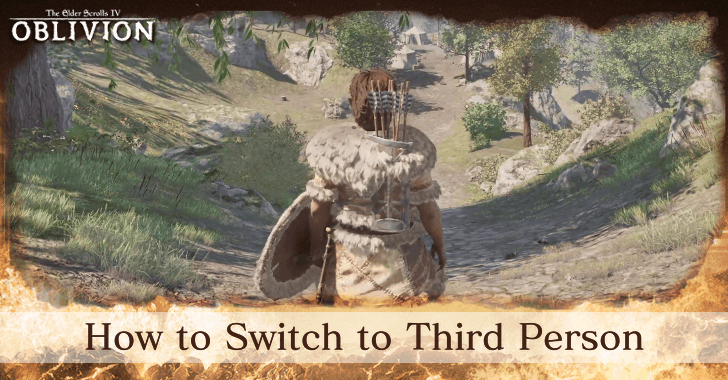
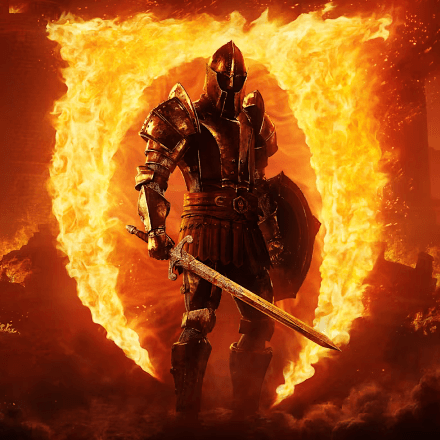
Players can switch to third person by pressing the middle mouse button on PC or R3 on Xbox in The Elder Scrolls IV: Oblivion Remastered. Learn how to switch to third person in PC, Xbox, and PS5, and how to use the third person view in this page!
How to Switch to Third Person
Press the Change View Button
| PC | Xbox |
|---|---|
 (Middle Mouse Button) (Middle Mouse Button) |
 (R3) (R3) |
To switch to third person, simply press the Change View button. The actual button depends on the device a player is using; for PC, it's the middle mouse button, for Xbox, it's the R3 button.
Players can switch back and forth between first person and third person freely.
How to Use Third Person
Get Better View of Surroundings
| First Person | Third Person |
|---|---|
 |
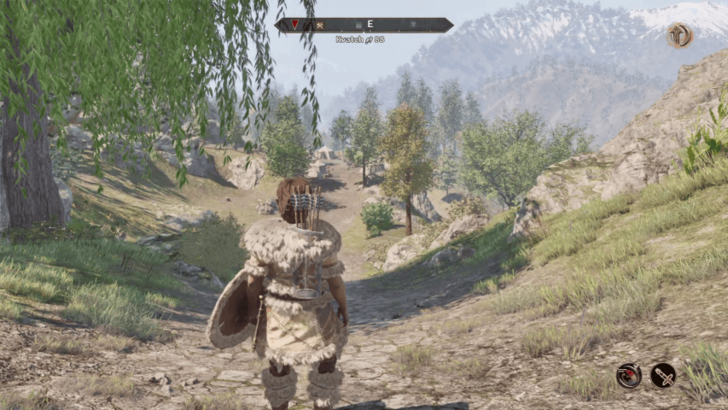 |
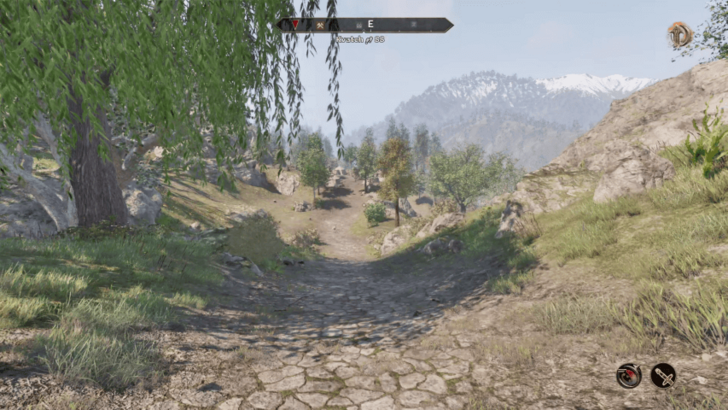
The benefit of using the third person mode is that it allows players to get a better view of their surroundings since the camera is revolving around the character, giving a wider view of things. This allows them to see incoming enemies that would normally be hard to notice in first person.
Prevent Motion Sickness While Playing
Switching to the third person view can help players who feel uncomfortable playing in the first person due to motion sickness. This makes their gaming experience enjoyable and allows them to player longer.
See Character and Cosmetics

The third person view also allows players to actually see their character and its cosmetics like facial features, armors, wepons, and every thing that's visual. This adds another layer of gaming experience as they play through the game.
Oblivion Remastered Related Guides
All Tips and Tricks Guides



Author
How to Switch to Third Person

Rankings
- We could not find the message board you were looking for.
Gaming News
![Neverness to Everness (NTE) Review [Beta Co-Ex Test] | Rolling the Dice on Something Special](https://img.game8.co/4414628/dd3192c8f1f074ea788451a11eb862a7.jpeg/show)



Popular Games

Genshin Impact Walkthrough & Guides Wiki
Honkai: Star Rail Walkthrough & Guides Wiki
Arknights: Endfield Walkthrough & Guides Wiki
Umamusume: Pretty Derby Walkthrough & Guides Wiki
Wuthering Waves Walkthrough & Guides Wiki
Pokemon TCG Pocket (PTCGP) Strategies & Guides Wiki
Abyss Walkthrough & Guides Wiki
Zenless Zone Zero Walkthrough & Guides Wiki
Digimon Story: Time Stranger Walkthrough & Guides Wiki
Clair Obscur: Expedition 33 Walkthrough & Guides Wiki









Recommended Games
Fire Emblem Heroes (FEH) Walkthrough & Guides Wiki
Pokemon Brilliant Diamond and Shining Pearl (BDSP) Walkthrough & Guides Wiki
Diablo 4: Vessel of Hatred Walkthrough & Guides Wiki
Super Smash Bros. Ultimate Walkthrough & Guides Wiki
Yu-Gi-Oh! Master Duel Walkthrough & Guides Wiki
Elden Ring Shadow of the Erdtree Walkthrough & Guides Wiki
Monster Hunter World Walkthrough & Guides Wiki
The Legend of Zelda: Tears of the Kingdom Walkthrough & Guides Wiki
Persona 3 Reload Walkthrough & Guides Wiki
Cyberpunk 2077: Ultimate Edition Walkthrough & Guides Wiki










All rights reserved
© 2025 ZeniMax Media Inc. All Rights Reserved.
The copyrights of videos of games used in our content and other intellectual property rights belong to the provider of the game.
The contents we provide on this site were created personally by members of the Game8 editorial department.
We refuse the right to reuse or repost content taken without our permission such as data or images to other sites.
Is there any way to ride a horse in first person?