
How to Transmog Weapons and Armor
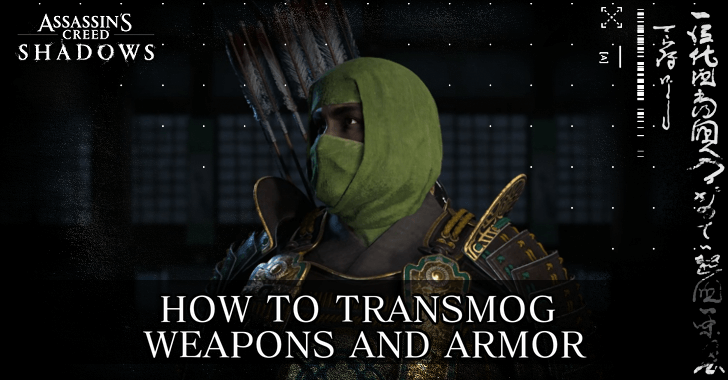
Weapons, armor, headgear, trinkets, and horse saddles are customizable and available for transmog in Assassin's Creed Shadows (AC Shadows). Learn how to transmog your equipment, and if you can transmog premium skins here!
List of Contents
How to Transmog Weapons and Armor
Press the Customize Button in the Inventory Menu
To Transmog your equipment, open up the inventory and simply press the Customize button. You can transmog your equipment into any of the pieces you already own, purely for visual effect.
| # | How to Transmog Equipment |
|---|---|
| 1 | 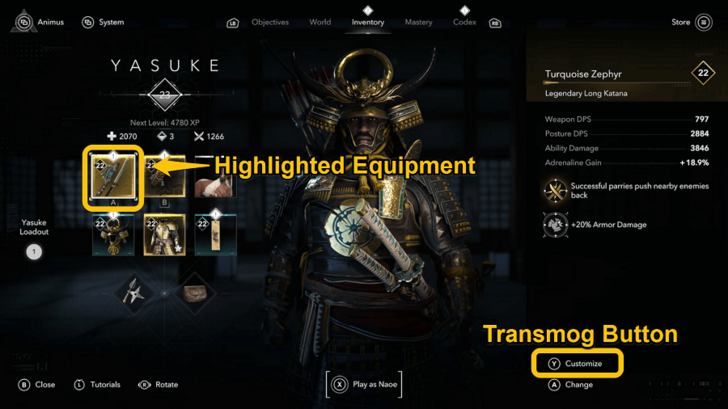 Open up your inventory, and highlight the equipment you wish to transmogrify. Once highlighted, press the customize button, found in the bottom right of the menu screen. Inventory Button:
 | |  | |  Customize Button:
 | |  | |  |
| 2 | 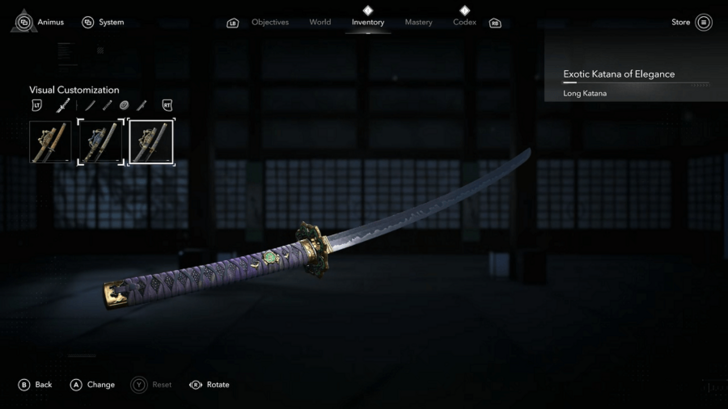 For the main weapons of both Naoe and Yasuke, you can select any of your owned weapons as custom presets. |
| 3 | 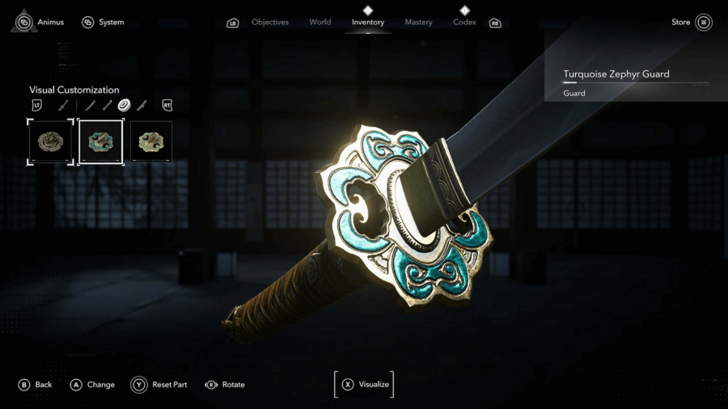 For more detailed customization, you can transmog individual weapon parts. Katanas, for instance, have the blade, handle, guard, and saya (sheath) to transmog. |
| 4 | 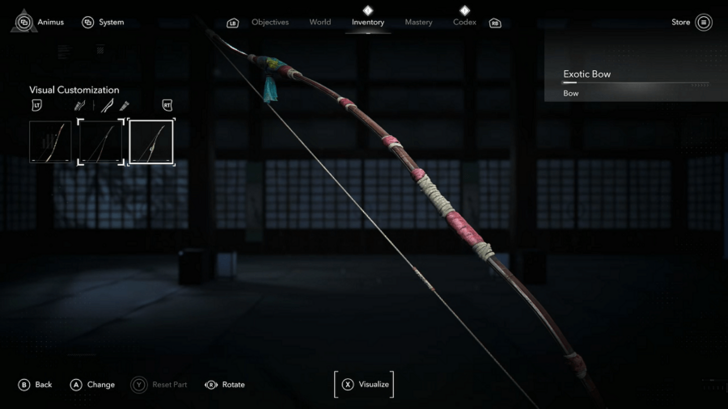 The same in-depth customization is available for Naoe and Yasuke's secondary weapons, such as the Tanto and Bow. |
| 5 | 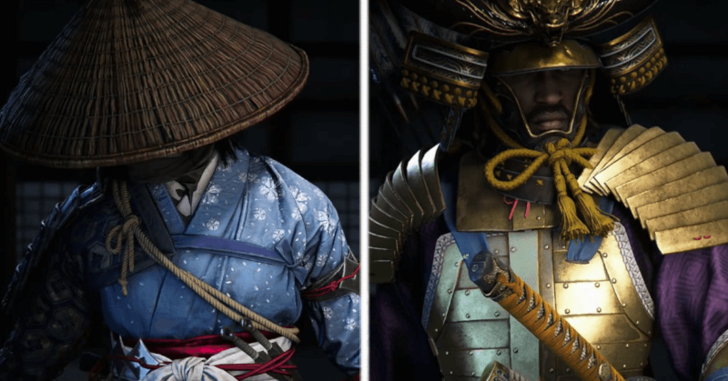 Naoe and Yasuke's armor are available to transmog, but only as single pieces, unlike the more detailed weapon customization. |
| 6 | 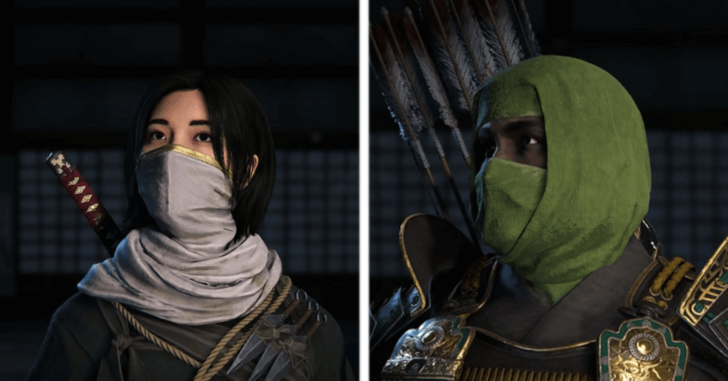 Headgear is also available for transmog, similarly to armor. |
| 7 | 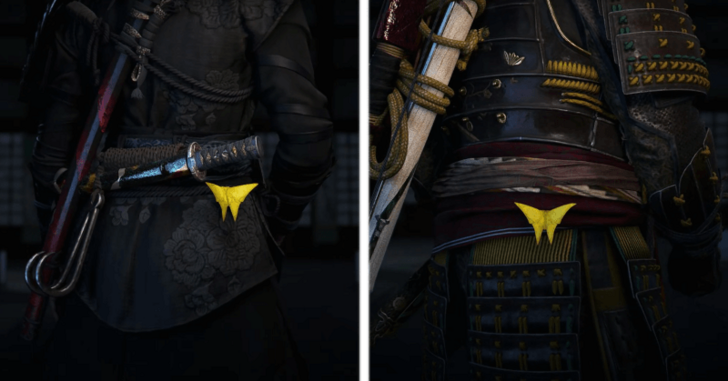 You can transmog the Trinkets that attach behind Naoe and Yasuke. |
| 8 | 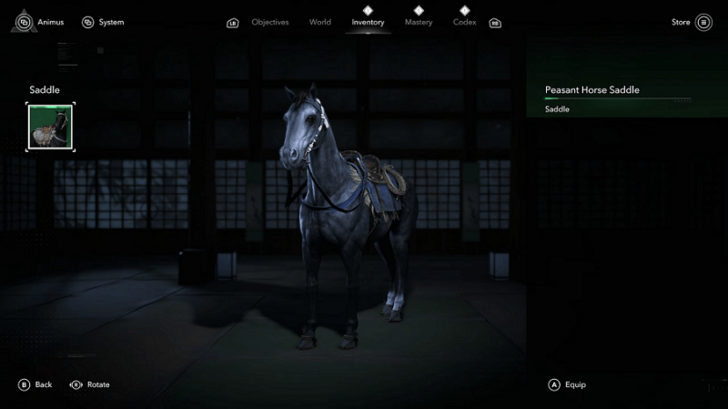 Finally, you can also customize the Saddle attached to Naoe and Yasuke's respective horses. |
Can You Transmog Premium Skins?
Premium Skins Cannot be Customized
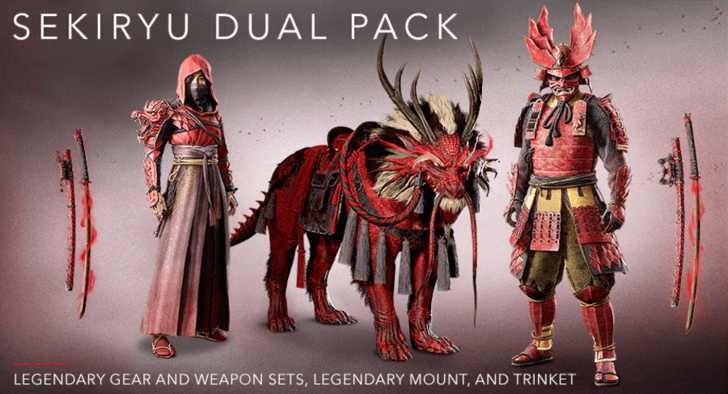
Premium weapons and skins from DLCs, such as the Sekiryu Dual Pack, provide players with unique equipment. However, these premium skins cannot be used for transmog on other pieces of equipment.
Assassin's Creed Shadows Related Guides
All Tips and Tricks Guides
Comment



Author
Assassin's Creed Shadows (AC Shadows) Walkthrough & Guides Wiki
How to Transmog Weapons and Armor

Rankings
- We could not find the message board you were looking for.
Gaming News




Popular Games

Genshin Impact Walkthrough & Guides Wiki
Umamusume: Pretty Derby Walkthrough & Guides Wiki
Crimson Desert Walkthrough & Guides Wiki
Monster Hunter Stories 3: Twisted Reflection Walkthrough & Guides Wiki
Honkai: Star Rail Walkthrough & Guides Wiki
Pokemon Pokopia Walkthrough & Guides Wiki
The Seven Deadly Sins: Origin Walkthrough & Guides Wiki
Wuthering Waves Walkthrough & Guides Wiki
Zenless Zone Zero Walkthrough & Guides Wiki
Arknights: Endfield Walkthrough & Guides Wiki










Recommended Games
Fire Emblem Heroes (FEH) Walkthrough & Guides Wiki
Diablo 4: Vessel of Hatred Walkthrough & Guides Wiki
Cyberpunk 2077: Ultimate Edition Walkthrough & Guides Wiki
Yu-Gi-Oh! Master Duel Walkthrough & Guides Wiki
Super Smash Bros. Ultimate Walkthrough & Guides Wiki
Pokemon Brilliant Diamond and Shining Pearl (BDSP) Walkthrough & Guides Wiki
Elden Ring Shadow of the Erdtree Walkthrough & Guides Wiki
Monster Hunter World Walkthrough & Guides Wiki
The Legend of Zelda: Tears of the Kingdom Walkthrough & Guides Wiki
Persona 3 Reload Walkthrough & Guides Wiki










All rights reserved
© 2024 Ubisoft Entertainment. All Rights Reserved. Assassin’s Creed, Ubisoft, and the Ubisoft logo are registered or unregistered trademarks of Ubisoft Entertainment in the US and/or other countries.
The copyrights of videos of games used in our content and other intellectual property rights belong to the provider of the game.
The contents we provide on this site were created personally by members of the Game8 editorial department.
We refuse the right to reuse or repost content taken without our permission such as data or images to other sites.