
How to Move Plants and Trees
★ Tip: Use Frames to organize your Storage.
☆ Build Habitats with Ditto's Moves.
★ Build Houses and Structures for your Pokemon
☆ Increase Comfort & Environment Levels.
★ Redeem Mystery Gifts for free items & furniture.
☆ Limited Time Event: Befriend Hoppip until 3/24!
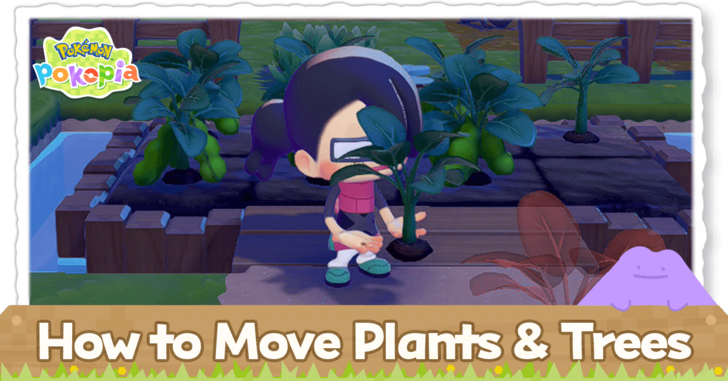
You can move smaller plants with Rototiller and move trees with Magnet Rise in Pokemon Pokopia. Read on to learn how to move plants and trees, what moves you need to use, as well as benefits to moving plants and trees.
List of Contents
How to Move Trees
Use Magnet Rise
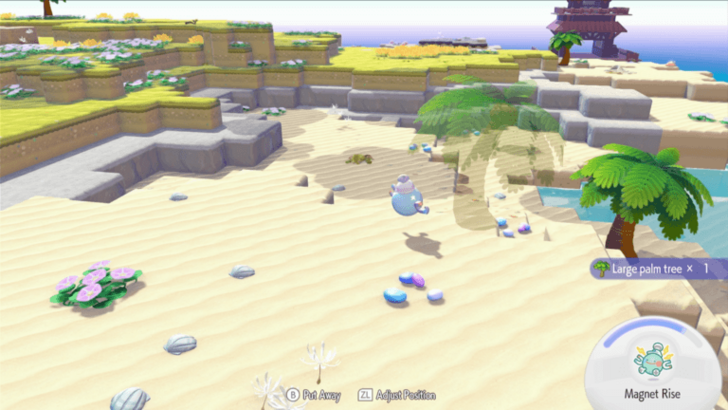
Once you unlock Magnet Rise, you will be able to move trees with ease without having to cut them down.
To unlock this move, you will have to complete the Do the… Team Initiation Challenge important request. Afterwards, you need to befriend Magnemite and build its habitat.
Keep in mind that completing the aforementioned request means finishing the main storyline. This means that this move is only available in the post-game.
Cut and Replant Trees
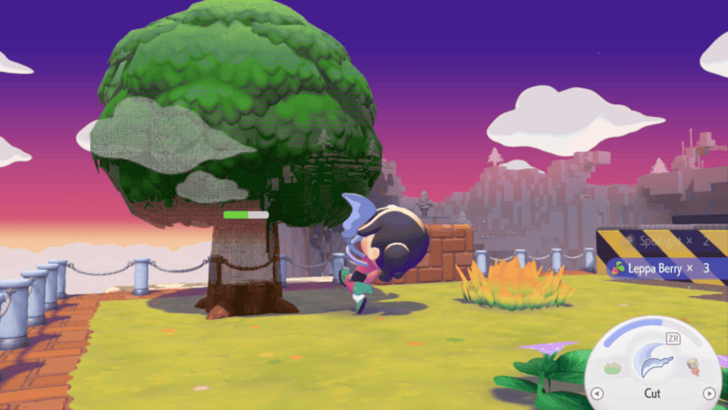
If you do not have Magnet Rise yet, you may use Cut to remove trees from awkward places. You will obtain Lumber and a seed to plant the same tree once you cut it down completely. Afterwards, you may plant the seed you obtained somewhere else.
You can learn Cut after befriending Scyther.
Duplicate With the 3D Printer
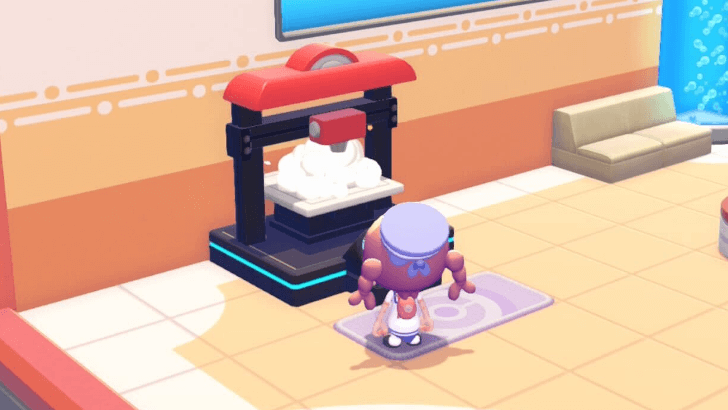
You may Press Y while using the camera in order to take a reference photo of a tree you want to copy. After doing this, you may use the 3D printer at any rebuilt Pokemon Center to duplicate the tree with the 3D printer.
Duplicating a tree will cost 1 Rare Pokemetal ingot. This material is quite rare, so be sure to use this sparingly.
3D Printer Guide: Best Things to Copy
How to Move Plants
Use Rototiller
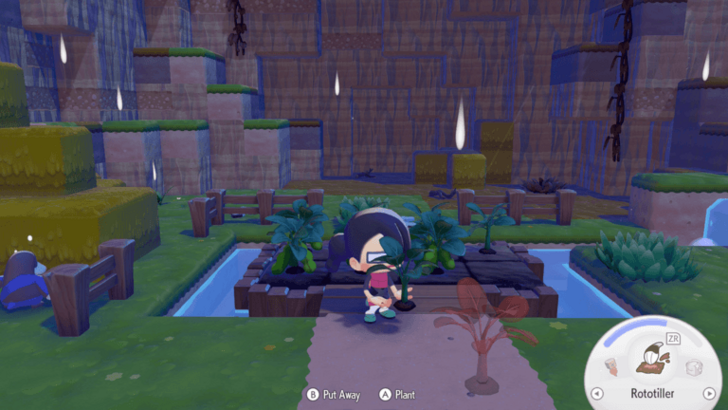
You may use Rototiller on any flower, crop, or hedge in order to move them. If you wish to bring them to another biome, you may put the plant in your inventory.
To unlock this move, you will have to befriend Drilbur in Withered Wasteland.
Benefits of Moving Plants and Trees
Create Habitats Faster
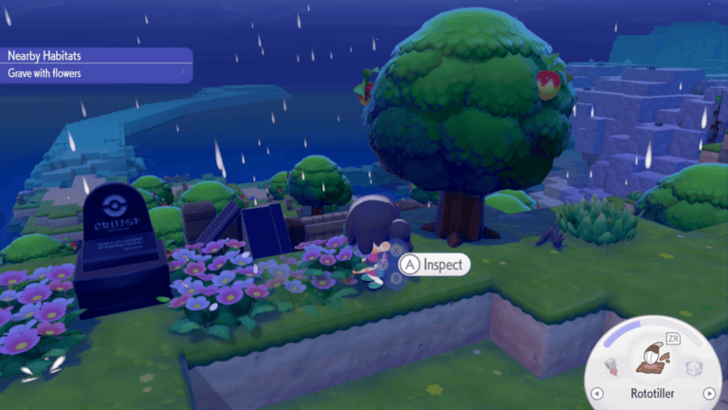
You can move plants and trees to create certain habitats. This will allow you to create habitats quickly instead of having to wait a day for your plants to grow.
Habitat Dex: How to Build All Habitats
Make Neater Spaces

Moving plants and trees can allow your areas to look neater. Not only will the environment look better, but it may also make the area easier to navigate.
Pokemon Pokopia Related Guides

Beginner's Guide to Pokopia: Tips and Tricks
All Tips and Tricks
Comment



Author

How to Move Plants and Trees

Rankings

Gaming News





Popular Games

Genshin Impact Walkthrough & Guides Wiki
Umamusume: Pretty Derby Walkthrough & Guides Wiki
Pokemon Pokopia Walkthrough & Guides Wiki
Honkai: Star Rail Walkthrough & Guides Wiki
Monster Hunter Stories 3: Twisted Reflection Walkthrough & Guides Wiki
Arknights: Endfield Walkthrough & Guides Wiki
Wuthering Waves Walkthrough & Guides Wiki
Zenless Zone Zero Walkthrough & Guides Wiki
Pokemon TCG Pocket (PTCGP) Strategies & Guides Wiki
Monster Hunter Wilds Walkthrough & Guides Wiki









Recommended Games
Fire Emblem Heroes (FEH) Walkthrough & Guides Wiki
Diablo 4: Vessel of Hatred Walkthrough & Guides Wiki
Cyberpunk 2077: Ultimate Edition Walkthrough & Guides Wiki
Yu-Gi-Oh! Master Duel Walkthrough & Guides Wiki
Super Smash Bros. Ultimate Walkthrough & Guides Wiki
Pokemon Brilliant Diamond and Shining Pearl (BDSP) Walkthrough & Guides Wiki
Elden Ring Shadow of the Erdtree Walkthrough & Guides Wiki
Monster Hunter World Walkthrough & Guides Wiki
The Legend of Zelda: Tears of the Kingdom Walkthrough & Guides Wiki
Persona 3 Reload Walkthrough & Guides Wiki










All rights reserved
©2025 Pokémon. ©1995–2025 Nintendo / Creatures Inc. / GAME FREAK inc. ©KOEI TECMO GAMES
The copyrights of videos of games used in our content and other intellectual property rights belong to the provider of the game.
The contents we provide on this site were created personally by members of the Game8 editorial department.
We refuse the right to reuse or repost content taken without our permission such as data or images to other sites.