
Cloud Island Guide
★ Tip: Use Frames to organize your Storage.
☆ Build Habitats with Ditto's Moves.
★ Build Houses and Structures for your Pokemon
☆ Increase Comfort & Environment Levels.
★ Redeem Mystery Gifts for free items & furniture.
☆ Limited Time Event: Befriend Hoppip until 3/24!
Cloud Islands are separate worlds where you can create your own unique environment with friends in Pokemon Pokopia. Read on to learn how to play on a Cloud Island, what you can do in Cloud Islands, and its characteristics.
List of Contents
How to Play on Cloud Islands
Unlock Link Play
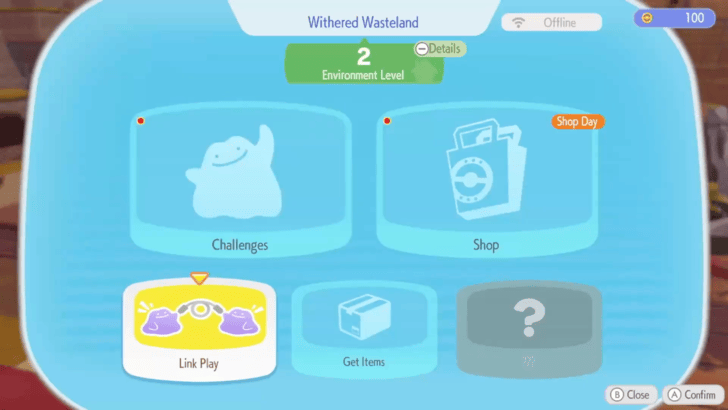
You will need to unlock Link Play first before being able to play on Cloud Islands. This feature is unlocked after raising your Environment Level to 2.
How to Raise Environment Level
Nintendo Switch Online Membership Required
Cloud Islands can only be explored during online play. To play online multiplayer, all players must have an active Nintendo Switch Online membership, a stable internet connection, and a copy of the game on their own consoles.
Create a Cloud Island
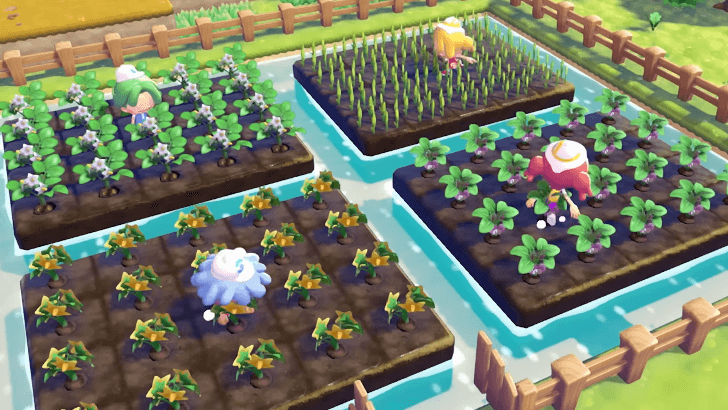
You may host a Cloud Island by creating one and inviting your friends via Link Code. You will have control over the settings, as well as the Cloud Island's name.
Keep in mind that you can only host one Cloud Island at a time. If you wish to create a new one, you must delete your existing one in Settings.
Join a Cloud Island
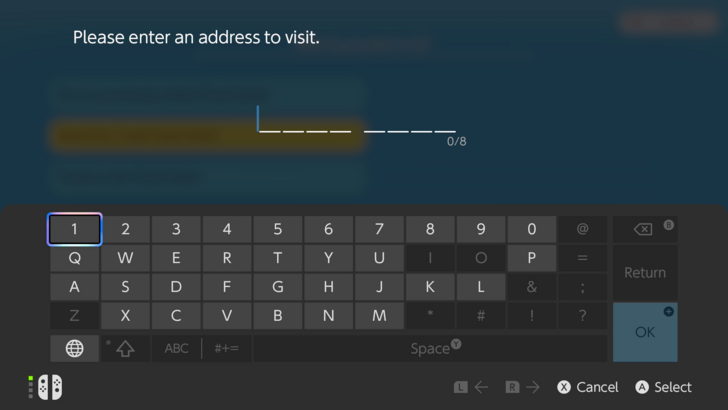
Alternatively, you may join the Cloud Island of another player through their Cloud Island address. You can still enter a Cloud Island even if the host is not currently playing.
What to Do in Cloud Islands
Build an Island With Friends
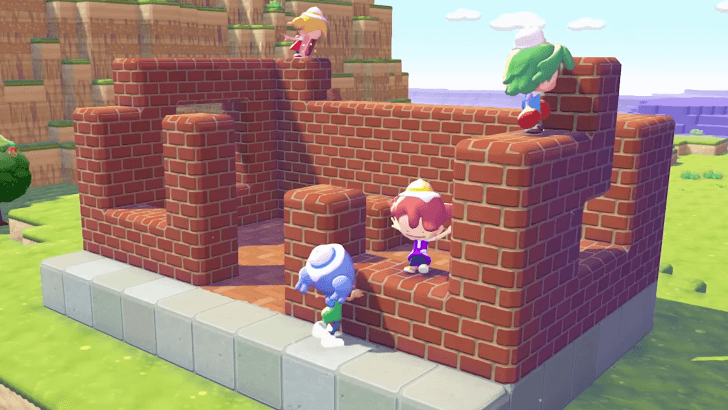
Since the Cloud Island is a separate world from the main game, players will get to experience building an island from scratch.
Buy From the Cloud Shop
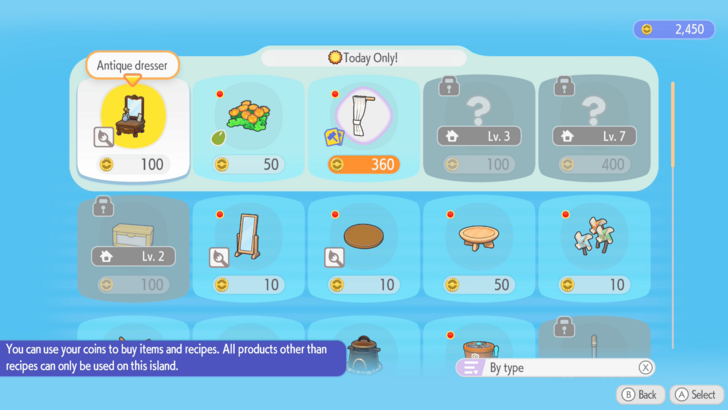
You may purchase items from the Cloud Island PC's Shop. This shop has a different catalogue from the one in the main game. This may be a chance to use and decorate with items that you normally do not have access to yet.
Keep in mind that bought items will stay in the Cloud Island and cannot be brought into the main game. However, your Life Coins are shared between the main game and the Cloud Island.
Obtain and Keep Recipes
The player can still keep recipes they learn in the Cloud Island in the main game. It is best to prioritize buying recipes from the Cloud Island shop to expand your building options.
Play Mini Games
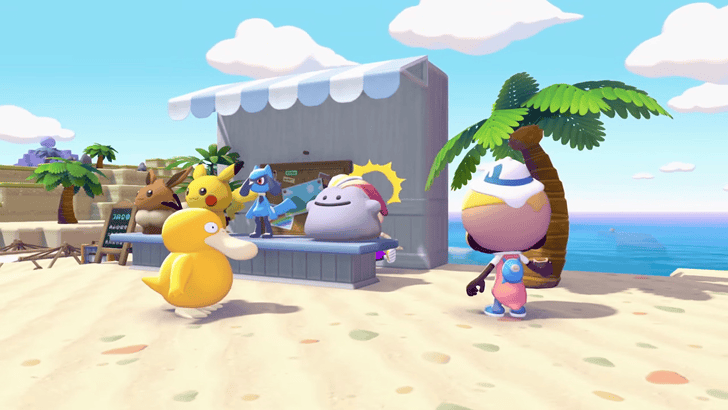
You can play mini games such as Jump Rope and Hide-and-Seek with your friends. Keep in mind that you will need Pokemon associated with the mini games you would like to play in the Cloud Island.
Take Photos With Friends
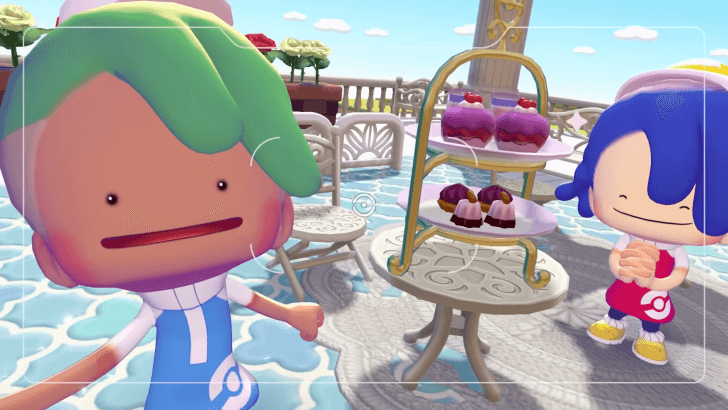
You can decorate the Cloud Island to create the perfect group photo with your friends. Pose and change expressions to your heart's content to get the best photo!
What are Cloud Islands?
Separate Multiplayer World
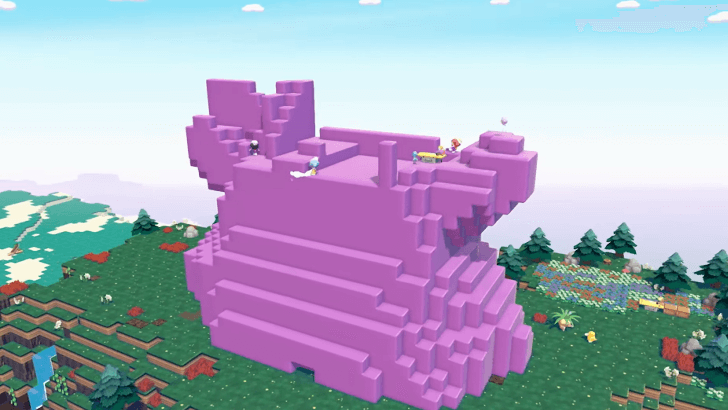
A Cloud Island is an island separate to the main game. This means that this is a space mostly unaffected by each player's gameplay progress.
This is the best mode to play in if you do not want other players making changes to your main world.
Has a Separate Inventory
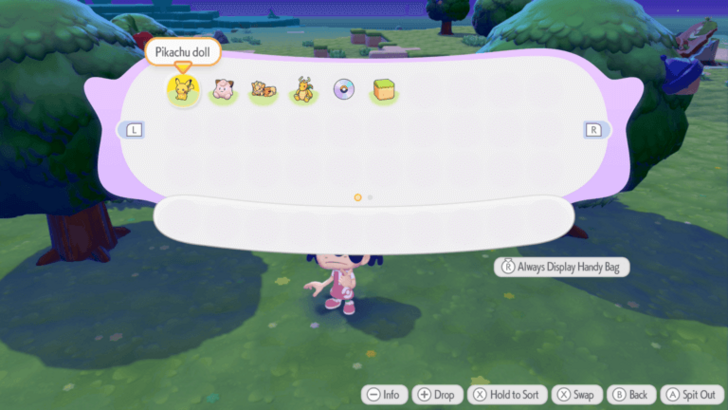
You will not have access to your main game's items in a Cloud Island. Instead, you will have a separate inventory exclusive to this game mode.
You cannot take Cloud Island items to the main game. The only exceptions are recipes, as players will permanently keep them as soon as they learn them.
Randomly Generated Layout
A Cloud Island's layout can be rerolled every time you recreate one. But keep in mind that there are no facilities installed in a Cloud Island, so you will have to establish them yourself.
Can You Change Your Island Map?
Pokemon From the Main Game May Join
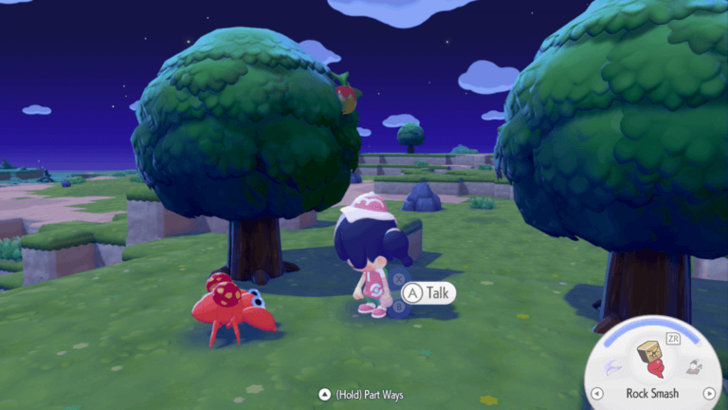
Pokemon that you have befriended in the main game may ask to accompany you to a Cloud Island. If you agree, they will join and follow you around.
You may take advantage of this Pokemon's Specialties for more convenient play.
List of Pokemon by Specialties
Pokemon Pokopia Related Guides

Beginner's Guide to Pokopia: Tips and Tricks
All Tips and Tricks
Comment



Author

Cloud Island Guide

Rankings
- We could not find the message board you were looking for.

Gaming News




![Nova Roma Review [Early Access] | Newer, Better, and More Confusing](https://img.game8.co/4455512/2cbf8926e9a1c72a3ff056088f801ef4.png/thumb)
Popular Games

Genshin Impact Walkthrough & Guides Wiki
Umamusume: Pretty Derby Walkthrough & Guides Wiki
Crimson Desert Walkthrough & Guides Wiki
Monster Hunter Stories 3: Twisted Reflection Walkthrough & Guides Wiki
Honkai: Star Rail Walkthrough & Guides Wiki
Pokemon Pokopia Walkthrough & Guides Wiki
The Seven Deadly Sins: Origin Walkthrough & Guides Wiki
Wuthering Waves Walkthrough & Guides Wiki
Zenless Zone Zero Walkthrough & Guides Wiki
Arknights: Endfield Walkthrough & Guides Wiki









Recommended Games
Fire Emblem Heroes (FEH) Walkthrough & Guides Wiki
Diablo 4: Vessel of Hatred Walkthrough & Guides Wiki
Cyberpunk 2077: Ultimate Edition Walkthrough & Guides Wiki
Yu-Gi-Oh! Master Duel Walkthrough & Guides Wiki
Super Smash Bros. Ultimate Walkthrough & Guides Wiki
Pokemon Brilliant Diamond and Shining Pearl (BDSP) Walkthrough & Guides Wiki
Elden Ring Shadow of the Erdtree Walkthrough & Guides Wiki
Monster Hunter World Walkthrough & Guides Wiki
The Legend of Zelda: Tears of the Kingdom Walkthrough & Guides Wiki
Persona 3 Reload Walkthrough & Guides Wiki










All rights reserved
©2025 Pokémon. ©1995–2025 Nintendo / Creatures Inc. / GAME FREAK inc. ©KOEI TECMO GAMES
The copyrights of videos of games used in our content and other intellectual property rights belong to the provider of the game.
The contents we provide on this site were created personally by members of the Game8 editorial department.
We refuse the right to reuse or repost content taken without our permission such as data or images to other sites.