
Time Travel Guide: How to Change the Time of Day
★ Tip: Use Frames to organize your Storage.
☆ Build Habitats with Ditto's Moves.
★ Build Houses and Structures for your Pokemon
☆ Increase Comfort & Environment Levels.
★ Redeem Mystery Gifts for free items & furniture.
☆ Limited Time Event: Befriend Hoppip until 3/24!

Adjust your Date and Time settings in the Nintendo Switch 2 to change the time of day in Pokemon Pokopia. Learn how to time travel, if there are penalties for time traveling, how to time travel backwards, and the specific times of day in this guide!
List of Contents
Time Traveling Guide
| How to Time Travel | |
|---|---|
| Forward | Backward |
How to Time Travel Forward
| How to Time Travel Forward | |
|---|---|
| 1 | 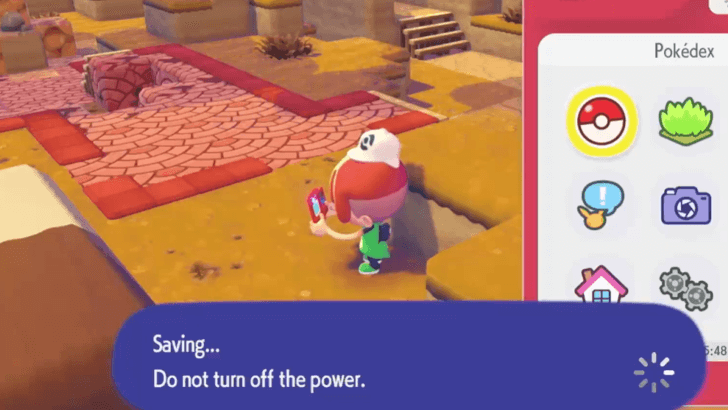 Save your game. Make sure to save before attempting to time travel so you don't lose your progress. |
| 2 | 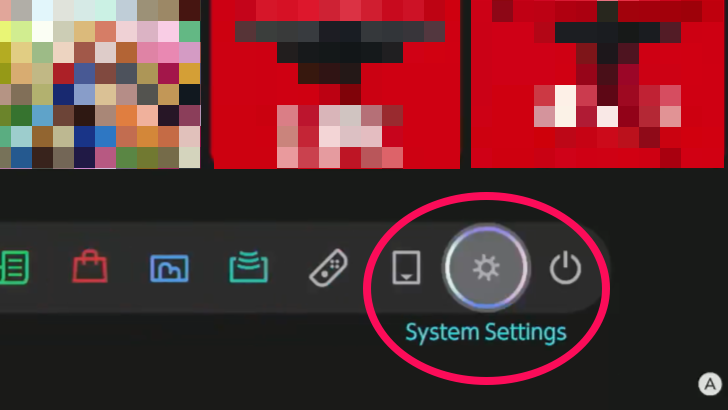 Select System Settings from the HOME screen. You do not need to close your game before accessing the menu. |
| 3 | 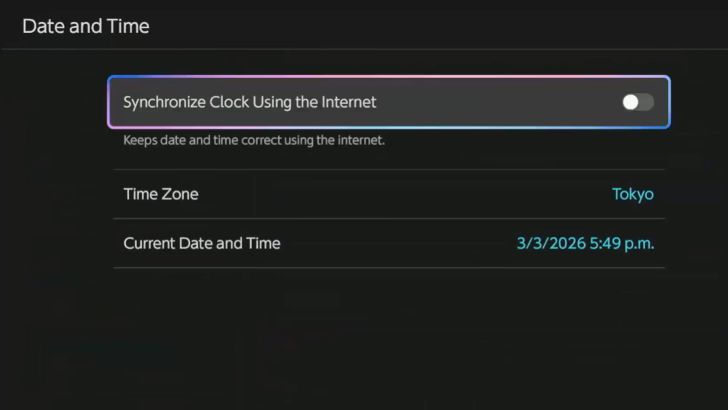 Go to Date and Time under the System menu. Make sure your 'Synchronize Clock Using the Internet' is switched to OFF. |
| 4 | 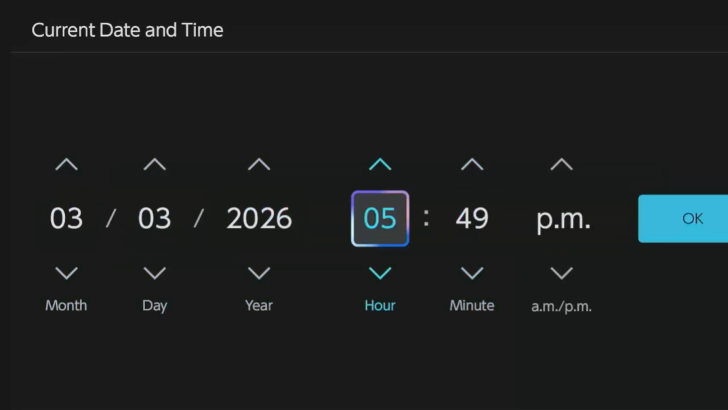 Manually adjust the Date and Time to your desired date in the future. Keep in mind that a new day starts at 5 AM, so you will need to travel to 5 AM to start the next day. |
| 5 | 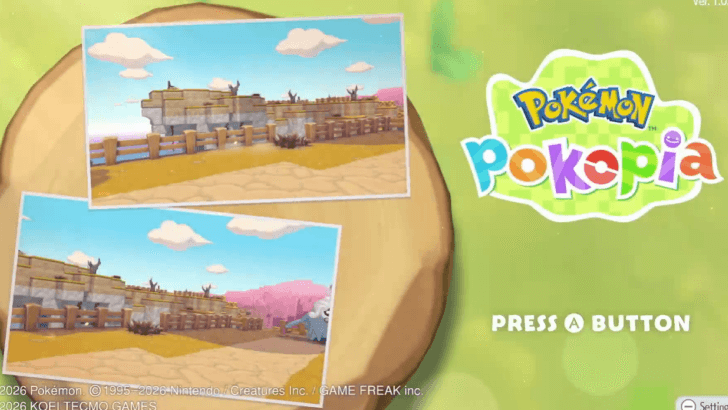 Start Pokemon Pokopia. When you start the game, the time should be adjusted. If you start from 5 AM, you will spawn back at your house to give the game a chance to reload the map. |
How to Time Travel Backwards
Time traveling backwards is similar to traveling forwards, except you must travel to a date prior to your intended date first.
| How to Time Travel Backwards | |
|---|---|
| 1 | Save your game. Make sure to save before attempting to time travel so you don't lose your progress. |
| 2 | Select System Settings from the HOME screen. You do not need to close your game before accessing the menu. |
| 3 | Go to Date and Time under the System menu. Make sure your 'Synchronize Clock Using the Internet' is switched to OFF. |
| 4 | 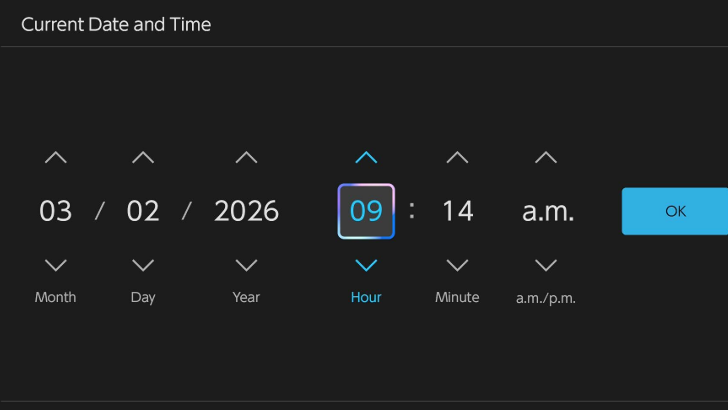 Manually adjust the Date and Time to at least a day before your desired date. Going backwards will not reverse your progress. You will still get to keep all your Pokemon and story progress. |
| 5 | Open Pokemon Pokopia briefly to let the game process the change. Afterwards, save and close again. |
| 6 | Go back to settings and time travel forward. This allows the game to buffer and process the change in dates. This way, if you missed an event, you can still play it to get the event items. |
How to Change the Time of Day
Adjust the Real Time Clock
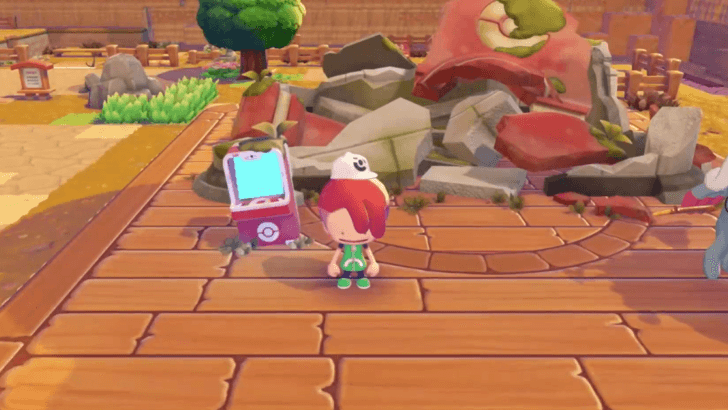
Pokemon Pokopia's time system follows real world time, so you will need to adjust the clock on your system device if you want to change the time of day in-game.
Time of Day is Fixed During the Tutorial
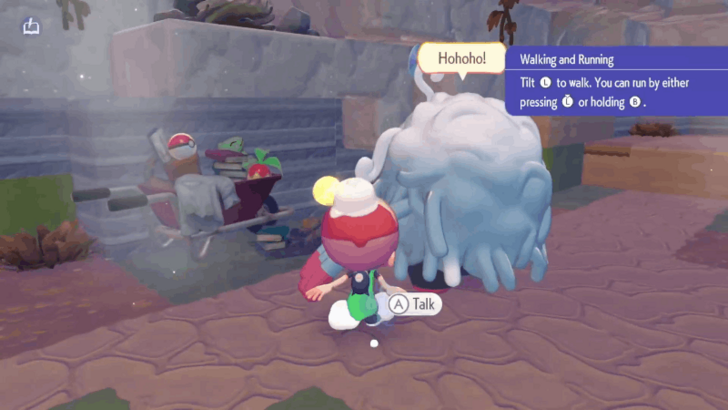
While doing the tutorial at the start of the game, the time of day will be fixed. Pokopia will not be synced with real world time until after Ditto falls asleep.
Day-Night Cycle
Time Changes in Pokemon Pokopia
| Time of Day | Time |
|---|---|
| Morning | 6 AM to 9 AM |
| Day | 9 AM to 5 PM |
| Dusk | 5 PM to 7 PM |
| Night | 7 PM to 6 AM |
The time of day in-game changes depending on a specific real world time. This is characterized by a change in the color of the sky, weather, and potentially, the kind of Pokemon you encounter.
New Day Starts at 5 AM
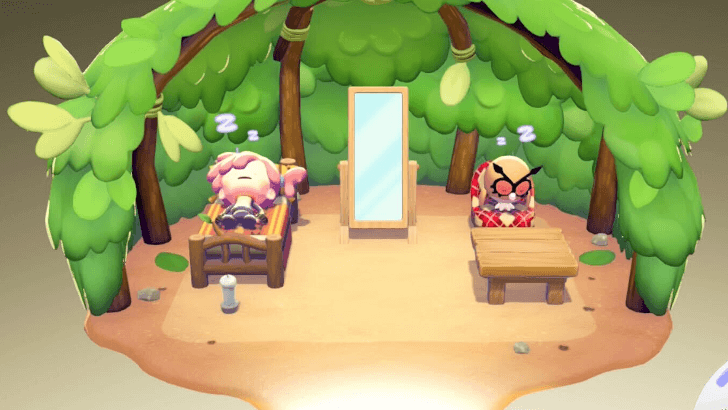
A new day for Pokopia starts at 5 AM. If you want to skip to the next day to fulfill time-locked tasks, make sure to time travel after 5 AM.
Are There Penalties for Time Travel?
No Penalties For Time Travel
There are no penalties for changing the time and day in Pokemon Pokopia. You will be able to play the game as normal after using the time skip.
Time Traveling Backwards Won't Work Until The Next Day
When you time travel backwards, the date and time will remain the same until you time travel forward to 5 AM the next day.
This means that in order to time travel backwards, you must travel to a date before your desired one, then time travel forward to your intended date.
What to Use Time Travel For
Encounter Exclusive Time-of-Day Pokemon
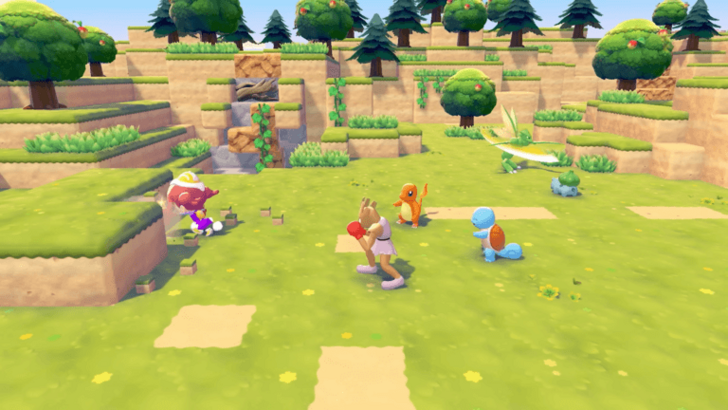
There are some Pokemon that appear only during specific times during the day. You can use time travel to be able to encounter and befriend them.
Habitat Dex: How to Build All Habitats
Speed Up Building Construction
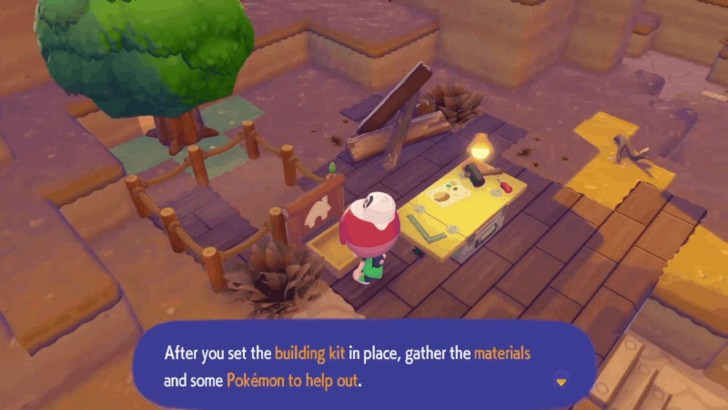
You can use time travel to speed up construction. This will allow you to finish building faster and progress through certain story points.
How to Build Houses and Structures
Waiting Time Depends on Building Size
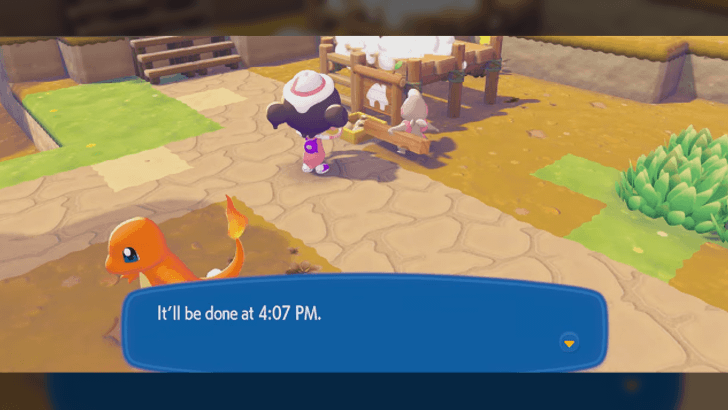
Construction times vary depending on the size of a building. Smaller structures such as Leaf Dens and Windmills, which require less material, take only 15 minutes to build.
Meanwhile, larger building kits such as cottages and Pokemon Centers take a whole day to complete. If the waiting time is less than a day, you may want to consider waiting it out.
List of Time Exclusive Pokemon
Night Time Only Pokemon
 Oddish
 Venonat
 Venomoth
 Hoothoot
 Noctowl
 Cacturne
 Zubat
Zubat Golbat
 Crobat
 Gastly
 Haunter
 Gengar
 Cleffa
 Clefairy
 Clefable
 Murkrow
 Honchkrow
 Misdreavus
 Mismagius
 Duskull
 Dusclops
 Dusknoir
 Umbreon
The above are the Pokemon that appear exclusively during night time only. Consider time traveling between 7 PM to 6 AM to encounter these Pokemon!
There do not appear to be any Pokemon exclusive to daytime or other times of day.
Full Pokopia Pokedex: List of All Pokemon
Pokemon Pokopia Related Guides

Beginner's Guide to Pokopia: Tips and Tricks
All Tips and Tricks
Comment



Author

Time Travel Guide: How to Change the Time of Day

Rankings
- We could not find the message board you were looking for.

Gaming News




![Nova Roma Review [Early Access] | Newer, Better, and More Confusing](https://img.game8.co/4455512/2cbf8926e9a1c72a3ff056088f801ef4.png/thumb)
Popular Games

Genshin Impact Walkthrough & Guides Wiki
Umamusume: Pretty Derby Walkthrough & Guides Wiki
Crimson Desert Walkthrough & Guides Wiki
Monster Hunter Stories 3: Twisted Reflection Walkthrough & Guides Wiki
Honkai: Star Rail Walkthrough & Guides Wiki
Pokemon Pokopia Walkthrough & Guides Wiki
The Seven Deadly Sins: Origin Walkthrough & Guides Wiki
Wuthering Waves Walkthrough & Guides Wiki
Zenless Zone Zero Walkthrough & Guides Wiki
Arknights: Endfield Walkthrough & Guides Wiki









Recommended Games
Fire Emblem Heroes (FEH) Walkthrough & Guides Wiki
Diablo 4: Vessel of Hatred Walkthrough & Guides Wiki
Cyberpunk 2077: Ultimate Edition Walkthrough & Guides Wiki
Yu-Gi-Oh! Master Duel Walkthrough & Guides Wiki
Super Smash Bros. Ultimate Walkthrough & Guides Wiki
Pokemon Brilliant Diamond and Shining Pearl (BDSP) Walkthrough & Guides Wiki
Elden Ring Shadow of the Erdtree Walkthrough & Guides Wiki
Monster Hunter World Walkthrough & Guides Wiki
The Legend of Zelda: Tears of the Kingdom Walkthrough & Guides Wiki
Persona 3 Reload Walkthrough & Guides Wiki










All rights reserved
©2025 Pokémon. ©1995–2025 Nintendo / Creatures Inc. / GAME FREAK inc. ©KOEI TECMO GAMES
The copyrights of videos of games used in our content and other intellectual property rights belong to the provider of the game.
The contents we provide on this site were created personally by members of the Game8 editorial department.
We refuse the right to reuse or repost content taken without our permission such as data or images to other sites.