
How to Play Jump Rope
★ Tip: Use Frames to organize your Storage.
☆ Build Habitats with Ditto's Moves.
★ Build Houses and Structures for your Pokemon
☆ Increase Comfort & Environment Levels.
★ Redeem Mystery Gifts for free items & furniture.
☆ Limited Time Event: Befriend Hoppip until 3/24!
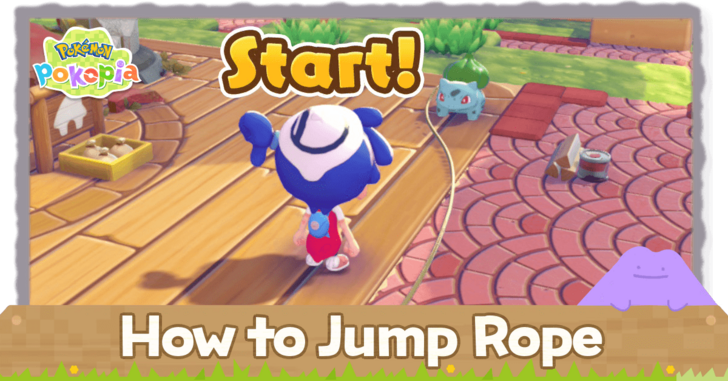
Jump Rope is a minigame that can be played with Bulbasaur in Pokemon Pokopia. Check out how to play and access the Jump Rope minigame in this guide!
List of Contents
How to Play Jump Rope
Talk to Bulbasaur
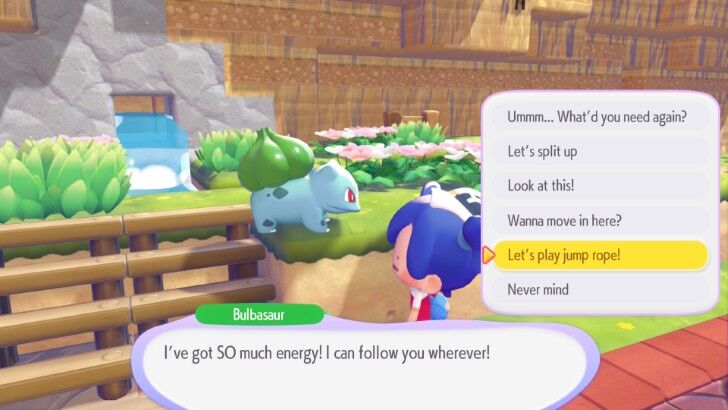
To play Jump Rope, talk to Bulbasaur after completing their habitat. Bulbasaur will use their vines as a Jump Rope during the minigame!
Bulbasaur Habitat and Specialty
Time the Jump
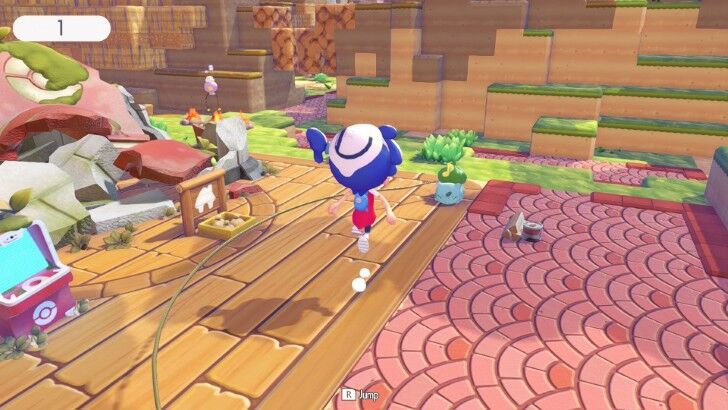
When the Rope nears the ground, press R to Jump. Take note that to time the Jump when the rope is roughly 30 degrees above the ground.
As you progress with your jump, the rope's speed will increase further.
Increases and Decreases Speed Periodically
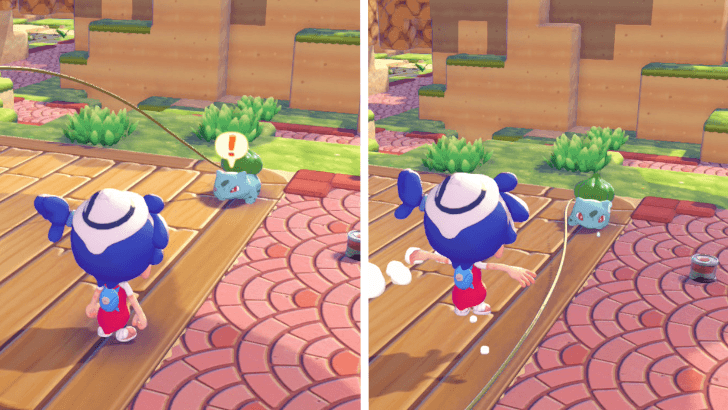
Bulbasaur will periodically increase and decrease the speed of the rope. This is indicated by the exclamation mark that will appear on top of Bulbasaur if it's going to speed up. Otherwise, Bulbasaur will sweat when decreasing the speed of the rope.
Get Friends to Adjust the Speed
 |
|
| Multiplayer Controls | |
|---|---|
 |
Speed Up |
 |
Slow Down |
If playing with friends in multiplayer, players who have touched Bulbasaur's rope and are out of the game can manipulate the speed of the rope.
If you want to give the remaining jumpers more of a challenge, you can press A to increase Bulbasaur's speed. Take note that the speed increase may not happen immediately.
On the other hand, pressing B allows you to slow down the speed of the rope, which can help players get a higher score but may also become a distraction if the rope slows down too much.
How to Access Jump Rope
Befriend Bulbasaur
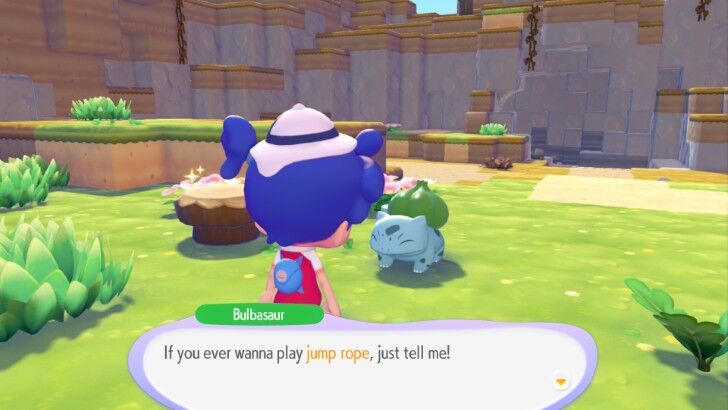
Raise Bulbasaur's comfort level and complete their Habitat in Withered Wasteland to access Bulbasaur's Jump Rope mini game! You can increase their comfort level by doing their requests when it comes up!
Available in Multiplayer Mode
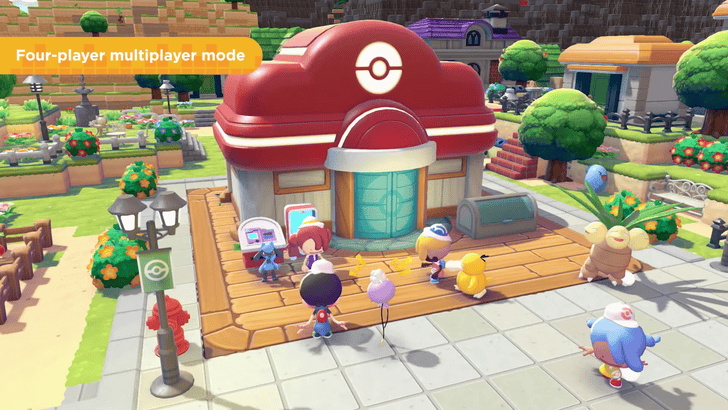
The Jump Rope minigame can also be played in Multiplayer mode, both online and local. It allows you to play the game with three other players.
However, do note that this minigame is not available with GameShare.
Jump Rope Rewards
Rewards Based on Number of Jumps
| Jumps | Reward |
|---|---|
| 10 |  Copper Ore
x1 Copper Ore
x1 |
| 50 |  Honey
x1 Honey
x1 |
| 100 |
Small Lost Relic
x1 |
For every milestone that you have achieved, the rewards that Bulbasaur will give you change; the higher the number of jumps, the better the prizes.
Jump Rope Event Has Different Rewards
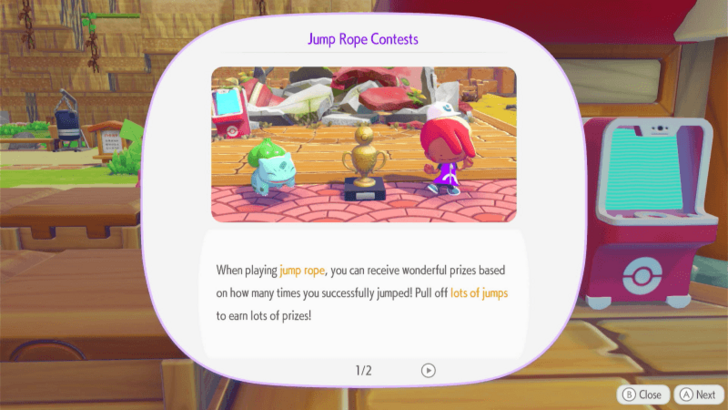
During Bulbasaur's Jump Rope Contest, there will be different rewards based on the number of your jumps, with a trophy being rewarded for getting 50 jumps and rare Pokemetal for getting over 100 jumps.
The next jump rope contest will be held on April 19, 2026.
Increased Comfort Level
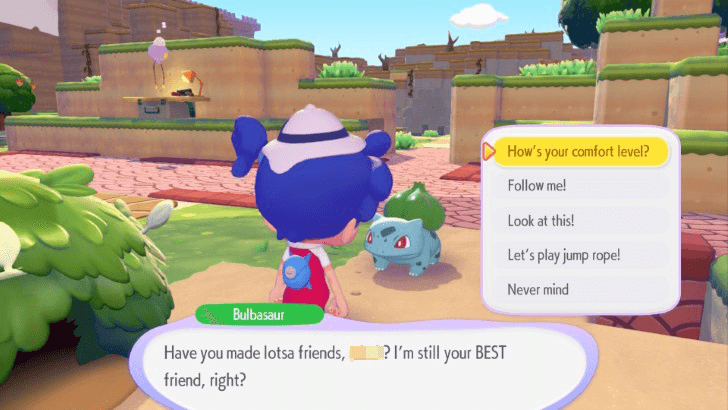
Finishing the Jump Rope minigame will increase the comfort level of Bulbasaur. However, do keep in mind that this is only applicable once a day.
Limited Rewards Everyday
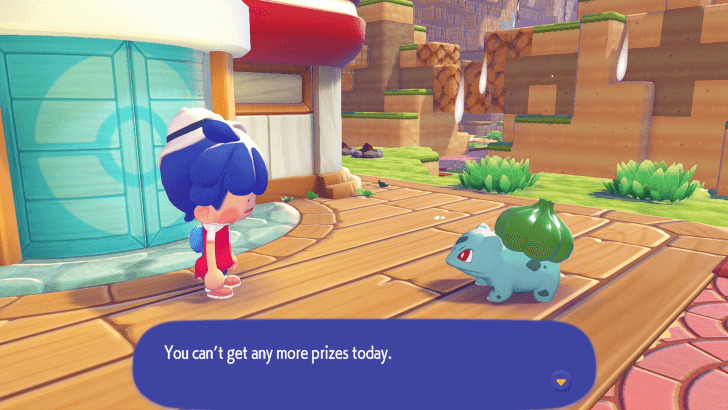
At a certain point, Bulbasaur will stop giving you prizes when playing Jump Rope with it. Roughly 20 games is the limit each day.
Pokemon Pokopia Related Guides

Beginner's Guide to Pokopia: Tips and Tricks
All Tips and Tricks
Comment



Author

How to Play Jump Rope

Rankings
- We could not find the message board you were looking for.

Gaming News




![Nova Roma Review [Early Access] | Newer, Better, and More Confusing](https://img.game8.co/4455512/2cbf8926e9a1c72a3ff056088f801ef4.png/thumb)
Popular Games

Genshin Impact Walkthrough & Guides Wiki
Umamusume: Pretty Derby Walkthrough & Guides Wiki
Crimson Desert Walkthrough & Guides Wiki
Monster Hunter Stories 3: Twisted Reflection Walkthrough & Guides Wiki
Honkai: Star Rail Walkthrough & Guides Wiki
Pokemon Pokopia Walkthrough & Guides Wiki
The Seven Deadly Sins: Origin Walkthrough & Guides Wiki
Wuthering Waves Walkthrough & Guides Wiki
Zenless Zone Zero Walkthrough & Guides Wiki
Arknights: Endfield Walkthrough & Guides Wiki









Recommended Games
Fire Emblem Heroes (FEH) Walkthrough & Guides Wiki
Diablo 4: Vessel of Hatred Walkthrough & Guides Wiki
Cyberpunk 2077: Ultimate Edition Walkthrough & Guides Wiki
Yu-Gi-Oh! Master Duel Walkthrough & Guides Wiki
Super Smash Bros. Ultimate Walkthrough & Guides Wiki
Pokemon Brilliant Diamond and Shining Pearl (BDSP) Walkthrough & Guides Wiki
Elden Ring Shadow of the Erdtree Walkthrough & Guides Wiki
Monster Hunter World Walkthrough & Guides Wiki
The Legend of Zelda: Tears of the Kingdom Walkthrough & Guides Wiki
Persona 3 Reload Walkthrough & Guides Wiki










All rights reserved
©2025 Pokémon. ©1995–2025 Nintendo / Creatures Inc. / GAME FREAK inc. ©KOEI TECMO GAMES
The copyrights of videos of games used in our content and other intellectual property rights belong to the provider of the game.
The contents we provide on this site were created personally by members of the Game8 editorial department.
We refuse the right to reuse or repost content taken without our permission such as data or images to other sites.