
How to Unlock Palette Town
★ Tip: Use Frames to organize your Storage.
☆ Build Habitats with Ditto's Moves.
★ Build Houses and Structures for your Pokemon
☆ Increase Comfort & Environment Levels.
★ Redeem Mystery Gifts for free items & furniture.
☆ Limited Time Event: Befriend Hoppip until 3/24!
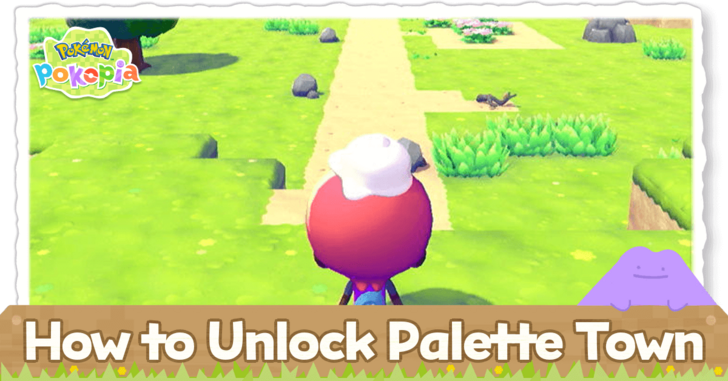
Palette Town is a unique area where you can use GameShare in Pokemon Pokopia. Read on to learn how to unlock Palette Town, what you can do in this area, and if this is Pallet Town from the original games.
List of Contents
How to Unlock Palette Town
|
|
 Unlock Rock Smash
Unlock Rock Smash
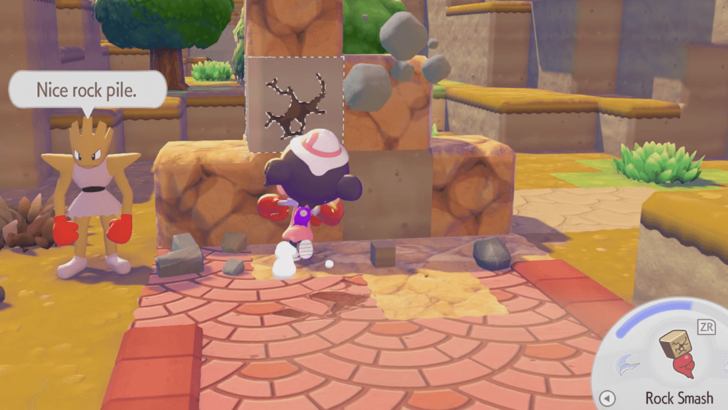
To access the area that leads to Palette Town, you will need to learn Rock Smash. To do this, you will have to befriend Hitmonchan by creating their habitat.
Head to the West Area of Withered Wasteland
To the west of the Whithering Wasteland Pokemon center is a stack of blocks that you will have to break with Rock Smash. Once that area is cleared, you may go forward until you reach the sea, and then turn left until you see the broken bridge.
Make a Bridge With Blocks
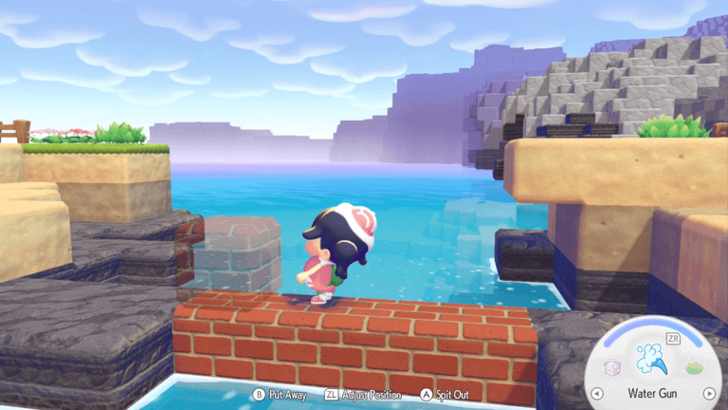
In order to get to the other side, you will need a path to walk on. Bring blocks from your inventory in order to create a bridge to safely cross the gap.
Before entering Palette Town, you may get a warning. It will say that it is recommended that you gain more knowledge in the game before you proceed. You can choose to still go forward regardless.
Complete a Cutscene to Unlock All Features
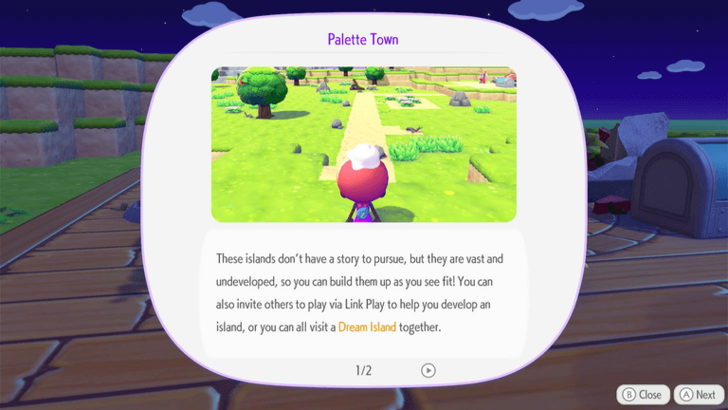
You will need to boot up the Palette Town PC and befriend Eevee before you are able to unlock GameShare and other multiplayer features. You will also be able to rename the town during this process.
Video Guide
What to Do in Palette Town
Play With GameShare
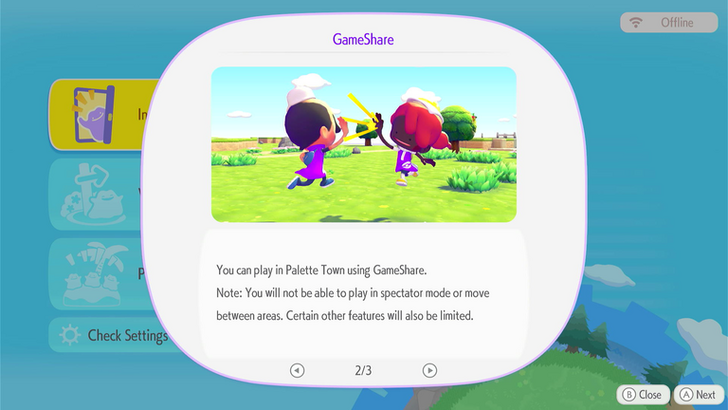
GameShare is a feature that allows you to share the game for free with another console. This is a multiplayer option you can opt for if you are playing with someone who does not own the game, whether they have a Switch 1 or Switch 2.
Palette Town is the only location in the game where you can play with GameShare. If you have friends who do not have the game, you can play together with them here.
Befriend New Pokemon
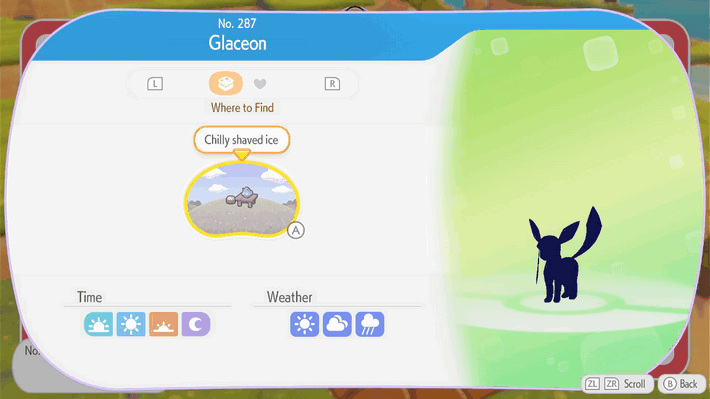
Like any other area in the game, you may create habitats in Palette Town in order to find new Pokemon. You can also receive Pokedex entries for the Eeveelutions in order to learn what habitats you need to build for them.
List of All Palette Town Pokemon
Bring Pokemon From Other Areas
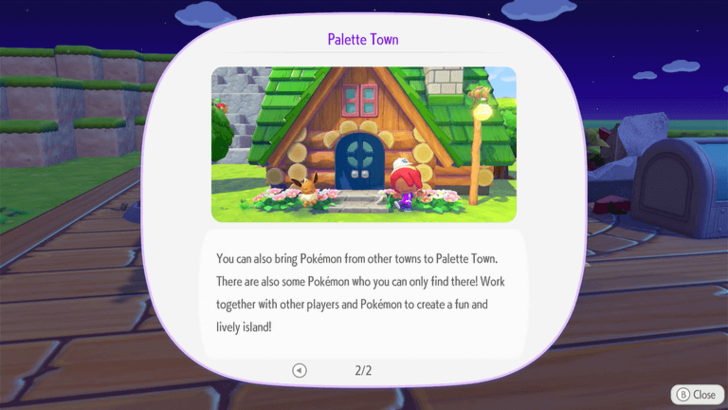
You may bring Pokemon from other areas to Palette Town. You may do this to keep all your favorites in one place, or for GameShare players to interact with the Pokemon that they like.
How to Move Pokemon Between Areas
Build Houses and Buildings
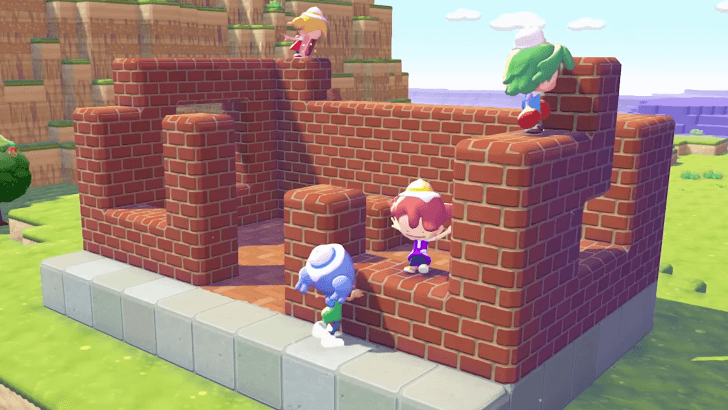
GameShare players cannot contribute to building pre-made structures because of their limitations. However, they can still destroy and place blocks. Build houses and other structures in Palette Town block by block in order to create something unique.
How to Build Houses and Structures
What is Palette Town?
May Be Pallet Town From the Kanto Region
Pokopia's setting is heavily implied to be a post-apocalyptic Kanto Region. Due to their name similarities, Palette Town may be the same as Pallet Town from the original Kanto Games.
Dedicated Sandbox Area
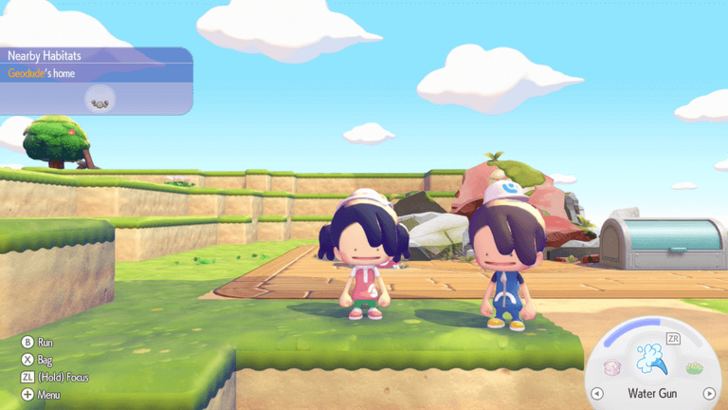
Palette Town is the only area in the main game that is not connected to the story. Players will have the most freedom in shaping this area, as they will not need to worry about any important requests.
Pokemon Pokopia Related Guides

Beginner's Guide to Pokopia: Tips and Tricks
All Tips and Tricks
Comment



Author

How to Unlock Palette Town

Rankings
- We could not find the message board you were looking for.

Gaming News




![Nova Roma Review [Early Access] | Newer, Better, and More Confusing](https://img.game8.co/4455512/2cbf8926e9a1c72a3ff056088f801ef4.png/thumb)
Popular Games

Genshin Impact Walkthrough & Guides Wiki
Umamusume: Pretty Derby Walkthrough & Guides Wiki
Crimson Desert Walkthrough & Guides Wiki
Monster Hunter Stories 3: Twisted Reflection Walkthrough & Guides Wiki
Honkai: Star Rail Walkthrough & Guides Wiki
Pokemon Pokopia Walkthrough & Guides Wiki
The Seven Deadly Sins: Origin Walkthrough & Guides Wiki
Wuthering Waves Walkthrough & Guides Wiki
Zenless Zone Zero Walkthrough & Guides Wiki
Arknights: Endfield Walkthrough & Guides Wiki









Recommended Games
Fire Emblem Heroes (FEH) Walkthrough & Guides Wiki
Diablo 4: Vessel of Hatred Walkthrough & Guides Wiki
Cyberpunk 2077: Ultimate Edition Walkthrough & Guides Wiki
Yu-Gi-Oh! Master Duel Walkthrough & Guides Wiki
Super Smash Bros. Ultimate Walkthrough & Guides Wiki
Pokemon Brilliant Diamond and Shining Pearl (BDSP) Walkthrough & Guides Wiki
Elden Ring Shadow of the Erdtree Walkthrough & Guides Wiki
Monster Hunter World Walkthrough & Guides Wiki
The Legend of Zelda: Tears of the Kingdom Walkthrough & Guides Wiki
Persona 3 Reload Walkthrough & Guides Wiki










All rights reserved
©2025 Pokémon. ©1995–2025 Nintendo / Creatures Inc. / GAME FREAK inc. ©KOEI TECMO GAMES
The copyrights of videos of games used in our content and other intellectual property rights belong to the provider of the game.
The contents we provide on this site were created personally by members of the Game8 editorial department.
We refuse the right to reuse or repost content taken without our permission such as data or images to other sites.