
How to Rebuild the Pokemon Center
★ Tip: Use Frames to organize your Storage.
☆ Build Habitats with Ditto's Moves.
★ Build Houses and Structures for your Pokemon
☆ Increase Comfort & Environment Levels.
★ Redeem Mystery Gifts for free items & furniture.
☆ Limited Time Event: Befriend Hoppip until 3/24!
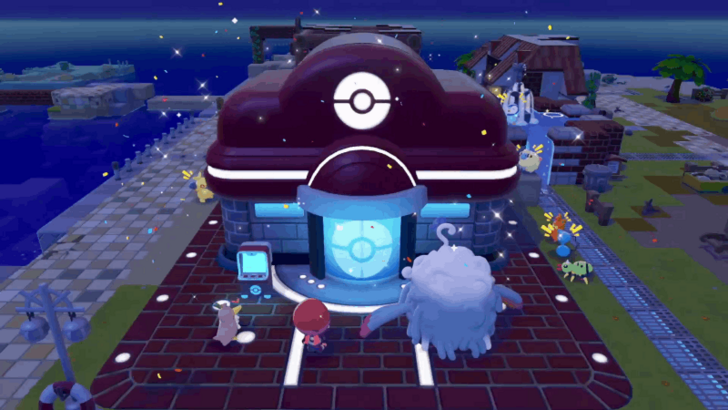
Rebuild the Pokemon Centers in each biome by purchasing a rebuilding kit and getting the required materials and Pokemon in Pokemon Pokopia. Read on to learn how to rebuild the Pokemon Center, the Pokemon Center's features, and how to remodel the Pokemon Center.
List of Contents
How to Rebuild the Pokemon Center
- Increase Environment Level to 3
- Purchase the Pokemon Center Repair Kit
- Collect the Required Materials
- Bring the Required Pokemon
- Wait Until the Pokemon Center is Rebuilt
Increase the Biome's Environment Level to 3
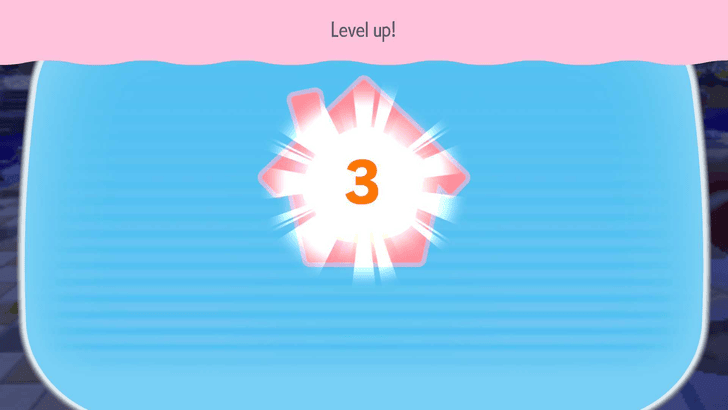
To unlock the request to repair the Pokemon Center, you will first need to increase the area's Environment Level to 3. This can be done by building more habitats to meet new Pokemon and increasing the Comfort Levels of befriended Pokemon.
Once this is done, Professor Tangrowth will give you the important request to rebuild the Pokemon Center. If you do not get the request, you may need to progress the story further.
How to Raise Environment Level
Purchase the Pokemon Center Rebuilding Kit
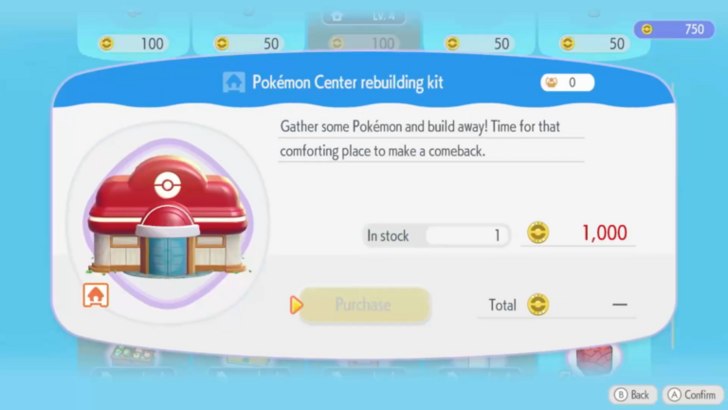
After you increase your Environment Level, you will be able to purchase the Pokemon Center rebuilding kit from the Shop. You can purchase it for 1000 Life Coins.
You may obtain more Life Coins by completing Challenges or participating in the Stamp Rally.
Money Farming Guide: How to Earn Life Coins
Collect the Required Materials
| Biome | Materials Required |
|---|---|
 Withered Wasteland Withered Wasteland |
 Lumber
x20 Lumber
x20 Stone
x20 Stone
x20  Leaf
x20 Leaf
x20  Vine Rope
x20 Vine Rope
x20 |
 Bleak Beach Bleak Beach |
 Twine
x10 Twine
x10  Brick
x20 Brick
x20  Iron Ore
x5 Iron Ore
x5 |
 Rocky Ridges Rocky Ridges |
Stone
x25  Copper Ingot
x25 Copper Ingot
x25  Iron Ingot
x25 Iron Ingot
x25 |
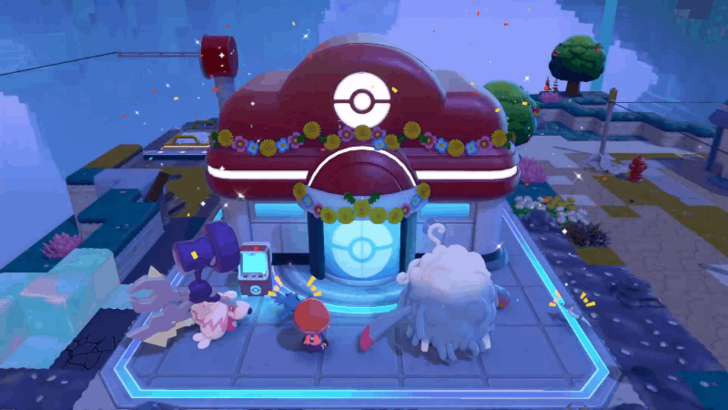 Sparkling Skylands Sparkling Skylands |
 Pokemetal
x25 Pokemetal
x25  Concrete
x25 Concrete
x25  Glass
x25 Glass
x25  Gold Ingot
x25 Gold Ingot
x25 |
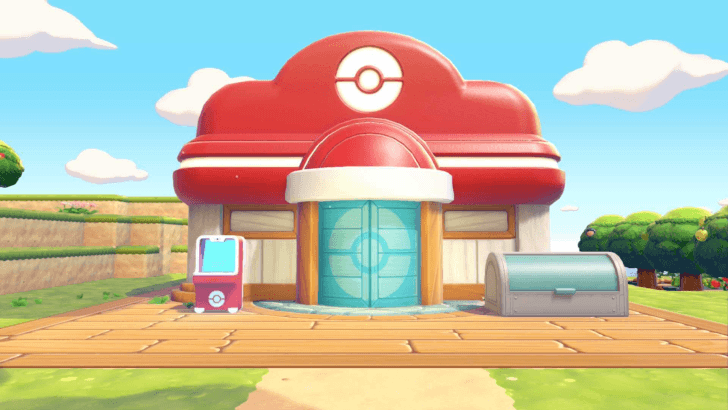 Palette Town Palette Town |
Lumber
x20 Stone
x20 Leaf
x20 Vine Rope
x20 |
 Sea Glass Fragments
 Crystal Fragment
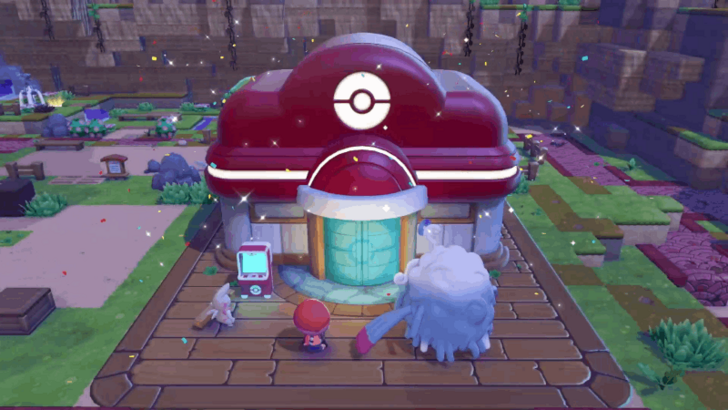
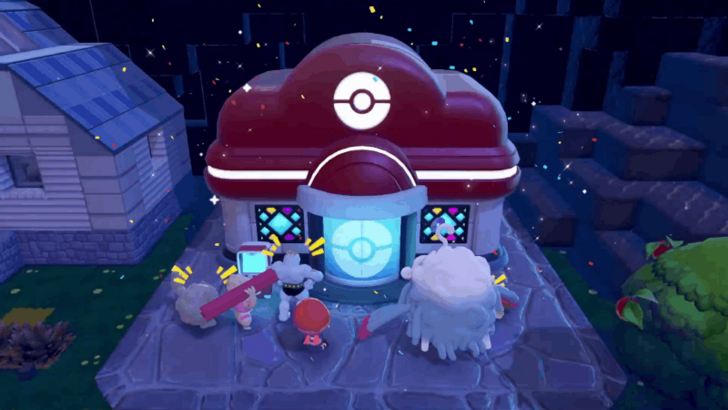
Once you purchase the rebuilding kit, it will immediately be placed in front of the Pokemon Center. You may stand near the kit in order to see the requirements for rebuilding and deposit the required materials into the kit.
How to Build Houses and Structures
Bring the Required Pokemon
| Biome | Specialties Required | # of Additional Pokemon Needed |
|---|---|---|
| Withered Wasteland | ·
 Bulldoze Bulldoze
·
 Build Build
·
 Chop Chop
|
5 |
| Bleak Beach | ·
Bulldoze
·
Build
·
 Water Water
|
5 |
| Rocky Ridges | ·
Bulldoze
·
Build
·
 Crush Crush
|
5 |
| Sparkling Skylands | ·
Bulldoze
·
Build
·
 Gather Gather
|
5 |
| Palette Town | ·
Bulldoze
·
Build
·
Chop
|
5 |
You will need to bring 8 Pokemon that suit the requirements in order to rebuild the Pokemon Center. You will need to ask them to follow you, bring them to the building, and make a request.
If you do not have the required Pokemon yet, you may need to build more habitats and progress through the story.
List of Pokemon by Specialties
Wait Until the Pokemon Center is Rebuilt
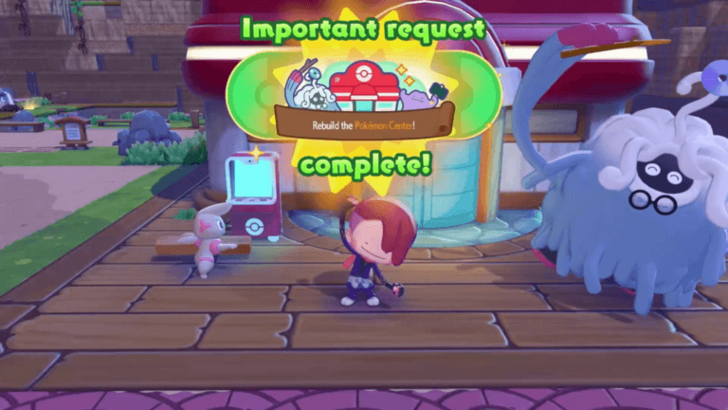
Once you have all the requirements, you will need to wait until the next day. You may let this rebuild in real time, but you may also change your system's clock to the next day if you want to finish it immediately.
Pokemon Center Features
Heal Your Power Points (PP)
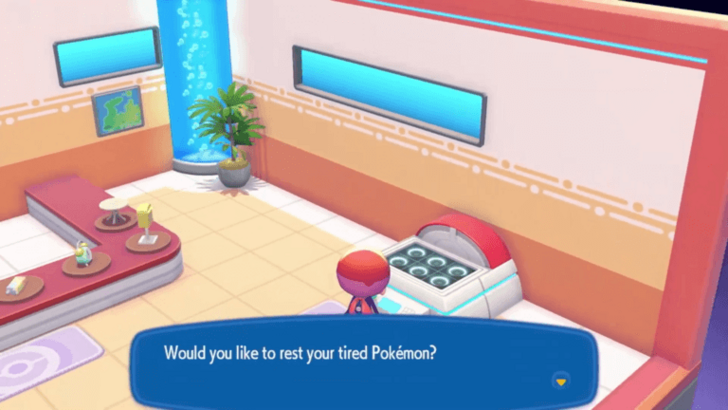
On the right side of the Pokemon Center interior, you will find the healing machine. You may use this to recover your Power Points or PP, which will allow you to use your Moves.
Copy Items With the 3D Printer
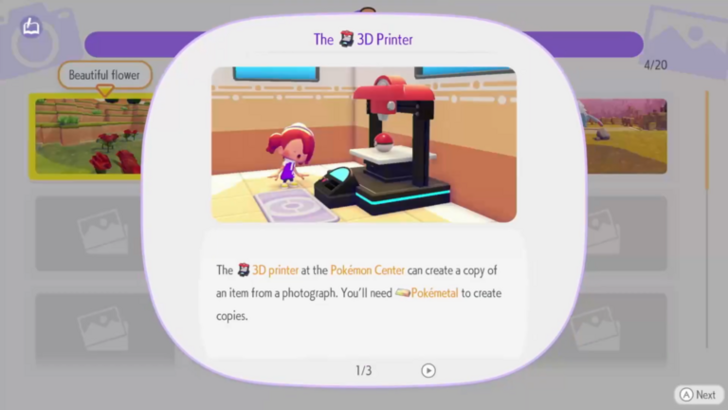
The 3D Printer is found on the left side of the Pokemon Center interior. This machine can duplicate any item that you have a reference photo of in exchange for Pokemetal.
Items from Dream Islands, as well as items the worlds of other players, can be copied.
3D Printer Guide: Best Things to Copy
Trade For Items
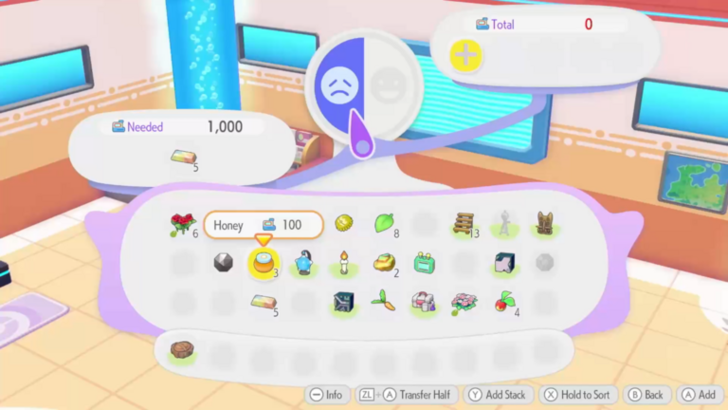
If a Pokemon with the Trade Specialty is in the Pokemon Center, they may offer you items for trading. You may give them items of similar or higher value in order to obtain what you want.
How to Remodel the Pokemon Center
Get a Level 10 Pokemon Center Kit
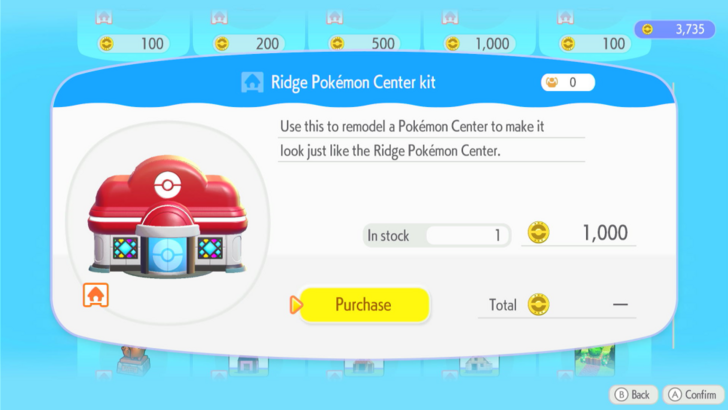
Upon reaching Environment Level 10 in a biome, you will unlock a Pokemon Center Kit corresponding to that biome's Pokemon Center design.
You can purchase this kit for 1000 Life Coins from the PC Shop, and use it on any other biome's Pokemon Center to change that Pokemon Center's design. These kits will only work on fully rebuilt Pokemon Centers, so you still have to build that area's original Pokemon Center before you can change its design.
Pokemon Pokopia Related Guides

Beginner's Guide to Pokopia: Tips and Tricks
All Tips and Tricks
Comment



Author

How to Rebuild the Pokemon Center

Rankings
- We could not find the message board you were looking for.

Gaming News




![Nova Roma Review [Early Access] | Newer, Better, and More Confusing](https://img.game8.co/4455512/2cbf8926e9a1c72a3ff056088f801ef4.png/thumb)
Popular Games

Genshin Impact Walkthrough & Guides Wiki
Umamusume: Pretty Derby Walkthrough & Guides Wiki
Crimson Desert Walkthrough & Guides Wiki
Monster Hunter Stories 3: Twisted Reflection Walkthrough & Guides Wiki
Honkai: Star Rail Walkthrough & Guides Wiki
Pokemon Pokopia Walkthrough & Guides Wiki
The Seven Deadly Sins: Origin Walkthrough & Guides Wiki
Wuthering Waves Walkthrough & Guides Wiki
Zenless Zone Zero Walkthrough & Guides Wiki
Arknights: Endfield Walkthrough & Guides Wiki









Recommended Games
Fire Emblem Heroes (FEH) Walkthrough & Guides Wiki
Diablo 4: Vessel of Hatred Walkthrough & Guides Wiki
Cyberpunk 2077: Ultimate Edition Walkthrough & Guides Wiki
Yu-Gi-Oh! Master Duel Walkthrough & Guides Wiki
Super Smash Bros. Ultimate Walkthrough & Guides Wiki
Pokemon Brilliant Diamond and Shining Pearl (BDSP) Walkthrough & Guides Wiki
Elden Ring Shadow of the Erdtree Walkthrough & Guides Wiki
Monster Hunter World Walkthrough & Guides Wiki
The Legend of Zelda: Tears of the Kingdom Walkthrough & Guides Wiki
Persona 3 Reload Walkthrough & Guides Wiki










All rights reserved
©2025 Pokémon. ©1995–2025 Nintendo / Creatures Inc. / GAME FREAK inc. ©KOEI TECMO GAMES
The copyrights of videos of games used in our content and other intellectual property rights belong to the provider of the game.
The contents we provide on this site were created personally by members of the Game8 editorial department.
We refuse the right to reuse or repost content taken without our permission such as data or images to other sites.