
List of All Moves
★ Tip: Use Frames to organize your Storage.
☆ Build Habitats with Ditto's Moves.
★ Build Houses and Structures for your Pokemon
☆ Increase Comfort & Environment Levels.
★ Redeem Mystery Gifts for free items & furniture.
☆ Limited Time Event: Befriend Hoppip until 3/24!
Moves can be used to change the terrain, create habitats, and travel to different areas in Pokemon Pokopia. Read on for a list of all moves, as well as how to use them.
List of All Moves
List of Regular Moves and Effects
| Move | Required Pokemon | Effect |
|---|---|---|
 Leafage Leafage |
Bulbasaur | Create patches of tall grass. |
 Water Gun Water Gun |
Squirtle | Revitalize dried up plants and terrain. Can also be used to water crops. |
 Cut Cut |
Scyther | Cut grass and lumber in order to get materials. |
 Rock Smash Rock Smash |
Hitmonchan | Destroy blocks of terrain and get materials. |
 Rototiller Rototiller |
Drilbur | Till fields that create soil you can plant on. This can also be used to move flower beds and crops. |
 Jump Jump |
Magikarp | Spring upward to traverse islands and mountains easily. |
 Strength Strength |
Machoke | Push and pull objects out of the way, allowing you to pass or bring heavy objects in specific locations. |
 Suck Suck |
Paldean Wooper | Suck up liquids to carry them, and spit them out elsewhere to create a new water source. |
Listed above are moves that players can use regularly. They can be found in the move wheel in the UI at most times, though some moves may also be integrated with the regular controls.
List of Controller and Mouse Mode Controls
List of Transformation Moves and Effects
| Move | Required Pokemon | Effect |
|---|---|---|
 Surf Surf |
Lapras | Travel across the water while transformed as Lapras. |
 Waterfall Waterfall |
Gyarados | Climb up waterfalls while transformed as Lapras. |
 Camouflage Camouflage |
Zorua | Transform into a nearby object. |
 Rollout Rollout |
Graveler | Transform into Graveler to move around faster. |
 Glide Glide |
Dragonite | Glide down from a high place while transformed as Dragonite. |
 Magnet Rise Magnet Rise (Post-Game Only) |
Magnemite | Hover in the air as Magnemite. |
Listed above are moves that require specific conditions to use. They transform your Ditto for the duration of the move being used.
What to Do With Moves
|
|
 Create Habitats
Create Habitats
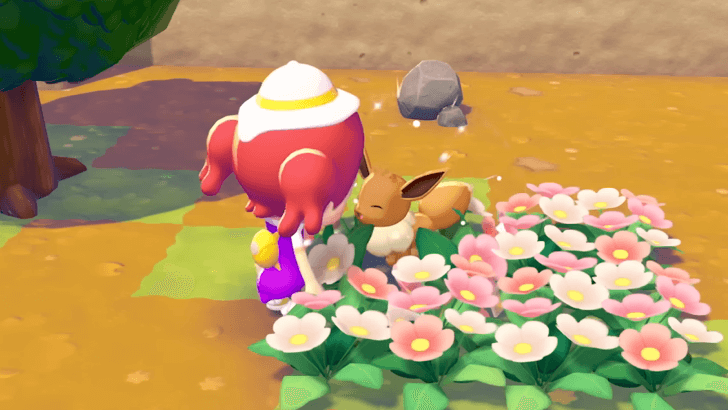
You will meet Pokemon after creating a habitat that they can spawn in. To do this, you will need to use moves in order to create the terrain and items that are required.
How to Build Every Type of Habitat
Change the Terrain
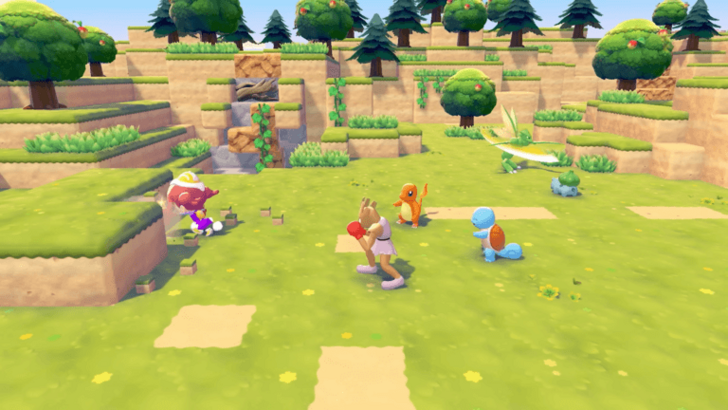
Moves can be used in order to alter the environment. This includes revitalizing wilted greenery, making tall grass patches, and removing blocks of terrain.
Doing this can help in shaping the town you want to build, as well as lead you to discover new areas and characters.
Gather Materials
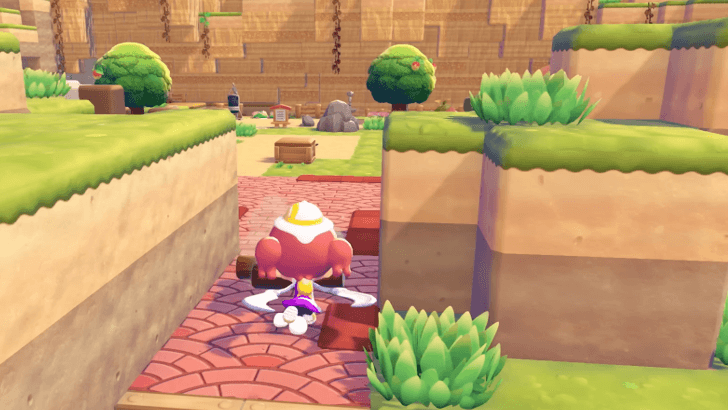
In order to craft items, you will need the right materials. You may need to use moves to obtain the grass or lumber that you need.
Travel to Different Areas
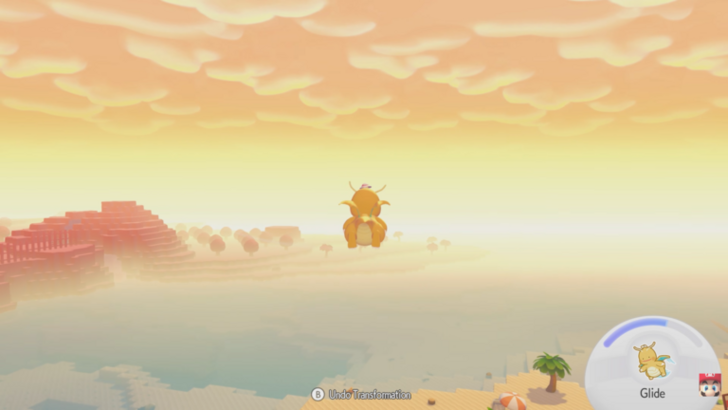
You may also use moves in order to travel to different areas. Surfing through the water and gliding through the air can bring you to places you may not be able to reach by just walking.
You may also use moves to destroy blocks and place them elsewhere. This will allow you to create bridges for easier movement.
Use Magnet Rise to Fly in Post-Game
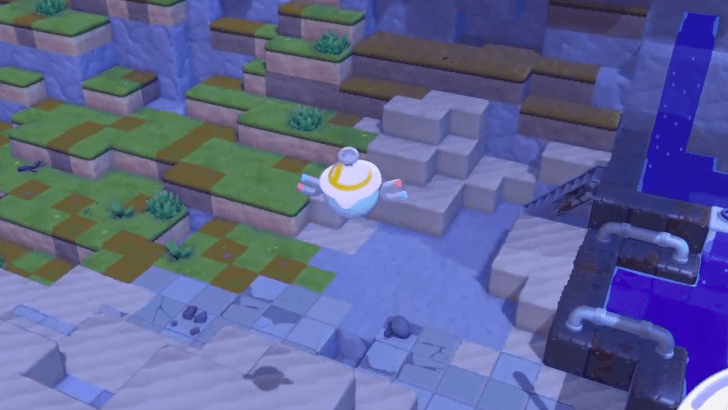
If you fulfill Magnemite's request to move it into a factory storage habitat during Post-Game, you will be able to hover around and fly over terrain, making travel easier.
Empower Moves With Food
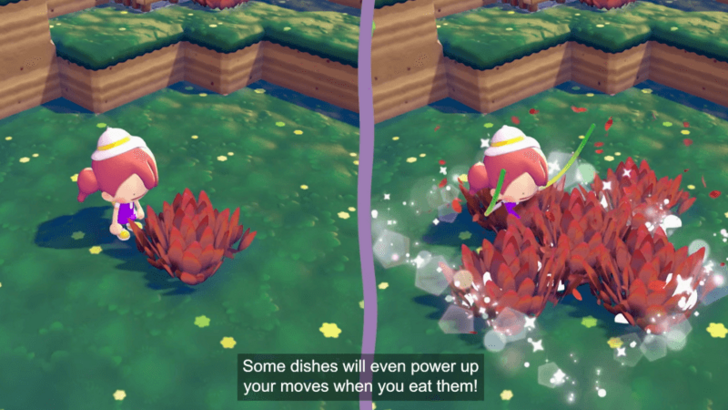
If you eat food that you cook, you will be able to empower the moves that you use. For example, instead of terraforming one tile at a time, you be able to do it in a cross shape pattern instead!
How to Use Moves
Press the ZR Button
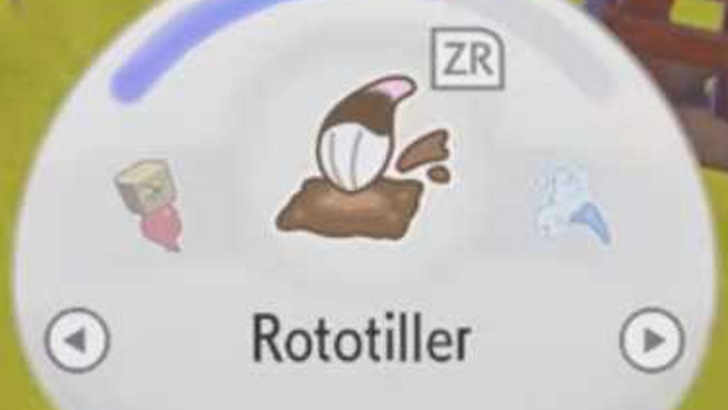
Players will need to press the ZR Button to use a regular move move. They will also need to switch between moves in order to be able to do various things.
List of Controller and Mouse Mode Controls
Transform While in Certain Areas
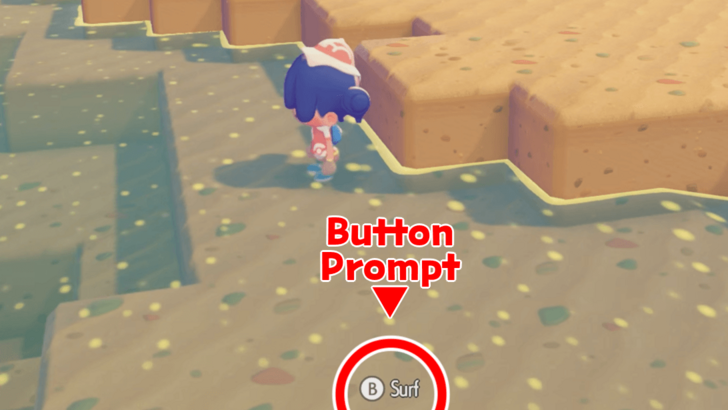
Some moves are not part of the move options menu. You may need to move to an area that has the correct conditions to use the move. There, you can use the button prompt to transform and use the move
Moves Use Up PP
There is a curved bar shown above the Moves in the UI. The blue part of the bar represents the player's PP or Power Points. You will need enough PP to use moves, so it is best to manage your move usage wisely.
Restore PP With Leppa Berries
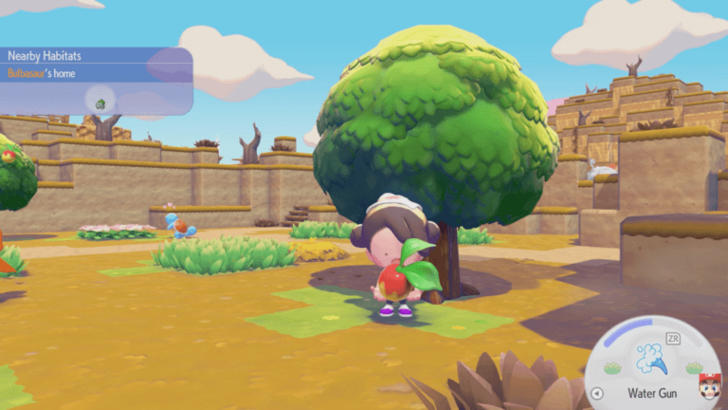
You may restore PP by eating Leppa Berries. They can be obtained through headbutting Leppa Berry trees or receiving them from other Pokemon.
To eat a Leppa Berry, you must first open your Bag. Select the Leppa Berry to take it out, and then eat it.
Pokemon Pokopia Related Guides

Pokemon Pokopia Guides by Category
 Walkthrough Walkthrough
|
 Pokemon Pokemon |
 News and Game Info News and Game Info |
 Habitat Habitat |
 Crafting Crafting |
 Tips and Tricks Tips and Tricks |
 Moves Moves |
 Materials Materials |
 Items Items |
 NPCs NPCs |
 Areas and Biomes Areas and Biomes |
 Requests Requests |
 Specialties Specialties |
 Ancient Artifacts Ancient Artifacts |
 Human Records Human Records |
 Highlight Reels Highlight Reels |
 Events Events |
- |
Message Boards
| Cloud Island Sharing Board | - |
Comment



Author

List of All Moves

Rankings
- We could not find the message board you were looking for.

Gaming News



![Nova Roma Review [Early Access] | Newer, Better, and More Confusing](https://img.game8.co/4455512/2cbf8926e9a1c72a3ff056088f801ef4.png/thumb)

Popular Games

Genshin Impact Walkthrough & Guides Wiki
Umamusume: Pretty Derby Walkthrough & Guides Wiki
Crimson Desert Walkthrough & Guides Wiki
Monster Hunter Stories 3: Twisted Reflection Walkthrough & Guides Wiki
Honkai: Star Rail Walkthrough & Guides Wiki
Pokemon Pokopia Walkthrough & Guides Wiki
The Seven Deadly Sins: Origin Walkthrough & Guides Wiki
Wuthering Waves Walkthrough & Guides Wiki
Zenless Zone Zero Walkthrough & Guides Wiki
Arknights: Endfield Walkthrough & Guides Wiki









Recommended Games
Fire Emblem Heroes (FEH) Walkthrough & Guides Wiki
Diablo 4: Vessel of Hatred Walkthrough & Guides Wiki
Cyberpunk 2077: Ultimate Edition Walkthrough & Guides Wiki
Yu-Gi-Oh! Master Duel Walkthrough & Guides Wiki
Super Smash Bros. Ultimate Walkthrough & Guides Wiki
Pokemon Brilliant Diamond and Shining Pearl (BDSP) Walkthrough & Guides Wiki
Elden Ring Shadow of the Erdtree Walkthrough & Guides Wiki
Monster Hunter World Walkthrough & Guides Wiki
The Legend of Zelda: Tears of the Kingdom Walkthrough & Guides Wiki
Persona 3 Reload Walkthrough & Guides Wiki










All rights reserved
©2025 Pokémon. ©1995–2025 Nintendo / Creatures Inc. / GAME FREAK inc. ©KOEI TECMO GAMES
The copyrights of videos of games used in our content and other intellectual property rights belong to the provider of the game.
The contents we provide on this site were created personally by members of the Game8 editorial department.
We refuse the right to reuse or repost content taken without our permission such as data or images to other sites.