
How to Build Houses and Structures
★ Tip: Use Frames to organize your Storage.
☆ Build Habitats with Ditto's Moves.
★ Build Houses and Structures for your Pokemon
☆ Increase Comfort & Environment Levels.
★ Redeem Mystery Gifts for free items & furniture.
☆ Limited Time Event: Befriend Hoppip until 3/24!
Houses can be built using either blocks or building kits in Pokemon Pokopia. See how to build different houses and structures, the requirements for a building to count as a house, and how to give Pokemon houses in this guide!
List of Contents
How to Build Houses and Structures
| Building Methods | |
|---|---|
| Using Blocks | Using Building Kits |
Build Using Blocks
House Requirements and Qualifications
 |
| Basic House Requirements |
|---|
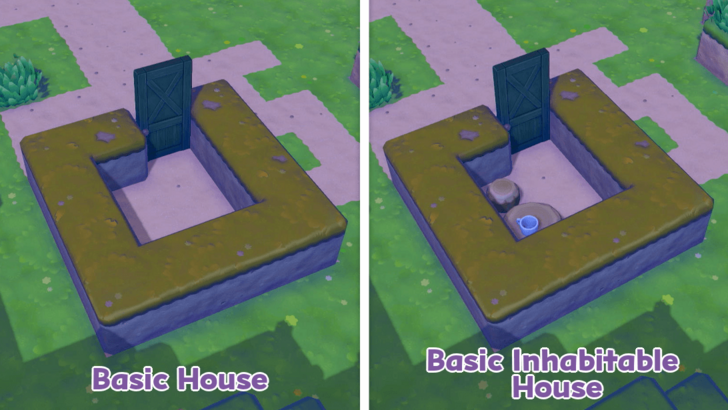
 At least a 2x2 enclosed space Maximum 10x9 enclosed space Must have a door or gate Walls can be blocks or fences Add 3 furniture pieces to be inhabitable At least a 2x2 enclosed space Maximum 10x9 enclosed space Must have a door or gate Walls can be blocks or fences Add 3 furniture pieces to be inhabitable |
You can make a house or a building simply by laying down a layer of blocks to form an enclosed space and attaching a door. The resulting enclosed space must be at least 2 blocks in length and 2 blocks in width and a maximum of 9 blocks by 10 blocks.
Both blocks and fences can be used to make your walls. The game recognizes any series of blocks or fences enclosing a rectangle, square, or rectangular-shaped area as walls, even if they're only one block high. If you successfully create a house, the area will sparkle.
Furnish the house with at least 3 furniture pieces if you want other Pokemon to live inside it. The house will sparkle again once you create a habitable house.
Houses 4 Pokemon
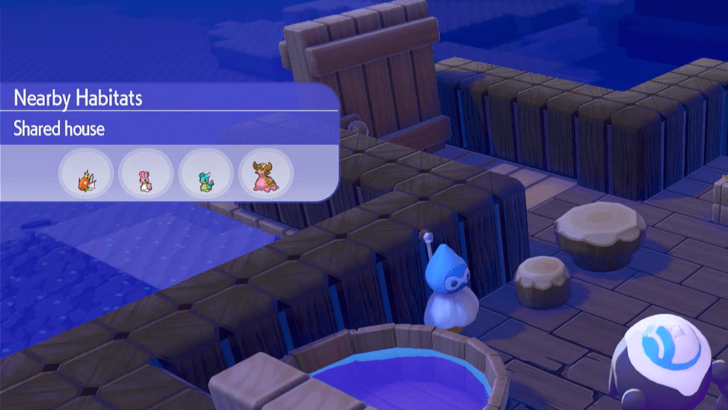
Building a house in this manner will allow up to 4 Pokemon to live inside it. Even if you expand the house, the maximum capacity of the house will not change.
Habitats Can Be Placed Inside
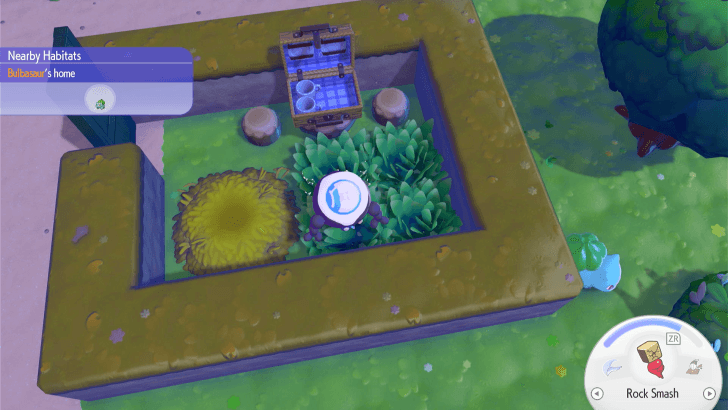
You can expand the number of Pokemon that can live in an area by building habitats inside the house. Each habitat can house one compatible Pokemon, and they do not count in the 4-capacity limit of block houses.
Pokemon in different habitats that are sharing the space within the house will have the decorations and furniture count towards all of their comfort levels, which means you need less items in order to make more Pokemon happy. Because of this, it is recommended to group Pokemon with similar habitat preferences in the same area.
Take note that some habitats can also be made using furniture pieces, such as the picnic set habitat that summons Pichu. Adding just these furniture pieces can transform an empty home into a habitable one with an additional habitat inside.
Habitat Dex: How to Build Every Type of Habitat
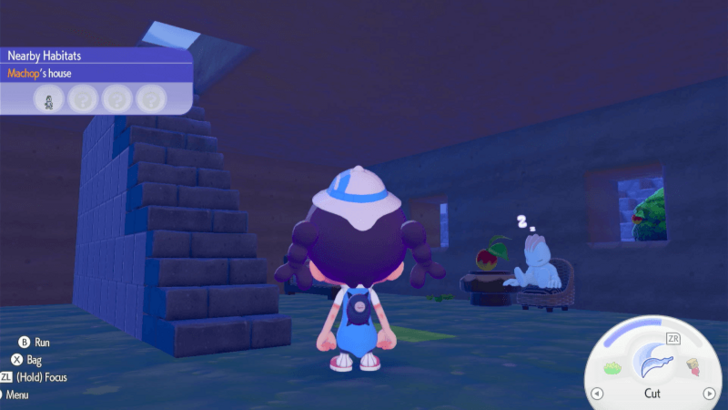
Houses Can Be Built on Top of Each Other
 |
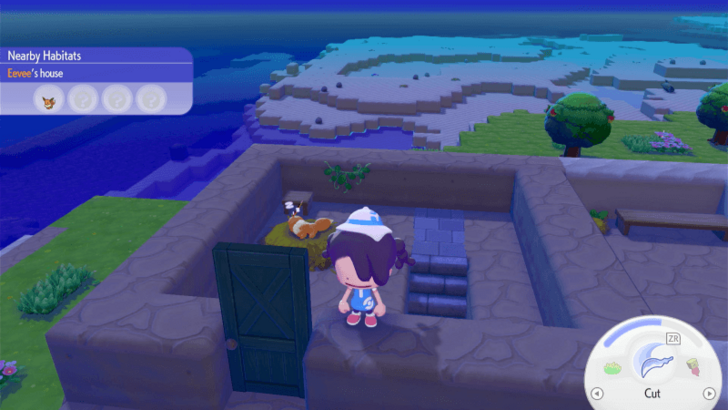 |
You can build a house on top of another house and make a tall building with multiple rooms. This means that you can create apartment complexes to house your Pokemon.
If you want to be able to go inside the house, it is recommended to have your indoor space at least three blocks high, with the fourth block above it acting as the ceiling of the lower room and the floor of the upper room.
Build Using a Building Kit
Building Kit Types
| Type | Max Capacity | Building Size | Building Time |
|---|---|---|---|
 Den Den |
1 (Small / Medium Pokemon only) | Construction: 2x2 Exterior: 2x2 Interior: 4x3 |
15 mins |
 Hut (Fixed) Hut (Fixed) |
1 | Construction: 3x3 Exterior: 3x3 Interior: 6x5 |
1 Hour |
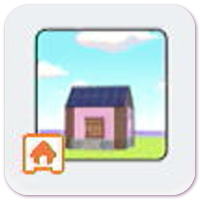 Hut (Blocks) Hut (Blocks) |
4 | Varies | Next Day |
 Cottage (Fixed) Cottage (Fixed) |
2 | Construction: 5x4 Exterior: 5x4 Interior: 10x8 |
Next Day |
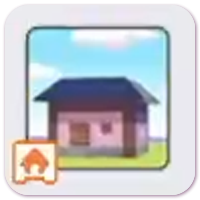 Cottage (Blocks) Cottage (Blocks) |
4 | Varies | Next Day |
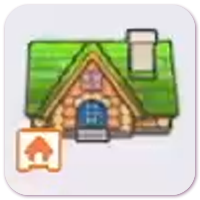 House House |
4 (2 per floor) | Construction: 8x6 Exterior: 8x6 Interior: 2 floors, 14x10 each |
Next Day |
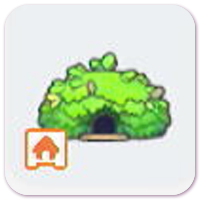
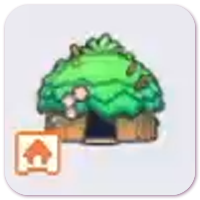
There are generally four sizes of building kits for houses that you can make in the game: den, hut, cottage, and house. However, the huts and cottages have two different types as well—one that makes a fixed house similar to the other building kits and one that makes a block house.
Fixed houses typically house less Pokemon than block houses, but they tend to be bigger inside compared to outside and furniture can be placed at half-block spaces, allowing you more precision when decorating. Fixed houses can also be easily moved or demolished.
Block House Building Kit Sizes
 |
This page is a work in progress! Sign in and select  under the page's title to be notified of any updates! under the page's title to be notified of any updates! |
|---|
| House | Construction Size | Exterior Size | Interior Size |
|---|---|---|---|
| Pink Hut |
8x8 | 6x6 | 4x3 |
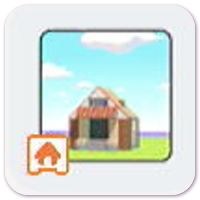 Orange Hut Orange Hut |
8x8 | 7x6 | 4x3 |
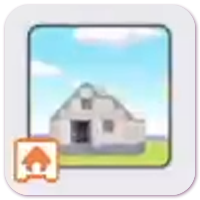 Gray Hut Gray Hut |
10x8 | 8x6 | 6x3 |
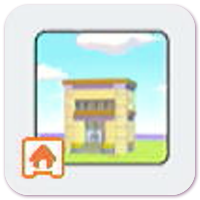 Yellow Hut Yellow Hut |
8x8 | 6x6 | 4x3 |
| Pink Cottage |
12x12 | 10x10 | 6x6 |
Block houses can all house four Pokemon each. They come fully-furnished upon being built, and all blocks and furniture items from them can be added to your inventory.
However, because of this, block houses cannot be moved using a relocation kit or demolished using a demolition kit. You must manually break all blocks using Rock Smash or Rollout or move them with Magnet Rise if you don't like where your block house is located.
Building kits for block huts can be purchased from the PC Shop. However, block cottage building kits appear to be random drops that you can obtain from sparkling ripples of water. Since these kits are hard to come by, it may be better to make your own cottage-sized houses using blocks you've collected yourself.
How to Use a Building Kit
| Step-by-Step Guide | |
|---|---|
| 1 | 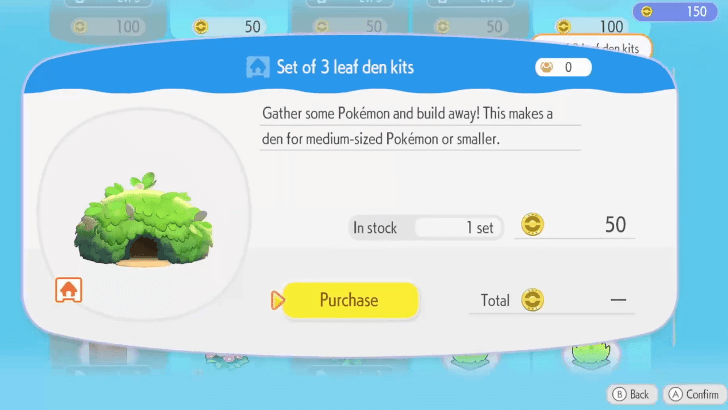 First, you will need a building kit. You can buy a building kit from the PC Shop or obtain one randomly from rippling water. |
| 2 | 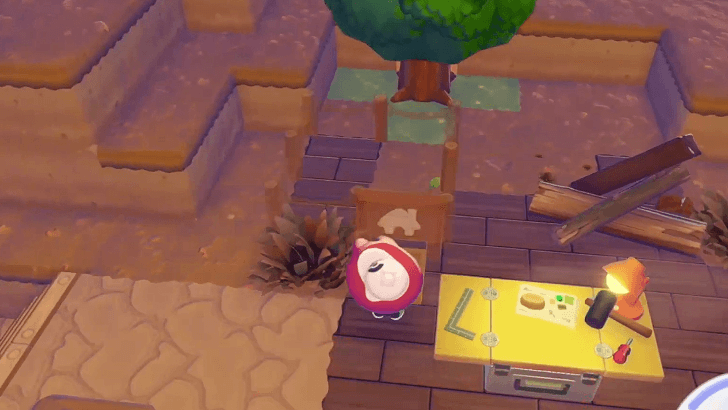 Find a suitable location for your new building and set down the building kit. If you need a larger area, you can use Rock Smash, Rollout, or Magnet Rise to clear the area and create a flat, leveled surface for building. ▶︎ How to Level the Ground for Building |
| 3 | 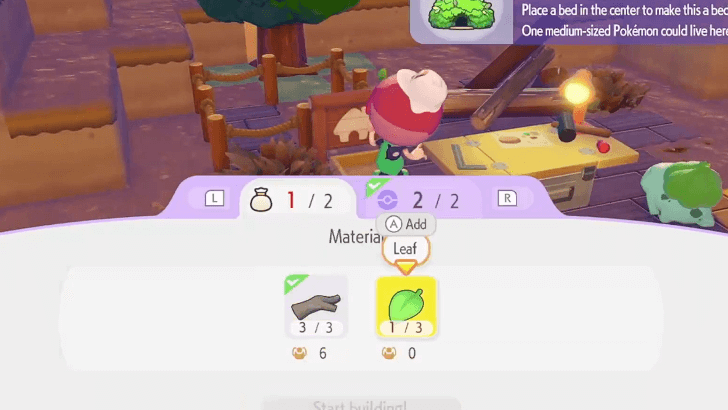 Interact with the box and sign in front of the construction site to see the required materials and Pokemon. Once you have the materials in your inventory, add them individually by selecting each material or add them all at once by pressing the Plus (+) button. |
| 4 | 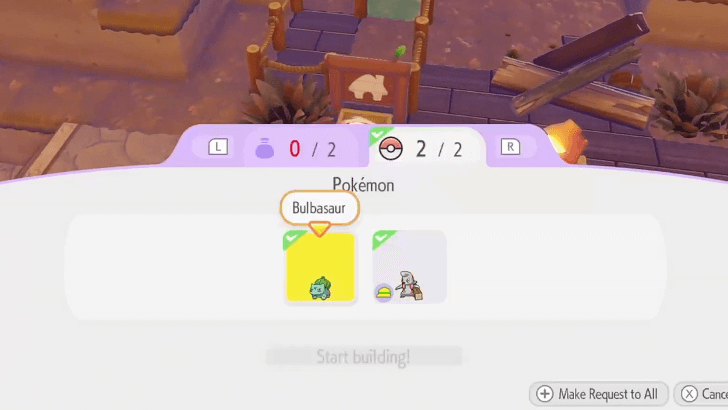 A Build specialty Pokemon is always required for building projects. There may be other Pokemon requirements, so check the Pokemon tab at the building site to see which Pokemon you'll need. Find the required Pokemon, and ask them to follow you. Then lead them to the building site, and select the Pokemon you want to put on the project through the Pokemon tab. |
| * | You do not need to follow the silhouettes on the Pokemon tab. These are simply suggestions. As long as the Pokemon fulfills the specialty requirement, they can be placed onto the building project. |
| 5 | 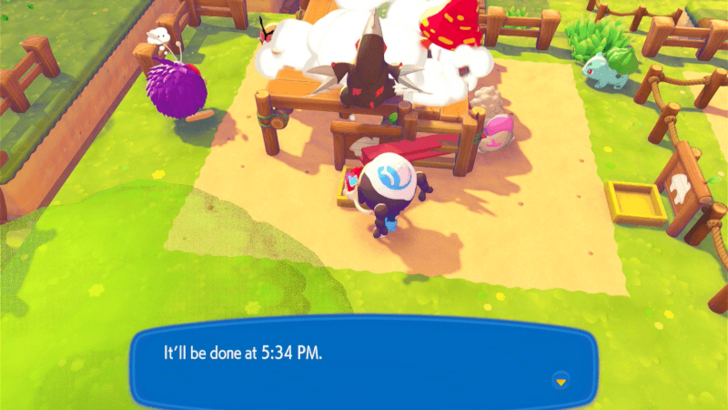 Wait for the building to finish. You will be given either a specific time or a vague "tomorrow." If they say the building will be finished tomorrow, this means it will be done by 5 AM the next day. Come back to the construction site after the specified time to see the finished building. ▶︎ When Does the Day Reset? |
| 6 | 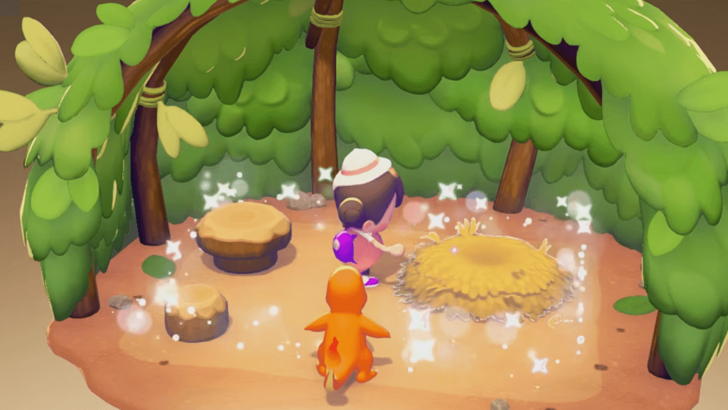 In order for a Pokemon to be able to move into a house, add at least 3 pieces of furniture inside. The house will sparkle once it's inhabitable. Make sure you're using different furniture pieces if the sparkle effect doesn't appear. ▶︎ List of All Furniture |
| 7 | 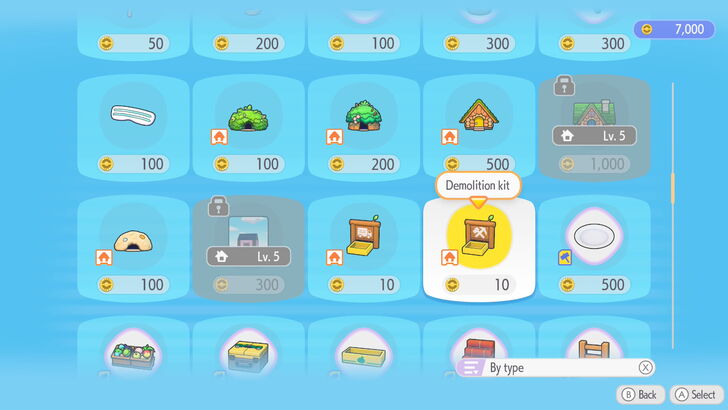 If you would like to move or remove the building after it's been built, you can use a Relocation Kit or a Demolition Kit respectively. You must first remove all furniture and Pokemon from the house before you can have it moved or demolished. ▶︎ How to Move Houses ▶︎ How to Demolish and Remove Houses |
Video Guide
How to Give a House to a Pokemon
Ask Them to Follow You
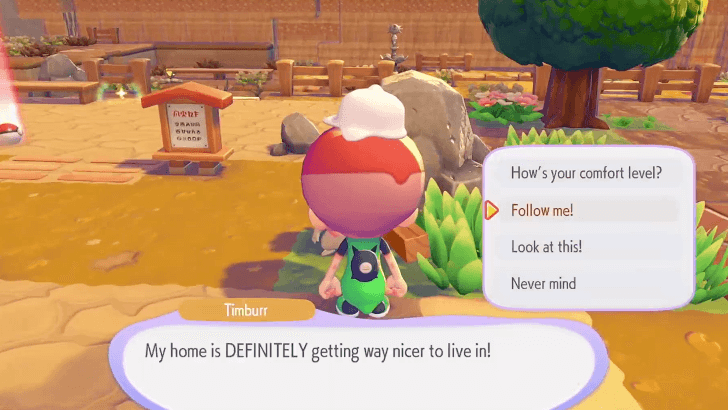
To get a Pokemon to live in a house, the first step is to ask them to follow you by walking up to them and selecting the Follow me! option.
How to Have Pokemon Follow You
Lead Them to the House
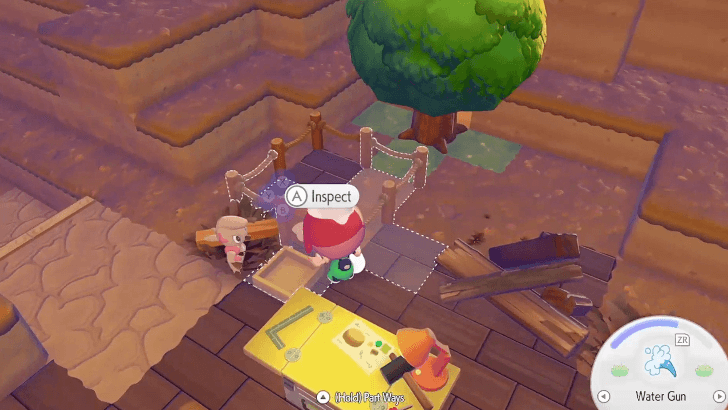
Afterwards, you must lead them to the Completed house where you can assign them to it afterwards.
If you lead them to an incomplete house, you will instead be able to assign them to continue building it if they are eligible to build.
They May Ask on Their Own
Sometimes, Pokemon might just like the house and the structure upon being led to it, and they will instead ask the player if they could live there, self-assigning into the home if the player approves.
Benefits of House and Structure Building
Creates Houses for Pokemon
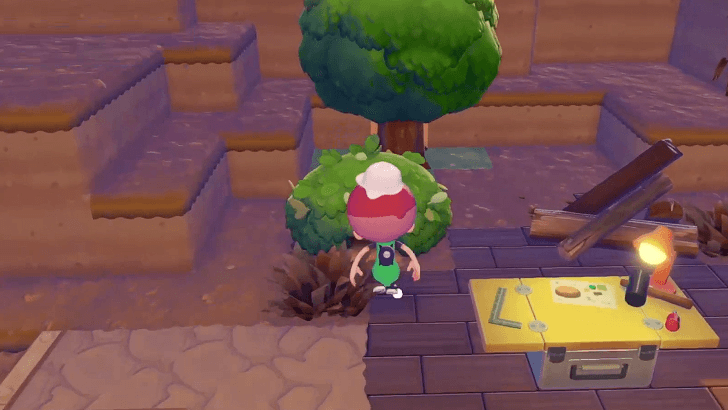
Houses are much better living quarters to be in as opposed to the initial habitats where you discover Pokemon, making them far happier and more accommodated.
In addition, you may also designate a house as your own living space, allowing you to live wih another Pokemon if you so choose.
Helps Increase Environment Level
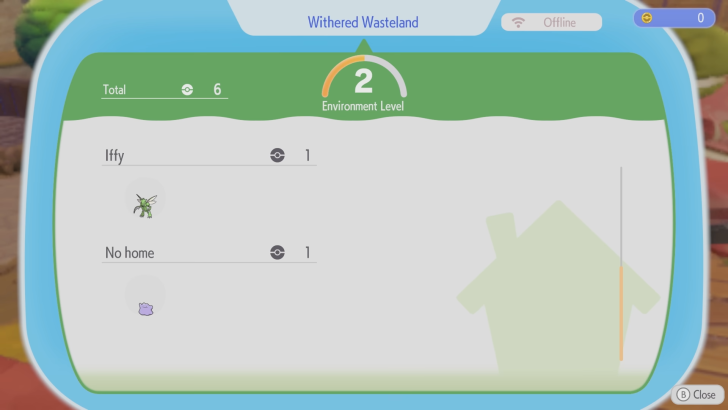
As a House is a fairly advanced structure in a community-building game, building one helps raise the Environment Level as it helps make it more comfortable for Pokemon that decide to live in the house.
Pokemon Pokopia Related Guides

Beginner's Guide to Pokopia: Tips and Tricks
All Tips and Tricks
Comment



Author

How to Build Houses and Structures

Rankings
- We could not find the message board you were looking for.

Gaming News




![Nova Roma Review [Early Access] | Newer, Better, and More Confusing](https://img.game8.co/4455512/2cbf8926e9a1c72a3ff056088f801ef4.png/thumb)
Popular Games

Genshin Impact Walkthrough & Guides Wiki
Umamusume: Pretty Derby Walkthrough & Guides Wiki
Crimson Desert Walkthrough & Guides Wiki
Monster Hunter Stories 3: Twisted Reflection Walkthrough & Guides Wiki
Honkai: Star Rail Walkthrough & Guides Wiki
Pokemon Pokopia Walkthrough & Guides Wiki
The Seven Deadly Sins: Origin Walkthrough & Guides Wiki
Wuthering Waves Walkthrough & Guides Wiki
Zenless Zone Zero Walkthrough & Guides Wiki
Arknights: Endfield Walkthrough & Guides Wiki









Recommended Games
Fire Emblem Heroes (FEH) Walkthrough & Guides Wiki
Diablo 4: Vessel of Hatred Walkthrough & Guides Wiki
Cyberpunk 2077: Ultimate Edition Walkthrough & Guides Wiki
Yu-Gi-Oh! Master Duel Walkthrough & Guides Wiki
Super Smash Bros. Ultimate Walkthrough & Guides Wiki
Pokemon Brilliant Diamond and Shining Pearl (BDSP) Walkthrough & Guides Wiki
Elden Ring Shadow of the Erdtree Walkthrough & Guides Wiki
Monster Hunter World Walkthrough & Guides Wiki
The Legend of Zelda: Tears of the Kingdom Walkthrough & Guides Wiki
Persona 3 Reload Walkthrough & Guides Wiki










All rights reserved
©2025 Pokémon. ©1995–2025 Nintendo / Creatures Inc. / GAME FREAK inc. ©KOEI TECMO GAMES
The copyrights of videos of games used in our content and other intellectual property rights belong to the provider of the game.
The contents we provide on this site were created personally by members of the Game8 editorial department.
We refuse the right to reuse or repost content taken without our permission such as data or images to other sites.