
How to Farm Materials
★ Tip: Use Frames to organize your Storage.
☆ Build Habitats with Ditto's Moves.
★ Build Houses and Structures for your Pokemon
☆ Increase Comfort & Environment Levels.
★ Redeem Mystery Gifts for free items & furniture.
☆ Limited Time Event: Befriend Hoppip until 3/24!
Here is a list of ways to farm materials in Pokemon Pokopia to ease up collecting, gathering, and grinding for each item!
List of Contents
How to Auto Farm Materials
| Auto Farming Methods | |
|---|---|
| Using Litter Specialty | Using Gather Specialty |
| Using Burn Specialty | - |
Using Litter Specialty
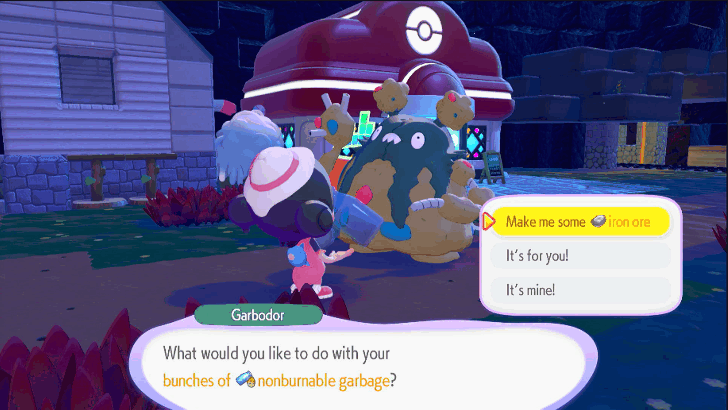
You can auto farm basic materials easily by having Pokemon with Litter Specialty around. They will automatically drop items in their habitat even if they are roaming around or missing in the biome.
The item dropped will vary depending on the Pokemon . They also don't need any items to produce their drops, so it is very convenient.
Litter Specialty Guide: List of Item Drops
Pokemon With Multiple Specialties Are Most Useful
| Pokemon | Item Drop | Additional Item |
|---|---|---|
 Haxorus Haxorus 

|
 Small Log Small Log
|
 Lumber Lumber
(Using Chop Specialty) |
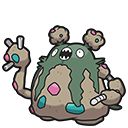 Garbodor Garbodor

|
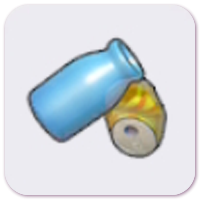 Nonburnable Garbage Nonburnable Garbage
|
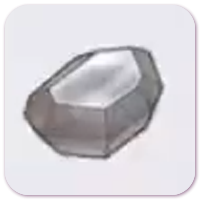 Iron Ore Iron Ore
(Using Chop Specialty) |
 Blissey Blissey

|
 Stone Stone
|
Any Item on the Counter (Using Trade Specialty) |
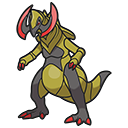
Pokemon like Haxorus and Garbodor, which have Litter and another Specialty, are the most useful to have. You can utilize their item drops, then process them and turn them into other items using their other Specialty.
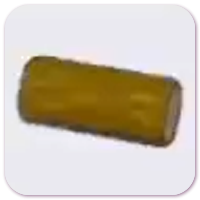
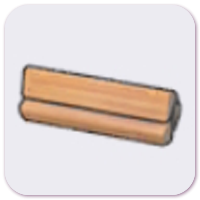
For example, Haxorus has Litter and Chop Specialties. It drops Small Log with Litter, then you can give it back to Haxorus to make Lumber with its Chop Specialty. On the other hand, Garbodor has Litter and Recycle; it drops Nonburnable Garbage and can turn it into Iron Ore with the Recycle Specialty.
Using Gather Specialty
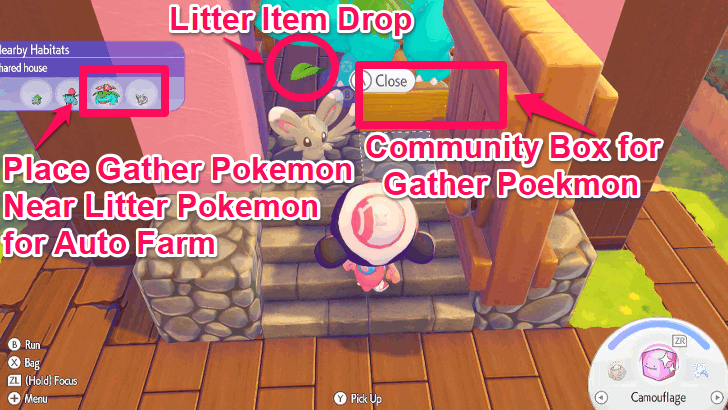
Placing a Community Box near a Pokemon's Habitat with a Gather Specialty will get you an auto farm of random items. Once a Community Box is placed, the Pokemon with Gather Specialty will place random items it finds on the ground inside the box.
Then, placing a processing item, like a Smelting Furnace, near the Gather Pokemon's Habitat, will make it submit items to it from its Community Box.
Gather Specialty Guide and How to Use
Place Near Litter Pokemon's Habitat
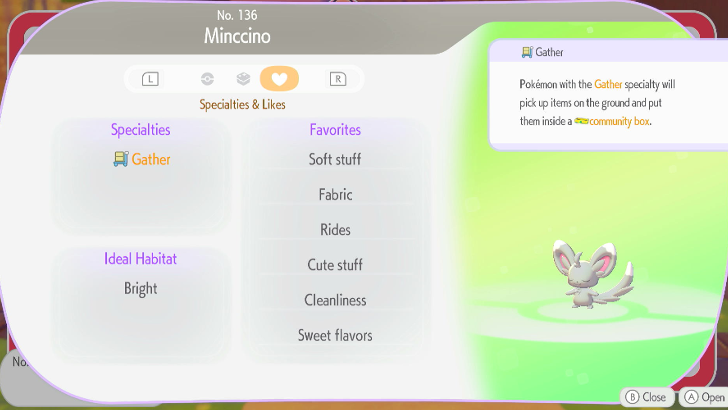
Pokemon with Gather Specialty is highly recommended to be placed near a Habitat of a Pokemon with Litter Specialty. This is to utilize the Gather Specialty, to pick up the item drops from Litter, and into the Community Box, then possibly into a Smelting Furnace.
Using Burn Specialty
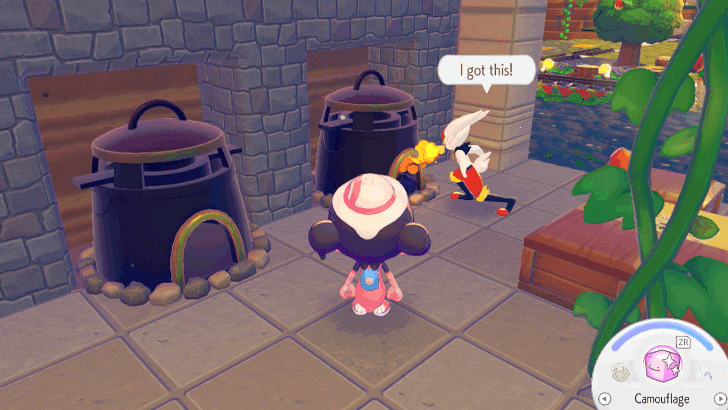
You can auto farm any Ingots and Glass from Pokemon with Burn Specialty. You can basically put all your ores and sand inside a Smelting Furnace, then lead a Pokemon there to process them, and they will not stop until all the ingots are processed.
Once the ores are about empty, you can restock them again, and the Pokemon will continue to process them without stopping.
Burn Specialty Guide and How to Use
Always Remember to Restock the Smelting Furnace With Ores
When all the Ores inside the Smelting Furnace has been processed, the Pokemon that was in charge will leave and roam around. To maintain the auto farming, you will need to continuously restock the Ores and Sand inside the furnace when it's almost empty.
Benefits of Auto Farming Materials
Progress the Game Faster

Auto farming materials, even the basic ones, can make you worry less about gathering them and focus more on progressing the game much faster.
With auto farming, you can gather items that are needed in the main story even before doing them.
Ease Up Grinding for Items
You can lessen the grind in looking for all of the items and focus more on the ones you don't have a consistent supply of when you get an auto farm.
Pokemon Pokopia Related Guides

Beginner's Guide to Pokopia: Tips and Tricks
All Tips and Tricks
Comment



Author

How to Farm Materials

Rankings
- We could not find the message board you were looking for.

Gaming News





Popular Games

Genshin Impact Walkthrough & Guides Wiki
Umamusume: Pretty Derby Walkthrough & Guides Wiki
Pokemon Pokopia Walkthrough & Guides Wiki
Honkai: Star Rail Walkthrough & Guides Wiki
Monster Hunter Stories 3: Twisted Reflection Walkthrough & Guides Wiki
Arknights: Endfield Walkthrough & Guides Wiki
Wuthering Waves Walkthrough & Guides Wiki
Zenless Zone Zero Walkthrough & Guides Wiki
Pokemon TCG Pocket (PTCGP) Strategies & Guides Wiki
Monster Hunter Wilds Walkthrough & Guides Wiki









Recommended Games
Fire Emblem Heroes (FEH) Walkthrough & Guides Wiki
Diablo 4: Vessel of Hatred Walkthrough & Guides Wiki
Cyberpunk 2077: Ultimate Edition Walkthrough & Guides Wiki
Yu-Gi-Oh! Master Duel Walkthrough & Guides Wiki
Super Smash Bros. Ultimate Walkthrough & Guides Wiki
Pokemon Brilliant Diamond and Shining Pearl (BDSP) Walkthrough & Guides Wiki
Elden Ring Shadow of the Erdtree Walkthrough & Guides Wiki
Monster Hunter World Walkthrough & Guides Wiki
The Legend of Zelda: Tears of the Kingdom Walkthrough & Guides Wiki
Persona 3 Reload Walkthrough & Guides Wiki










All rights reserved
©2025 Pokémon. ©1995–2025 Nintendo / Creatures Inc. / GAME FREAK inc. ©KOEI TECMO GAMES
The copyrights of videos of games used in our content and other intellectual property rights belong to the provider of the game.
The contents we provide on this site were created personally by members of the Game8 editorial department.
We refuse the right to reuse or repost content taken without our permission such as data or images to other sites.