
How to Control Your Deviations
As of December 2025, Game8 has ended coverage of Once Human. Thank you very much for your understanding and we hope you continue to enjoy Game8's guides.
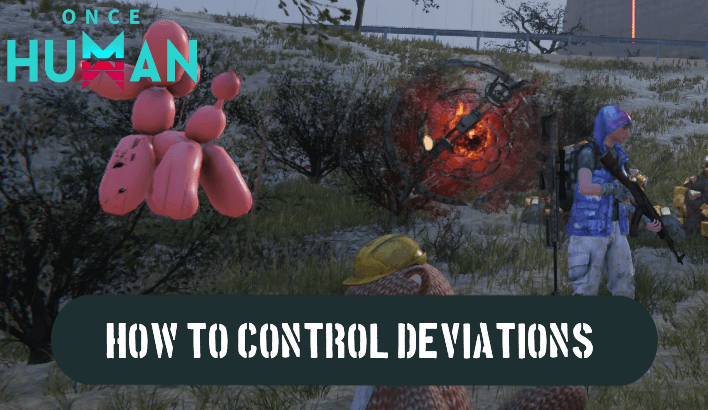
Deviations are controlled using Ping in the Deviation: Survive, Capture, Preserve scenario of Once Human. Learn how to control and summon your Deviations in this guide!
List of Contents
How to Summon Deviations
Add and Equip in the Symbiosis
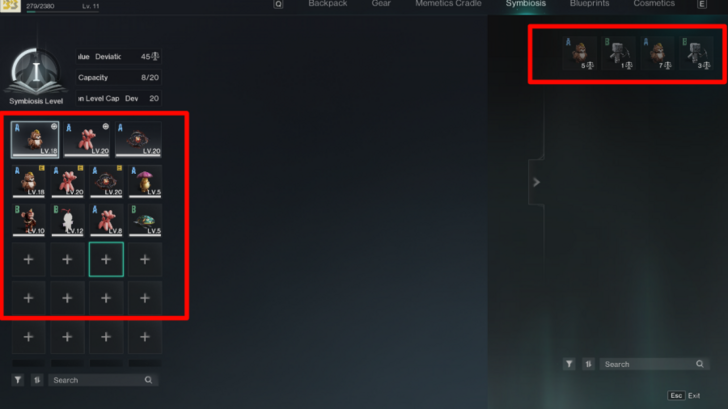
You can add and equip the deviations through Symbiosis menu. Once you're on the Symbiosis menu, top on the Plus Sign boxes on the left side and select the deviations you want to add on the right side.
You can only equip 3 deviations at a time and those 3 will occupy the inventory slots 4-6.
Select Slots 4-6 or Press the Summon Button

You can summon each deviation by pressing their designated inventory slots or you can press the summon button to summon them all at once. You can call them all back by holding the button you used to summon them.
How to Control Deviations
Use Ping to Select Targets
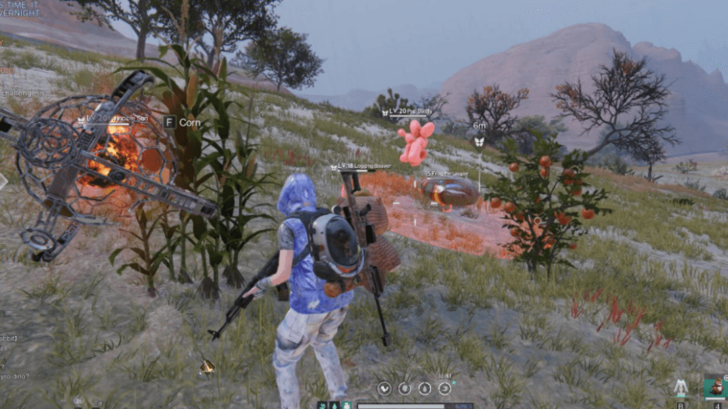
You can control the deviations using the Ping system of the game. Once you ping an enemy, deviation, or animal, they will attack it until they are dead. You can ping another target if you want to change their targets.
Attack a Target
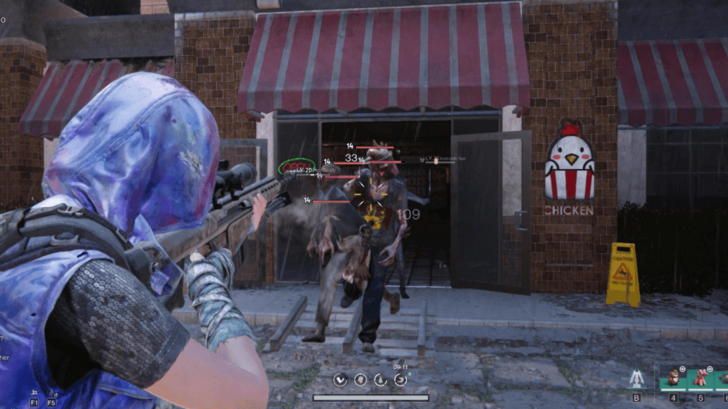
Deviations will target any enemy you shoot or hit with a melee attack. However, this will only work if you haven't pinged a target. It will also not overwrite the target if you already pinged someone.
Select Deviation Slots to Cast Psi Skills
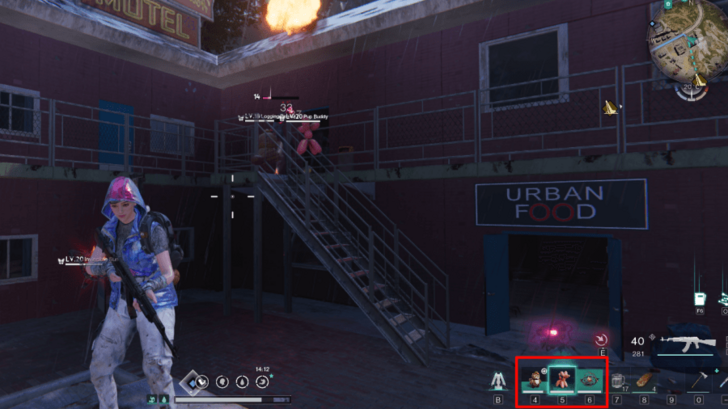
You can cast the skills of Deviations by selecting them from the hotbar once they light up. They usually recover quickly outside of Gym and Meta battles, so feel free to use this as much as you need to support exploration.
Set Auto-Cast Skill During Gym Battles
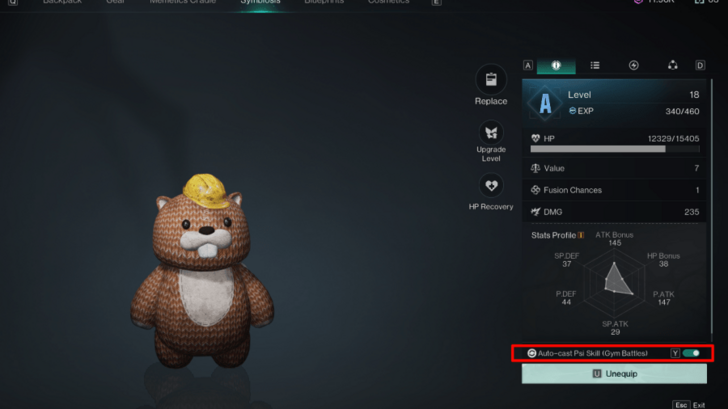
You can set up the Auto-Cast Psi Skill during Gym Battles to let your deviations use their skills without you pressing their slots.
Once Human Related Guides

Deviation SCP Guides




Author

How to Control Your Deviations

Rankings
- We could not find the message board you were looking for.
Gaming News


![Monster Hunter Stories 3 Review [First Impressions] | Simply Rejuvenating](https://img.game8.co/4438641/2a31b7702bd70e78ec8efd24661dacda.jpeg/thumb)
![The Seven Deadly Sins: Origin [First Impressions] | A Promising Start](https://img.game8.co/4440581/584e0bfb87908f12c4eab6e846eb1afd.png/thumb)

Popular Games

Genshin Impact Walkthrough & Guides Wiki
Umamusume: Pretty Derby Walkthrough & Guides Wiki
Pokemon Pokopia Walkthrough & Guides Wiki
Honkai: Star Rail Walkthrough & Guides Wiki
Monster Hunter Stories 3: Twisted Reflection Walkthrough & Guides Wiki
Arknights: Endfield Walkthrough & Guides Wiki
Wuthering Waves Walkthrough & Guides Wiki
Zenless Zone Zero Walkthrough & Guides Wiki
Pokemon TCG Pocket (PTCGP) Strategies & Guides Wiki
Monster Hunter Wilds Walkthrough & Guides Wiki










Recommended Games
Diablo 4: Vessel of Hatred Walkthrough & Guides Wiki
Cyberpunk 2077: Ultimate Edition Walkthrough & Guides Wiki
Fire Emblem Heroes (FEH) Walkthrough & Guides Wiki
Yu-Gi-Oh! Master Duel Walkthrough & Guides Wiki
Super Smash Bros. Ultimate Walkthrough & Guides Wiki
Pokemon Brilliant Diamond and Shining Pearl (BDSP) Walkthrough & Guides Wiki
Elden Ring Shadow of the Erdtree Walkthrough & Guides Wiki
Monster Hunter World Walkthrough & Guides Wiki
The Legend of Zelda: Tears of the Kingdom Walkthrough & Guides Wiki
Persona 3 Reload Walkthrough & Guides Wiki










All rights reserved
Privacy Policy, Terms of Use 2024 NetEase, Inc.All Rights Reserved
The copyrights of videos of games used in our content and other intellectual property rights belong to the provider of the game.
The contents we provide on this site were created personally by members of the Game8 editorial department.
We refuse the right to reuse or repost content taken without our permission such as data or images to other sites.
It's middle mouse button on PC