
How to Trade
★ Best Pokemon Tier List
☆ Best Teams to Beat the Story
★ Celadon Game Corner Guide
☆ Farm EXP, Money, and Duplicate Items!
★ Shiny Hunting Guide and Shiny Odds
☆ How to Get Lugia, Ho-Oh, and Deoxys
Trading Pokemon locally is a feature in Pokemon FireRed and Leafgreen (FRLG). Check out how to trade Pokemon locally, how to trade items, and what trade exclusive Pokemon you can get in the game here!
| All Trading Guides | ||
|---|---|---|
| How to Trade | All In-Game NPC Trades | All Trade Evolutions |
List of Contents
How to Trade Pokemon Locally
Unlock the Pokemon Wireless Club
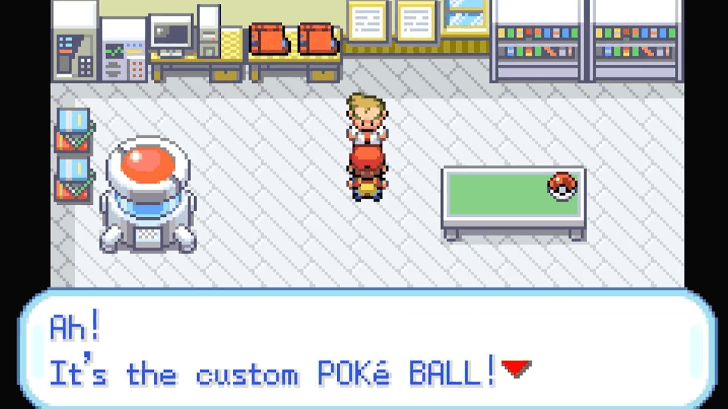
When you first start the game, the Pokemon Wireless Club, where all trading is done, will still be locked. To unlock it, you'll need to receive the Poke Dex from Professor Oak.
After choosing your starter, make your way to Viridian City's Poke Mart and get the parcel from the shopkeeper. Then, just return to Pallet Town and give the parcel to Professor Oak to receive the Poke Dex.
Head To A Pokemon Center
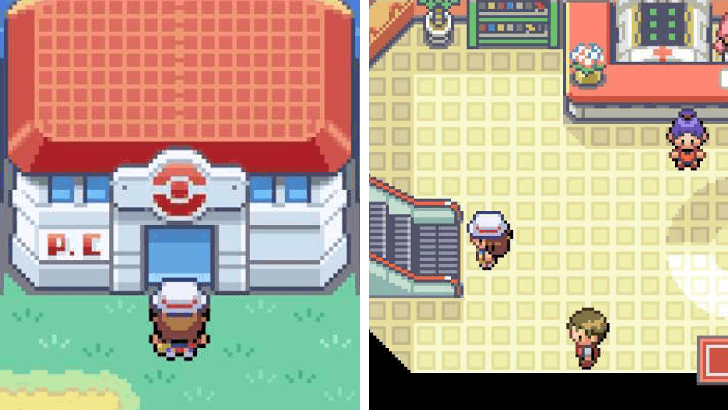
Head to a Pokemon Center that you're nearest to. Pokemon Centers are usually in cities, and the first Pokemon Center you'll be able to have access to is located in Viridian City.
Once you're there, use the escalator to head to the second floor and locate the Pokemon Wireless Club desk.
Trade via the Union Room
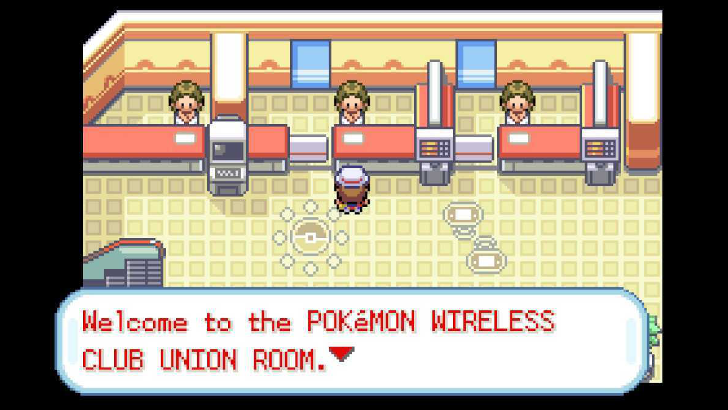
Interact with the Pokemon Wireless Club desk and you'll be given access to the Union Room. This is where you can trade Pokemon, battle, or play minigames with other players that are within close proximity over local Wi-Fi.
Register the Pokemon to Trade
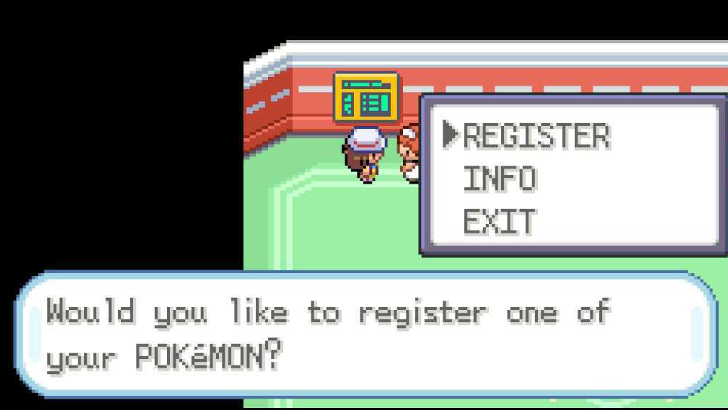
To initiate the trade, both players need to register the Pokemon they wish to offer along with the Type of Pokemon that they want at the Union Room's Trading Board. Once both players are on the Trading Board, either player can initiate a trade request.
Finalize and Accept the Trade Request
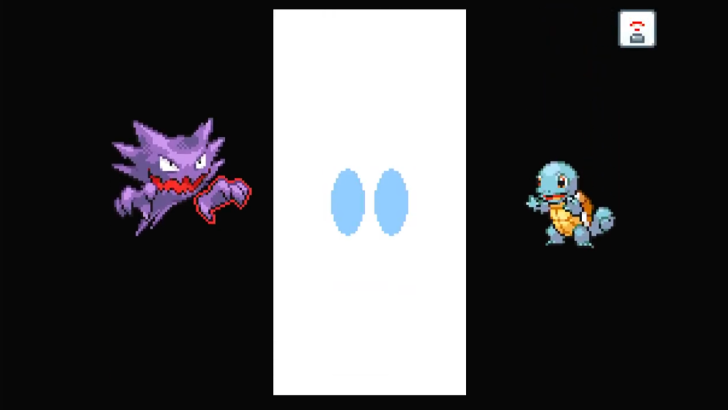
After the trade request reaches the other player, it must be accepted to push through. A short cutscene will play on both players' devices as the trade is being processed. Once it's done, you'll have the Pokemon sent by the other player!
Can Also Trade via the Direct Corner
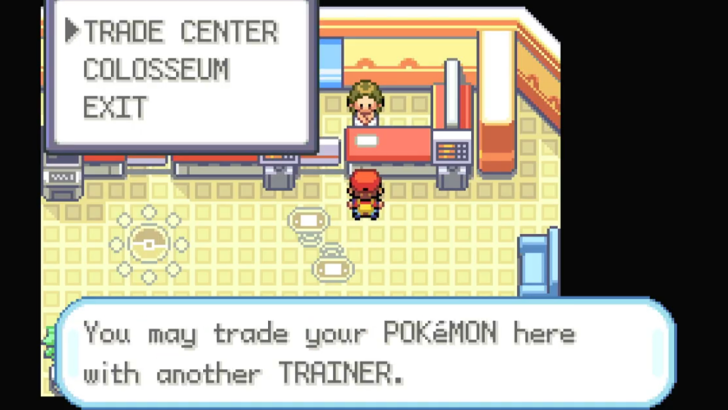
The rightmost desk at the Pokemon Wireless Club is the Direct Corner, which also has a Trade Center. If you can't connect to other players through the Union Room, you can try using the Direct Corner instead.
Set Up the Group
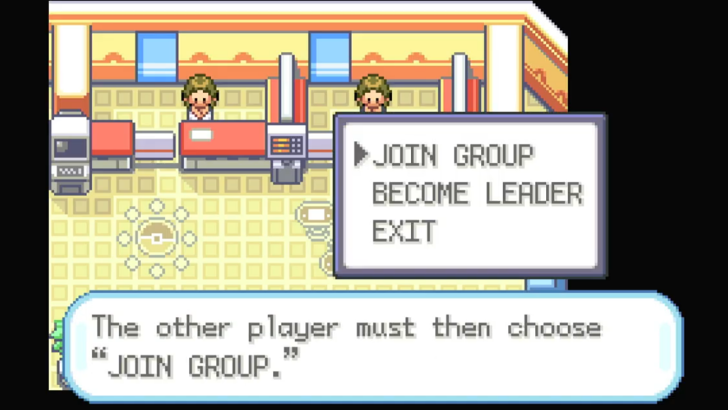
To connect to the Trade Center, one player has to select Become Leader, while the other has to select Join Group. The leader must accept the other player's contact request to succesfully connect to the Trade Center.
Select Pokemon to Trade
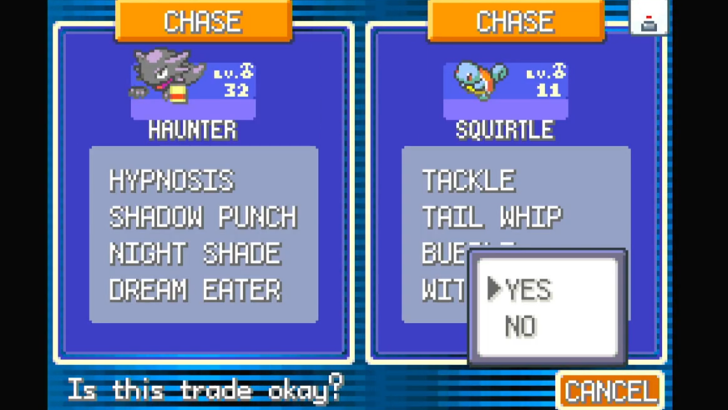
Once settled in the Trade Center, both players just need to select which Pokemon to trade. After both players have accepted each other's offers, the trade will be processed.
Can Also Trade to NPCs
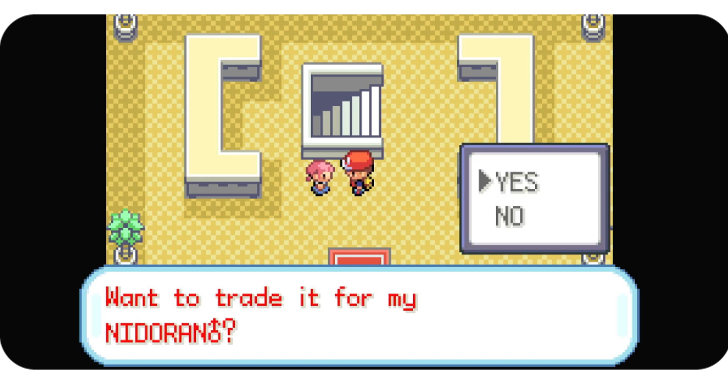
Several NPCs will also offer trades to the player. These can be accepted if you have the requested Pokemon in the party, and can be done without the need for Local Wi-Fi.
All In-Game NPC Trades and Locations
How to Trade Items
Trade a Pokemon Holding the Item
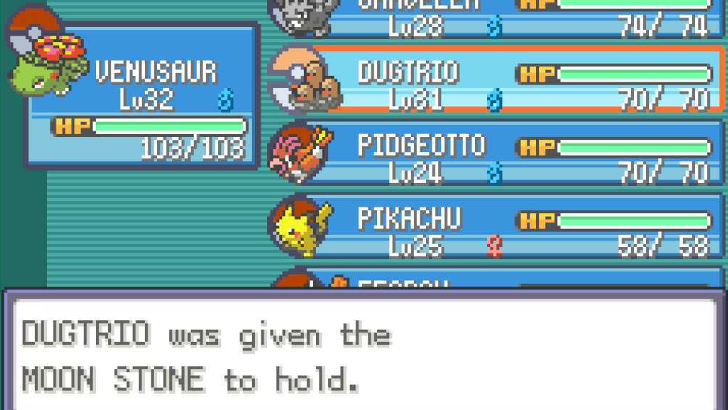
If you want to exchange items with another player, you can give the item you want to trade to any Pokemon in your party. Then, you can just trade the Pokemon as you normally would with the other player.
After the exchange, the traded Pokemon will still hold onto the item you gave it, allowing the other player to get the item for themself. This feature is especially useful when you want to transfer rare or limited items to another copy of the game.
Item Trading Can Also Lead to Evolutions
| Item Held | Pokemon | Evolution | |
|---|---|---|---|
 Metal Coat |
 Scyther Scyther
|
→ |
 Scizor Scizor
|
 Onix Onix
|
→ |
 Steelix Steelix
|
|
 King's Rock |
 Slowpoke Slowpoke
|
→ |
 Slowking Slowking
|
 Poliwhirl Poliwhirl
|
→ |
 Politoed Politoed
|
|
 Up-Grade |
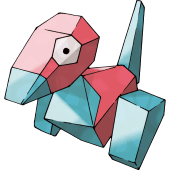 Porygon Porygon
|
→ |
 Porygon2 Porygon2
|
 Dragon Scale |
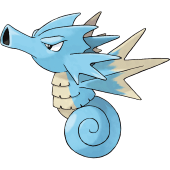 Seadra Seadra
|
→ |
 Kingdra Kingdra
|
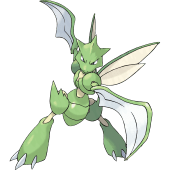
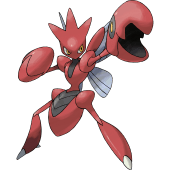
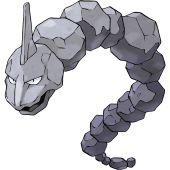
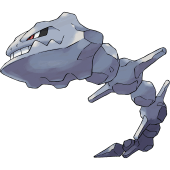
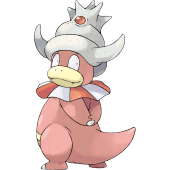
There are certain Pokemon that will initiate their final evolutions when traded with specific Evolutionary Items. Once these Item Trade Evolutions are completed, the Evolutionary Item will be consumed! If you just want to transfer the items shown above, it's best to use another Pokemon.
List of All Evolutionary Items
Trade and Version Exclusive Pokemon
Trade Exclusive Pokemon
| Regular Trade Evolutions | |
|---|---|
 Gengar Gengar
|
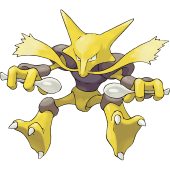 Alakazam Alakazam
|
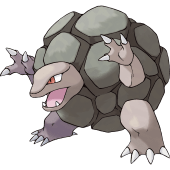 Golem Golem
|
 Machamp Machamp
|
| Item Trade Evolutions | |
|
Scizor
|
Steelix
|
|
Slowking
|
Politoed
|
|
Porygon2
|
Kingdra
|
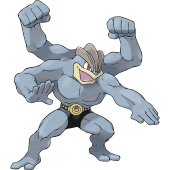
There are Trade Exclusive Pokemon, which are final evolutions that can only be obtained from trading. As mentioned previously, you'll need to include certain Evolutionary Items to complete some of these Trade Evolutions. These are important to keep in mind if you want to complete the Kanto Dex!
Version Exclusive Pokemon Can Also Be Traded
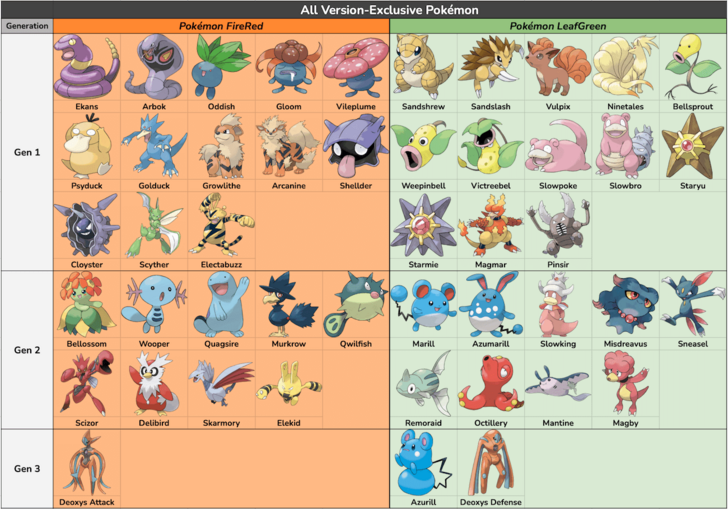
You can also get Pokemon from the other Version if you want a specific Pokemon from it. For example, if you're on FireRed and want a Starmie, you can ask or look for a LeafGreen player to do local trading with.
All Version Exclusives and Differences
Can You Trade Pokemon From GBA to Switch?
You Can't Trade from GBA to Switch
Unfortunately, players cannot trade Pokemon from the Game Boy Advance version to the Nintendo Switch. Since the Game Boy Advance is a much older console compared to the Nintendo Switch, they are not compatible to transfer data between each other.
Differences from the Original GBA Versions
Can Only Trade Between Switch Consoles
If you are playing FireRed and LeafGreen on the Nintendo Switch, you can only trade Pokemon to another Nintendo Switch console that has a copy of the game as well.
Trading on the Nintendo Switch
Allows Players To Trade Wirelessly
The Nintendo Switch version of Pokemon FireRed and LeafGreen allows players to trade Pokemon wirelessly over local data. They just have to access the Pokemon Wireless Club, located at the second floor in Pokemon Centers. The Union Room allows the players to connect with up to four other players.
No Online Trading
Unfortunately, all trading in Pokemon FireRed and LeafGreen will only be local. There will be no online trading since it is not supported.
Pokemon FireRed and LeafGreen Related Guides

List of Tips and Guides
Comment



Author


Rankings
- We could not find the message board you were looking for.

Gaming News

![Death Stranding 2: On The Beach [PC] Review | A Port That Delivers](https://img.game8.co/4447392/15310a0c9aa1b6843bb713b2ea216930.jpeg/show)



Popular Games

Genshin Impact Walkthrough & Guides Wiki
Umamusume: Pretty Derby Walkthrough & Guides Wiki
Crimson Desert Walkthrough & Guides Wiki
Monster Hunter Stories 3: Twisted Reflection Walkthrough & Guides Wiki
Honkai: Star Rail Walkthrough & Guides Wiki
Pokemon Pokopia Walkthrough & Guides Wiki
The Seven Deadly Sins: Origin Walkthrough & Guides Wiki
Wuthering Waves Walkthrough & Guides Wiki
Zenless Zone Zero Walkthrough & Guides Wiki
Arknights: Endfield Walkthrough & Guides Wiki










Recommended Games
Fire Emblem Heroes (FEH) Walkthrough & Guides Wiki
Diablo 4: Vessel of Hatred Walkthrough & Guides Wiki
Cyberpunk 2077: Ultimate Edition Walkthrough & Guides Wiki
Yu-Gi-Oh! Master Duel Walkthrough & Guides Wiki
Super Smash Bros. Ultimate Walkthrough & Guides Wiki
Pokemon Brilliant Diamond and Shining Pearl (BDSP) Walkthrough & Guides Wiki
Elden Ring Shadow of the Erdtree Walkthrough & Guides Wiki
Monster Hunter World Walkthrough & Guides Wiki
The Legend of Zelda: Tears of the Kingdom Walkthrough & Guides Wiki
Persona 3 Reload Walkthrough & Guides Wiki










All rights reserved
©2004 Pokémon. ©1995-2004 Nintendo/Creatures Inc./GAME FREAK inc. Pokémon and Nintendo Switch are trademarks of Nintendo.
The copyrights of videos of games used in our content and other intellectual property rights belong to the provider of the game.
The contents we provide on this site were created personally by members of the Game8 editorial department.
We refuse the right to reuse or repost content taken without our permission such as data or images to other sites.