
Best Settings
★ 11/24: 1.100.000 Patch Notes ▶︎ NG+
☆ Undying Armor | Spider Lily
┣ Jubei | Snow Drift | Takezo | Black Dye
┗ Reliquary | Fox Puzzles | Riddles | Kubo
★ Armor | Weapons | Charms | Best Armor
┗ Walkthrough | Quests | Platinum | Map
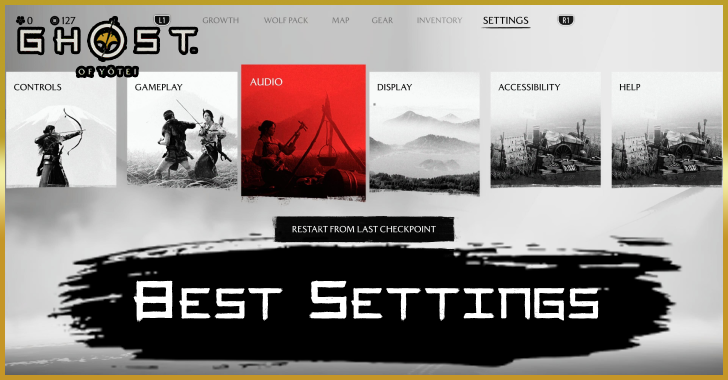
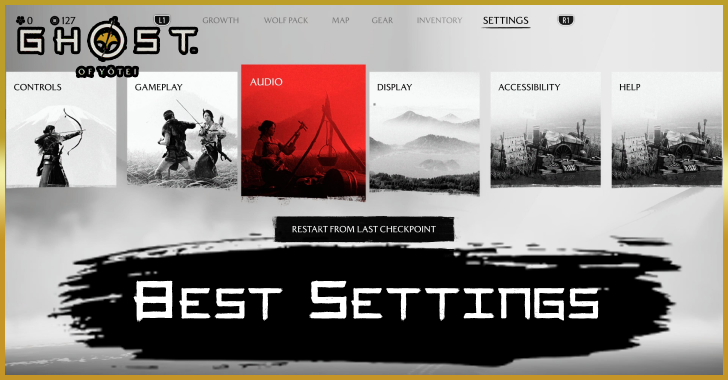
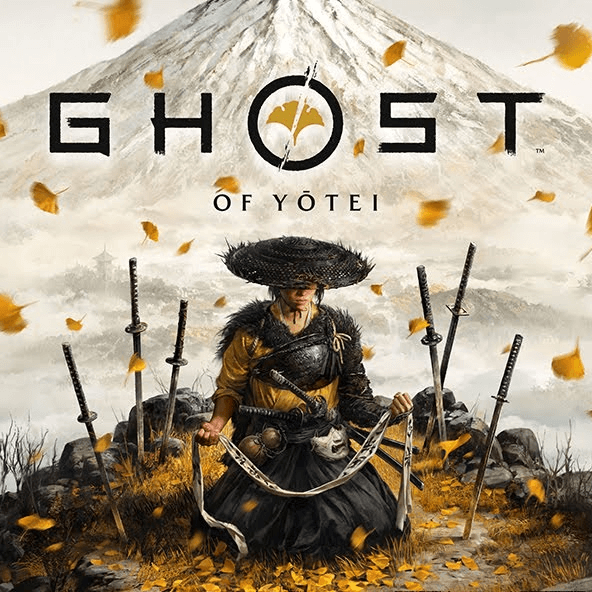
These are the best settings recommended for playing Ghost of Yotei on the PS5. See all the Controls, Gameplay, Audio, Display, and Accessibility settings, as well as the most optimal graphic configurations here!
List of Contents
Best and Recommended Settings for Ghost of Yotei
| Jump to A Setting | |||||||||||
|---|---|---|---|---|---|---|---|---|---|---|---|
| Controls | Gameplay | Audio | |||||||||
| Display | Accessibility | ||||||||||
Controls
| Control Scheme | User Preference |
|---|---|
| Invert Camera (Horizontal) | Off |
| Invert Camera (Vertical) | Off |
| Camera Speed | Default |
| Camera Wobble Intensity | 100 (Default) |
| Stick Drift Compensation | User Preference Useful for controllers with stick drift. |
| Controller Orientation | User Preference |
| Swap Left and Right Stick While Aiming | User Preference |
| Motion Sensor Function Aim | Default |
| Vibration Intensity | User Preference |
| Trigger Effect Intensity | User Preference |
Ghost of Yotei offers some pretty standard control schemes, allowing you to control the camera or your controller as much as you wish.
Gameplay
| Difficulty | User Preference |
|---|---|
| Photo Mode | Off |
| Photo Mode (Archery) | User Preference |
| Melee Camera | Default |
| Last Man Camera | Reduced Motion |
| Duel Camera | Reduced Motion |
| Target Lock | Swap on Defeat |
| Training Reminders | User Preference |
| Golden Bird | On |
| Wolf Appearances | On |
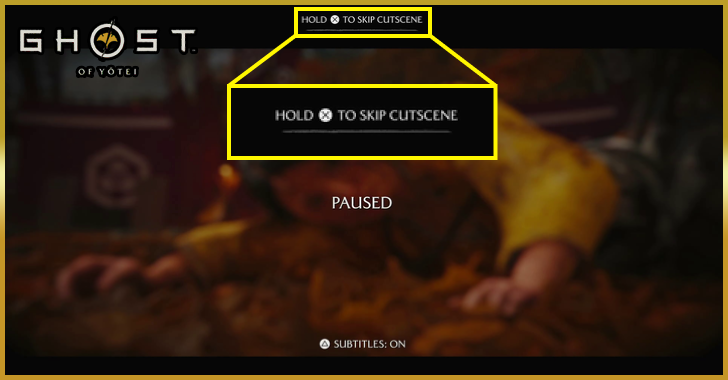
| Skip Cutscenes | On |
While the visuals are impressive and gorgeous, muscle memory from Ghost of Tsushima may have you constantly turning on Photo Mode while trying to sheathe your sword. Turn it off in the settings, and reduce camera motion too while you're there to lessen any potentially dizzying camera movements. You can also make sure that useful mechanics such as the target lock, golden bird and wolf appearances are set to on!
Audio
| Audio Output | Determined by System Software |
|---|---|
| Midnight Mode | User Preference |
| Audio Language | User Preference |
| Text Language | User Preference |
| Subtitles | On |
| Dialogue Volume | 100 (Default) |
| Music Volume | 100 (Default) |
| SFX Volume | 100 (Default) |
| Cutscene Volume | 100 (Default) |
| Controller Audio | User Preference Not available when ouput set to headphones |
English or Japanese?
When playing always use the language you are most comfortable with, Sucker Punch has made sure to accomodate players who prefer one or the otehr language by tailoring the lip synching to the the language you are using. If you find it hard to concentrate on the game while reading, playing on the english dub doesnt take away from the experience.
Display
| Brightness | User Preference |
|---|---|
| UI Brightness | User Preference |
| Contrast | User Preference |
| Graphics Mode | Performance Ray Tracing Pro (PS5 Pro only) |
| Motion Blur | Off |
| Kurosawa Mode | User Preference |
| Miike Mode | User Preference |
| Watanabe Mode | User Preference |
| Enemy Status Meter | On |
| HUD Style | Standard |
| Show Mask in Cutscenes | User Preference |
| Show On Back | User Preference |
| Show Blood | User Preference |
| Dismemberment | User Preference |
Quality, Performance, or Ray Tracing?
The graphic configurations between Performance or Quality, while noticeable, feels insignificant as both settings are still delivering gorgeous visuals. That said, you may be better off enjoying 60 FPS in Performance instead of the limited 30 FPS in Quality.
Unless you're on the PS5 Pro of course, then Ray Tracing Pro can target a flat 60 FPS while delivering impressive dynamic visuals.
You should also take into account your hardware, and if your monitor can handle the high refresh rates that the graphics setting will require.
Accessibility
| Subtitle Backdrop | On |
|---|---|
| Subtitle Names | On |
| Subtitle Text Color | User Preference |
| Large Text | User Preference |
| Enhanced Combat Cues | On |
| Enhanced Wind Visibility | On |
| Wind Gust Vamera | User Preference |
| Persistent Center Dot | Off |
| Minigame Controls | Simplified |
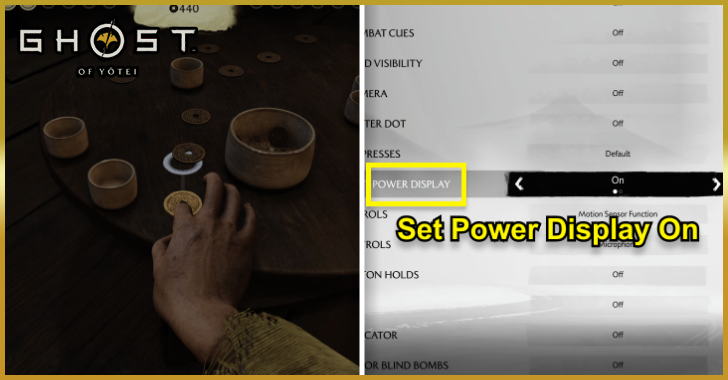
| Zen Hajiki Shot Power Display | On |
| Forging Controls | Simplified |
| Campfire Controls | User Preference |
| Toggle Button Holds | On |
| Aim Assist | On |
| Projectile Indicator | On |
| Dark Flashes for Blind Bombs | User Preference |
| Offscreen Detection Indicator | Default |
Certain accessibility changes can make for gamechanging quality of life adjustments. Such examples like the Aim Assist and Enhanced Combat Cues are useful for combat, and simplifying the Minigame and Forging controls can prevent any tedious minigames you may not want to do.
Ghost of Yotei Related Guides

Ghost of Yotei Wiki and Guides
Meta Guides
 Best Weapons Tier List Best Weapons Tier List |
 Best Skills and Techniques Best Skills and Techniques |
 Best Armor Best Armor |
 Best Charms Best Charms |
 Best Build Loadouts Best Build Loadouts |
- |
Best Guides for Beginners
 Beginner's Guide and Starting Tips
 Combat Guide and Fighting Tips
 List of All Trophies
 How to Setup Camp
 How to Skip Cutscenes
 How to Lock On Enemies
 How to Win at Zeni Hajiki
 How to Switch Weapons
 How to Heal
 How to Increase Spirit
 How to Fast Travel
 How to Hide Helmet
 How to Parry Attacks
 How to Disarm
 How to Defeat Shielded Enemies
 How to Upgrade Weapons
 How to Upgrade Armor
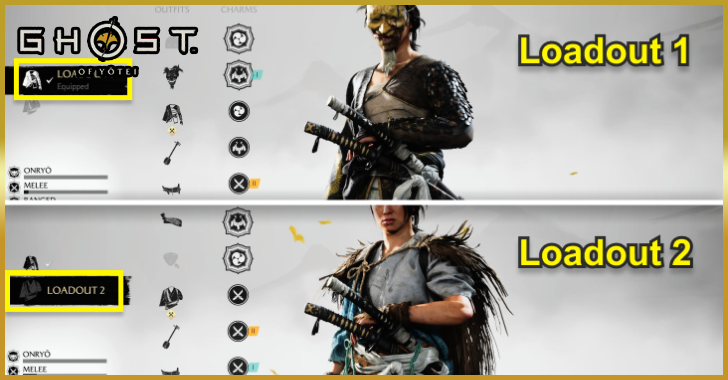 How to Use Loadouts
 Wolf Companion Guide
 Which Horse to Choose
 How to Name Your Horse
 How to Upgrade Charms
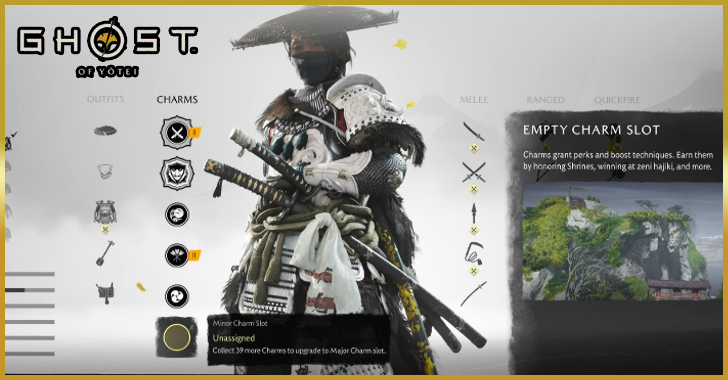 How to Unlock Charm Slots
 Best Locations to Visit Early Game
 How to Unlock Focused Hearing Ability
 How to Defeat Bears
 Ending Explained
 Is There Romance?
 How to Catch Fish
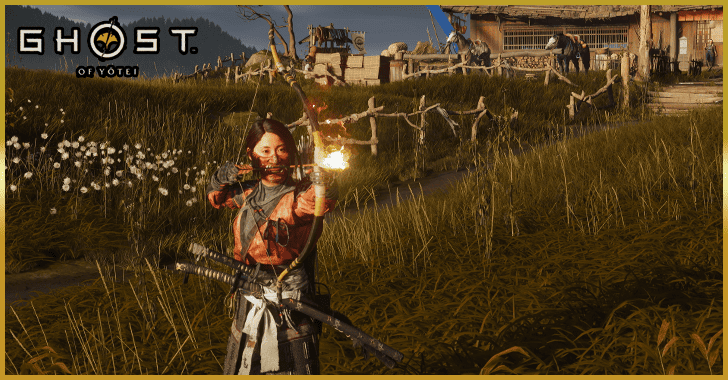 How to Unlock Fire Arrows
 How to Go Up Rocky Paths
 How to Negate Fall Damage
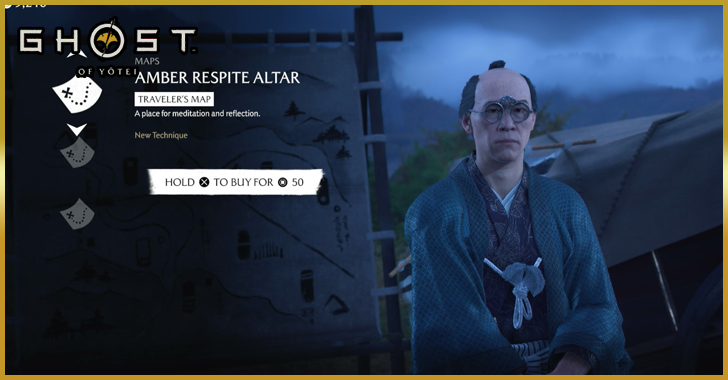 Should You Buy Travelers Maps?
 Dialogue Choices and Consequences
 How to Get Guns
 Can You Increase Attack Speed?
 How to Interrogate Enemies
Advanced Tips
 Best Way to Farm Coins
 Heavenly Strike Guide
 Weapon Aligned Explained
 How to Put Out Fire
 Stats Explained
 Can you Respec?
 How to Get a Perfect Score in Ku-e-shinok
 Onryo's Gift Explained
 How to Unfreeze Health
 Best Side Quests to Complete
 Best Bounties to Get
 How Many Skill Points Can You Get?
 How to Set Grass on Fire
 How to Pistol Parry
 Lethal Mode Guide
Game Features and Details
 Difficulty Settings Explained
 How Long is Ghost of Yotei?
 Best Settings
 All Director Modes
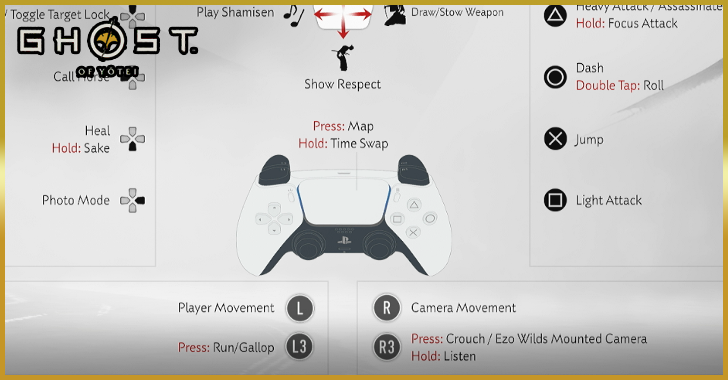 List of All Controls
 Is There a Minimap in Ghost of Yotei?
 Is There New Game Plus?
 Should You Play Ghost of Tsushima First?
 How to Play Ghost of Yotei Early
 New Features and Gameplay Changes
 Missables and Points of No Return
 How to Get the Deluxe Horse
 Story Explained
 Is Ghost of Yotei a Sequel?
 List of Secrets and Easter Eggs
Comment



Author
Best Settings

Rankings
- We could not find the message board you were looking for.
Gaming News



![Monster Hunter Stories 3 Review [First Impressions] | Simply Rejuvenating](https://img.game8.co/4438641/2a31b7702bd70e78ec8efd24661dacda.jpeg/thumb)
Popular Games

Genshin Impact Walkthrough & Guides Wiki
Umamusume: Pretty Derby Walkthrough & Guides Wiki
Pokemon Pokopia Walkthrough & Guides Wiki
Honkai: Star Rail Walkthrough & Guides Wiki
Monster Hunter Stories 3: Twisted Reflection Walkthrough & Guides Wiki
Arknights: Endfield Walkthrough & Guides Wiki
Wuthering Waves Walkthrough & Guides Wiki
Zenless Zone Zero Walkthrough & Guides Wiki
Pokemon TCG Pocket (PTCGP) Strategies & Guides Wiki
Monster Hunter Wilds Walkthrough & Guides Wiki










Recommended Games
Diablo 4: Vessel of Hatred Walkthrough & Guides Wiki
Cyberpunk 2077: Ultimate Edition Walkthrough & Guides Wiki
Fire Emblem Heroes (FEH) Walkthrough & Guides Wiki
Yu-Gi-Oh! Master Duel Walkthrough & Guides Wiki
Super Smash Bros. Ultimate Walkthrough & Guides Wiki
Pokemon Brilliant Diamond and Shining Pearl (BDSP) Walkthrough & Guides Wiki
Elden Ring Shadow of the Erdtree Walkthrough & Guides Wiki
Monster Hunter World Walkthrough & Guides Wiki
The Legend of Zelda: Tears of the Kingdom Walkthrough & Guides Wiki
Persona 3 Reload Walkthrough & Guides Wiki










All rights reserved
©2025 Sony Interactive Entertainment LLC. Developed by Sucker Punch Productions.
The copyrights of videos of games used in our content and other intellectual property rights belong to the provider of the game.
The contents we provide on this site were created personally by members of the Game8 editorial department.
We refuse the right to reuse or repost content taken without our permission such as data or images to other sites.