
How to Get Fintastic Riptide Skin
★ Tier Lists: Characters | Weapons | Demon Wedges
★ Builds: Kezhou | Fushu | Fina | Lynn | Psyche
★ Version 1.2 Summary | Characters: Zhiliu | Yuming
┗ Mechanics: Mount | Gifting | Reputation | Accessory Customization
★ How to Get Characters | Mystic Maze | Redeem Codes
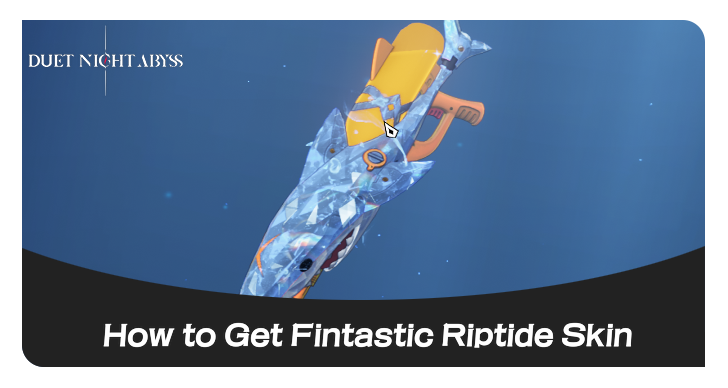
Fintastic Riptide is one of the Assault Rifle skin cosmetics in Duet Night Abyss (DNA). See how to get the Fintastic Riptide skin, how to equip it, its release date, and a showcase of the skin here.
List of Contents
How to Get Fintastic Riptide Skin
Pull From Myriad Gacha Banner
| Banner |
|---|
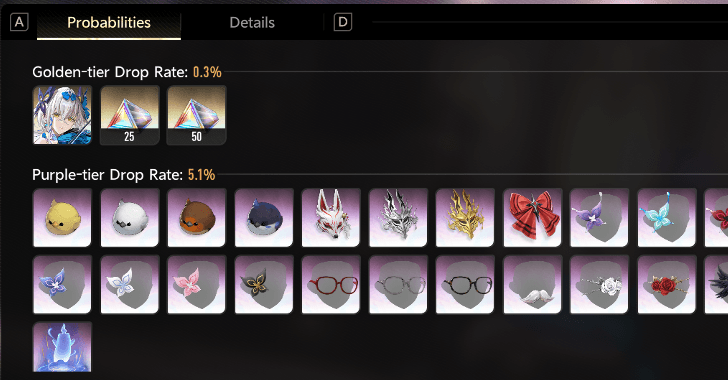
You can get the Fintastic Riptide skin by pulling on the banner. Take note that in order to use this skin, you must have already unlocked .
Myriad Gacha Pity System Guide
How to Equip Fintastic Riptide Skin
Equip from the Cosmetics Menu
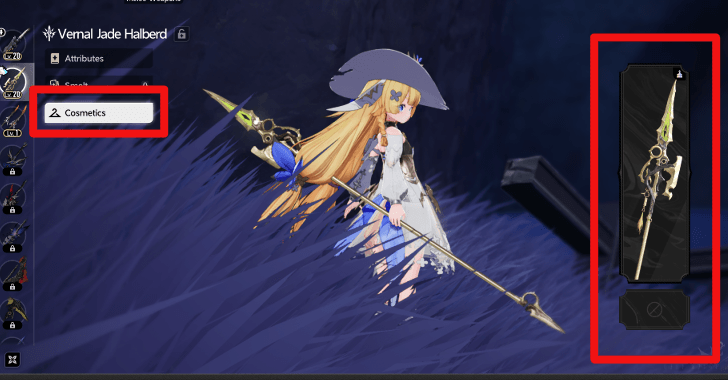
To equip a weapon skin, simply navigate to the Cosmetics tab in your weapon menu and select the weapon splash art. Select the skin you want and then select the equip button.
Keep in mind that you can only equip a weapon skin if it matches the weapon type.
Fintastic Riptide Skin Overview
Weapon Skin Preview
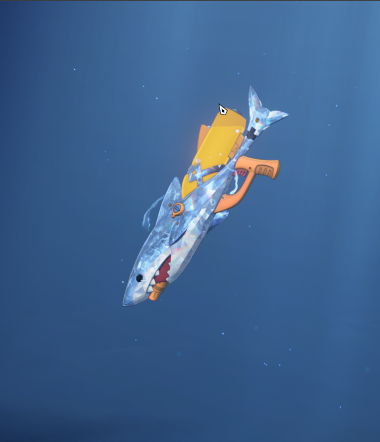
| Fintastic Riptide Skin Preview | |
|---|---|
 |
|
| How to Get | |
| Slot Compatibility |
 Assault Rifle Assault Rifle
|
Fintastic Riptide Skin Release Date
December 23, 2025
Fintastic Riptide became available on December 23, 2025 alongside the release of Version 1.1.
Duet Night Abyss Related Guides

All Cosmetics
| List of All Cosmetics | |
|---|---|
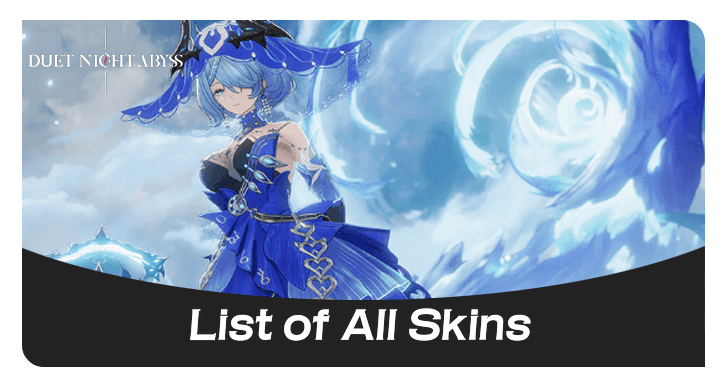 Skins Skins |
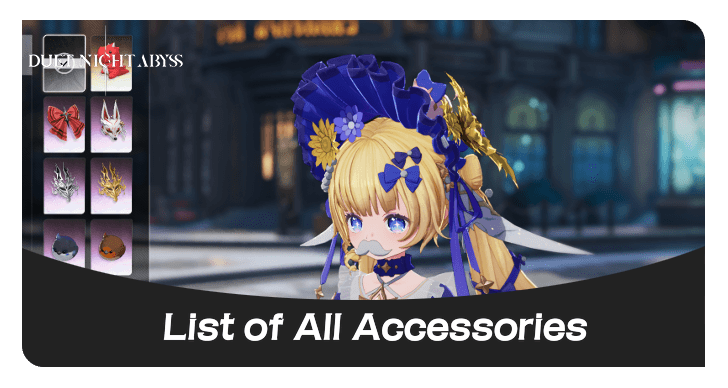 Accessories Accessories |
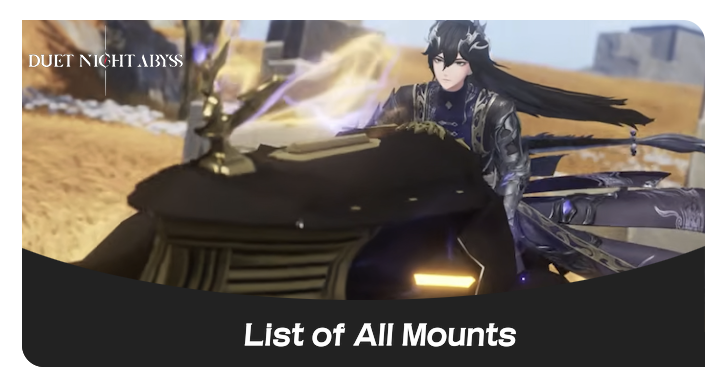 Mounts Mounts |
- |
All Character Skins
 Bubbly Quack Bubbly Quack
|
 Epulary Elegance Epulary Elegance
|
 Frosty Fantasy Frosty Fantasy
|
 Minuet Reverie Minuet Reverie
|
 Shore Leisure Shore Leisure
|
 Snapfreeze Snapfreeze
|
 Starry Hopes Starry Hopes
|
 Sunlit Gristmill Sunlit Gristmill
|
 Tidal Repose Tidal Repose
|
 Veils and Whispers Veils and Whispers
|
 Verdant Serenity Verdant Serenity
|
All Weapon Skins
 Catloaf No.1
 Catloaf No.2
 Checkmeow
 Fintastic Riptide
 Grand Epulary
 Guitabby No.1
 Guitabby No.2
 I Am a Cat
 Meow-Meow Sausage
 Meowmentum
 Meowraculuos
 Meowrage
 Meowsterious
 Meowsterpiece
 Meowstruck
 Midsummer Nocturne
 Pawsibilities - Meow
 Stellar Blaze
 Sunrise Scherzo
 Sweet Fortune Theme Melee Weapon
 The Backup Catch
 Tideborn Rhapsody
 Tough Love
 Verdant Loong Theme
 Victory by Receipt
 Vigor Rise
Comment



Author

How to Get Fintastic Riptide Skin
Rankings
Gaming News

![Forza Horizon 6 Review [Preview] | Beautiful Roads With a Whole Lot of Oversteer](https://img.game8.co/4460981/a7254c24945c43fbdf6ad9bea52b5ce9.png/show)


![Forza Horizon 6 Review [Preview] | Beautiful Roads With a Whole Lot of Oversteer](https://img.game8.co/4460981/a7254c24945c43fbdf6ad9bea52b5ce9.png/thumb)
Popular Games

Genshin Impact Walkthrough & Guides Wiki
Crimson Desert Walkthrough & Guides Wiki
Umamusume: Pretty Derby Walkthrough & Guides Wiki
Honkai: Star Rail Walkthrough & Guides Wiki
Monster Hunter Stories 3: Twisted Reflection Walkthrough & Guides Wiki
Wuthering Waves Walkthrough & Guides Wiki
The Seven Deadly Sins: Origin Walkthrough & Guides Wiki
Pokemon TCG Pocket (PTCGP) Strategies & Guides Wiki
Pokemon Pokopia Walkthrough & Guides Wiki
Zenless Zone Zero Walkthrough & Guides Wiki










Recommended Games
Monster Hunter World Walkthrough & Guides Wiki
Fire Emblem Heroes (FEH) Walkthrough & Guides Wiki
Pokemon Brilliant Diamond and Shining Pearl (BDSP) Walkthrough & Guides Wiki
Super Smash Bros. Ultimate Walkthrough & Guides Wiki
Diablo 4: Vessel of Hatred Walkthrough & Guides Wiki
Cyberpunk 2077: Ultimate Edition Walkthrough & Guides Wiki
Yu-Gi-Oh! Master Duel Walkthrough & Guides Wiki
Elden Ring Shadow of the Erdtree Walkthrough & Guides Wiki
The Legend of Zelda: Tears of the Kingdom Walkthrough & Guides Wiki
Persona 3 Reload Walkthrough & Guides Wiki










All rights reserved
Game Copyright©Pan Studio All Rights Reserved.
The content we provide on this site were created personally by members of the Game8 editorial department.
We refuse the right to reuse or repost content taken without our permission such as data or images to other sites.
©Pan Studio (Provider)