

 Beginner's Guide
 Early Progression Guide
 Is There Transmog?
 How to Fast Travel
 Where to Store Items
 Can You Skip Cutscenes
 How to Steal Items
 How to Pass Time
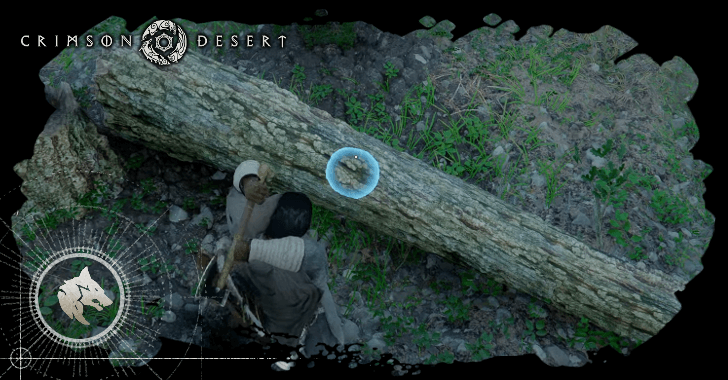 How to Log Trees
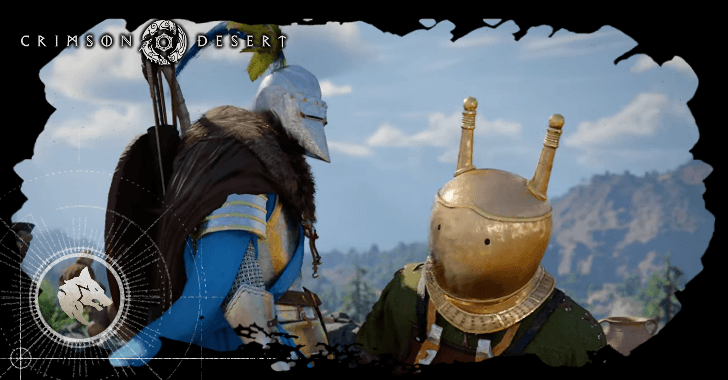 Can You Hide Your Helmet?
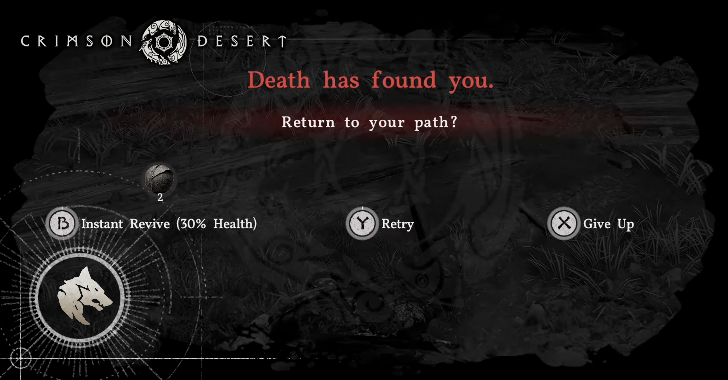 Death Penalty Explained
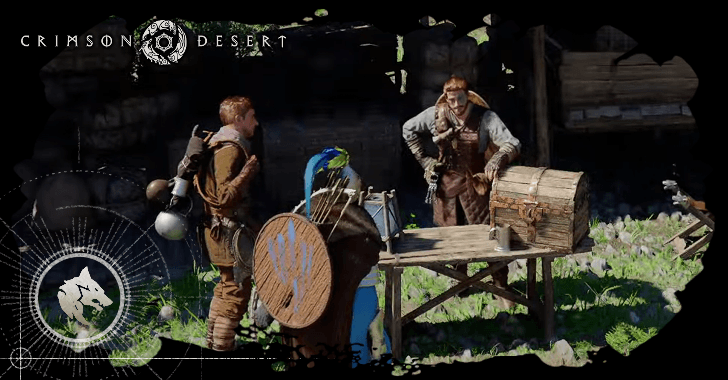 Trust System Explained
 How Long Is Crimson Desert?
 How to Heal Your Horse
 How to Equip Abyss Cores
 All Missables and One-Time Events
 How to Play Duo
 How to Infiltrate Guarded Areas
 Best Items to Keep, Buy, and Sell
 Wanted System Explained
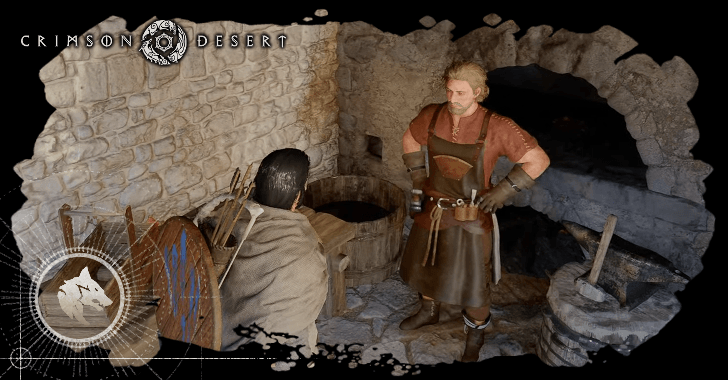 Best Side Quests to Complete
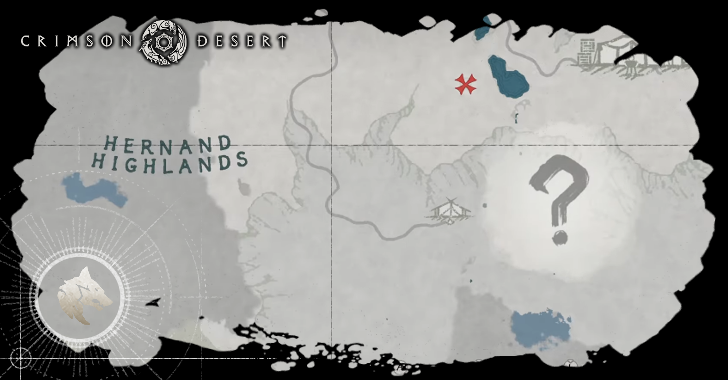 What Are Mysterious Energies?
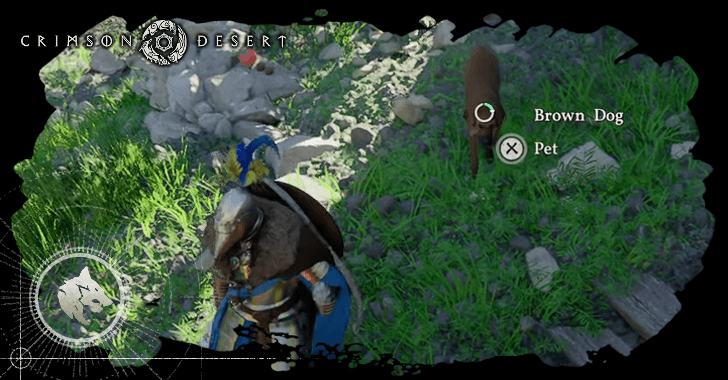 How to Unlock and Get Pets
 List of Trophies and Achievements
 How to Fish
 How to Clear Fog of War
 How to Deal with Cold and Hot Climates
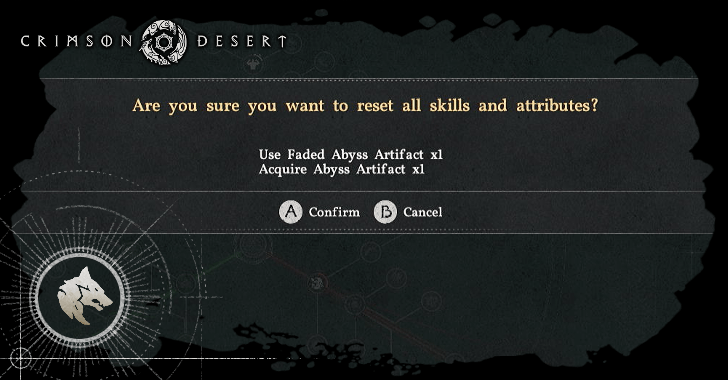 How to Respec Skills
 How to Find the Room the Key Opens
 Refinement Guide
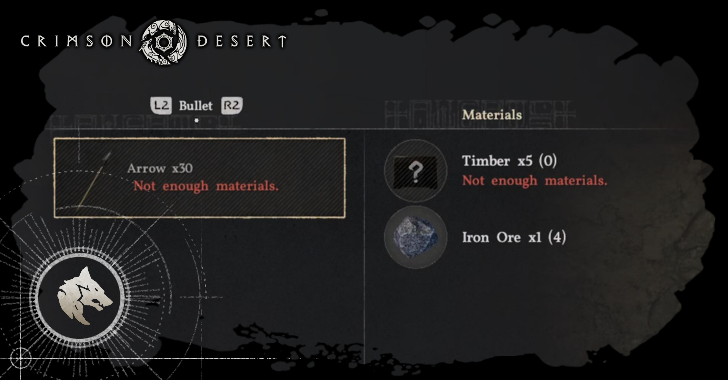 How to Craft Equipment
 How to in Win Arm Wrestling
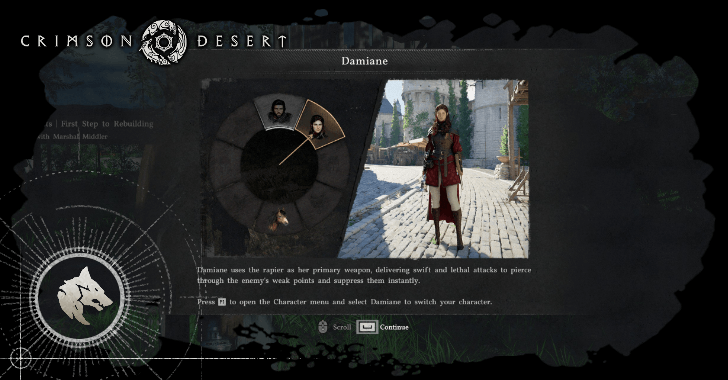 How to Change Characters
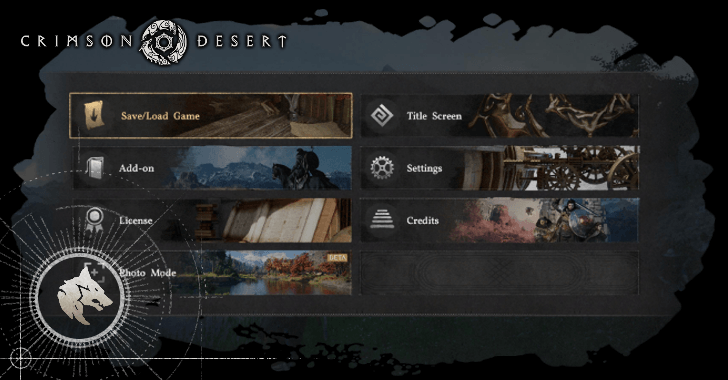 How to Save
 How to Sheathe Your Weapon
 Camp Features
 How to Enter Waterfalls
 Do Enemies and Gatherables Respawn?
 List of Puzzles
 How to Burn Vines
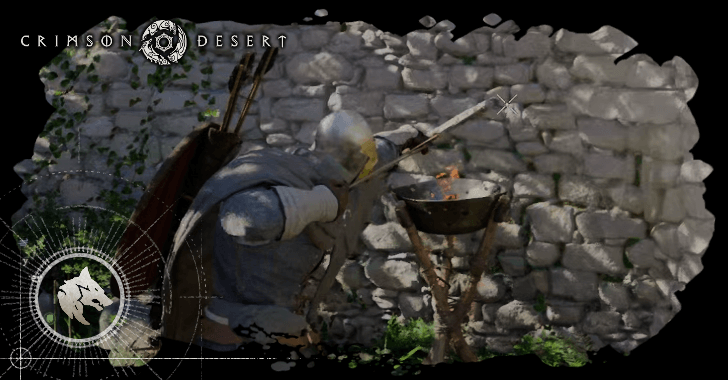 How to Make Fire Arrows
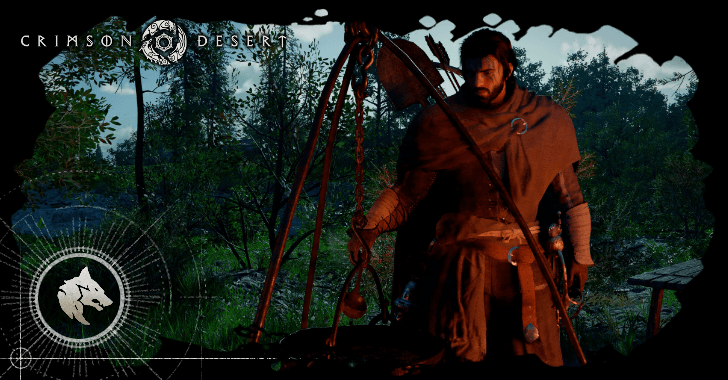 How to Cook Food
 Story Explained
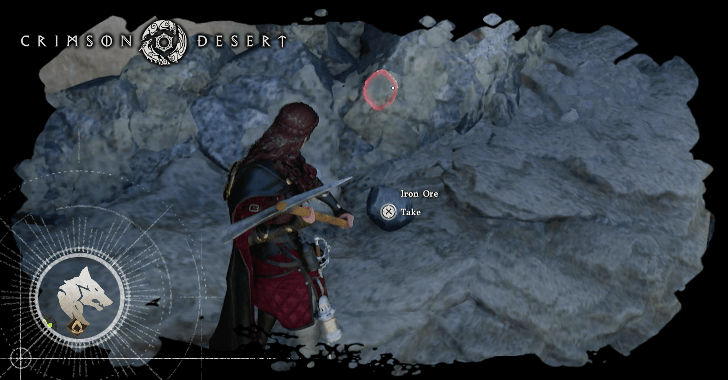 How to Mine Ores
 Mouse and Keyboard or Controller?
 How to Dye Armor
 Trading System Explained
 Why Does Your Lantern Glow Blue?
 Where to Turn In Bounties
 Supply Chests Locations
 HUD Explained
 Is There New Game Plus?
 How to Slide
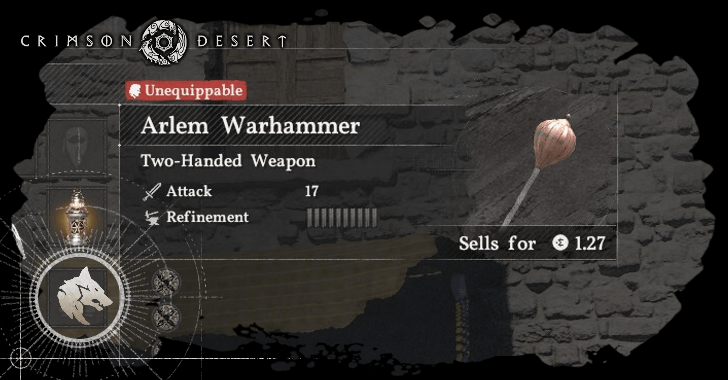 What Are Unequippable Equipment?
 How to Tame Horses
 How to Take the White Bird's Letter
 Do Weapons Have Durability?
 How to Unlock Barber
 How to Win Archery Contests
 How to Increase Reputation
 Advanced Combat Guide
 How to Sleep
 When to Start Exploring?
 Best Horses
 Black Market Locations
 What Is the Yellow Bar?
 Why Do You Glow Green?
 How to Win in Unarmed Duel
 How to Level Up Your Horse
 How to Dispatch Comrades
 How to Hire Contribution Workers
 Best Places to Mine Ores
 How to Use Item Abilities
 How to Eavesdrop
 How to Increase Research Knowledge
 What Are Camp Provisions?
 How to Level Up Comrades
 All Character Creation Options
 How to Pickpocket
 Should You Sell Recipes?
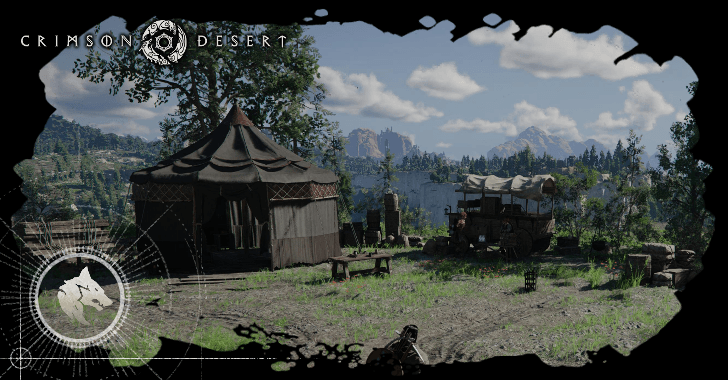 How to Upgrade Camp
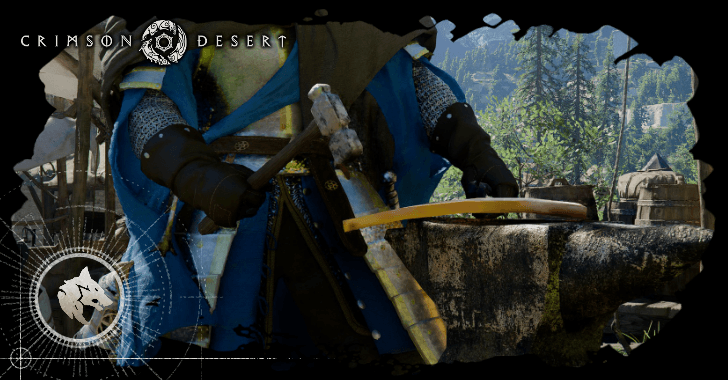 How to Increase Defense
 Movement Speed Explained
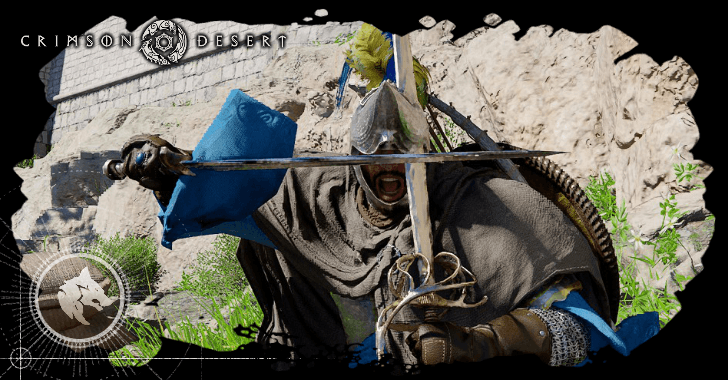 Attack Speed Explained
 Critical Chance Explained
 How to Unlock Core Slot
 Leveling System Explained
 How Many Skill Points Can You Get?
 How to Increase Health
 How to Increase Spirit
 How to Increase Stamina
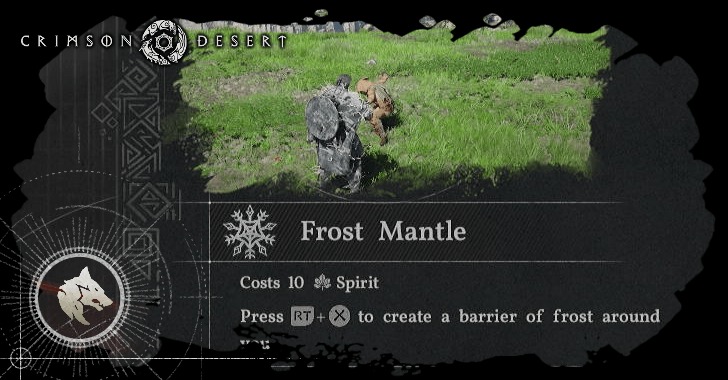 How to Unlock Elemental Skills


This survey will take about 1 minute.
Your answers will help us to improve our website.
Crimson Desert
How to Store Items
☆ Best: Side Quests | Weapons | Armor | Skills
★ Controls | Best Items | What to Do First
☆ Characters: Damiane | Oongka | Kliff
You can store items in the private storage in Crimson Desert. Read on to learn how to store items, how to manage your inventory, how to expand your inventory slots, and which items to discard.
List of Contents
How to Store Items
Store Items in the Private Storage
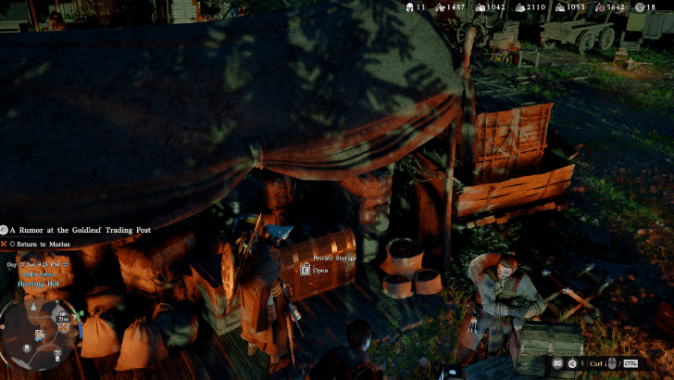
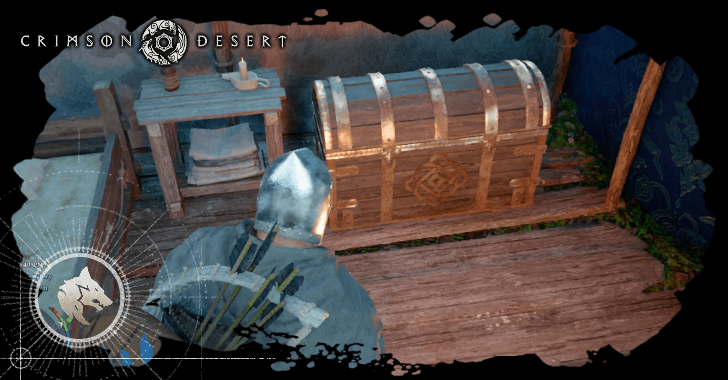
You can store items in the Private Storage, which you can access at your temporary lodgings in Hernand. It will also be available at your camp in Howling Hill once you unlock it.
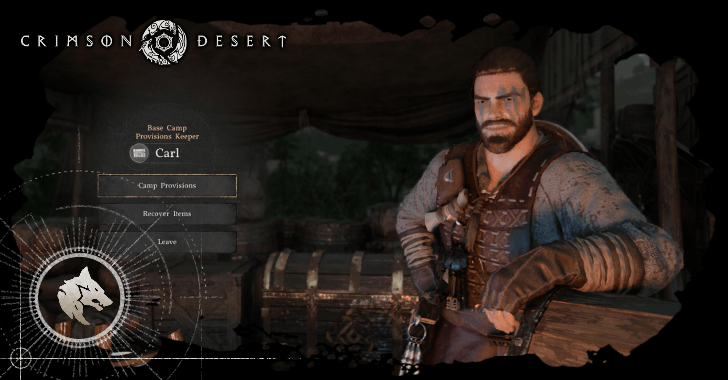
It will be located behind Carl, where it was originally located when it was just a supply chest.
Housing Storage Will Be Available in a Future Update
It has been confirmed that the game will introduce housing options that provide additional storage for certain items. There is no specific date yet on when this feature will be added in as of writing.
Inventory Management Tips
|
|
Use the Group Feature
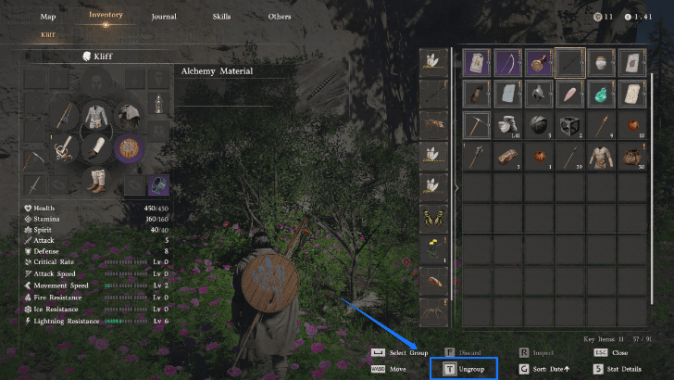
You can use the Group feature to group items of the same type together in your inventory, making them occupy a single slot and appear in the slots to the left when hovered.
Note that this does not increase the total number of items you can carry. However, it can make inventory management much easier as it can free up inventory slots.
Complete Side Quests to Increase Inventory Slots
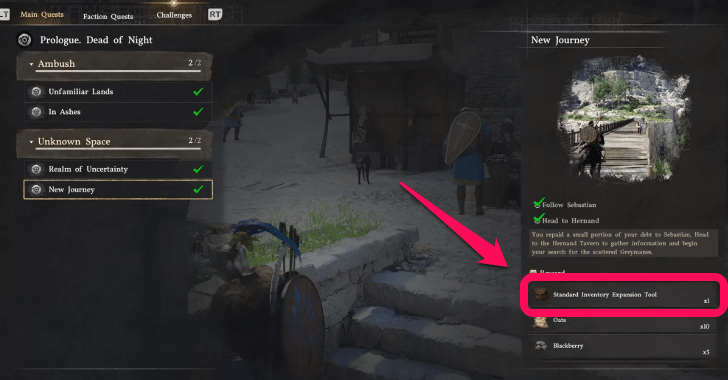
You ou can expand your inventory by completing side and main quests to obtain Inventory Expansion Tools.
Each Inventory Expansion Tool will give you 3 additional inventory slots, allowing you to carry more items without having to discard anything unnecessarily.
Purchase Inventory Slots from Vendors
You can also purchase a limited number of inventory slots from specific shop vendors in game. Visit different merchants and purchase Small Bag for 50 Copper. This will unlock 1 slot in your inventory.
Discard or Sell Used Documents
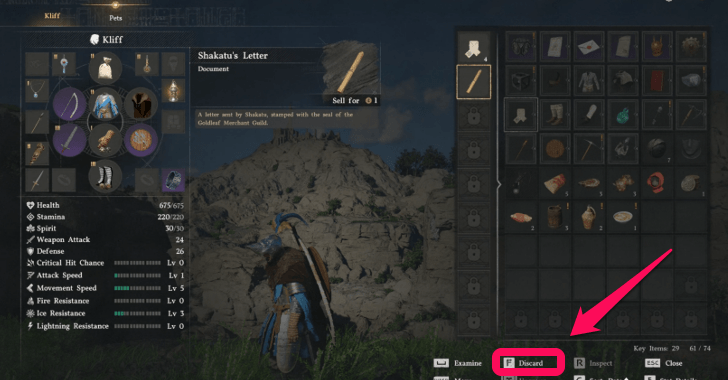
Throughout the game, you will collect various documents needed to progress certain quests. Once a document is no longer required and has already been used as a key item, you can safely discard or sell it. These are the main items to discard when running low on inventory slots.
Donate Unwanted Items to Your Camp
Instead of discarding unnecessary gear, you can also speak with Carl at the Greymanes Camp to donate unwanted items into Camp Resources. This method is an efficient way to manage inventory while simultaneously contributing to camp progression.
Unlock Other Playable Characters
You can unlock additional inventory slots simply by unlocking all the playable characters. This will help manage the equipment and other items that comes with the unlocked character.
Crimson Desert Related Guides

Meta Guides
 Best Ways to Farm Money Best Ways to Farm Money |
 Best Skills to Get Early Best Skills to Get Early |
 Best Places to Visit Early Best Places to Visit Early |
 Best Abyss Gears Best Abyss Gears |
 Best Ways to Farm Abyss Artifacts Best Ways to Farm Abyss Artifacts |
 Best Armor Best Armor |
 Best Weapons Best Weapons |
 Best Bows Best Bows |
- |
Beginner Guides
Character Progression Guides
Combat Tips
 How to Beat Flying Enemies How to Beat Flying Enemies |
 How to Heal How to Heal |
 Can You Defeat Myurdin? (Tutorial Boss) Can You Defeat Myurdin? (Tutorial Boss) |
 How to Perfect Dodge How to Perfect Dodge |
 How to Parry Attacks How to Parry Attacks |
 How to Lock On Targets How to Lock On Targets |
 How to Defeat Enemies with a Shield How to Defeat Enemies with a Shield |
- | - |
Settings Guides
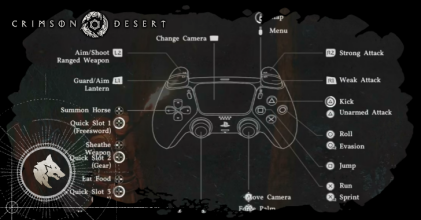 List of All Controls List of All Controls |
 Best Settings Best Settings |
 Difficulty Explained Difficulty Explained |
Comment
Author

How to Store Items

Please participate in our site
improvement survey
04/2026
improvement survey
04/2026
Would you assist in
improving Game8's site?
improving Game8's site?

×
We are listening to our users' valuable opinions and discussing how to act on them.
The information collected through this survey will be used for the purpose of improving our services. In addition, the information will only be disclosed a part of a statistic in a format that will not allow identification of personal information.
Begin Survey
Not Now
×
Please rate each item regarding Game8.co's Advertisements.
Amount of Ads
Very Dissatisfied
Somewhat Dissatisfied
Fine
Somewhat Satisfied
Highly Satisfied
Placement of Ads
Timing of Ad Display
Ad Loading Speed
Safeness of Ads
Content of Ads
×
Please rate each item regarding Game8.co's Quality of Articles.
Amount of information
Very Dissatisfied
Somewhat Dissatisfied
Fine
Somewhat Satisfied
Highly Satisfied
Frequency of updates
Speed of new information
Accuracy of articles
Understandibility of articles
Readability of sentences
×
Please rate each item regarding Game8.co's Usability of the Site.
Ease of finding information
Very Dissatisfied
Somewhat Dissatisfied
Fine
Somewhat Satisfied
Highly Satisfied
Loading Speed
Use of Color
Font Size
Visibility of Images
Easy to Understand Layout
×
Please rate each item regarding Game8.co's Message Boards, Comments.
Ease of Writing
Very Dissatisfied
Somewhat Dissatisfied
Fine
Somewhat Satisfied
Highly Satisfied
Readability
Ease in Finding Information
Comment Quality
Comment Quantity
Admin Response
×
Please rate each item regarding Game8.co's Site's new design.
Please rate our site's new design
Very Dissatisfied
Somewhat Dissatisfied
Fine
Somewhat Satisfied
Highly Satisfied
Do you think that the website's design change makes the site easier to use?
Has the new design made it easier for you to find information on the site?
Has the new design improved the overall visual appeal of the site?
How would you rate your overall satisfaction with the new design of the site?
×
How likely are you to recommend Game8 to someone you know?
Very Unlikely
0
1
2
3
4
5
6
7
8
9
10
Very Likely
If you have other opinions regarding potential improvement to the website, please share them with us. We would appreciate your honest opinion.
Note: This is a free response section, so you can proceed without entering anything.
Note: Please be sure not to enter any kind of personal information into your response.
Note: Please be sure not to enter any kind of personal information into your response.
×
Thank You
×
Thank you for participating in our survey! Your answers will help us to improve the quality of our website and services.
We hope you continue to make use of Game8.
We hope you continue to make use of Game8.
Close
Rankings
- We could not find the message board you were looking for.
Gaming News



![Forza Horizon 6 Review [Preview] | Beautiful Roads With a Whole Lot of Oversteer](https://img.game8.co/4460981/a7254c24945c43fbdf6ad9bea52b5ce9.png/thumb)
Popular Games

Genshin Impact Walkthrough & Guides Wiki
Crimson Desert Walkthrough & Guides Wiki
Umamusume: Pretty Derby Walkthrough & Guides Wiki
Honkai: Star Rail Walkthrough & Guides Wiki
Monster Hunter Stories 3: Twisted Reflection Walkthrough & Guides Wiki
Wuthering Waves Walkthrough & Guides Wiki
The Seven Deadly Sins: Origin Walkthrough & Guides Wiki
Pokemon TCG Pocket (PTCGP) Strategies & Guides Wiki
Pokemon Pokopia Walkthrough & Guides Wiki
Zenless Zone Zero Walkthrough & Guides Wiki









Recommended Games
Monster Hunter World Walkthrough & Guides Wiki
Fire Emblem Heroes (FEH) Walkthrough & Guides Wiki
Pokemon Brilliant Diamond and Shining Pearl (BDSP) Walkthrough & Guides Wiki
Super Smash Bros. Ultimate Walkthrough & Guides Wiki
Diablo 4: Vessel of Hatred Walkthrough & Guides Wiki
Cyberpunk 2077: Ultimate Edition Walkthrough & Guides Wiki
Yu-Gi-Oh! Master Duel Walkthrough & Guides Wiki
Elden Ring Shadow of the Erdtree Walkthrough & Guides Wiki
The Legend of Zelda: Tears of the Kingdom Walkthrough & Guides Wiki
Persona 3 Reload Walkthrough & Guides Wiki










All rights reserved
© Pearl Abyss Corp. All Rights Reserved.
The copyrights of videos of games used in our content and other intellectual property rights belong to the provider of the game.
The contents we provide on this site were created personally by members of the Game8 editorial department.
We refuse the right to reuse or repost content taken without our permission such as data or images to other sites.