
How to Increase Building and Decoration Limit
★ Characters and Gifts Guide
☆ All 16 Romance Options
★ Boss Taming Guide and Best Items to Give
☆ Check our Daily Routine Guide for your daily tasks!
★ Walkthrough and Complete Story Guide
☆ Village Building Guide
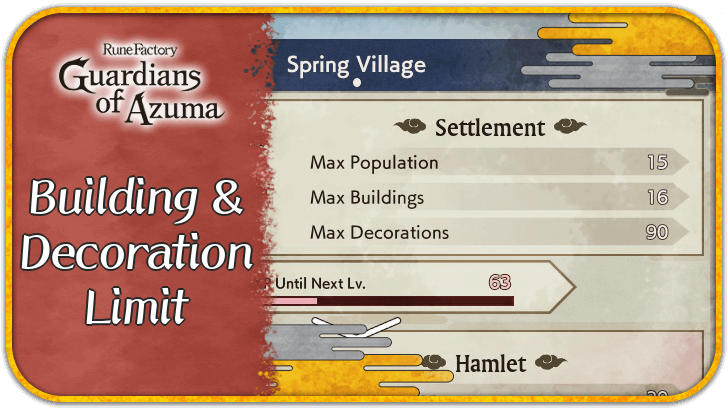
The building and decoration limit for villages can be increased by leveling up your village in Rune Factory: Guardians of Azuma (RFGoA). Read on for more information on how to increase the building and decoration limit for villages as well as how to get more buildings and decorations.
List of Contents
How to Increase Building and Decoration Limit
Level Up Your Village
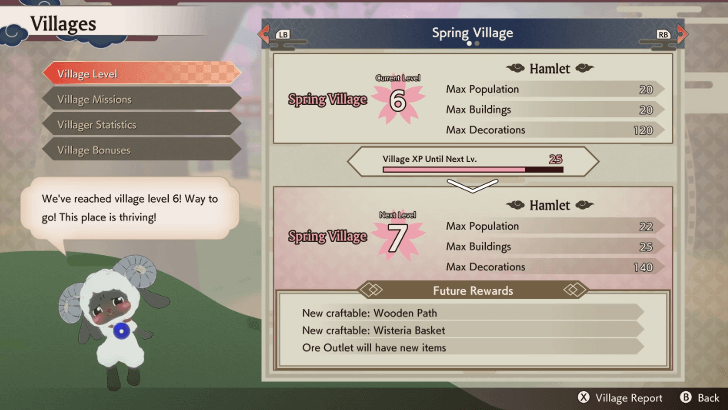
The primary way to increase your building and decoration limit is to level up your village. Each village will have its own limits as well as its own level.
Decoration limits are greater than building limits, since buildings are generally bigger in size, taking up more of the limited space.
You can check your current limits as well as the limit increases for the next village level through the Village Level screen on the Villages menu. The max buildings and decorations can also be seen on the Village Bonuses panel on the left side of the screen when the Terra Tiller is equipped.
Village Level Effects and How to Increase
Clear Blight for More Land
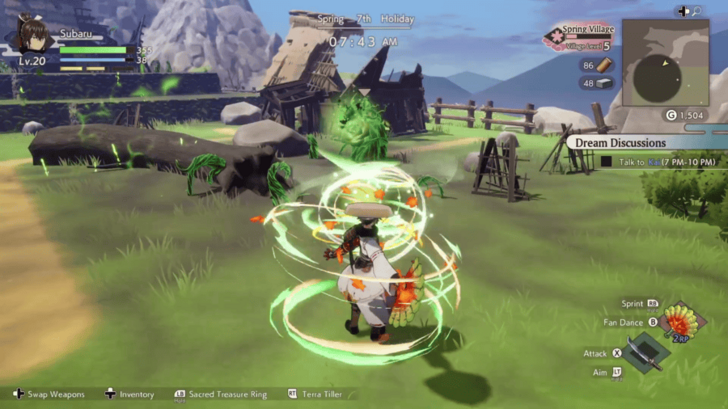
If you already have a large maximum limit for your buildings and decorations but can't find any more space to put them in, you can unlock more development zones in your villages by clearing out blight.
The purple Blightblooms can be cleared using the Sacred Sword. The toxic Poisonblooms can be cleared using the Sacred Fan. The fiery Burnblooms can be cleared using the Sacred Parasol.
Additional development zones may also be unlocked by leveling up your village.
How to Get More Buildings and Decorations
| How to Get More Village Building Items |
|---|
| |

Level Up a Village
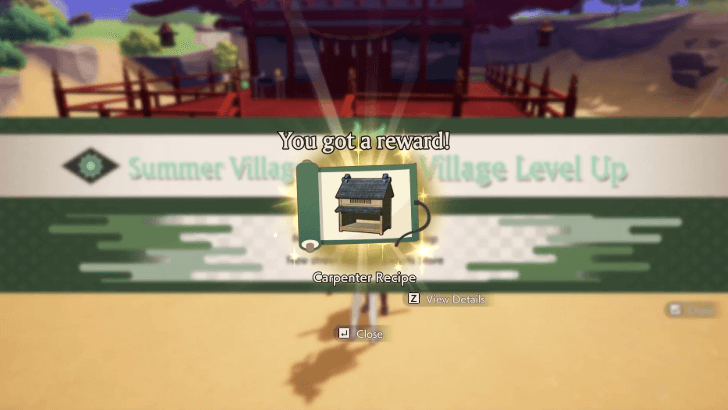
Leveling up a village not only increases your building and decoration limits, but you also unlock more recipes to craft at carpenters. If you're not fully content with your current selection of buildings and decorations, the most important thing to do is to level the village up.
Find New Recipes
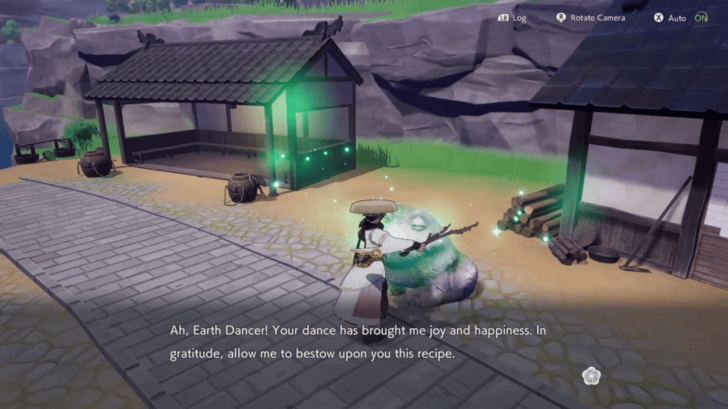
You can get more recipes by using Dance of Bonds on frog statues scattered around Azuma. Recipes can also be unlocked by completing quests and requests and deepening your bonds with villagers.
All Frog Statue Recipes and Locations
Construct From a Carpenter
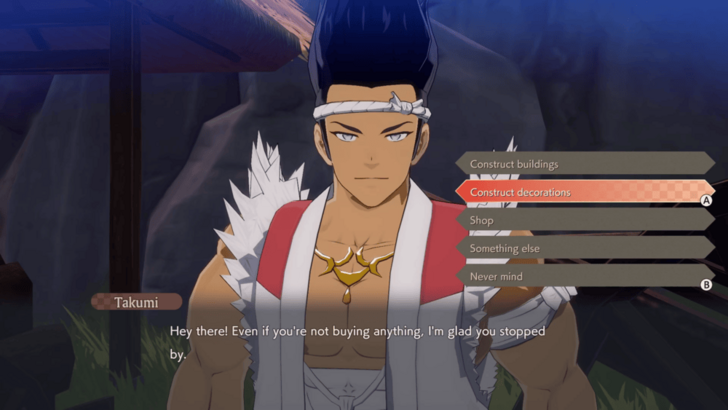
Once you have your recipes, you can go to a carpenter and ask them to construct buildings or construct decorations.
The first carpenter in the game that you can unlock is Takumi of Spring Village's Sakuraya Construction. You can eventually place carpenters into village development zones as you progress through the game.
Walkthrough and Complete Story Guide
Rune Factory: Guardians of Azuma Related Guides

All Village Building Guides
| Building Menu | |
|---|---|
| List of All Buildings | List of All Decorations |
| List of All Terrain Tiles and Soil | List of All Seeds and Such |
| Village Building Guides | |
| Village Level Effects | Village Bonuses Guide |
| Villager Qualities and How to Assign Jobs | How to Increase Building & Decoration Limit |
| How to Increase Village Happiness | How to Get More Development Zones |
| How to Get More Villagers | - |
| Farming Guides | |
| Farming Guide: How to Manage Crops | How to Grow Rice |
| How to Grow Giant Crops | How to Get Field Tiles |
Comment



Author
How to Increase Building and Decoration Limit

Rankings
- We could not find the message board you were looking for.
Gaming News





Popular Games

Genshin Impact Walkthrough & Guides Wiki
Umamusume: Pretty Derby Walkthrough & Guides Wiki
Pokemon Pokopia Walkthrough & Guides Wiki
Honkai: Star Rail Walkthrough & Guides Wiki
Monster Hunter Stories 3: Twisted Reflection Walkthrough & Guides Wiki
Arknights: Endfield Walkthrough & Guides Wiki
Wuthering Waves Walkthrough & Guides Wiki
Zenless Zone Zero Walkthrough & Guides Wiki
Pokemon TCG Pocket (PTCGP) Strategies & Guides Wiki
Monster Hunter Wilds Walkthrough & Guides Wiki










Recommended Games
Fire Emblem Heroes (FEH) Walkthrough & Guides Wiki
Diablo 4: Vessel of Hatred Walkthrough & Guides Wiki
Cyberpunk 2077: Ultimate Edition Walkthrough & Guides Wiki
Yu-Gi-Oh! Master Duel Walkthrough & Guides Wiki
Super Smash Bros. Ultimate Walkthrough & Guides Wiki
Pokemon Brilliant Diamond and Shining Pearl (BDSP) Walkthrough & Guides Wiki
Elden Ring Shadow of the Erdtree Walkthrough & Guides Wiki
Monster Hunter World Walkthrough & Guides Wiki
The Legend of Zelda: Tears of the Kingdom Walkthrough & Guides Wiki
Persona 3 Reload Walkthrough & Guides Wiki










All rights reserved
©2025 Marvelous Inc.
The copyrights of videos of games used in our content and other intellectual property rights belong to the provider of the game.
The contents we provide on this site were created personally by members of the Game8 editorial department.
We refuse the right to reuse or repost content taken without our permission such as data or images to other sites.