
Farming Guide: How to Manage Crops
★ Characters and Gifts Guide
☆ All 16 Romance Options
★ Boss Taming Guide and Best Items to Give
☆ Check our Daily Routine Guide for your daily tasks!
★ Walkthrough and Complete Story Guide
☆ Village Building Guide
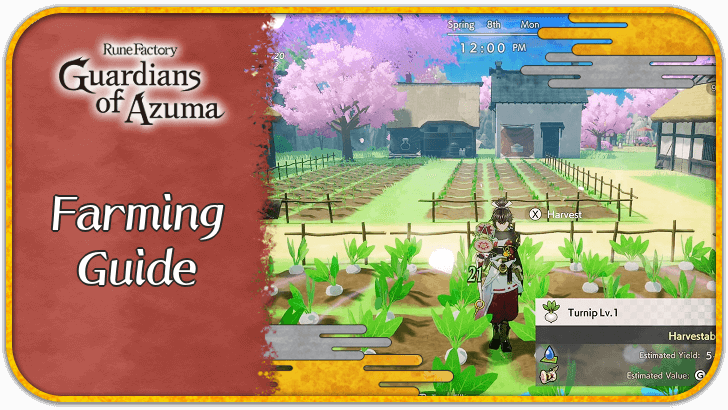
This is a guide to farming in Rune Factory: Guardians of Azuma (RFGoA). Learn all the necessary steps to manage your farm and crops and find out all that you need to know about farming in the game!
List of Contents
How to Farm and Grow Crops
- Use Terra Tiller to Clear Debris
- Place Field Tiles on the Ground
- Plant Seeds on Field Tiles
- Water Your Crops Everyday
- Use Drum Dance to Make Crops Grow Faster
- Harvest Fully Grown Crops
- Use the Sacred Sword to Level Up Crops
Use Terra Tiller to Clear Debris
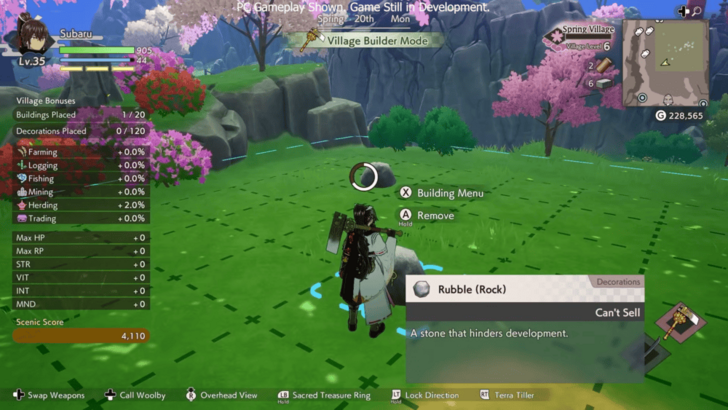
Before you can farm at your heart's content, make sure to first clear out any rocks or debris in your farm with the Terra Tiller.
This way, you can access all of the available space in your farm and plot out where you want to place your field and other structures. Doing this will also net you some resources as you clear out objects in the field.
Place Field Tiles on the Ground
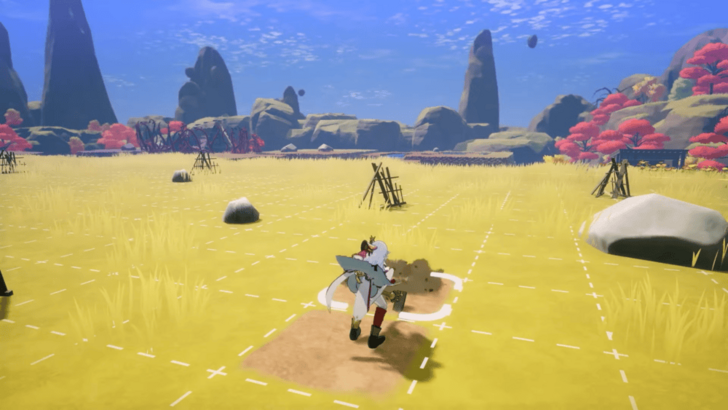
Next, you need to place Field tiles on the ground where you can plant crops.
You can craft Field tiles by calling Woolby while the Terra Tiller is equipped and selecting Create terrain tiles. You need two Red Soil and Rich Soil to craft one Field tile.
Once you have your Field tiles, use the Terra Tiller to place them on the ground.
List of All Terrain Tiles and Soil
Plant Seeds on Field Tiles
After placing Field tiles on the ground, you can now plant seeds on top of the tiles. Stand in front of a Field tile and select a crop that you want to plant.
You can also plant seeds while in Overhead View if you want the process to be faster.
Rice Grows in Rice Paddies
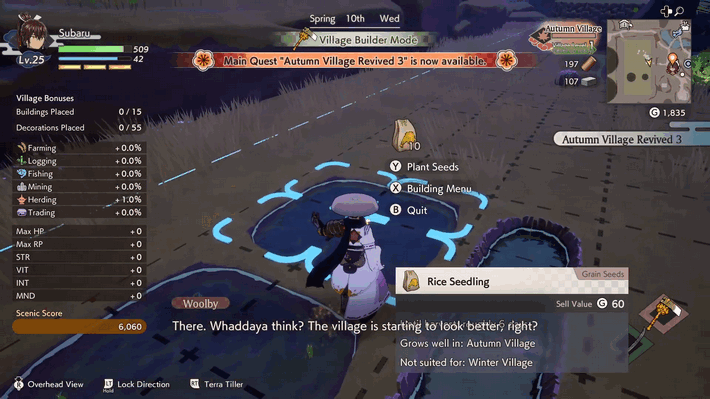
While progressing through the game, you will eventually have access to Rice Seedlings and Rice Paddy tiles. Unlike other crops, rice can only be grown in rice paddies instead of fields.
Water Your Crops Everyday

After planting the seeds, you need to water all the crops everyday to ensure their growth and prevent them from wilting.
Stand in front of a Field tile and water it to give the crop some water. Once you have access to the Sacred Parasol, you can water your crops in bulk quickly using Parasol Dance.
Crops can also be watered while in Overhead View.
Use Drum Dance to Make Crops Grow Faster
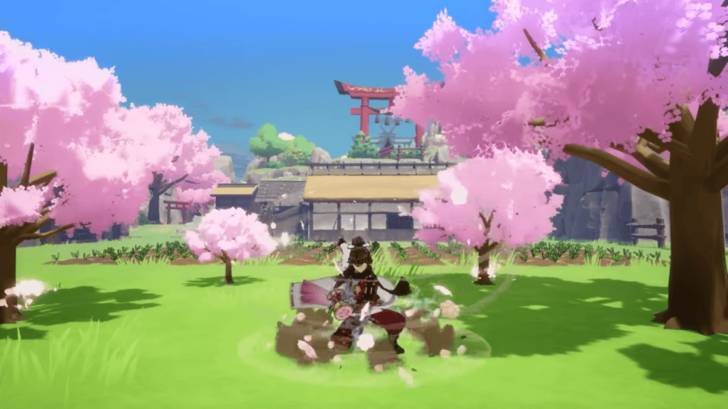
Once you get the Sacred Drum, you will be able to perform a Drum Dance to speed up the growth of the crops you have planted. Additionally, any withered crops will be revived with the drum.
Do note that this will consume Rune Points (RP), and will only work once a day per crop.
Harvest Fully Grown Crops
Once you have fully grown plants in your farm, you can harvest them to get crops and seeds. You can then sell these at the shipping shed in your farm to get some profit, or keep some in your inventory to stock up on items.
After harvesting, the Field tile can now be used again to plant another crop. Crops can be harvested in bulk using the Sacred Fan.
Use the Sacred Sword to Level Up Seeds
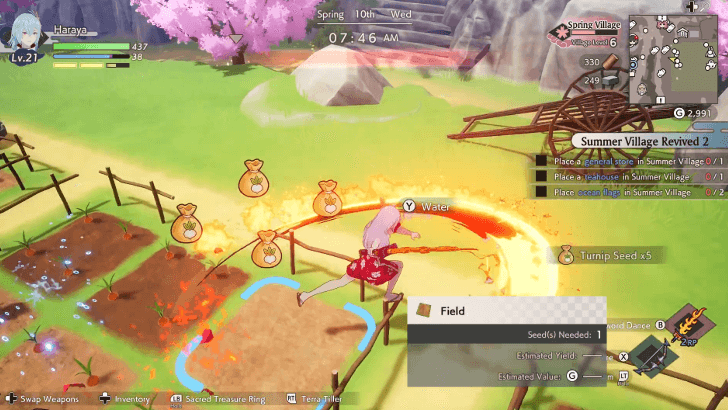
If you want to get higher level seeds, you can use the Sacred Sword on fully grown harvestable crops. This prevents you from harvesting the crop, but it will add significantly more seeds in your inventory, often at a higher level.
Farming Basics
| Farming Basics |
|---|
|
|

Grow Crops and Sell Them
The main loop of growing and harvesting crops is for you to sell them at the shipping shed to get gold, which you need to keep the villagers working on your farm fed and happy.
To avoid losing profit, make sure to have seeds planted everyday. Having seeds with different growing times may also be ideal if you want to harvest crops everyday.
Plant Crops in Suitable Villages
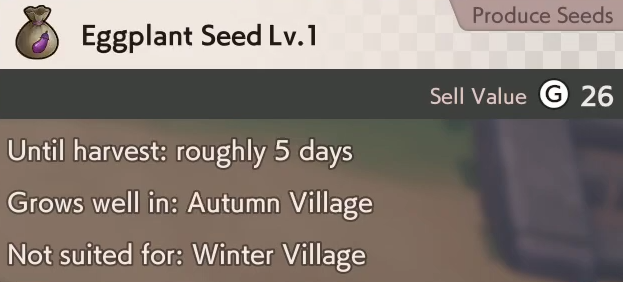
Do note that some crops will grow well in certain farms but may have difficulty in other villages, so check the seeds that you plant if they are suitable to the farm where you will plant them.
For example, cabbages are suitable to be planted in the Spring Village, but are not suited in the Summer Village farm.
Planting a crop in a village it grows well in will allow you to increase its estimated yield, allowing you to harvest more of that crop in that village compared to other villages. Planting it in a village it's not suited for, on the other hand, will decrease its estimated yield, allowing you to get less upon harvesting.
Let Villagers Do the Work
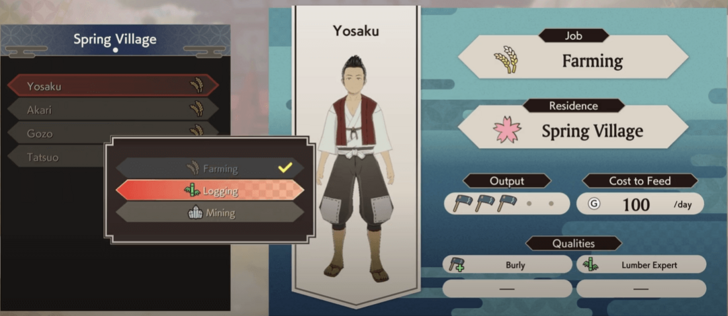
After progressing through the story, you'll be able to assign villagers certain tasks on your farm. These villagers will be able to plant, water, and harvest crops on your farm so you don't need to manually do it yourself.
Villager Qualities and How to Assign Jobs
Increase Your Farming Bonus
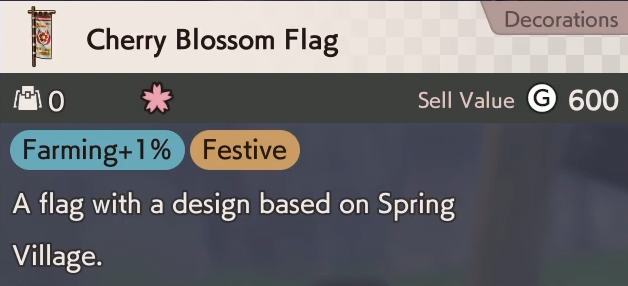
Placing certain buildings and decorations into your village can reward you with village bonuses, one of which is the Farming bonus. Increasing you Farming bonus will allow you to increase the estimated yield of your crops.
Crop Stats and Meanings
| Crop Stat | Explanation |
|---|---|
| Crop Level | Level of the crop planted. |
| Estimated Yield | How many crops you can get after harvesting. |
| Estimated Value | How much gold you can get after selling the crop. |
Rune Factory: Guardians of Azuma Related Guides

All Village Building Guides
| Building Menu | |
|---|---|
| List of All Buildings | List of All Decorations |
| List of All Terrain Tiles and Soil | List of All Seeds and Such |
| Village Building Guides | |
| Village Level Effects | Village Bonuses Guide |
| Villager Qualities and How to Assign Jobs | How to Increase Building & Decoration Limit |
| How to Increase Village Happiness | How to Get More Development Zones |
| How to Get More Villagers | - |
| Farming Guides | |
| Farming Guide: How to Manage Crops | How to Grow Rice |
| How to Grow Giant Crops | How to Get Field Tiles |
Comment



Author
Farming Guide: How to Manage Crops

Rankings
- We could not find the message board you were looking for.
Gaming News





Popular Games

Genshin Impact Walkthrough & Guides Wiki
Umamusume: Pretty Derby Walkthrough & Guides Wiki
Pokemon Pokopia Walkthrough & Guides Wiki
Honkai: Star Rail Walkthrough & Guides Wiki
Monster Hunter Stories 3: Twisted Reflection Walkthrough & Guides Wiki
Arknights: Endfield Walkthrough & Guides Wiki
Wuthering Waves Walkthrough & Guides Wiki
Zenless Zone Zero Walkthrough & Guides Wiki
Pokemon TCG Pocket (PTCGP) Strategies & Guides Wiki
Monster Hunter Wilds Walkthrough & Guides Wiki










Recommended Games
Fire Emblem Heroes (FEH) Walkthrough & Guides Wiki
Diablo 4: Vessel of Hatred Walkthrough & Guides Wiki
Cyberpunk 2077: Ultimate Edition Walkthrough & Guides Wiki
Yu-Gi-Oh! Master Duel Walkthrough & Guides Wiki
Super Smash Bros. Ultimate Walkthrough & Guides Wiki
Pokemon Brilliant Diamond and Shining Pearl (BDSP) Walkthrough & Guides Wiki
Elden Ring Shadow of the Erdtree Walkthrough & Guides Wiki
Monster Hunter World Walkthrough & Guides Wiki
The Legend of Zelda: Tears of the Kingdom Walkthrough & Guides Wiki
Persona 3 Reload Walkthrough & Guides Wiki










All rights reserved
©2025 Marvelous Inc.
The copyrights of videos of games used in our content and other intellectual property rights belong to the provider of the game.
The contents we provide on this site were created personally by members of the Game8 editorial department.
We refuse the right to reuse or repost content taken without our permission such as data or images to other sites.