
How to Use the VR Training Room
★ Best Weapons | Best Backpack Component
☆ Outfits | Best Stats to Upgrade
★ Hats, Suits, Glasses, Waist & Chest Accessories
☆ Get all Unlockables and Upgrades
★ All Actors | Cameos
☆ List of Orders and Bosses
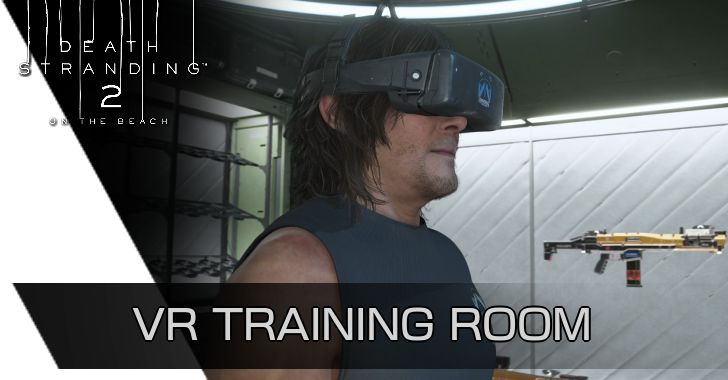
Players can access the VR Training Room inside any Private Room in Death Stranding 2: On the Beach (DS2). See how to use the VR Training Room, how to unlock it, and all its features and drills here!
List of Contents
How to Use the VR Training Room
Access VR From Any Private Room
| Step | How to Access VR |
|---|---|
| 1 | 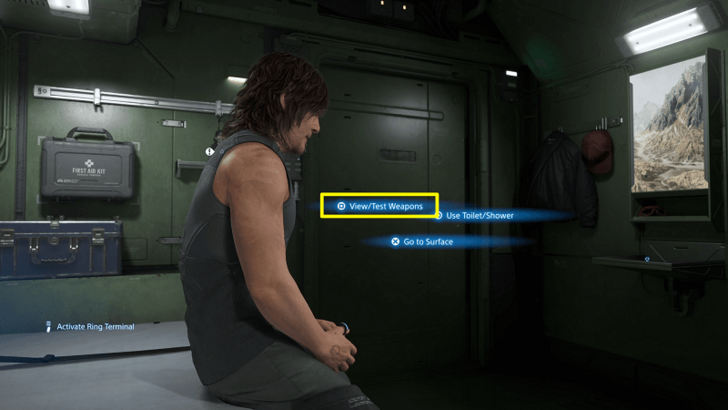 In any area with a Private Room, such as DHV Magellan's or other facilities, you can access View/Test Weapons area by pressing Square while facing the door on your left. |
| 2 | 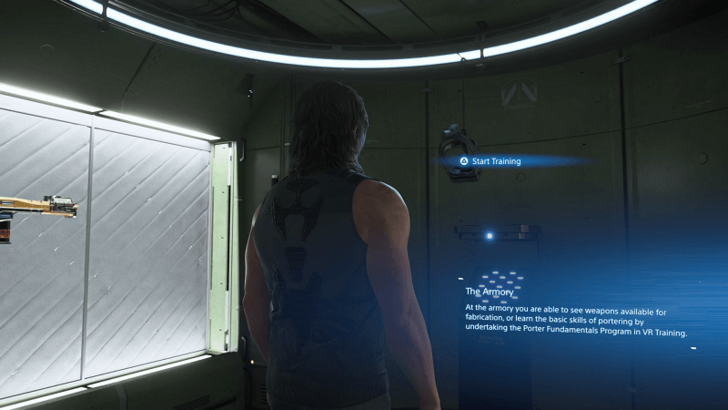 Interact with the VR Headset in the front of the room. |
| 3 | 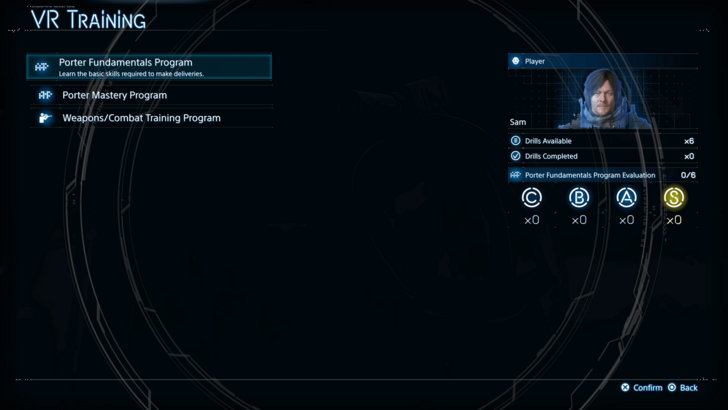 Select a program to do drills on: ・Porter Fundamentals (Basic Drills) ・Porter Mastery (Challenges) ・Weapons/Combat Training (Firing Range) |
| 4 | 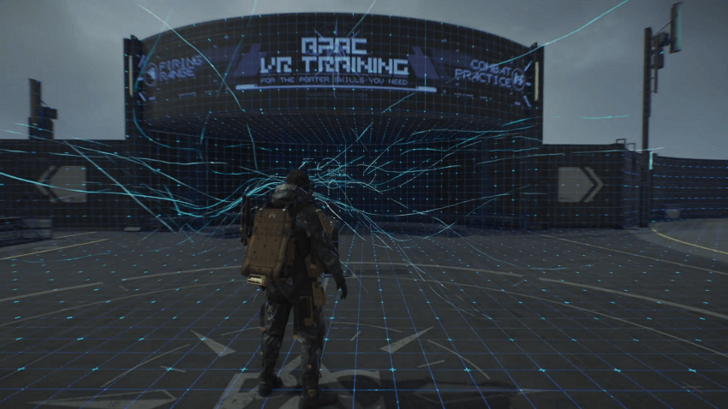 Select the program and drill to do, and Sam will put on the Headset and transport to the virtual area. |
The VR Training Room can be accessed anytime you're inside a Private Room. It offers various training modes to help you learn the game’s mechanics, or challenges involving aiming and melee combat training. Completing drills and challenges nets you APAS Likes.
How to Unlock the VR Training Room
Unlocks After You Gain Access to Private Rooms
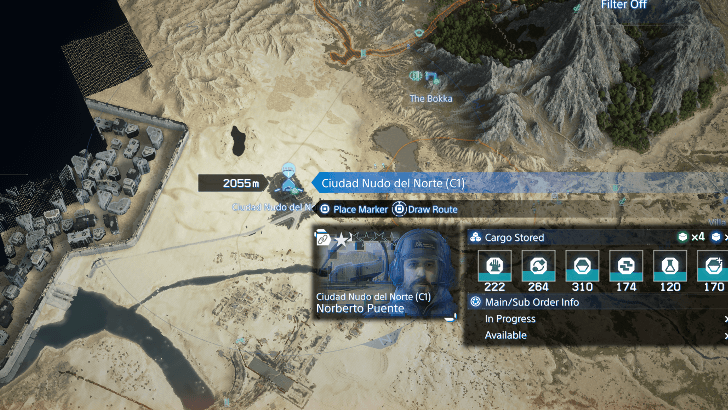
You can access VR Training early in the game, right after gaining access to your first Private Room at the end of Order No. 002 in Ciudad Nudo del Norte in Mexico. Once inside the Private Room, you'll be able to enter VR Training.
VR Training Room Features
| Jump to a Training Room Feature |
|---|
|
|

Porter Fundamentals Program (Basic Drills)
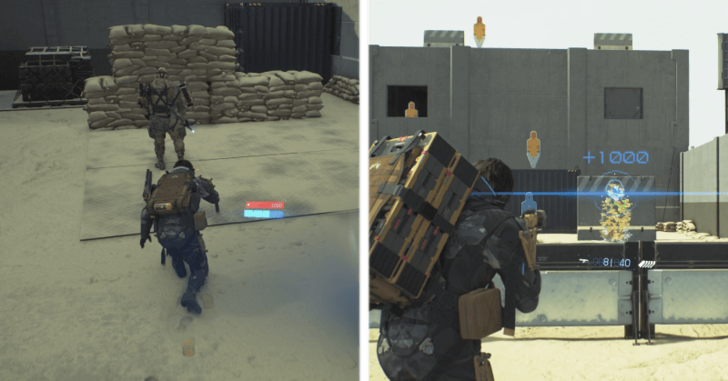
The Porter Fundamentals Program helps get you up to speed with the basic combat drills you'll frequently use out in the field. It covers training in stealth, cargo handling, melee combat, thrown weapons, and firearms. You’ll be graded on these drills (S, A, B, etc.) and receive Likes based on your performance.
Porter Mastery Program (Challenges)
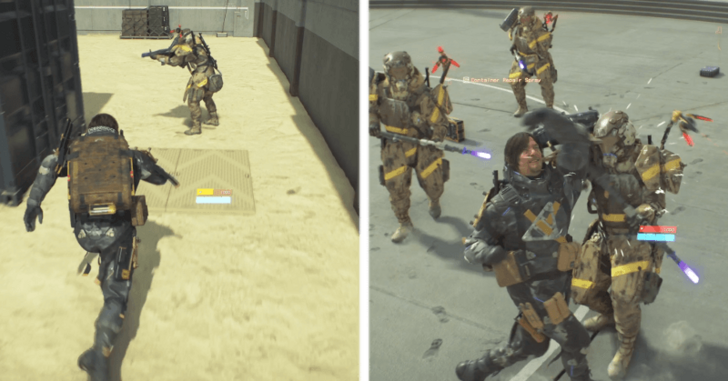
The Porter Master Program features more difficult drills that are challenging to complete and earn high grades in. These tests put your skills to the test in high-pressure scenarios, such as facing multiple enemies with just your fists, delivering cargo through hostile territory, and weapon proficiency.
Weapons/Combat Training Program (Practice Range)
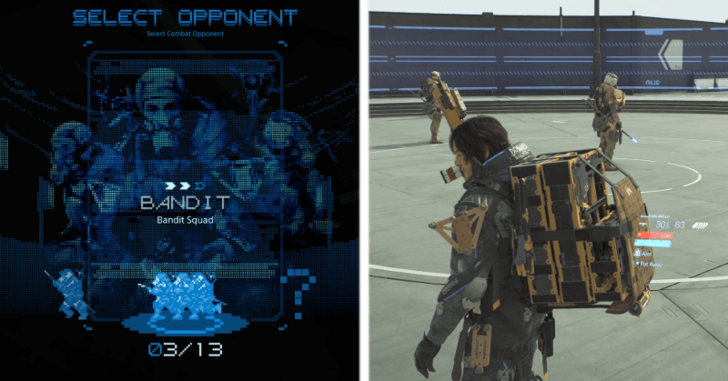
In the Weapons/Combat Training Program area, you can test any of your unlocked weapons, grenades, and equipment in a customizable practice range.
One side of the area features targets for shooting practice, while the other allows you to spawn enemy NPCs. You can select different types and numbers of enemies such as bandits for live combat testing.
Training Drills Increase Sam's Stats
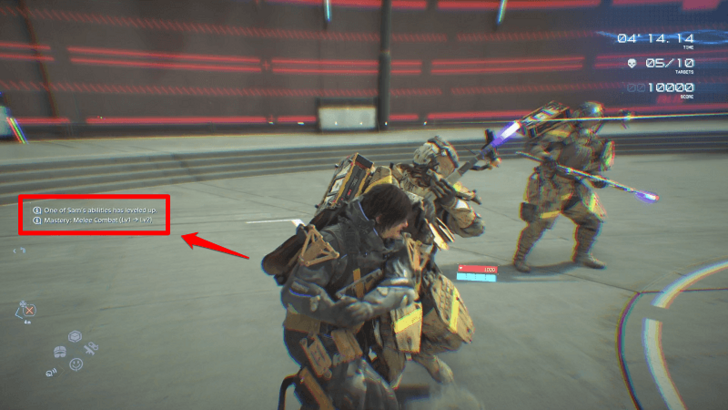
Drills in the VR Training Room help increase Sam's stats, offering a safe and effective way to improve your abilities without the risk of damaging cargo, losing it, or dying.
This is especially useful for melee combat training by using the Sparring drill in the Porter Mastery Program, where you face off against 10 enemies using only your fists.
Death Stranding 2 Related Guides
Beginner's Guide: Tips and Tricks
All Beginner's Guides
Comment



Author

Death Stranding 2: On the Beach (DS2) Walkthrough & Guides Wiki
How to Use the VR Training Room

Rankings
- We could not find the message board you were looking for.
Gaming News





Popular Games

Genshin Impact Walkthrough & Guides Wiki
Umamusume: Pretty Derby Walkthrough & Guides Wiki
Crimson Desert Walkthrough & Guides Wiki
Monster Hunter Stories 3: Twisted Reflection Walkthrough & Guides Wiki
Honkai: Star Rail Walkthrough & Guides Wiki
Pokemon Pokopia Walkthrough & Guides Wiki
The Seven Deadly Sins: Origin Walkthrough & Guides Wiki
Wuthering Waves Walkthrough & Guides Wiki
Zenless Zone Zero Walkthrough & Guides Wiki
Arknights: Endfield Walkthrough & Guides Wiki










Recommended Games
Fire Emblem Heroes (FEH) Walkthrough & Guides Wiki
Diablo 4: Vessel of Hatred Walkthrough & Guides Wiki
Cyberpunk 2077: Ultimate Edition Walkthrough & Guides Wiki
Yu-Gi-Oh! Master Duel Walkthrough & Guides Wiki
Super Smash Bros. Ultimate Walkthrough & Guides Wiki
Pokemon Brilliant Diamond and Shining Pearl (BDSP) Walkthrough & Guides Wiki
Elden Ring Shadow of the Erdtree Walkthrough & Guides Wiki
Monster Hunter World Walkthrough & Guides Wiki
The Legend of Zelda: Tears of the Kingdom Walkthrough & Guides Wiki
Persona 3 Reload Walkthrough & Guides Wiki










All rights reserved
© KOJIMA PRODUCTIONS Co., Ltd. 2022 All Rights Reserved
The copyrights of videos of games used in our content and other intellectual property rights belong to the provider of the game.
The contents we provide on this site were created personally by members of the Game8 editorial department.
We refuse the right to reuse or repost content taken without our permission such as data or images to other sites.