
List of All Console and PC Controls
☆ NEW: 1.7 Patch Notes
★ New to Shu? Check our Beginner's Guide
┗ Combat Guide | Full Skill Tree | Difficulty
☆ Meta: Builds | Best Weapons | Best Armor
★ Walkthrough | Bosses | NPCs
☆ Missables | Game Length | Trophies
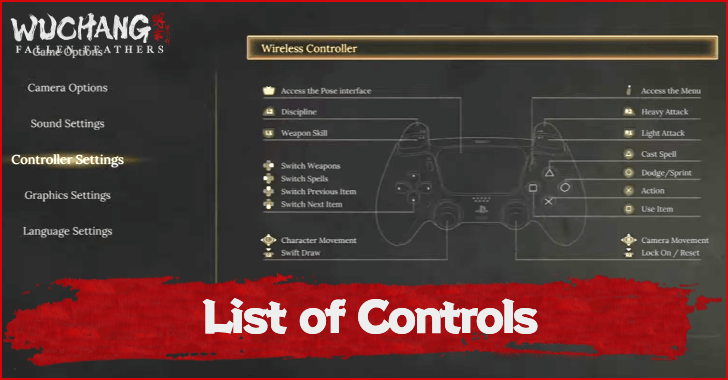
This is a guide to all the controls for Wuchang: Fallen Feathers. Read on to see a list of all the controls for Playstation, Xbox, and PC!
List of Contents
List of All Controls
Controls Overview
| Commands | PS5 |
|---|---|
| Move |  |
| Sprint | + (Hold) (Hold) |
| Camera |  |
| Switch Spells |  |
| Switch Weapons |  |
| Switch Items |  or or  |
| Cast Spell |  |
| Open Quick Spell Menu | (Hold) |
| Dodge |  |
| Interact | |
| Use Item |  |
| Light Attack |  |
| Heavy Attack | 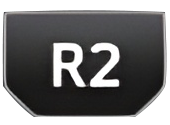 |
| Charged Attack | (Hold) |
| Weapon Skill |  |
| Discipline Attack |  |
| Swift Draw |  |
| Lock On Target |  |
| Open/Close Inventory (Quick Menu) | 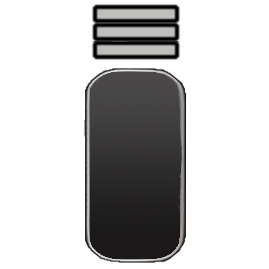 |
| Open Gesture Panel | 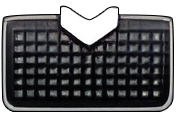 |
| Quick Use of Spells/Item (When Quick Cast Spell/Item Interface is Open) | /(Hold) + or or or |
| Quick Use of Items (When Quick Cast Spell/Item Interface is Open) | (Hold) + or or or |
| Commands | XBOX |
|---|---|
| Move |  |
| Sprint | + (Hold) (Hold) |
| Camera |  |
| Switch Spells |  |
| Switch Weapons |  |
| Switch Items |  or or 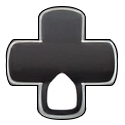 |
| Cast Spell |  |
| Open Quick Spell Menu | (Hold) |
| Dodge |  |
| Interact | |
| Use Item | 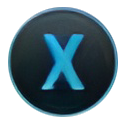 |
| Light Attack |  |
| Heavy Attack |  |
| Charged Attack | (Hold) |
| Weapon Skill |  |
| Discipline Attack |  |
| Swift Draw |  |
| Lock On Target |  |
| Open/Close Inventory (Quick Menu) |  |
| Open Gesture Panel |  |
| Quick Use of Spells/Item (When Quick Cast Spell/Item Interface is Open) | /(Hold) + or or or |
| Quick Use of Items (When Quick Cast Spell/Item Interface is Open) | (Hold) + or or or |
| Commands | PC |
|---|---|
| Move | 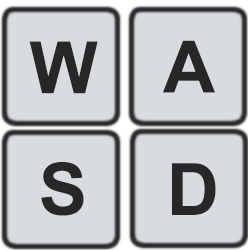 |
| Sprint | + |
| Camera | 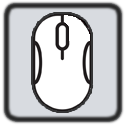 |
| Switch Spells |  |
| Switch Weapons |  |
| Switch Items |  or or |
| Cast Spell | 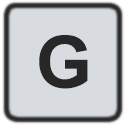 |
| Open Quick Spell Menu | (Hold) |
| Dodge |  |
| Interact |  |
| Use Item |  |
| Light Attack |  |
| Heavy Attack | 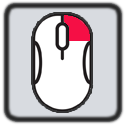 |
| Charged Attack | (Hold) |
| Weapon Skill |  + + |
| Discipline Attack | + |
| Swift Draw |  |
| Lock On Target |  |
| Open/Close Inventory (Quick Menu) | 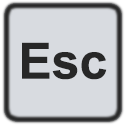 |
| Open Gesture Panel |  |
| Quick Use of Spells/Item (When Quick Cast Spell/Item Interface is Open) | /(Hold) +  or or  or or  or or |
| Quick Use of Items (When Quick Cast Spell/Item Interface is Open) | (Hold) + or or or |
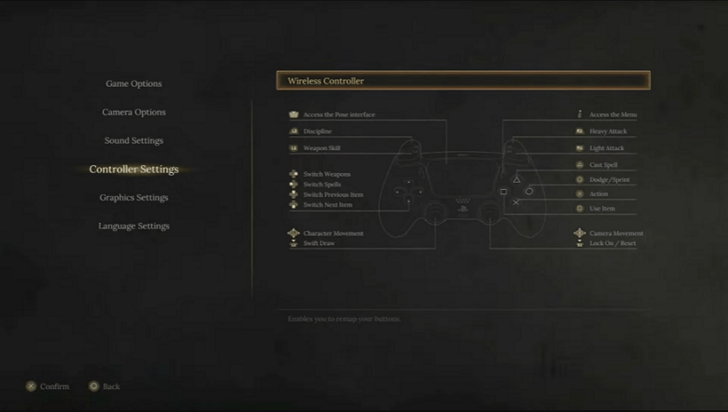
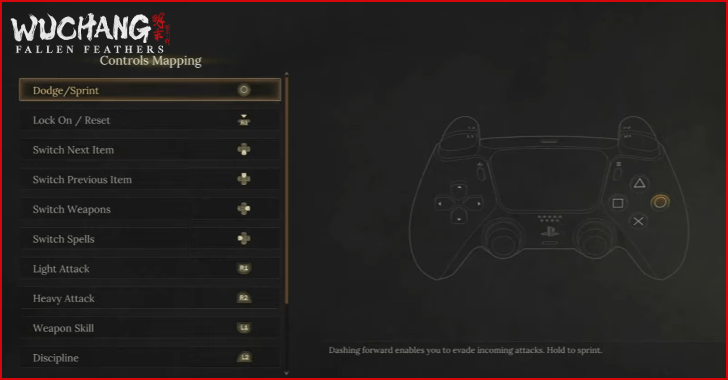
This control list is based on the default settings and can be changed in-game by going to the Controller Settings and selecting the controller highlighted.
How to Change Button Mapping
Rebind in Controller Settings at the Menu
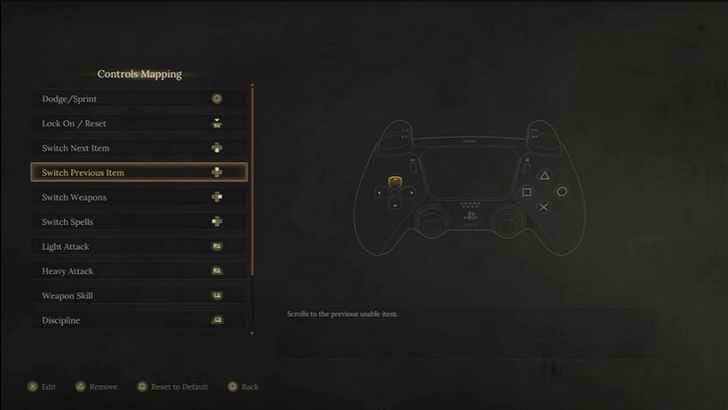
You can change the button mapping by going to the menu and selecting Controller Settings. From there, choose the button you want to rebind and then edit or remove before selecting the button or key you are comfortable using for that specific action.
Wuchang: Fallen Feathers Related Guides
Wuchang: Fallen Feathers Wiki and Guides
Best Guides for Beginners
 Beginner's Guide
 Combat Guide
 Red Mercury Farming Guide
 Skyborn Might Explained
 Death Penalty Explained
 Temperance Explained
 Madness Explained
 How to Deflect
 How to Parry
 Weapon Scaling Explained
 Damage Types Explained
 Mitigation and Resistances Explained
Meta Guides
 Best Weapons
 Best Armor and Sets
 Best Weapon Type Tier List
 Best Spells
 Best Jade Pendants
 Best Benedictions
 Best Dual Blades
 Best Longswords
 Best Spears
 Best Axes
 Best One-handed Swords
 Best Skills and Passives
 Best Disciplines
 Best Strength Weapons
 Best Agility Weapons
 Best Fire Weapons
 Best Items
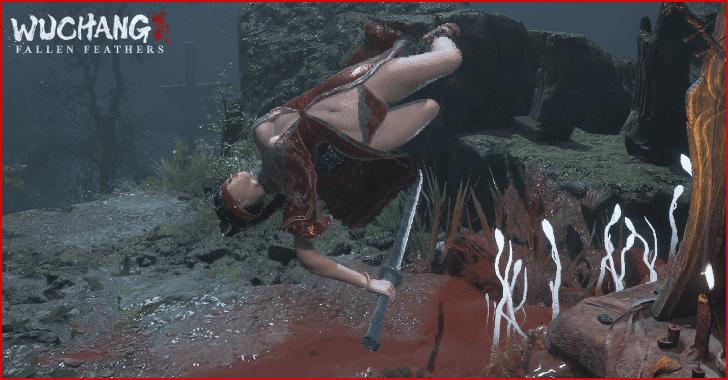 Best Outfits
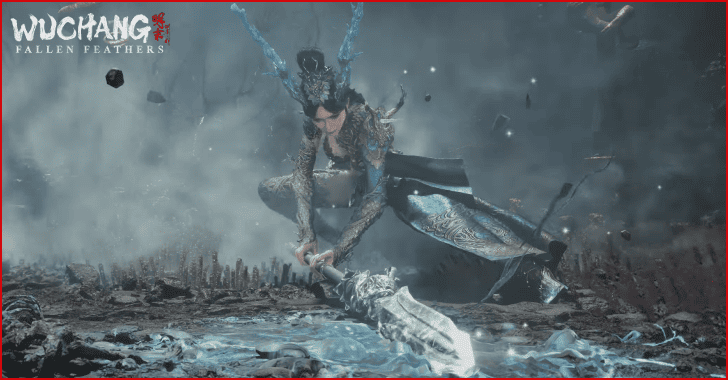 Best Weapon Combinations
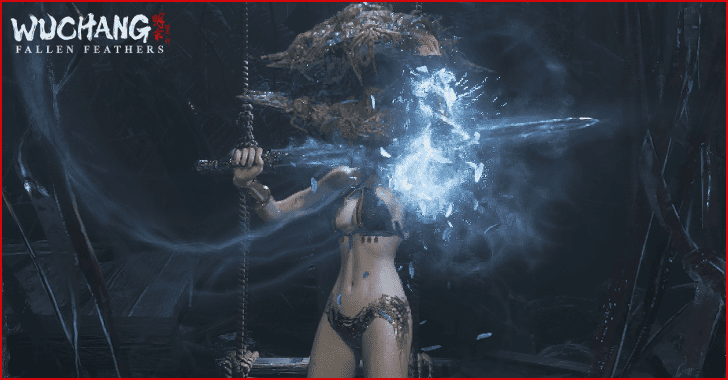 Best Buffs to Use
Collectible Guides
 Complete Trophy Guide Complete Trophy Guide |
 All Endings Guide All Endings Guide |
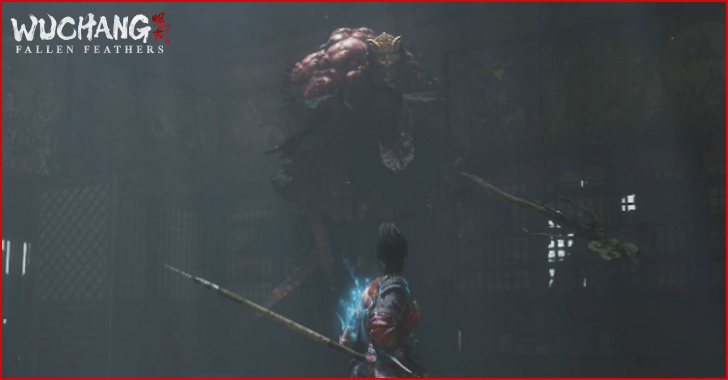 All Missables All Missables |
 All Benediction Gate Locations All Benediction Gate Locations |
 All Mystery Gate Answers All Mystery Gate Answers |
 All Shrine Locations All Shrine Locations |
 Demon Manifest Locations Demon Manifest Locations |
 List of Emotes and How to Pose List of Emotes and How to Pose |
- |
|---|
Game Information
 How Long to Beat
 List of All Controls
 Difficulty Explained
 Best Settings to Use
 How to Upgrade Manna Vase
 How to Equip Costumes
 How to Upgrade Weapons
 How to Summon NPCs
 How to Heal and Increase HP
 How to Hide Helmet
 New Game Plus Guide
 What is the Max Level?
 Exploration Guide
Comment



Author
List of All Console and PC Controls

Rankings
- We could not find the message board you were looking for.
Gaming News





Popular Games

Genshin Impact Walkthrough & Guides Wiki
Umamusume: Pretty Derby Walkthrough & Guides Wiki
Pokemon Pokopia Walkthrough & Guides Wiki
Honkai: Star Rail Walkthrough & Guides Wiki
Monster Hunter Stories 3: Twisted Reflection Walkthrough & Guides Wiki
Arknights: Endfield Walkthrough & Guides Wiki
Wuthering Waves Walkthrough & Guides Wiki
Zenless Zone Zero Walkthrough & Guides Wiki
Pokemon TCG Pocket (PTCGP) Strategies & Guides Wiki
Monster Hunter Wilds Walkthrough & Guides Wiki










Recommended Games
Fire Emblem Heroes (FEH) Walkthrough & Guides Wiki
Diablo 4: Vessel of Hatred Walkthrough & Guides Wiki
Cyberpunk 2077: Ultimate Edition Walkthrough & Guides Wiki
Yu-Gi-Oh! Master Duel Walkthrough & Guides Wiki
Super Smash Bros. Ultimate Walkthrough & Guides Wiki
Pokemon Brilliant Diamond and Shining Pearl (BDSP) Walkthrough & Guides Wiki
Elden Ring Shadow of the Erdtree Walkthrough & Guides Wiki
Monster Hunter World Walkthrough & Guides Wiki
The Legend of Zelda: Tears of the Kingdom Walkthrough & Guides Wiki
Persona 3 Reload Walkthrough & Guides Wiki










All rights reserved
© 2025 505 Games. Developed by Leenzee. Published by 505 Games.
The copyrights of videos of games used in our content and other intellectual property rights belong to the provider of the game.
The contents we provide on this site were created personally by members of the Game8 editorial department.
We refuse the right to reuse or repost content taken without our permission such as data or images to other sites.