
Best Difficulty Settings and Differences
☆ 100% Walkthrough Guide
★ Best Vocations | Best Party | Best Characters
☆ Find all Mini Medals and Tablet Fragments!
★ Farm Guides: EXP | Gold | Vocation Prof.
☆ List of Missables and Cut Content
★ Post-Game Guide
The best difficulty settings for Dragon Quest 7 Reimagined (DQ7) are the Normal and Hard options. See what difficulty settings you can adjust, what each setting changes, and how to modify the game's difficulty here.
List of Contents
Difficulty Settings and Differences
List of Difficulty Options
| Setting | Options | |||||
|---|---|---|---|---|---|---|
| Damage Dealt | More | Normal | Less | |||
| Experience Earned | More | Normal | Less | |||
| Proficiency Earned | More | Normal | Less | |||
| Gold Earned | More | Normal | Less | |||
| Monster Strength | Weak | Normal | Strong | |||
| Monster Activity | Monsters Don't Attack | Monsters Attack | ||||
| Restore HP After Battle | Restore | Don't Restore | ||||
Dragon Quest 7 Reimagined allows you to customize the game's difficulty by adjusting multiple settings. There are also preset options for Easy, Normal, and Hard mode, but it's recommended to use "Set Freely" so that you can adjust the difficulty to your liking.
What Each Difficulty Option Changes
- Damage Dealt
- Experience Earned
- Proficiency Earned
- Gold Earned
- Monster Strength
- Monster Activity
- Restore HP After Battle
Damage Dealt
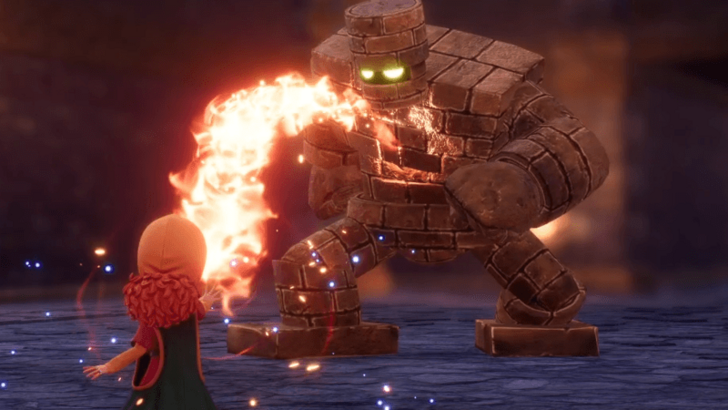
Damage dealt is used to adjust how much damage your party members do. This is generally combined with Monster Strength to make battles either easier or harder.
Experience Earned
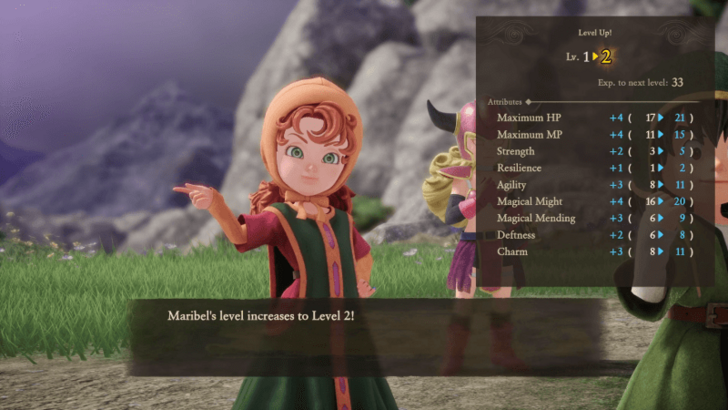
Experience earned determines how fast your characters level up. If you don't want to spend time farming levels, it's recommended to turn this setting up to More.
Proficiency Earned
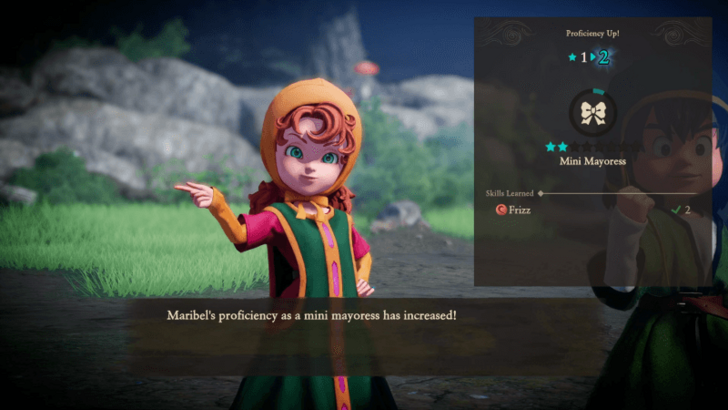
Proficiency earned determines how fast a character's Vocation is mastered. Increasing this setting will make it so that you learn new skills faster, and you won't have to grind as much.
Gold Earned
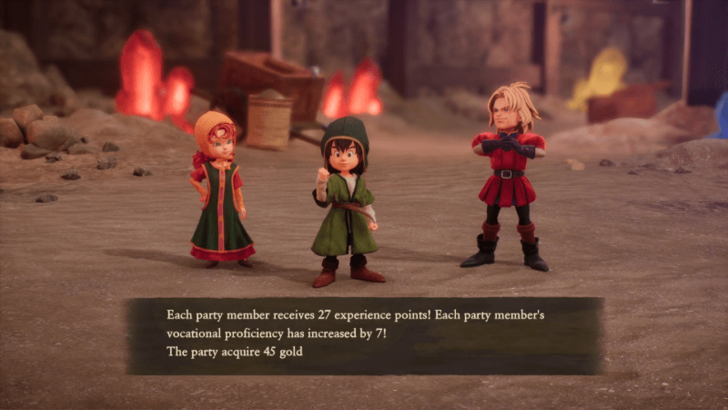
Gold earned affects how much money is dropped by monsters. This only changes how much gold you get from battle, and it doesn't affect other money-earning methods, like selling items, for example.
Monster Strength
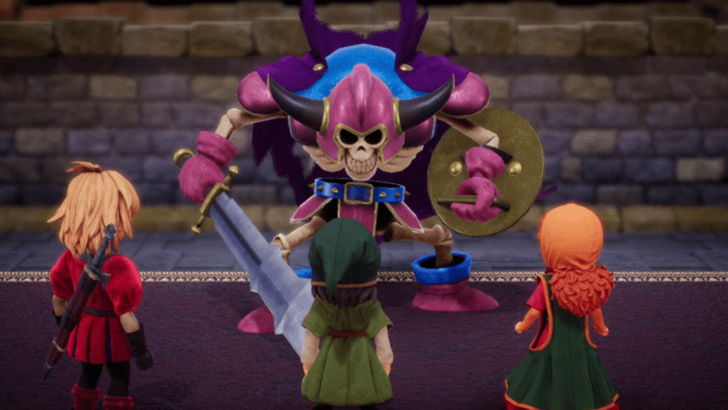
Monster strength is used to change the stats of a monster. This encompasses all of their stats, meaning if you select Strong, enemies will become tankier and also hit harder.
Monster Activity
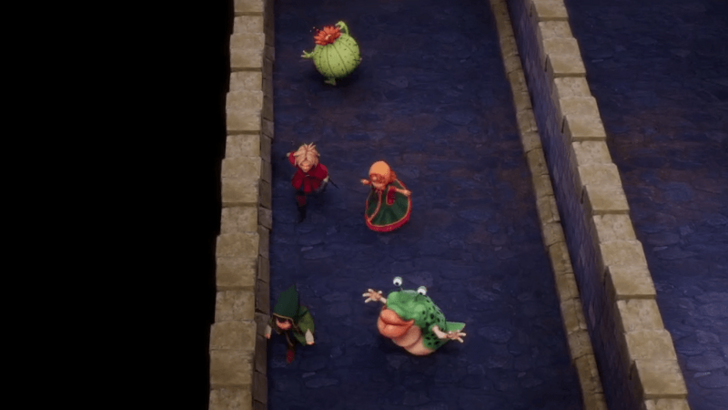
Monster activity changes the behaviour of monsters encountered on the field. If you set it to Monsters Don't Attack, they won't charge at you when they see you out on the field.
This shouldn't be confused with monster behaviour in battle since enemies will always attack you during fights, regardless of the difficulty settings picked.
Restore HP After Battle
Restore HP after battle, as mentioned in the name, determines whether or not you heal after every battle. This can make dungeon crawls significantly easier, since your party members won't get worn down between fights.
Best Difficulty Settings
Normal or Hard Settings
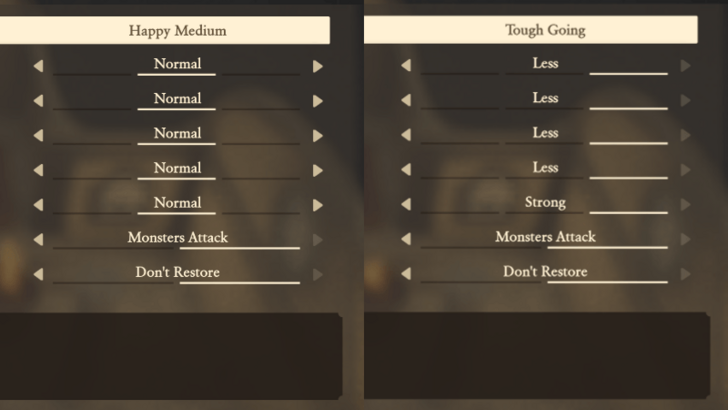
It's recommended to set the difficulty to either the Normal or Hard settings. Using the Normal settings lets you experience the game the way it's meant to be played, while Hard makes the game a lot more fun for those who seek a challenge.
Can Set EXP, Proficiency, and Gold to More
As a note, it's completely fine to set the EXP, Proficiency, and Gold settings to More if you wish. Not everyone has time to sit down and play games for a long period of time, and turning these settings to More lets you progress the story without having to waste time grinding.
How to Adjust Difficulty Settings
Found in the System Menu
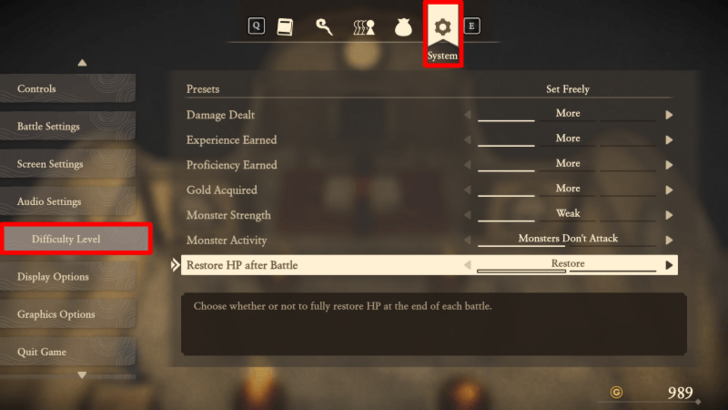
Difficulty settings are accessible by opening up the menu and selecting System Settings. From there, scroll down to Difficulty Level and adjust the options to play DQ7 with your preferred difficulty settings.
Dragon Quest 7 Reimagined (DQ7) Related Guides

Tips and Tricks: Beginner's Guide to DQ7
All Tips and Tricks Guides
Comment



Author
Best Difficulty Settings and Differences

Rankings
- We could not find the message board you were looking for.
Gaming News

![Star Savior Review [First Impressions] | Engaging, Entertaining, and Expensive](https://img.game8.co/4447603/8f500e9bf666bdb8adb1af478e9dfdbd.png/show)



Popular Games

Genshin Impact Walkthrough & Guides Wiki
Umamusume: Pretty Derby Walkthrough & Guides Wiki
Crimson Desert Walkthrough & Guides Wiki
Monster Hunter Stories 3: Twisted Reflection Walkthrough & Guides Wiki
Honkai: Star Rail Walkthrough & Guides Wiki
Pokemon Pokopia Walkthrough & Guides Wiki
The Seven Deadly Sins: Origin Walkthrough & Guides Wiki
Wuthering Waves Walkthrough & Guides Wiki
Zenless Zone Zero Walkthrough & Guides Wiki
Arknights: Endfield Walkthrough & Guides Wiki










Recommended Games
Fire Emblem Heroes (FEH) Walkthrough & Guides Wiki
Diablo 4: Vessel of Hatred Walkthrough & Guides Wiki
Cyberpunk 2077: Ultimate Edition Walkthrough & Guides Wiki
Yu-Gi-Oh! Master Duel Walkthrough & Guides Wiki
Super Smash Bros. Ultimate Walkthrough & Guides Wiki
Pokemon Brilliant Diamond and Shining Pearl (BDSP) Walkthrough & Guides Wiki
Elden Ring Shadow of the Erdtree Walkthrough & Guides Wiki
Monster Hunter World Walkthrough & Guides Wiki
The Legend of Zelda: Tears of the Kingdom Walkthrough & Guides Wiki
Persona 3 Reload Walkthrough & Guides Wiki










All rights reserved
© ARMOR PROJECT/BIRD STUDIO/SQUARE ENIX
© SUGIYAMA KOBO ℗ SUGIYAMA KOBO
The copyrights of videos of games used in our content and other intellectual property rights belong to the provider of the game.
The contents we provide on this site were created personally by members of the Game8 editorial department.
We refuse the right to reuse or repost content taken without our permission such as data or images to other sites.