
Veteran Umamusume Guide
Veteran Umamusumes are your Umas that have finished their career playthroughs in Umamusume: Pretty Derby. Know what counts as a Veteran Umamusume, how to transfer and the benefits of making your Umas a veteran here!
How to Make Veteran Umamusume
Start and Finish Their Careers
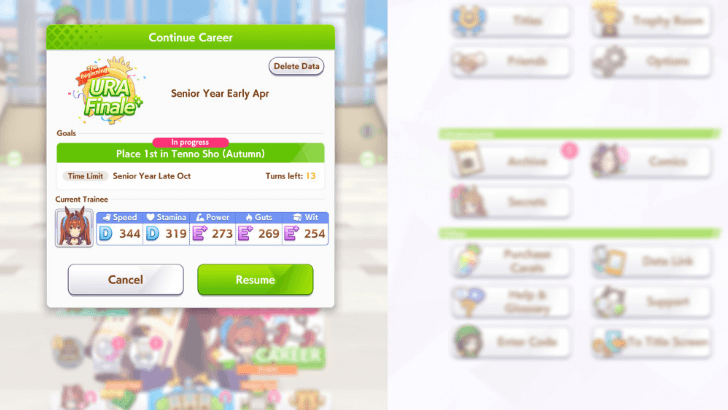
Before you can make your Characters into Veterans, you will have to finish their Career Scenarios as Trainees.
An entire career is more or less 72 turns (counting URA Finale scenario), equating to about 3 in-game years. You can spend as much as 30-40 minutes of gameplay (can be an 1 hour if you immerse in the story). A fast run can be done in around 25 minutes with skips if you're super familiar with your trainee already.
Career Completion Conditions
A career is finished when you either:
- Successfully complete all races including the extended phase scenario races.
- You fail to clear a goal with no more retries.
At the conclusion of the career, they will automatically be given a Rating (letter grade) based on their total skills and stats, then will be listed as a Veteran Uma that can be used for Legacies and all non-Career race modes such as Team Trials! Note that you must not give up the current Career of the Uma for them to count as Veteran.
Visit the Veteran Umamusume List
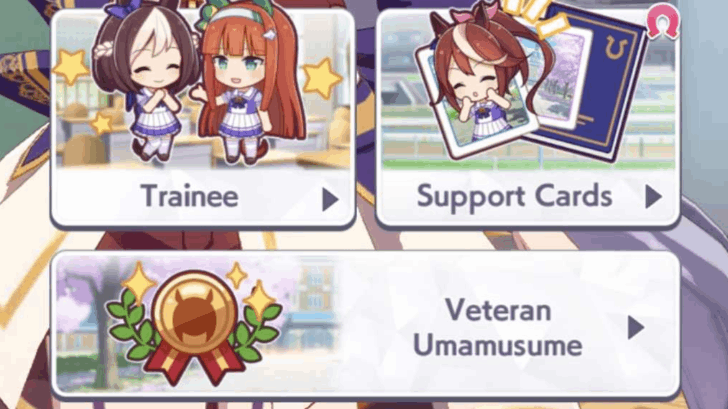
To check your current Veteran line-up, go do the following:
- Go to the Enhance tab, located on the lower-left of the screen on the game's Home Screen.
- Click on the Veteran Umasume button and hit List once the options pop-up.
- You will see a list of all your Veteran Umasumes there alongside their respective grades based on the stats they have.
Veteran Umamusume Can be Transferred
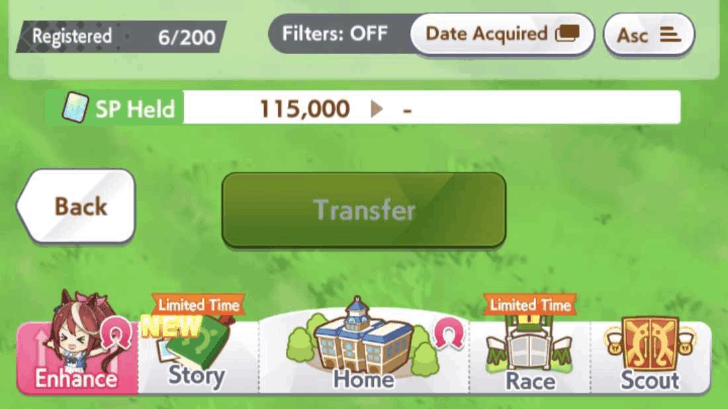
The game only allows one account to hold 200 Veteran Umamusumes and as such, the Veteran Transfer feature can be used to clear out certain low-grade Veterans to fit more high-grade ones. To check this feature out, go do the following:
- From the Veteran Umamusume List, look to the Transfer tab on the lower right of the list.
- You will be asked to select your Veteran Umasume that you want to transfer. Decide first then select the ones you want to transfer by clicking on them.
- Press the green Transfer button after the game asks for your confirmation.
- Once the transfer is complete, the Veterans selected will be gone from the list, but will stay as your characters.
Benefits Of Veteran Umamusume
| Benefits List |
|---|
|
|

Veteran Umamusume Can be Used as Legacies
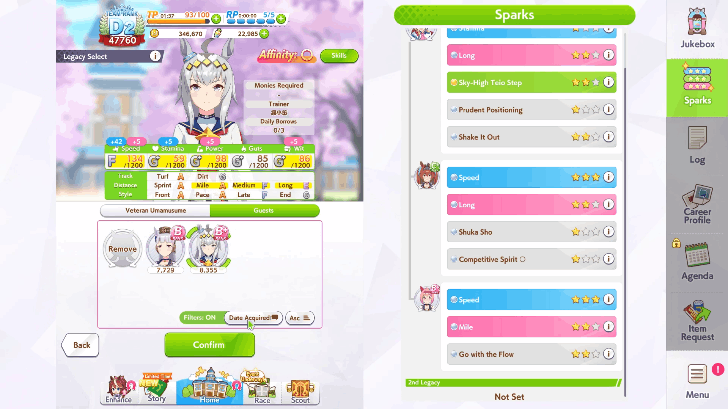
One of the primary uses of Veterans are for passing Legacies to future Trainees, allowing each succeeding Trainee to become stronger over the course of several runs. The better your Veteran's Sparks are, the better the stat gains of their attached Trainee Umas.
The game incentivizes you to do this and make Legacy Loops that will allow you to train even better Umas to their maximum potential.
Veteran Umamusume Can Join Daily and Legend Races
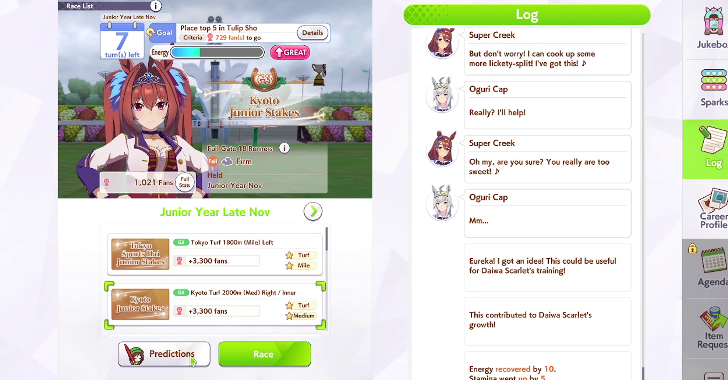
Veteran Umas can participate in Daily Races or Legend Races after they reach their veterancy and complete their training. These will be the main races they will go for after their Veterancy.
Daily Races Guide
Veteran Umamusume Can be Borrowed by Friends
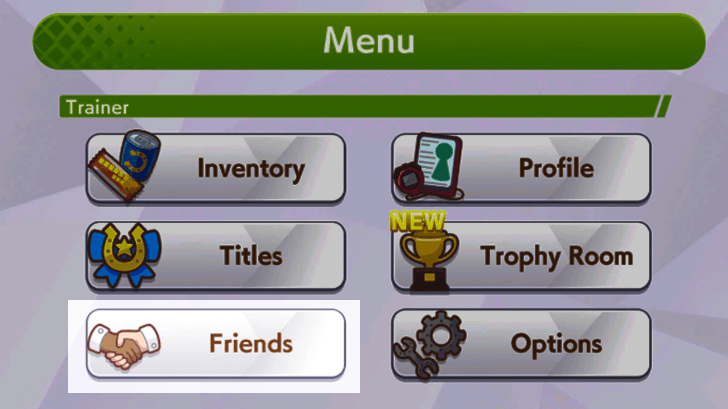
You can have your Veteran Umas borrowed by friends for use in their own Legacy Trainings, which will grant you a Trainer Medal. Make sure to follow them first or find the best players around and follow them!
▼ Go to our Friends Board and Share Your Cards and Umas! ▼
Friend ID Sharing Board
Veteran Umas Can be Used in Team Trials and Room Matches
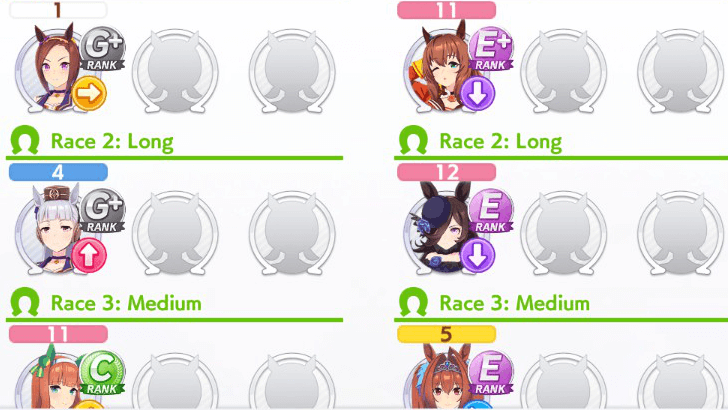
One of the main uses of Veteran Umas is for them to compete as a team in Team Trials and Room Matches. These PvP game modes demand optimally trained Umas and well-composed teams since you will be pitted against other teams made by real players around the world.
Room Matches are freeform. But Team Trials is where ranked competitive play is at. Master your characters, train them to become great Veteran Umas, then have them compete to climb the different classes!
Team Trials Guide: How to Build a Team
What is Veteran Transfer?
Allows You to Transfer Low-Grade Umas
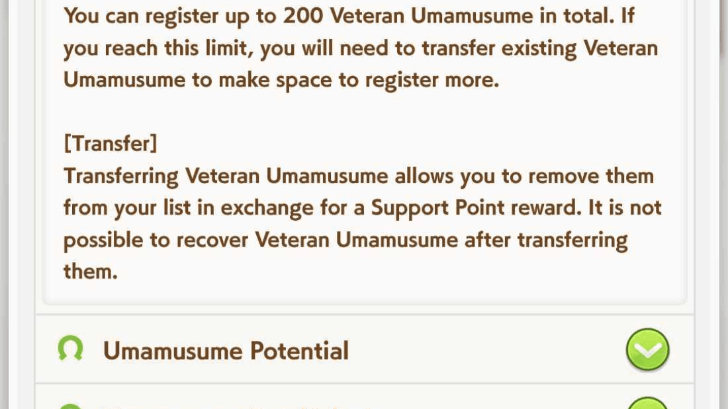
The Veteran Transfer is a feature available for Trainers to 'transfer' (or in other words, delete) their Umas. Transfers will give you SP and will free up room for future Veteran Umamusume. This feature will only be relevant for late-game trainers so if you're new to the game, save as much Veteran Umamusume as you can first.
This feature is meant for clearing out Umas that you do not need anymore, making room for better-trained Veteran Umamusume. You can only hold a maximum of 200 Veteran Umas, so you will have to use this feature at some point.
Your Characters Do Not Disappear on Transfer
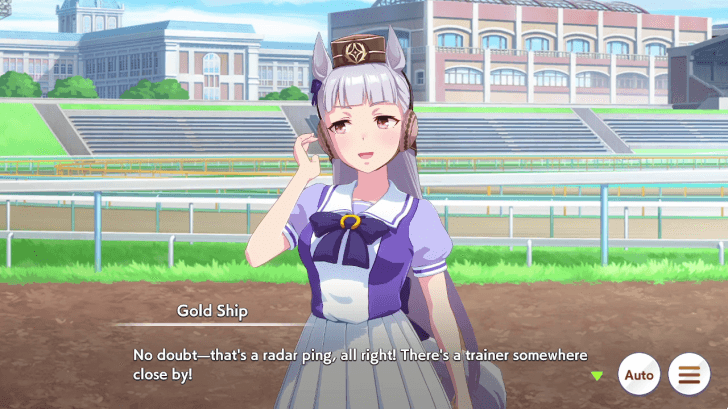
Transferring merely deletes a Veteran Umamusume, not the Trainee. You do not have to worry about characters themselves being permanently removed in this case.
We recommend you accumulate higher rank Umas first, such as those with the rating B+, for clearing harder content. You can start making transfers later once you want to start populating your Veteran listing with more exceptional Uma.
Support Points Rewarded
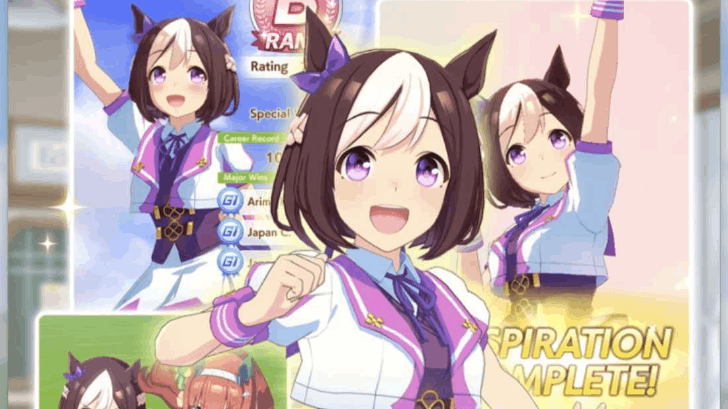
Each Uma Transferred nets the player with some support points which are used to level up support cards with Monies. Note that the amount will not be equivalent to the value of the Uma originally but will still provide you enough support points to help the grind.
What are Veteran Umamusumes?
Umas That Finished Career Runs
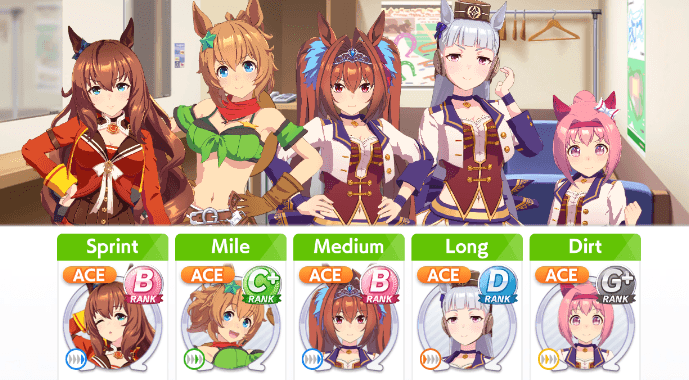
Veteran Umamusumes (also known as Legacy Umamusumes) are Characters that have finished their Career Scenarios and are able to race in other courses. They are automatically registered with the following requirements:
- The Character must have finished their Career Run. This is important, as giving up in the middle of the career sessions means they will not count as Veterans and you will have to try again.
- Even if a trainee's Career Goals are incomplete, they will still be considered as Veterans when they are given a Rating at the conclusion of the run. You are advised however, to complete as much Career Goals finished as possible to get the most out of your Trainee!
Umamusume: Pretty Derby Related Guides
Tips and Tricks
Comment



Author

Veteran Umamusume Guide

Premium Articles


Rankings

Gaming News





Popular Games

Genshin Impact Walkthrough & Guides Wiki
Umamusume: Pretty Derby Walkthrough & Guides Wiki
Crimson Desert Walkthrough & Guides Wiki
Monster Hunter Stories 3: Twisted Reflection Walkthrough & Guides Wiki
Honkai: Star Rail Walkthrough & Guides Wiki
Pokemon Pokopia Walkthrough & Guides Wiki
The Seven Deadly Sins: Origin Walkthrough & Guides Wiki
Wuthering Waves Walkthrough & Guides Wiki
Zenless Zone Zero Walkthrough & Guides Wiki
Arknights: Endfield Walkthrough & Guides Wiki









Recommended Games
Fire Emblem Heroes (FEH) Walkthrough & Guides Wiki
Diablo 4: Vessel of Hatred Walkthrough & Guides Wiki
Cyberpunk 2077: Ultimate Edition Walkthrough & Guides Wiki
Yu-Gi-Oh! Master Duel Walkthrough & Guides Wiki
Super Smash Bros. Ultimate Walkthrough & Guides Wiki
Pokemon Brilliant Diamond and Shining Pearl (BDSP) Walkthrough & Guides Wiki
Elden Ring Shadow of the Erdtree Walkthrough & Guides Wiki
Monster Hunter World Walkthrough & Guides Wiki
The Legend of Zelda: Tears of the Kingdom Walkthrough & Guides Wiki
Persona 3 Reload Walkthrough & Guides Wiki










All rights reserved
© Cygames, Inc.
The copyrights of videos of games used in our content and other intellectual property rights belong to the provider of the game.
The contents we provide on this site were created personally by members of the Game8 editorial department.
We refuse the right to reuse or repost content taken without our permission such as data or images to other sites.