
All amiibo Unlocks and Functionality
★ Story Walkthrough | Upgrades and Abilities
☆ Characters | Bosses | Puzzles
★ Viewros Map: Energy Tank | Missile Expansion | Shot Expansion
★ Game Details: amiibo Unlocks | How Long to Beat | Switch Edition Differences
Using amiibo gives various Unlocks, Rewards, and Functionality in Metroid Prime 4: Beyond. See the list of compatible amiibo from the Metroid series, what rewards they unlock and effects, as well as how to scan amiibo here!
List of Contents
All amiibo Functionality and Rewards
There are three amiibo released for Metroid Prime 4: Beyond. Both of the Samus amiibo were released on November 6, 2025, whereas Sylux was released along with the game's launch on December 4, 2025. Each of these new amiibo have a unique effect when scanned in-game.
Other amiibo from the Metroid Series can also be used in the game by scanning them with the NFC reader of the controller, which will play various sounds from the game at random.
Samus amiibo
| All Metroid Prime 4: Beyond amiibo | ||
|---|---|---|
| Samus | Samus and Vi-O-La | |
| Sylux | Metroid Series amiibo | |
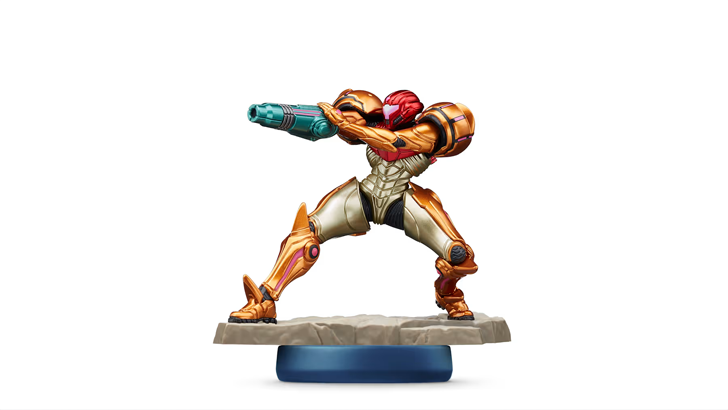
The Samus amiibo was released on November 6, 2025 and is part of the Metroid Prime 4: Beyond series. It displays the bounty hunter in full glory as it shows the intricate design of her armor.
Unlocks the Vi-O-La Radio
Scanning the Samus amiibo in the game rewards you with the Vi-O-La Radio. This lets you change in-game songs while riding Vi-O-La, with 2 extra tracks becoming available after you finish the game once.
How to Unlock Vi-O-La and Controls
Provides a Daily Energy Shield
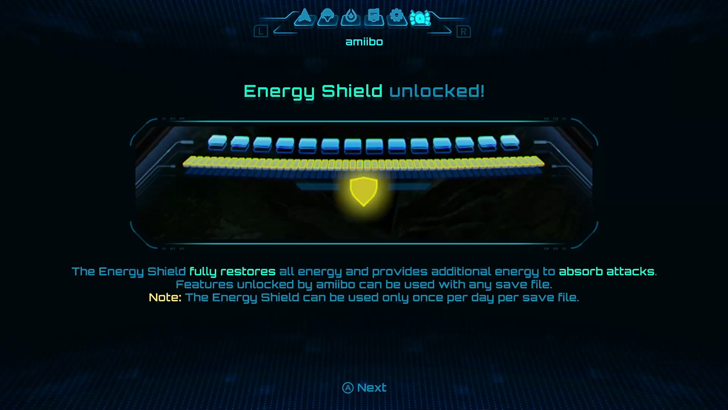
Every day, you can scan the amiibo to receive an Energy Shield that absorbs attacks for Samus. This also provides a full heal, so use it when you're low on health!
Samus & Vi-O-La amiibo
| All Metroid Prime 4: Beyond amiibo | ||
|---|---|---|
| Samus | Samus and Vi-O-La | |
| Sylux | Metroid Series amiibo | |
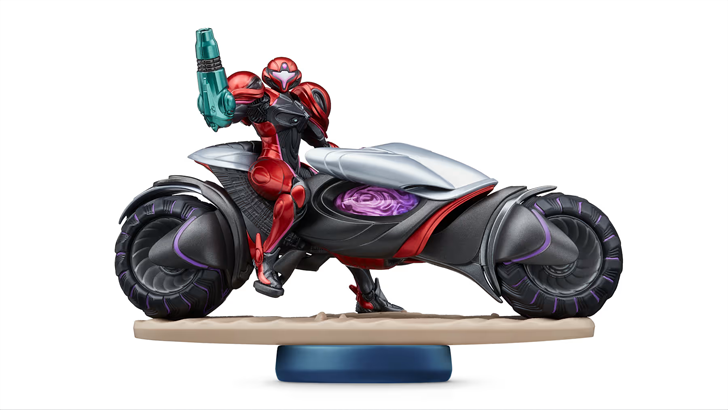
The Samus & Vi-O-La amiibo was released on November 6, 2025 and showcases in full display Samus with her new Vi-O-La suit and bike that she uses to traverse Viewros.
How to Unlock Vi-O-La and Controls
Gives a Boost Recovery Once Per Day
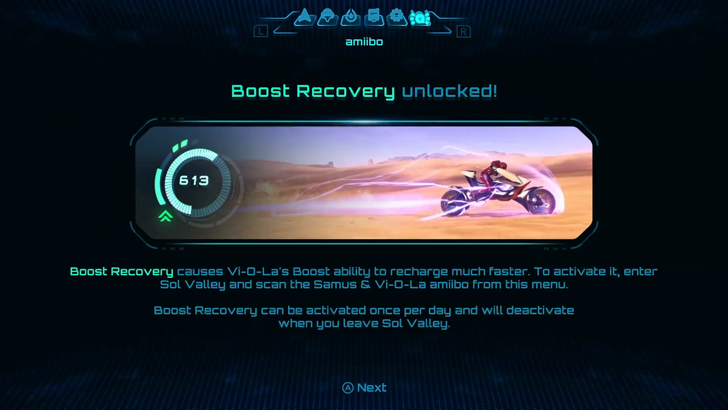
The amiibo provides a Boost Recovery when using Vi-O-La and stays active until you leave Sol Valley. This increases the boost meter regeneration, letting you explore the area and collect green crystals with ease.
How to Farm Green Crystals and Rewards
Unlocks the Vi-O-La Odometer
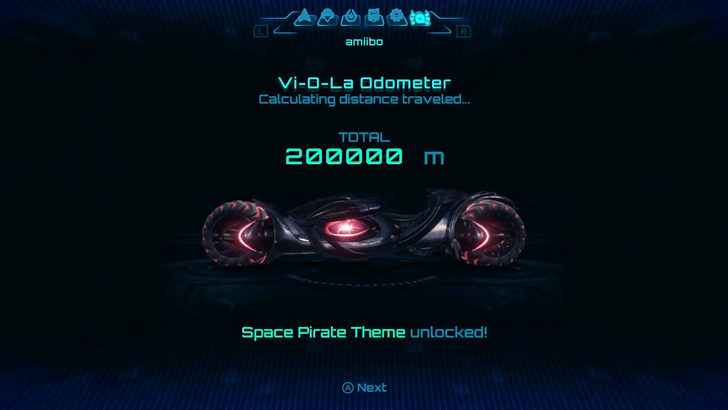
When you first tap the amiibo on your save file, you will unlock the Vi-O-La Odometer which lets you track how far you've traveled with Vi-O-La. Each 50 kilometers traveled gives you a skin you can use to customize the bike.
Change Vi-O-La Skins
| Total Mileage | Skin Unlocked |
|---|---|
| 50,000m | 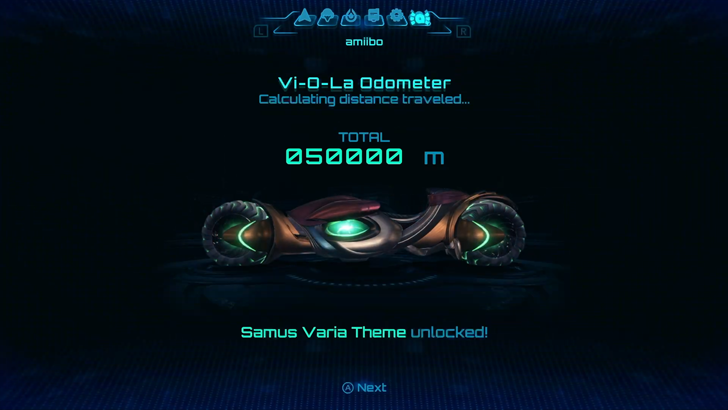 Samus Varia Skin |
| 100,000m | 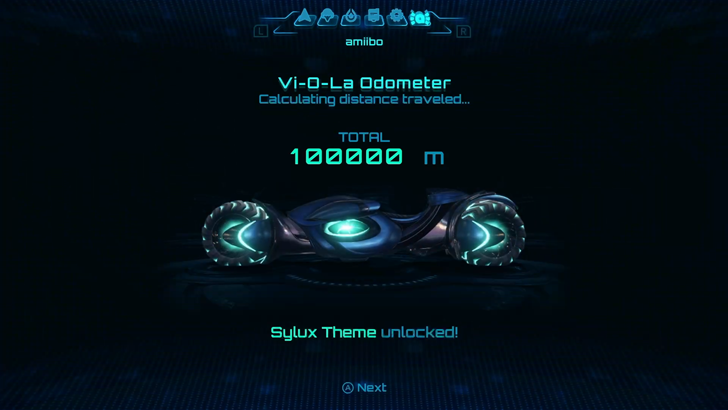 Sylux Skin |
| 150,000m | 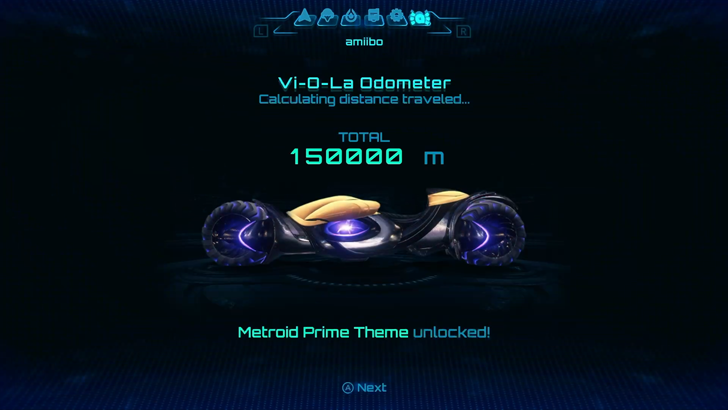 Metroid Prime Skin |
| 200,000m | 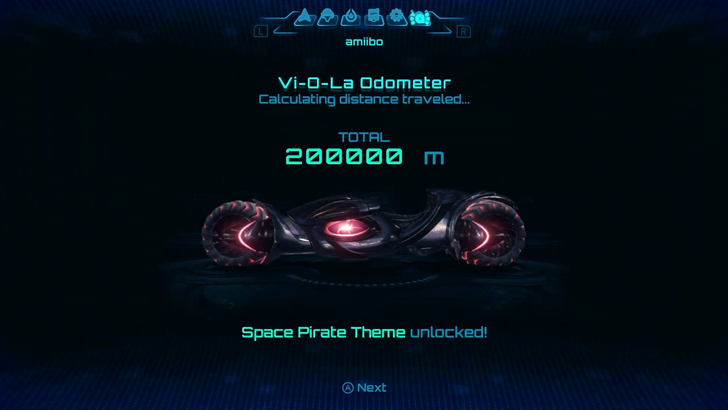 Space Pirate Skin |
| 250,000m | 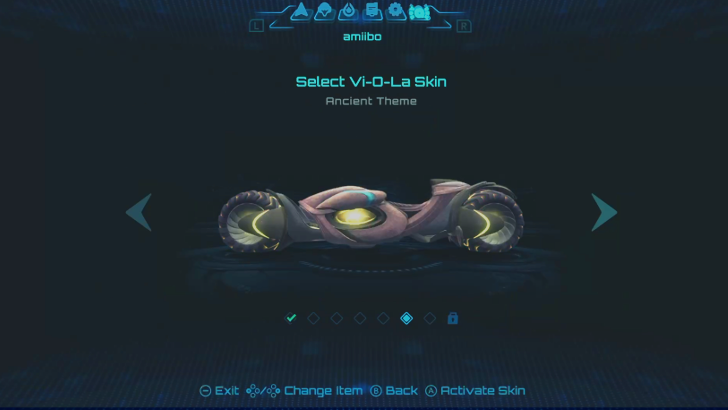 Ancient Skin |
| 300,000m | 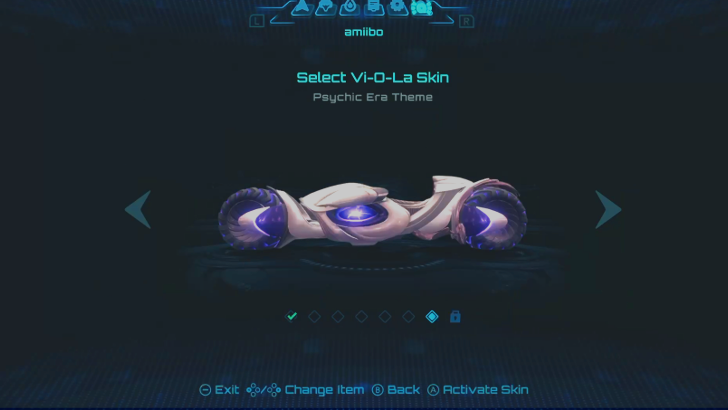 Psychic Era Skin |
| 350,000m | 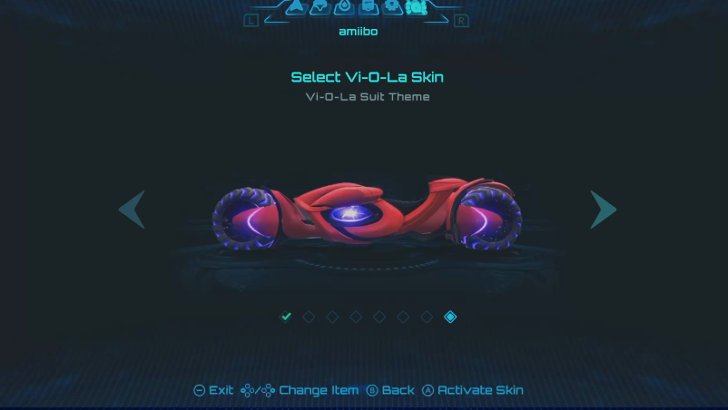 Vi-O-La Suit Skin |
A total of seven additional skins can be earned with the amiibo. Simply ride with Vi-O-La and earn a skin for every 50km you travel with the bike.
Sylux amiibo
| All Metroid Prime 4: Beyond amiibo | ||
|---|---|---|
| Samus | Samus and Vi-O-La | |
| Sylux | Metroid Series amiibo | |
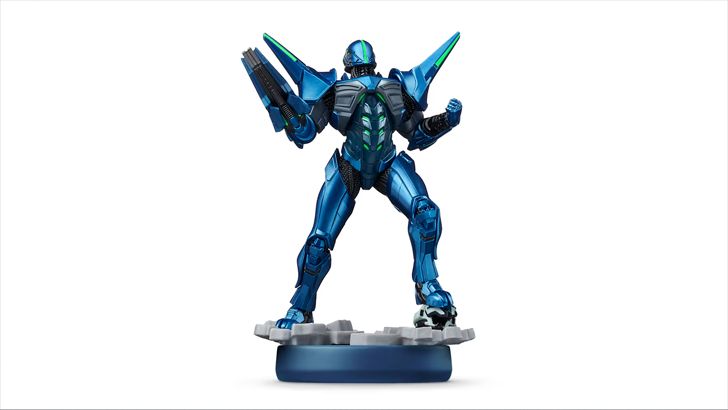
The Sylux amiibo was released on December 4, 2025 together with the launch of the game. It boasts the vibrant colors and details of Samus' archrival bounty hunter in blue, a stark contrast to her orange suit.
Hear Sylux's Voicelines
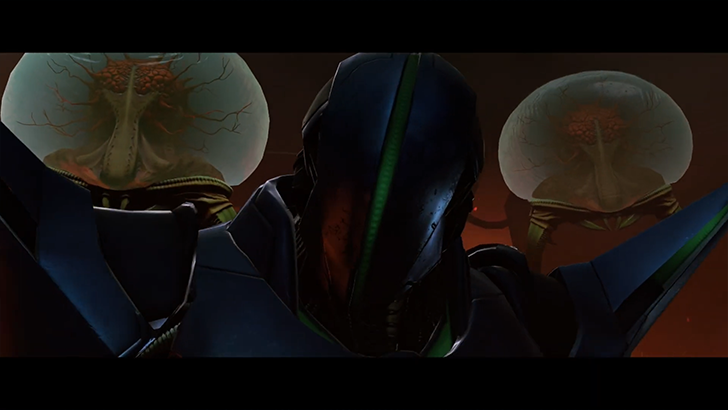
Each time you tap the amiibo on the NFC reader, you can listen to random voicelines from Sylux.
Unlocks the Full Game Movie

You can get the full Metroid Prime 4: Beyond Game Movie by tapping the Sylux amiibo on the NFC reader. This movie is shown in snippets throughout the game, which you can watch if you have the amiibo.
Alternatively, this can also be earned by completing the game at 100% for logbook scans and items collected.
List of Logbooks and Scans Guide
List of Metroid Series amiibo
| All Metroid Prime 4: Beyond amiibo | ||
|---|---|---|
| Samus | Samus and Vi-O-La | |
| Sylux | Metroid Series amiibo | |
 Zero Suit Samus Zero Suit Samus (Super Smash Bros.) |
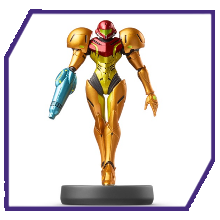 Samus Samus (Super Smash Bros.) |
 Dark Samus Dark Samus (Super Smash Bros.) |
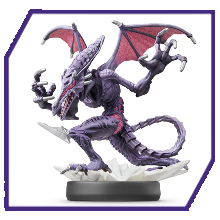 Ridley Ridley (Super Smash Bros.) |
 Metroid Metroid (Metroid: Samus Returns) |
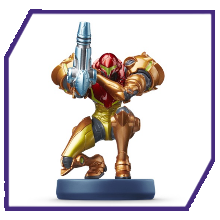 Samus Aran Samus Aran (Metroid: Samus Returns) |
 Samus Samus (Metroid Dread) |
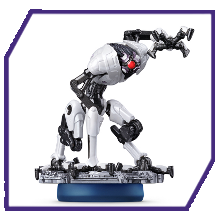 E.M.M.I. E.M.M.I. (Metroid Dread) |
- |
You can hear a random sound effect from the game by tapping any Metroid series amiibo on the NFC reader.
Metroid amiibo Sounds
| Metroid Sound Effects | |
|---|---|
| Sound Effect 1 |
Sound Effect 2 |
| Sound Effect 3 |
Sound Effect 4 |
| Sound Effect 5 |
- |
How to Scan amiibo
Scanned from the amiibo Sub Menu
| Joy-Con | 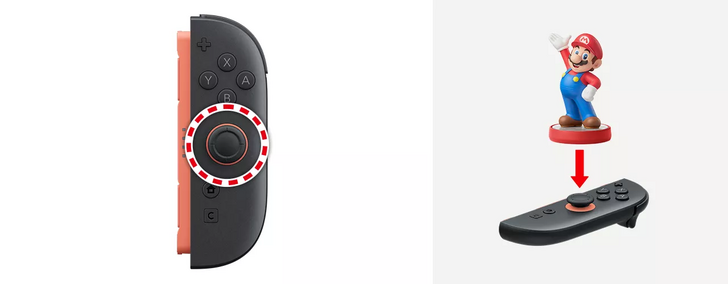 Tap amiibo onto the right stick. |
|---|---|
| Pro Controller | 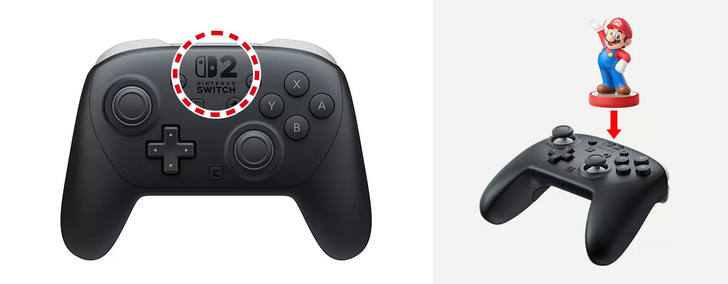 Tap amiibo onto the center logo area. |
To scan an amiibo, first press Minus to open the Pause Menu, and use L/R to select the amiibo tab. Press SCAN amiibo and then tap the compatible amiibo figure onto the corresponding area of your controller.
Metroid Prime 4: Beyond Related Guides

Beginner's Guide: Tips and Tricks to Get Started
All Tips and Tricks



Author

All amiibo Unlocks and Functionality

Rankings
- We could not find the message board you were looking for.
Gaming News

![Monster Hunter Stories 3 Review [First Impressions] | Simply Rejuvenating](https://img.game8.co/4438641/2a31b7702bd70e78ec8efd24661dacda.jpeg/show)
![Monster Hunter Stories 3 Review [First Impressions] | Simply Rejuvenating](https://img.game8.co/4438641/2a31b7702bd70e78ec8efd24661dacda.jpeg/thumb)
![The Seven Deadly Sins: Origin [First Impressions] | A Promising Start](https://img.game8.co/4440581/584e0bfb87908f12c4eab6e846eb1afd.png/thumb)

Popular Games

Genshin Impact Walkthrough & Guides Wiki
Umamusume: Pretty Derby Walkthrough & Guides Wiki
Pokemon Pokopia Walkthrough & Guides Wiki
Honkai: Star Rail Walkthrough & Guides Wiki
Monster Hunter Stories 3: Twisted Reflection Walkthrough & Guides Wiki
Arknights: Endfield Walkthrough & Guides Wiki
Wuthering Waves Walkthrough & Guides Wiki
Zenless Zone Zero Walkthrough & Guides Wiki
Pokemon TCG Pocket (PTCGP) Strategies & Guides Wiki
Monster Hunter Wilds Walkthrough & Guides Wiki










Recommended Games
Diablo 4: Vessel of Hatred Walkthrough & Guides Wiki
Cyberpunk 2077: Ultimate Edition Walkthrough & Guides Wiki
Fire Emblem Heroes (FEH) Walkthrough & Guides Wiki
Yu-Gi-Oh! Master Duel Walkthrough & Guides Wiki
Super Smash Bros. Ultimate Walkthrough & Guides Wiki
Pokemon Brilliant Diamond and Shining Pearl (BDSP) Walkthrough & Guides Wiki
Elden Ring Shadow of the Erdtree Walkthrough & Guides Wiki
Monster Hunter World Walkthrough & Guides Wiki
The Legend of Zelda: Tears of the Kingdom Walkthrough & Guides Wiki
Persona 3 Reload Walkthrough & Guides Wiki










All rights reserved
© Nintendo. Metroid and Nintendo Switch are trademarks of Nintendo.
The copyrights of videos of games used in our content and other intellectual property rights belong to the provider of the game.
The contents we provide on this site were created personally by members of the Game8 editorial department.
We refuse the right to reuse or repost content taken without our permission such as data or images to other sites.
Music unlock behind a amiibo