
How to Use Mouse Mode and Controls
★ Story Walkthrough | Upgrades and Abilities
☆ Characters | Bosses | Puzzles
★ Viewros Map: Energy Tank | Missile Expansion | Shot Expansion
★ Game Details: amiibo Unlocks | How Long to Beat | Switch Edition Differences
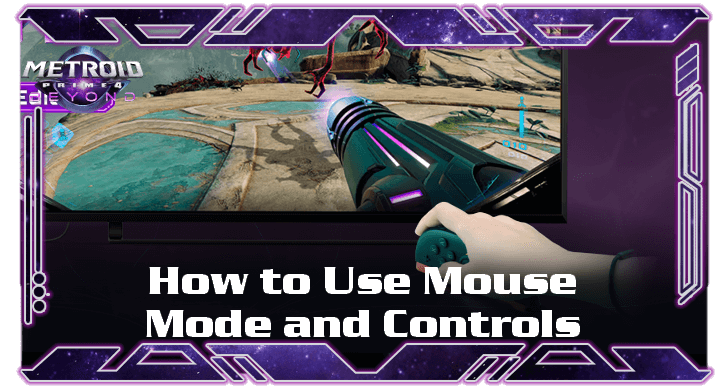
The Joy-Con 2 has a special Mouse Mode feature that lets you control the Arm Cannon and other weapons better in Metroid Prime 4: Beyond. See how to access the Joy-Con Mouse Mode, its uses, and controls here!
List of Contents
How to Use Mouse Mode
| Mouse Mode Guide |
|---|
|
1. Detach the Joy-Con 2 from the Console 2. (Optional) Attach the Strap to the Right Joy-Con 3. Place the Joy-Con Face Down on a Flat Surface |
1. Detach the Joy-Con 2 from the Console
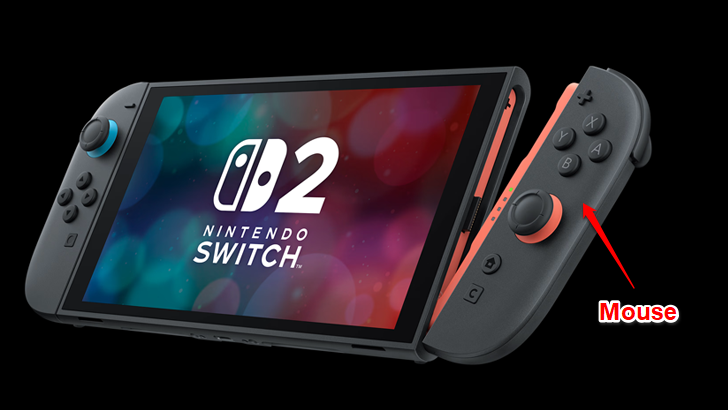
The right Joy-Con 2 is your primary mouse in the setup. Detach it from the console and make sure you're playing on a stable, flat surface so you can use Mouse Mode comfortably.
2. (Optional) Attach the Strap to the Right Joy-Con
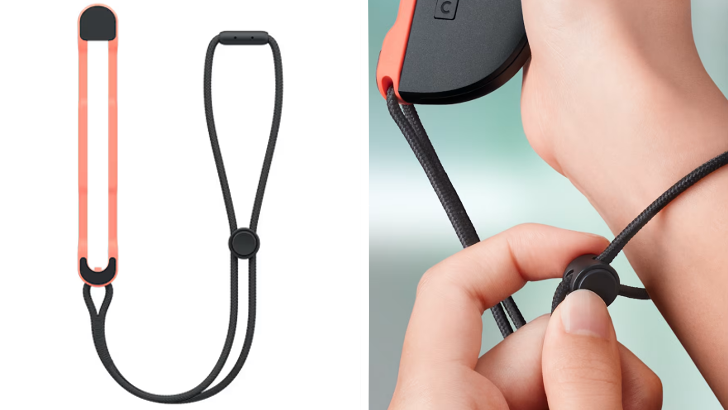
For safety purposes, attach the strap to your hand and the right Joy-Con 2. This helps avoid damaging the controller and makes it safer to alternate between regular and mouse mode, and vice versa.
3. Place the Joy-Con Face Down on a Flat Surface
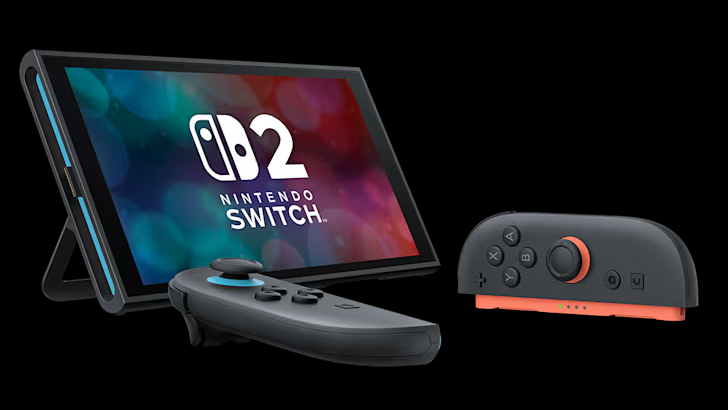
Rest the optical sensor (the colored magnetic end with lights) on a flat surface, preferably with a mouse pad, and control it like a regular mouse. Once you're done, simply pick up the Joy-Con to return it to its normal functionality.
Get a Mouse Pad from the European or Korean Store
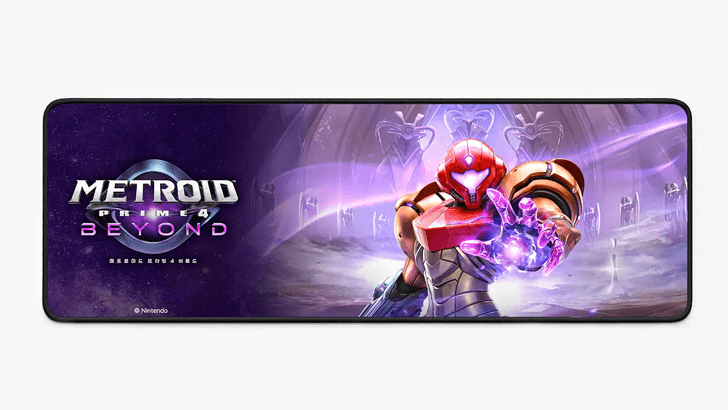
A mouse pad is given as a preorder bonus when you purchase the game from the European Nintendo store or from retail stores in South Korea.
Preorder Bonuses and How to Claim
Mouse Mode Controls
List of Mouse Controls
| Camera Movement |  |
|---|---|
| Shoot Beam |  / /  |
| Fire Missile |  |
| Morph Ball |  |
| Scan Visor |  |
| Jump |  |
When to Use Mouse Mode
Can Be Used Anytime
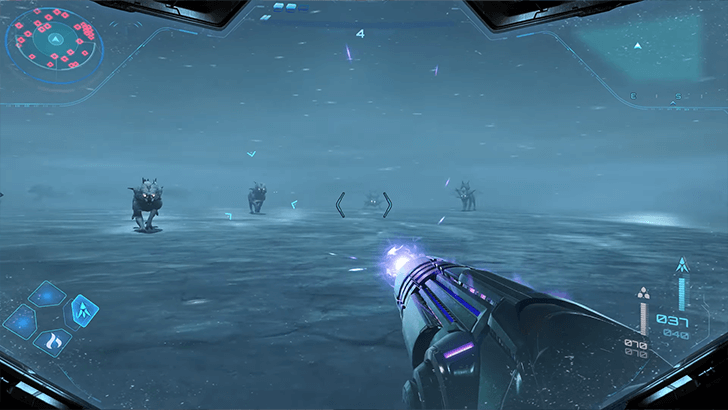
Mouse Mode can be used at any time during your gameplay. Simply place the right Joy-Con 2 on a flat surface, as the game will seamlessly switch to the mode. This can be useful for fighting against multiple enemies.
Once you're done, you can pick up the controller to revert back to the regular mode.
For Precision Aiming
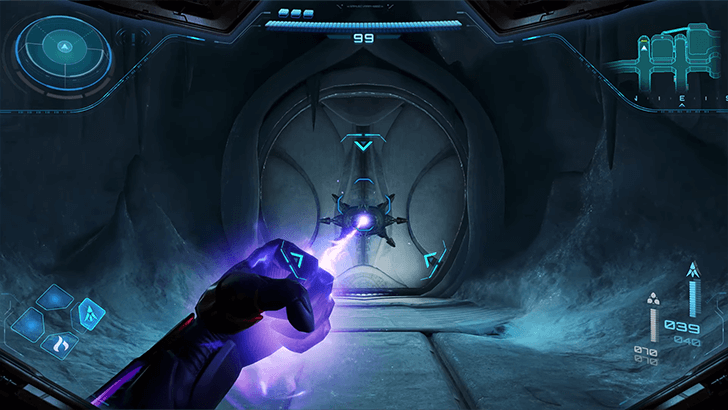
Mouse Mode is particularly useful for better aiming. This can be used to solve puzzles, target enemy weak points, alternate between enemies, etc.
For Boss Fights
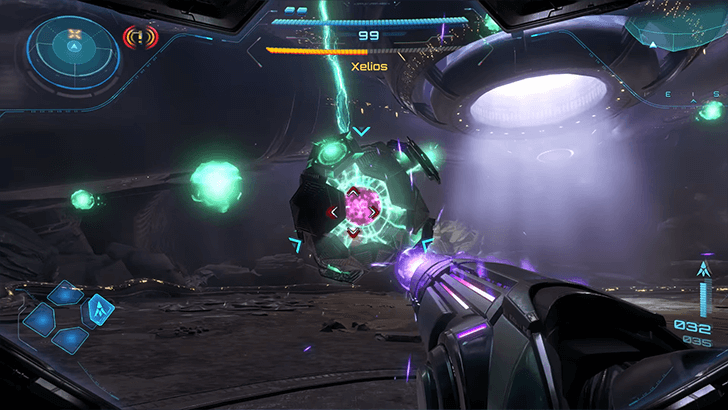
Some of the bosses have unique mechanics that require you to hit weakpoints at the same time, so having precision aiming with Mouse Mode is useful for these instances.
Metroid Prime 4: Beyond Related Guides

Beginner's Guide: Tips and Tricks to Get Started
All Tips and Tricks
Comment



Author

How to Use Mouse Mode and Controls

Rankings
- We could not find the message board you were looking for.
Gaming News

![Monster Hunter Stories 3 Review [First Impressions] | Simply Rejuvenating](https://img.game8.co/4438641/2a31b7702bd70e78ec8efd24661dacda.jpeg/show)
![Monster Hunter Stories 3 Review [First Impressions] | Simply Rejuvenating](https://img.game8.co/4438641/2a31b7702bd70e78ec8efd24661dacda.jpeg/thumb)
![The Seven Deadly Sins: Origin [First Impressions] | A Promising Start](https://img.game8.co/4440581/584e0bfb87908f12c4eab6e846eb1afd.png/thumb)

Popular Games

Genshin Impact Walkthrough & Guides Wiki
Umamusume: Pretty Derby Walkthrough & Guides Wiki
Pokemon Pokopia Walkthrough & Guides Wiki
Honkai: Star Rail Walkthrough & Guides Wiki
Monster Hunter Stories 3: Twisted Reflection Walkthrough & Guides Wiki
Arknights: Endfield Walkthrough & Guides Wiki
Wuthering Waves Walkthrough & Guides Wiki
Zenless Zone Zero Walkthrough & Guides Wiki
Pokemon TCG Pocket (PTCGP) Strategies & Guides Wiki
Monster Hunter Wilds Walkthrough & Guides Wiki










Recommended Games
Diablo 4: Vessel of Hatred Walkthrough & Guides Wiki
Cyberpunk 2077: Ultimate Edition Walkthrough & Guides Wiki
Fire Emblem Heroes (FEH) Walkthrough & Guides Wiki
Yu-Gi-Oh! Master Duel Walkthrough & Guides Wiki
Super Smash Bros. Ultimate Walkthrough & Guides Wiki
Pokemon Brilliant Diamond and Shining Pearl (BDSP) Walkthrough & Guides Wiki
Elden Ring Shadow of the Erdtree Walkthrough & Guides Wiki
Monster Hunter World Walkthrough & Guides Wiki
The Legend of Zelda: Tears of the Kingdom Walkthrough & Guides Wiki
Persona 3 Reload Walkthrough & Guides Wiki










All rights reserved
© Nintendo. Metroid and Nintendo Switch are trademarks of Nintendo.
The copyrights of videos of games used in our content and other intellectual property rights belong to the provider of the game.
The contents we provide on this site were created personally by members of the Game8 editorial department.
We refuse the right to reuse or repost content taken without our permission such as data or images to other sites.