
Quality and Performance Mode Differences
★ Story Walkthrough | Upgrades and Abilities
☆ Characters | Bosses | Puzzles
★ Viewros Map: Energy Tank | Missile Expansion | Shot Expansion
★ Game Details: amiibo Unlocks | How Long to Beat | Switch Edition Differences
The Nintendo Switch 2 Edition of Metroid Prime 4: Beyond lets players better enjoy the game with the Quality and Performance Mode. Learn more about the two modes, their effects on the game, and how to access them here!
List of Contents
Quality and Performance Mode Explained
Quality Mode for Better Visuals
| Quality Mode | |
|---|---|
| Docked | 4K 60 FPS HDR |
| Handheld / Tabletop | 1080p 60 FPS HDR |
Quality Mode is Metroid Prime 4: Beyond's answer to better graphics in line with the game's environment. It supports higher resolutions of up to 4K when docked, so you can enjoy Viewros in detail.
A 4K resolution, also known as Ultra HD, uses a high number of pixels and not all monitors are capable of it. Ensure your display monitor supports gameplay at this resolution to enjoy Quality Mode.
Performance Mode for Smoother Movement
| Performance Mode | |
|---|---|
| Docked | 1080p 120 FPS HDR |
| Handheld / Tabletop | 720p 120 FPS HDR |
Performance Mode lets players enjoy smoother gameplay on Metroid Prime 4: Beyond with 120fps. A higher FPS (Frames per second) leads to movement appearing smoother.
This is available with the Nintendo Switch 2 edition and is viable for both docked and handheld modes, albeit at different resolutions. Take note that your display monitor must have at least a refresh rate of 120Hz for you to see the effects. We recommend this mode when playing handheld to enjoy the game.
How to Access Quality and Performance Mode
Only Accessible with the Nintendo Switch 2 Edition
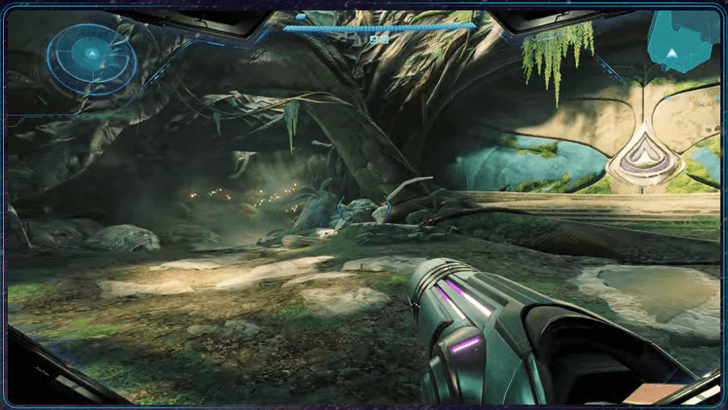
Both the Quality and Performance Modes of Metroid Prime 4: Beyond are only available with the Nintendo Switch 2 edition. This is currently not available with the base Switch model.
Edition Differences and Upgrade Pack Cost
Adjust Graphics on the Settings
You can change to your preferred mode on the game's video settings menu. Make sure that your setup can handle it before you play!
Should You Play on Quality Mode or Performance Mode?
Quality Mode on Higher Resolution Monitors
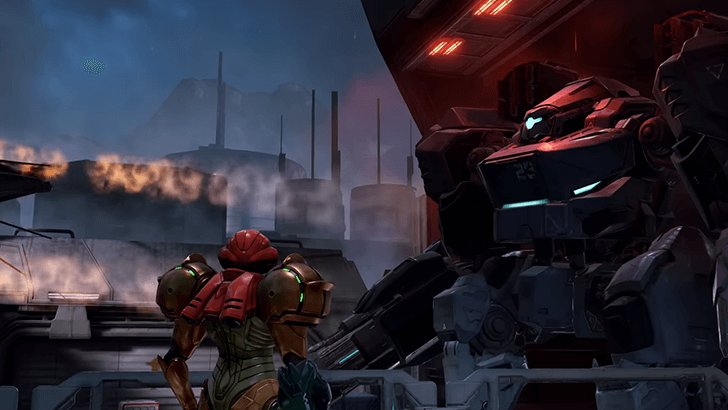
We recommend Quality Mode only if you have a display monitor that can support 4K gameplay to enjoy Samus' exploration of Viewros in full detail. Otherwise, stick to Performance Mode.
Performance Mode on Handheld or Fast Monitors
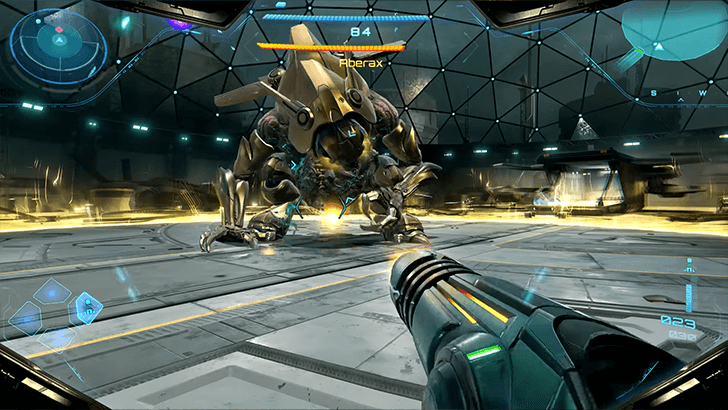
Performance Mode is highly recommended on Handheld for the Nintendo Switch 2, as it ensures smoother gameplay when trying to survive as Samus. We also suggest using it with monitors that have 120Hz refresh rate or higher.
Metroid Prime 4: Beyond Related Guides

Beginner's Guide: Tips and Tricks to Get Started
All Tips and Tricks
Comment



Author
Quality and Performance Mode Differences

Rankings
- We could not find the message board you were looking for.
Gaming News

![Monster Hunter Stories 3 Review [First Impressions] | Simply Rejuvenating](https://img.game8.co/4438641/2a31b7702bd70e78ec8efd24661dacda.jpeg/show)
![Monster Hunter Stories 3 Review [First Impressions] | Simply Rejuvenating](https://img.game8.co/4438641/2a31b7702bd70e78ec8efd24661dacda.jpeg/thumb)
![The Seven Deadly Sins: Origin [First Impressions] | A Promising Start](https://img.game8.co/4440581/584e0bfb87908f12c4eab6e846eb1afd.png/thumb)

Popular Games

Genshin Impact Walkthrough & Guides Wiki
Umamusume: Pretty Derby Walkthrough & Guides Wiki
Pokemon Pokopia Walkthrough & Guides Wiki
Honkai: Star Rail Walkthrough & Guides Wiki
Monster Hunter Stories 3: Twisted Reflection Walkthrough & Guides Wiki
Arknights: Endfield Walkthrough & Guides Wiki
Wuthering Waves Walkthrough & Guides Wiki
Zenless Zone Zero Walkthrough & Guides Wiki
Pokemon TCG Pocket (PTCGP) Strategies & Guides Wiki
Monster Hunter Wilds Walkthrough & Guides Wiki










Recommended Games
Diablo 4: Vessel of Hatred Walkthrough & Guides Wiki
Cyberpunk 2077: Ultimate Edition Walkthrough & Guides Wiki
Fire Emblem Heroes (FEH) Walkthrough & Guides Wiki
Yu-Gi-Oh! Master Duel Walkthrough & Guides Wiki
Super Smash Bros. Ultimate Walkthrough & Guides Wiki
Pokemon Brilliant Diamond and Shining Pearl (BDSP) Walkthrough & Guides Wiki
Elden Ring Shadow of the Erdtree Walkthrough & Guides Wiki
Monster Hunter World Walkthrough & Guides Wiki
The Legend of Zelda: Tears of the Kingdom Walkthrough & Guides Wiki
Persona 3 Reload Walkthrough & Guides Wiki










All rights reserved
© Nintendo. Metroid and Nintendo Switch are trademarks of Nintendo.
The copyrights of videos of games used in our content and other intellectual property rights belong to the provider of the game.
The contents we provide on this site were created personally by members of the Game8 editorial department.
We refuse the right to reuse or repost content taken without our permission such as data or images to other sites.