
Character Customization Guide
★ New Characters: Helhest | Rossi-11
☆ New Bow Weapons and Axion Artifacts
★ Tier Lists: Characters | Weapons | Artifacts
☆ Best Builds: Helhest | Rossi-11 | Estela
★ Weapon Guides: Exotics | Mythics
☆ Redeem Codes for November 2025
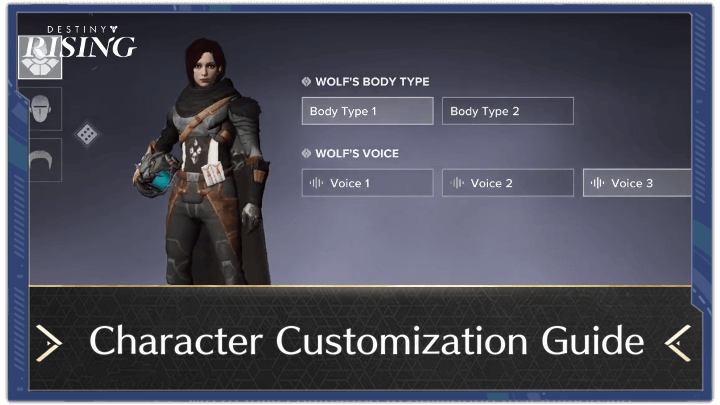
Customize Wolf in the Character Customization screen of Destiny: Rising. See the guide to character customization here to learn about all the features you can customize.
Character Customization Guide
| All Customizable Features | |||||||||||
|---|---|---|---|---|---|---|---|---|---|---|---|
 |
|||||||||||
| Body Type | Voice | Skin | Face | ||||||||
| Hair Style | Hair Color | Name | |||||||||
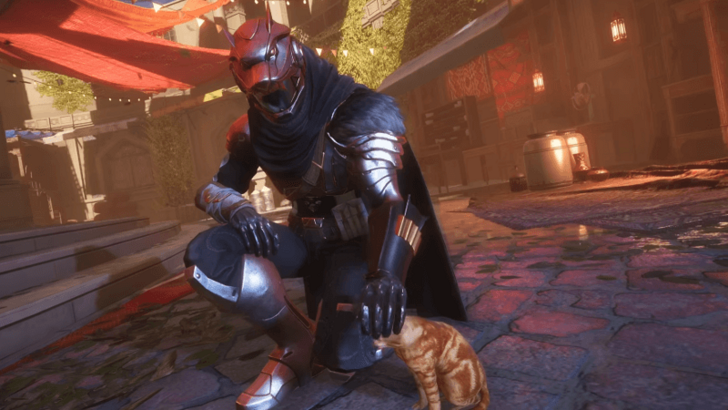
In Destiny: Rising, you start as Wolf, the default character. You can customize Wolf to your liking, whether you want to make them similar to yourself or create someone completely original and new!
Body Type
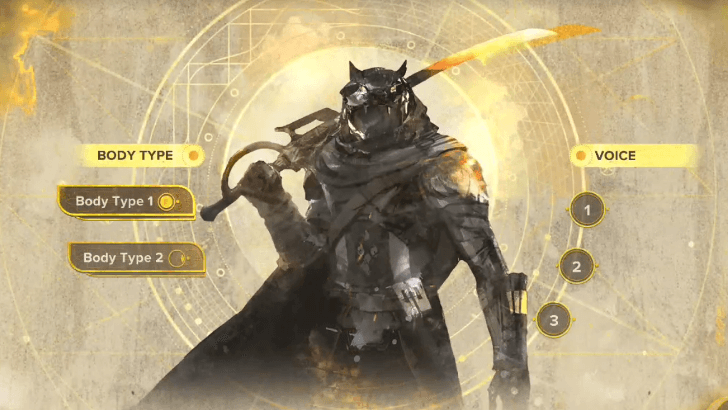
At the beginning of the game, you can choose between a masculine or feminine body type. This can be changed later after the tutorial, before proceeding with the prologue.
Voice
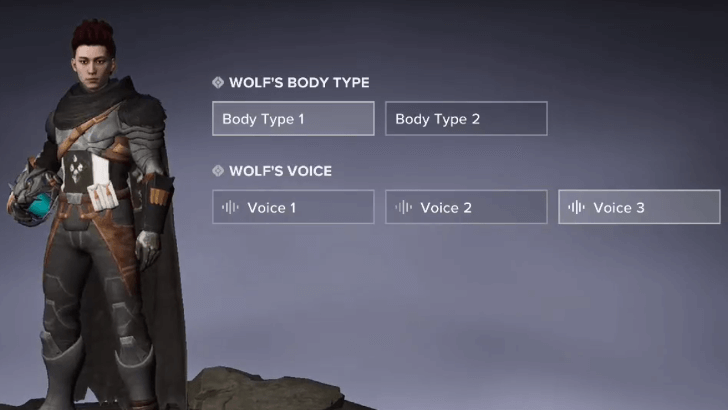
You can also change Wolf's voice to your liking. You can choose between three options: masculine, feminine, and gender-neutral.
Skin
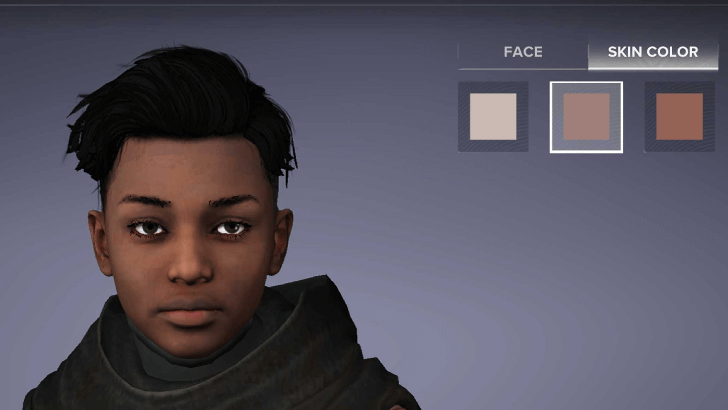
As you progress, you'll unlock more customization options. To start, you can change your character's skin tone by choosing a face preset, with each preset having three options.
This option, along with the others listed below, can only be accessed after clearing the main quest Resurrection. Make sure to reach this point to fully customize your character!
Face
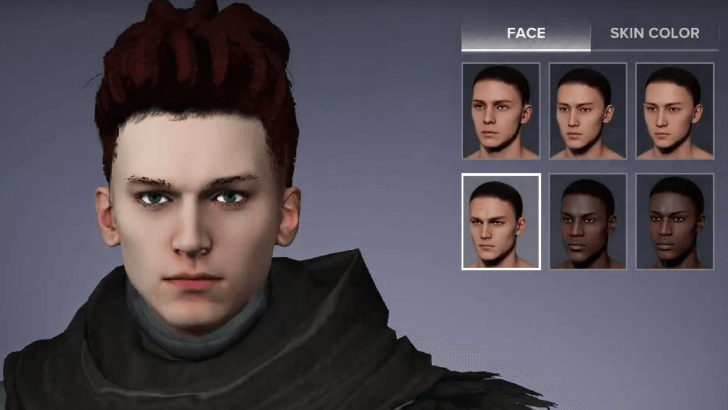
You can also choose a face for your character. Unfortunately, all face options are presets, meaning you cannot customize specific features such as the nose or eyes.
Hair Style
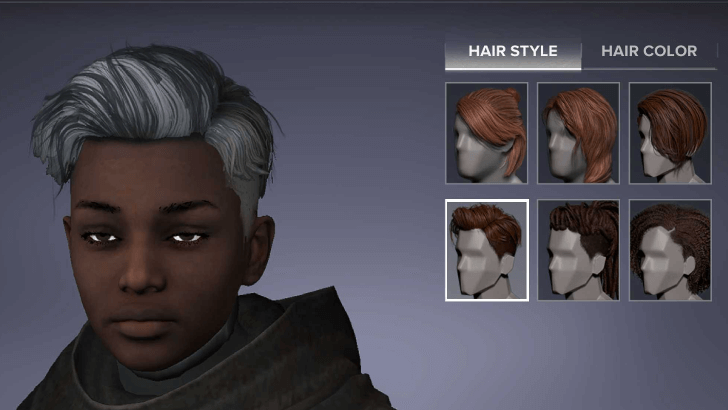
Next, choose a hairstyle that fits your character. There are only six available hairstyles for now, but more may be added in future updates as cosmetics.
Hair Color
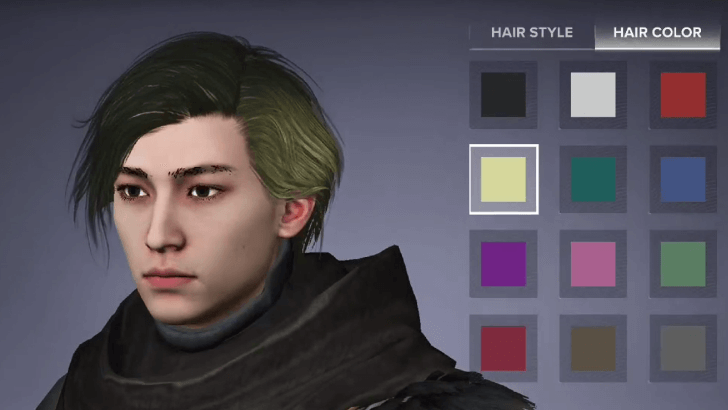
You can also change the color of the hairstyle you chose. Unlike the limited hairstyles, there are 12 available colors, giving you more options for customization.
Name
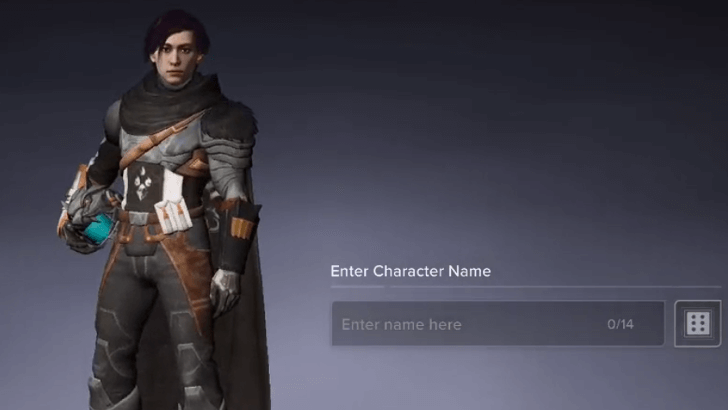
Finally, once you’re done with character customization, go ahead and set a name for your character! You can stick with Wolf or use an original name of your choice.
Can You Change Features?
No, All Features are Permanent
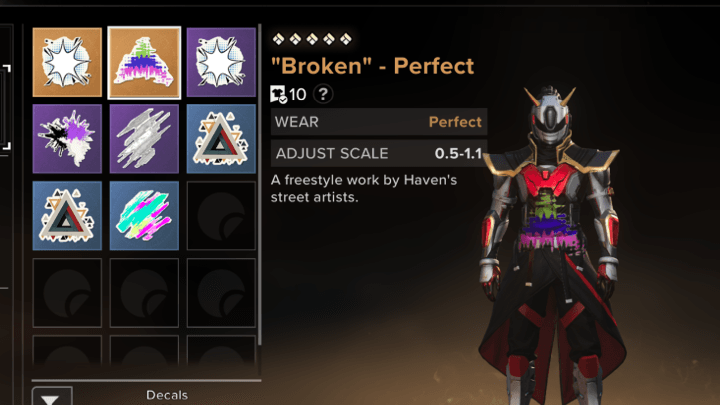
As of release, you cannot change anything set in Character Customization. All choices for Wolf are permanent, and the only way to customize Wolf after Resurrection is by using cosmetics.
The only exception is the name, which can be changed for a fee. Everything else remains fixed, though this may change in future updates.
Can You Change Characters' Appearance
Destiny: Rising Related Guides
Guides by Category
 Characters Characters |
 Builds Builds |
 Tips and Tricks Tips and Tricks |
 Banners Banners |
 Events Events |
 Quests Quests |
 Weapons Weapons |
 Abilities Abilities |
 Talent Trees Talent Trees |
 Artifacts Artifacts |
 Perks and Traits Perks and Traits |
 Mods Mods |
 Items Items |
 Emblems Emblems |
 Fishes Fishes |
 Gifts of the Nine Gifts of the Nine |
 News News |
- |
Recommended Guides
| Tier Lists and Best Guides | |
|---|---|
 Best Character Tier List (PvP and PvE) Best Character Tier List (PvP and PvE) |
 Best Weapons Tier List (PvP and PvE) Best Weapons Tier List (PvP and PvE) |
 Best Artifacts Tier List Best Artifacts Tier List |
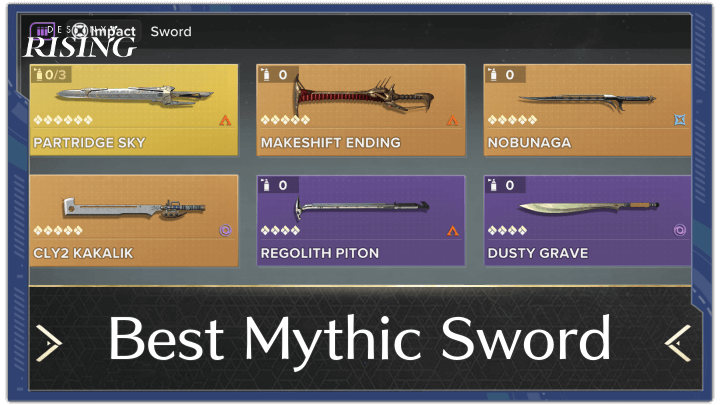 What is the Best Mythic Sword? What is the Best Mythic Sword? |
| Top Articles | |
 All Redeem Codes All Redeem Codes |
Character Customization Guide |
 List of All Currencies List of All Currencies |
 How to Level Up Fast How to Level Up Fast |
 Battle Pass End Dates and Rewards Battle Pass End Dates and Rewards |
 Roadmap and Schedule Roadmap and Schedule |
Comment
 Anonymous 2 months Anonymous 7 months
I’ve beaten the first quest and made it to haven, how do I edit or change my appearance now? Or is it locked in for the wolf character now :/



Author
Character Customization Guide

Rankings
- We could not find the message board you were looking for.
Gaming News


![Monster Hunter Stories 3 Review [First Impressions] | Simply Rejuvenating](https://img.game8.co/4438641/2a31b7702bd70e78ec8efd24661dacda.jpeg/thumb)
![The Seven Deadly Sins: Origin [First Impressions] | A Promising Start](https://img.game8.co/4440581/584e0bfb87908f12c4eab6e846eb1afd.png/thumb)

Popular Games

Genshin Impact Walkthrough & Guides Wiki
Umamusume: Pretty Derby Walkthrough & Guides Wiki
Pokemon Pokopia Walkthrough & Guides Wiki
Honkai: Star Rail Walkthrough & Guides Wiki
Monster Hunter Stories 3: Twisted Reflection Walkthrough & Guides Wiki
Arknights: Endfield Walkthrough & Guides Wiki
Wuthering Waves Walkthrough & Guides Wiki
Zenless Zone Zero Walkthrough & Guides Wiki
Pokemon TCG Pocket (PTCGP) Strategies & Guides Wiki
Monster Hunter Wilds Walkthrough & Guides Wiki










Recommended Games
Diablo 4: Vessel of Hatred Walkthrough & Guides Wiki
Cyberpunk 2077: Ultimate Edition Walkthrough & Guides Wiki
Fire Emblem Heroes (FEH) Walkthrough & Guides Wiki
Yu-Gi-Oh! Master Duel Walkthrough & Guides Wiki
Super Smash Bros. Ultimate Walkthrough & Guides Wiki
Pokemon Brilliant Diamond and Shining Pearl (BDSP) Walkthrough & Guides Wiki
Elden Ring Shadow of the Erdtree Walkthrough & Guides Wiki
Monster Hunter World Walkthrough & Guides Wiki
The Legend of Zelda: Tears of the Kingdom Walkthrough & Guides Wiki
Persona 3 Reload Walkthrough & Guides Wiki










All rights reserved
©2024 Bungie
©1997-2024 NetEase.Inc.
The copyrights of videos of games used in our content and other intellectual property rights belong to the provider of the game.
The contents we provide on this site were created personally by members of the Game8 editorial department.
We refuse the right to reuse or repost content taken without our permission such as data or images to other sites.