

 Best Class Tier List
 Beginner's Guide and Best Starting Tips
 Leveling Guide: What is the Max Level?
 Can You Change Masteries?
 List of All Skills
 Divinity Guide: How to Get More Points
 Gold Farming Guide
 Embers of Night Locations
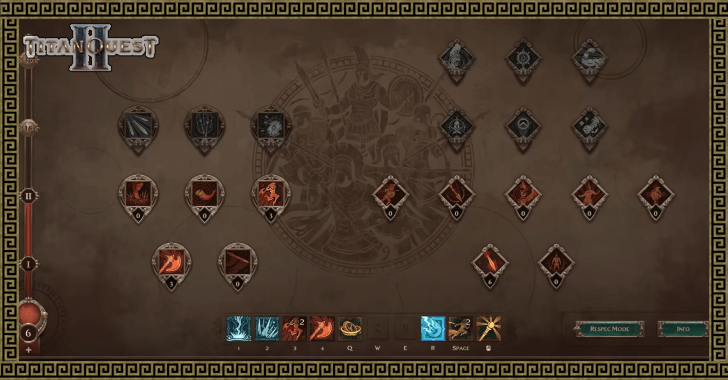 Best Active and Passive Skills to Unlock
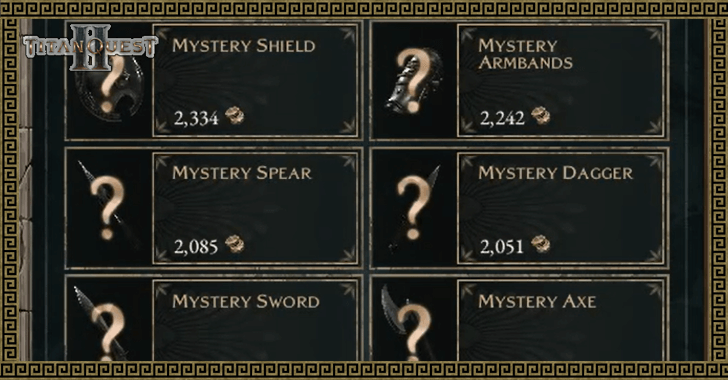 How to Gamble Equipment
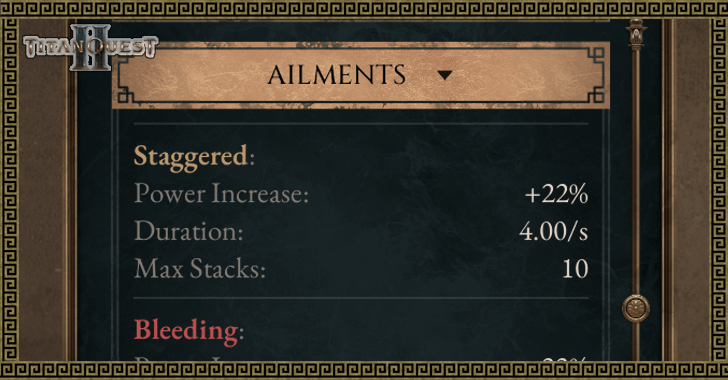 All Ailments Explained
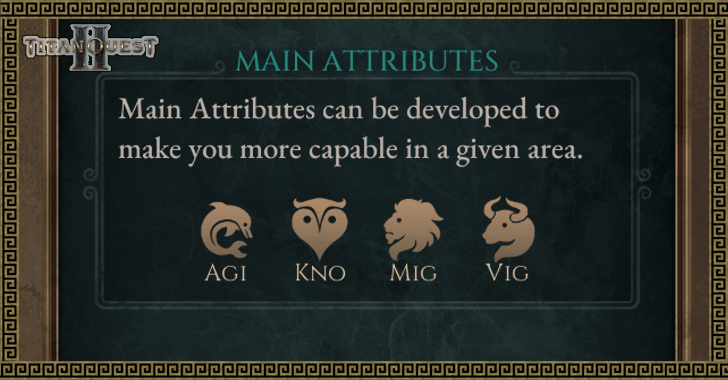 All Attributes Explained
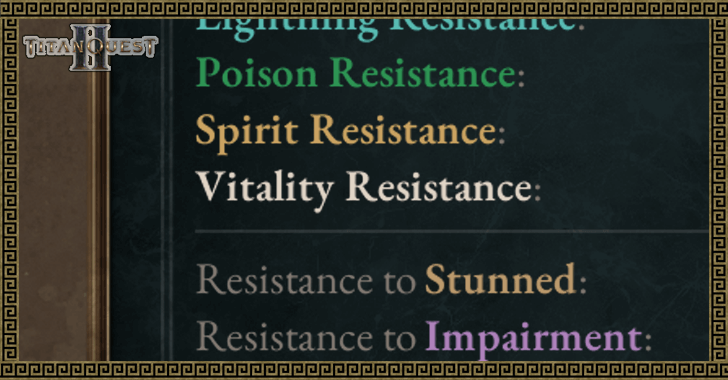 What is Vitality Damage?
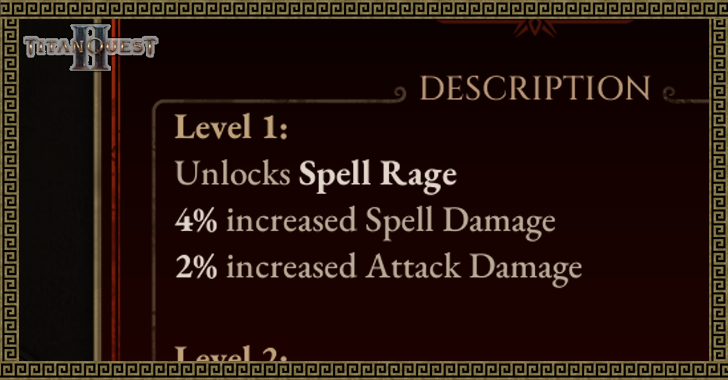 What is Spell Rage?
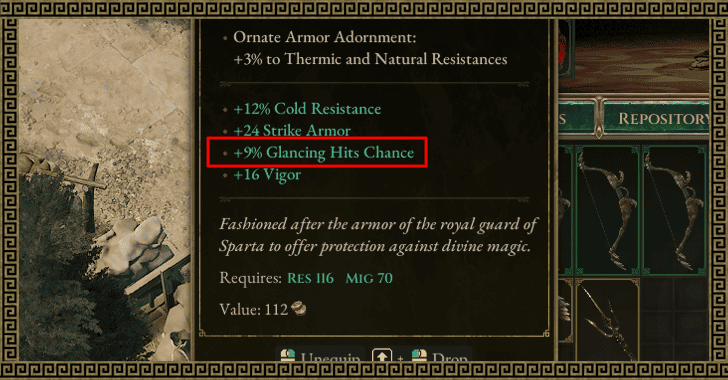 What is Glancing Hit?
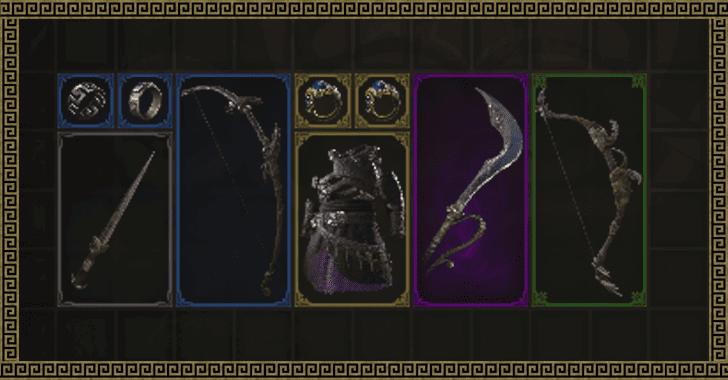 Item Rarity Explained
 What is Flow?
 Best Unique Items
 Death Penalty Explained
 How to Quick Sell Items
 Easiest Class to Play
 Difficulty Explained
 How to Increase Damage
 Endgame Guide
 Hardcore Guide
 Missables and Points of No Return


This survey will take about 1 minute.
Your answers will help us to improve our website.
Titan Quest 2
Beginner's Guide and Best Starting Tips
NEW: 0.1.1 Hotfix 1 ▶︎ All Patch Notes
UPDATED: Early Access Roadmap
★ Check our Beginner's Guide
☆ Meta: Builds | Best Class | Best Skills
★ Walkthrough | World Quests | Bosses
☆ Uniques | Weapons | Armor
This is a Beginner's Guide with a guide for the early game of Titan Quest 2. Check out some tips you can use when starting to play Titan Quest 2 in this guide!
List of Contents
How to Get Started
| Getting Started in Titan Quest 2 |
|---|
|
|
Understanding the HUD or UI
| Titan Quest 2 HUD |
|---|
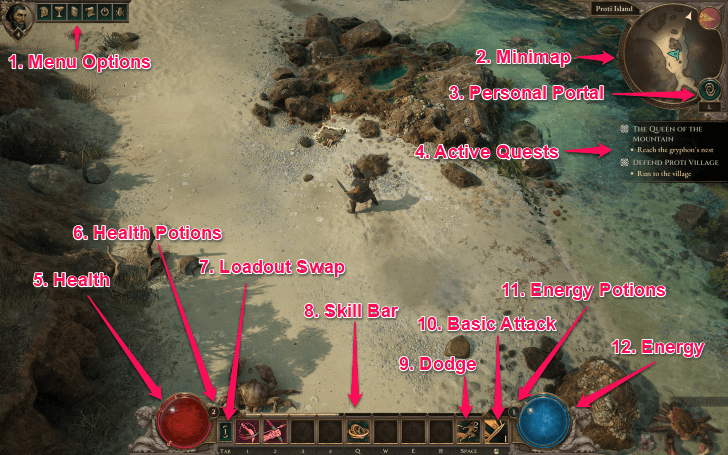 1. Menu Options - In the upper-left of the screen, beside your icon, are the Menu Options. These buttons open your character page, masteries, settings, and allow you to exit the game when you are done playing. 2. Minimap - This is the Minimap of the game, which shows you a small overview of where you are in the current area. 3. Personal Portal - Pressing this button summons your Personal Portal, but only when there are no enemies around. You can use it to travel to waypoints around the map. 4. Active Quests - This is a display for all your currently active quests that you are tracking. 5. Health - This red orb is your Health display. It empties partially when you take damage, and you will die if the orb depletes fully. It will regenerate slowly when not in combat. 6. Health Potions - The number to the top right of your Health is your Health Potion count. They restore your Health, and recharge when you deal damage to opponents. 7. Loadout Swap - This button allows you to swap your equipped Loadout, changing your skills and gear to whatever you have set in the other loadout slot. 8. Skill Bar - This is the Skill Bar, which shows the skills that you currently have equipped, as well as their cooldowns when used. The default Block skill is also here in the center of the bar. 9. Dodge - This is your Dodge, another default skill that allows you to move in a direction quickly to avoid damage. 10. Basic Attack - The last default skill in the bar is the Basic Attack, which is the most basic way to deal damage to enemies with your equipped weapon. 11. Energy Potions - The number to the upper-left of your Energy is your Energy Potion count. Similar to Health Potions, they restore Energy and recharge when you do damage. 12. Energy - This is your Energy. All classes in game consume it to use their skills in the battlefield. It regenerates slowly as well, both in and out of combat. |
It is recommended to take some time to understand the HUD (Heads-Up Display) or the UI (User Interface) of Titan Quest 2 first, as it contains vital information for proceeding through the game. Key elements are the player's Health and Energy as well as their Skills and Cooldowns.
Complete Character Creation
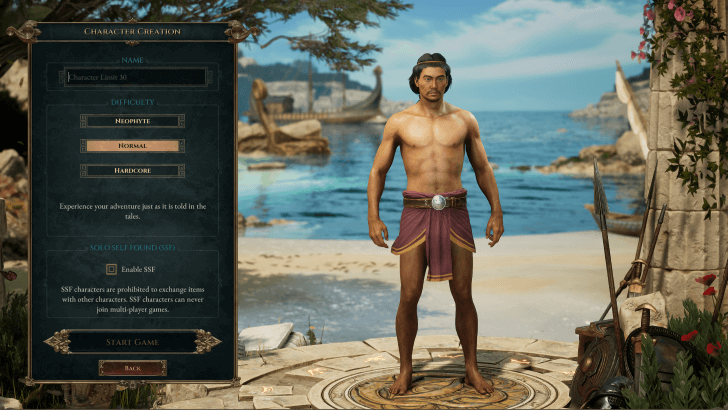
The first thing to do in Titan Quest 2 is to create a character. Your character's appearance is cosmetic only, and will not affect how you play the game. Additionally, the Early Access version only offers presets that cannot be changed.
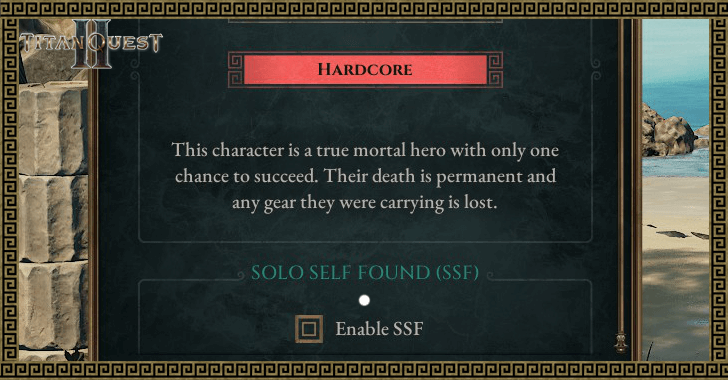
There is, however, the option to turn on Solo Self Found (SSF) during Character Creation. This will make your character unable to trade or play in multiplayer lobbies, so make sure that's what you want if you turn SSF on.
What is Solo Self Found (SSF)?
Progress Through the Prologue
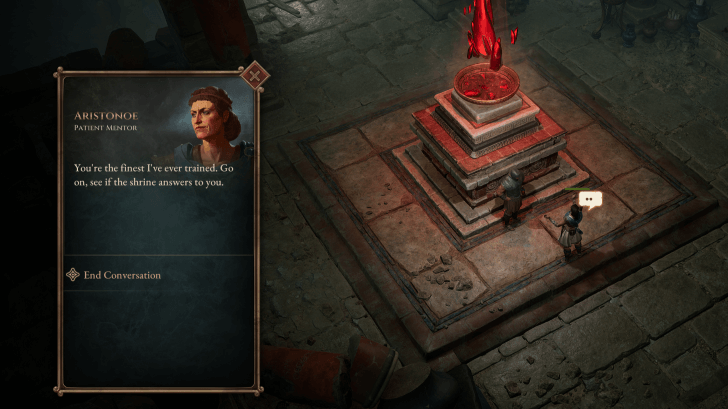
Once you finish the cutscenes, you will load into the world of Titan Quest 2, on Proti Island. This whole area will serve as a sort of prologue, introducing you to the basics of the game.
You will be given tips on how to move, attack, use skills, and more as you proceed through this area.
Select Your Masteries
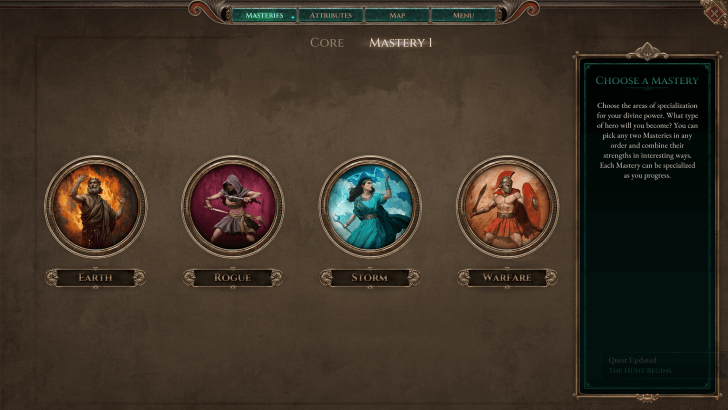
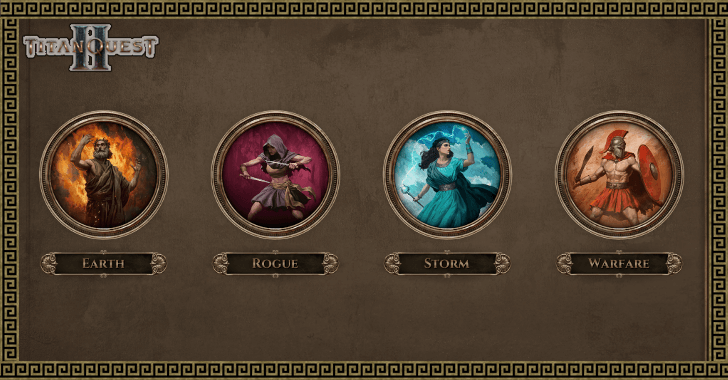
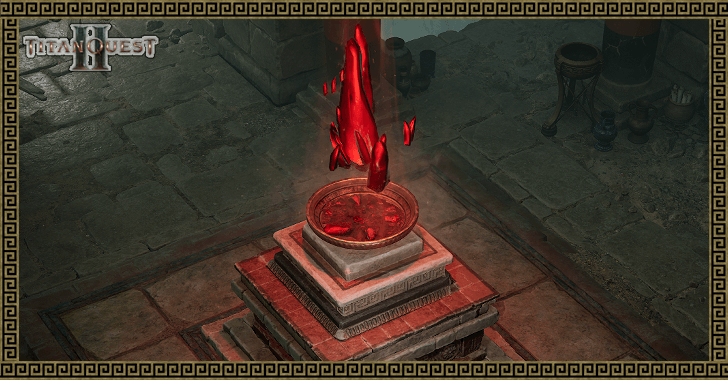
Interact with the Shrine to receive a blessing from the gods, allowing you to select your first Mastery. Masteries are the core progression system in Titan Quest 2, and will dictate your character's build and how you fight in battle.
You may also decide to only use 1 Mastery, or even to not use Masteries at all. The latter option specifically will leave your class as Unblessed, with no additional skills to use in battle.
Understanding Your Stats
| Stat | Explanations |
|---|---|
| Basics | Barrier: Acts as an independent secondary health pool that absorbs damage. Weapon Base Damage: The base amount of damage that your weapon can dish out. Most martial skills will scale off this value. Attack Speed: The amount of attacks you can release per second. |
| Attributes | Core: The main attributes you can increase. ┣ Agility: Supports light/medium armor and fast weapons. ┣ Might: Supports heavy/ornate armor and heavy weapons. ┗ Knowledge: Supports magos/plated robes and magical weapons. Secondary: Stats branching off of the core attributes. ┣ Fitness: Governs strike and pierce damage and is connected to Might and Agility. ┣ Cunning: Governs lightning and poison damage and is connected to Agility and Knowledge. ┗ Resolve: Governs fire and cold damage and is connected to Might and Knowledge. |
| Defenses | Glancing: Acts like a dodge percentage, but chooses to reduce the damage based on a rolled chance. Physical Armor: Reduces physical damage by a fixed percentage. Thermal Resistance: Reduces fire and cold damage by a fixed percentage. Nature Resistance: Reduces lightning and poison damage by a fixed percentage. |
Understanding your basic stats is paramount in succeeding the trials Greece as they are the brunt of what makes your Character scale into the later parts of the game. Aim to refine the stats crucial for making your build unique only to your preferences and playstyle!
Titan Quest 2 Beginner's Guide and Tips
| Beginner Tips and Tricks |
|---|
|
|
Focus on One Attribute and Skill First
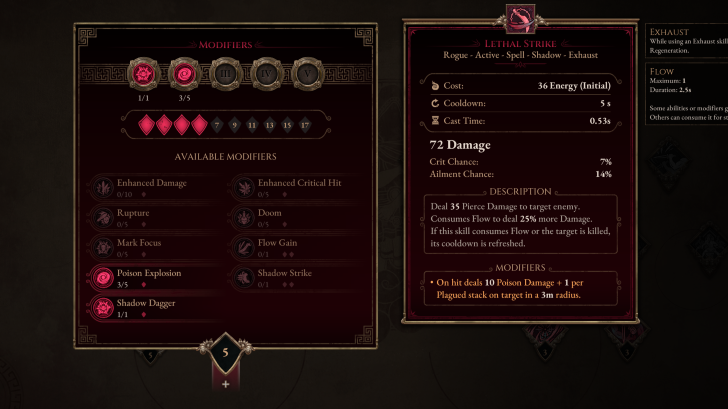
While spending your Attribute and Skill points, it's best to focus on one Skill and one or two Attributes instead of spreading your resources out for the early game. This will give you the biggest early boost in power to fight better.
Later down the line, you will be able to respec your invested points, so don't worry about investing too many resources in specific parts of your build.
Max Out on Resistances
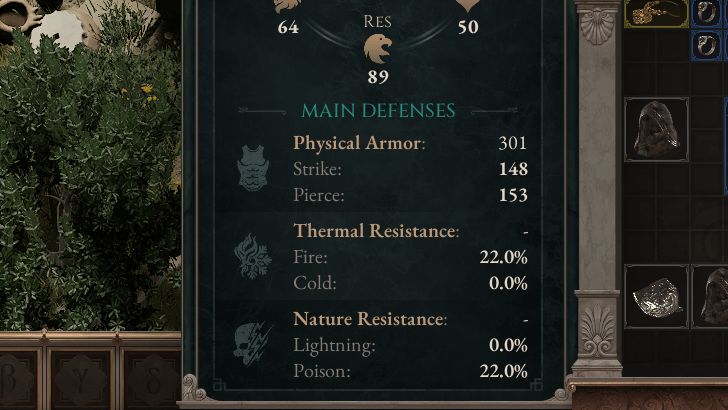
There are five main defensive stats that you can invest in: Glancing, Armor, and Barrier. Each have their own intricacies to compliment their defensive style, such as Barrier enhancing your Shield usage. Additionally, there are resistances to specific damage types
Generally, it would be best to focus on one of the three as your single base defensive stat. After that, capping out on Fire, Cold, and Lightning resistances should be your next priority. Doing so should allow you to survive any horde or mob coming your way!
Measure Your Stats
Most ARPGs are centered around crunching the percentages and values of your stats: offensive and defensive.
To do so, simply navigate to your inventory and choosing the details tab beside the repository. After that, click on advanced details to see all of your stats. This should give you the information to min-max your damage and find out the intricacies on what makes your build tick!
Explore Areas for Loot
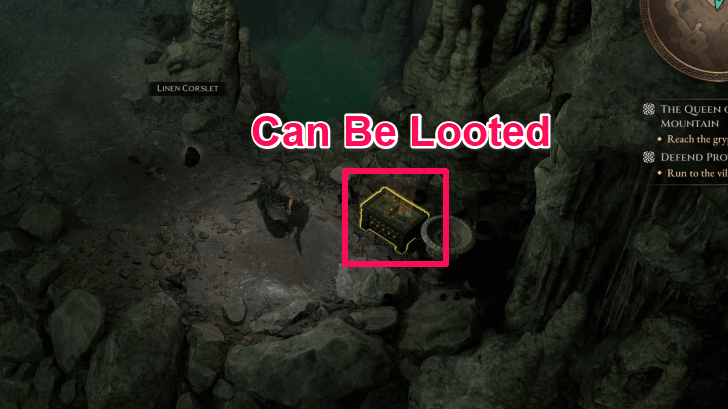
While in-game, try to look around instead of beelining directly for the next main objective.
There are several hidden treasures lying around the map that can provide you with valuable weapons and gear when opened, so keep your eyes peeled for any glowing, golden objects for loot.
Complete World Quests for Rewards
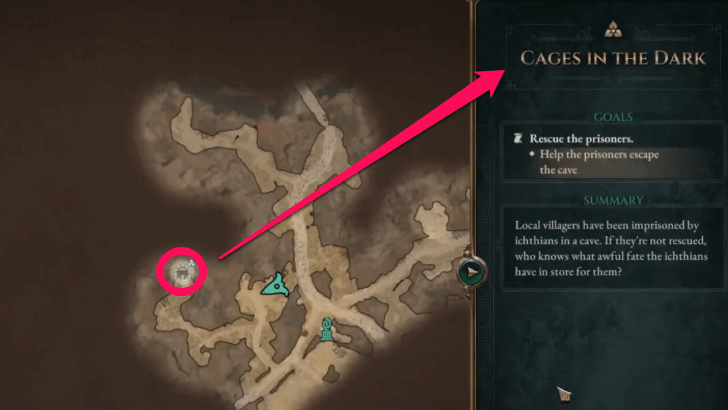
Exploring areas thoroughly will also allow you to meet various NPCs that can provide you with side quests. These are optional goals that you can complete for more EXP and rewards, and are a good way to power up in the early game.
List of All World Quests and Rewards
Use Waypoints and Your Personal Portal
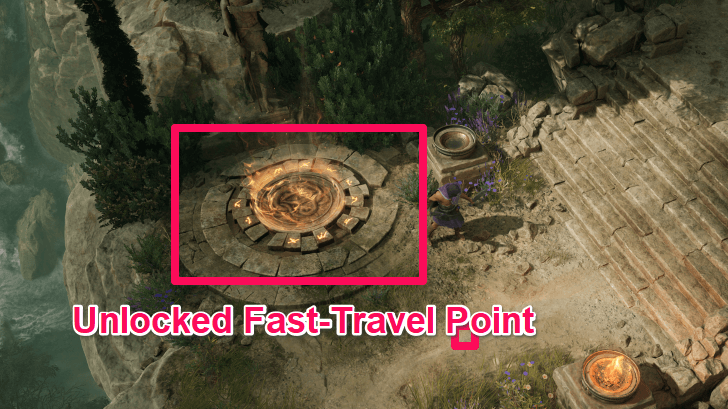
Always unlock Waypoints whenever you see them, as these allow for convenient fast-travel between them.
And don't forget about your Personal Portal! Although you can only use it when there are no enemies around, it is still an on-demand waypoint that you can use to quickly travel somewhere urgent, then back to where you were before leaving.
Use Your Healing Items and Defensive Core Skill Often
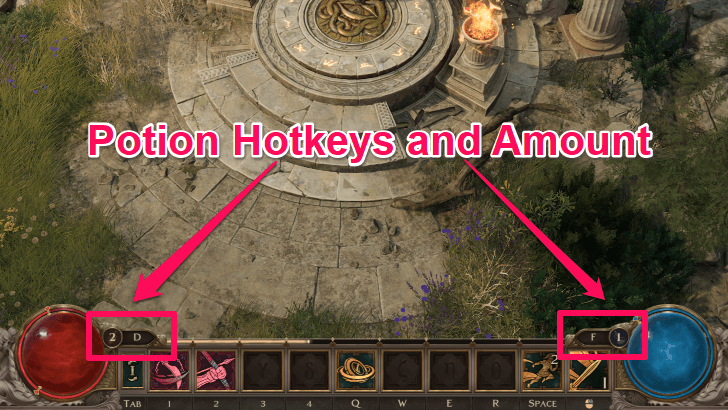
The potions in Titan Quest 2 regenerate based off damage dealt to enemies, so use them liberally in a fight when your HP or other resources drop low. Also ensure that you are constantly doing damage to replenish potions.
Also aim to use the Dodge and Barrier skills to mitigate the damage you take, as these are additional defensive tools with no cost to use in battle.
Stay On The Move in Combat
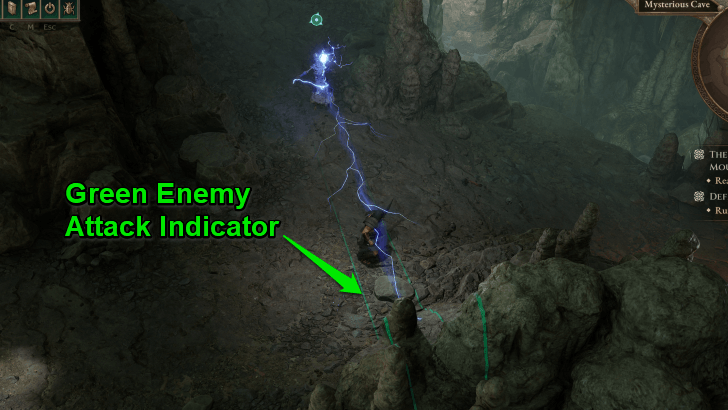
One of the biggest tips during combat in Titan Quest 2 is to stay on the move. Enemies will constantly try to attack you, with stronger enemies even able to cast skills that can greatly damage you.
Avoid staying stationary during fighting, and try to move after you land a few attacks. Use your dash as well, to both dodge attacks and reposition for better retaliation.
Adapt Your Gear to Your Build
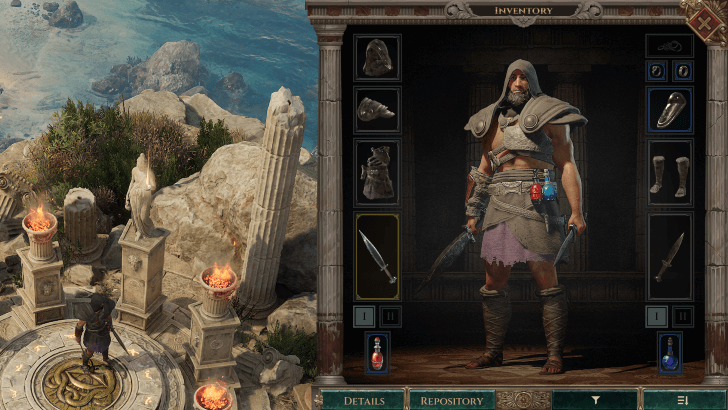
Even if early game items are lacking in powerful stat buffs and unique properties, aim to use gear that complements your build.
For example, if you are running a class that has a focus on Elemental Damage, such as Cold, looking for gear that augments Cold Damage would be more practical than equipping a weapon with slightly higher raw attack.
Manage Your Inventory
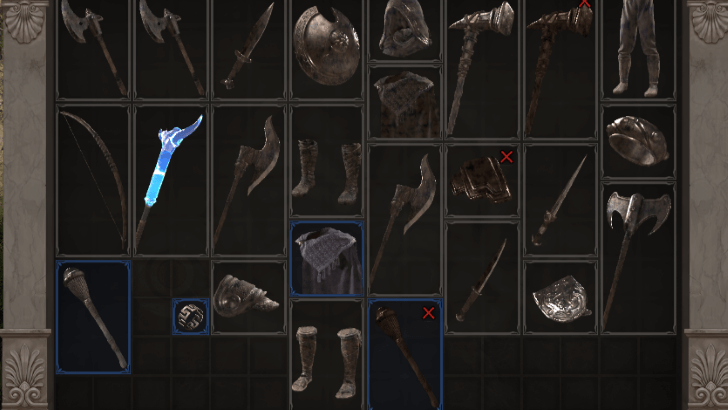
Your inventory space in Titan Quest 2 is limited, and you will not be able to store everything you find. In the early game, don't be afraid to loot as much as you can as you can sell these items for gold later on.
If you encounter Magic-rarity or above items, you may opt to keep these if their properties are something you can make use of later down the line. There is also an auto-sort button to help you manage your inventory.
Sell Items You Are Not Using
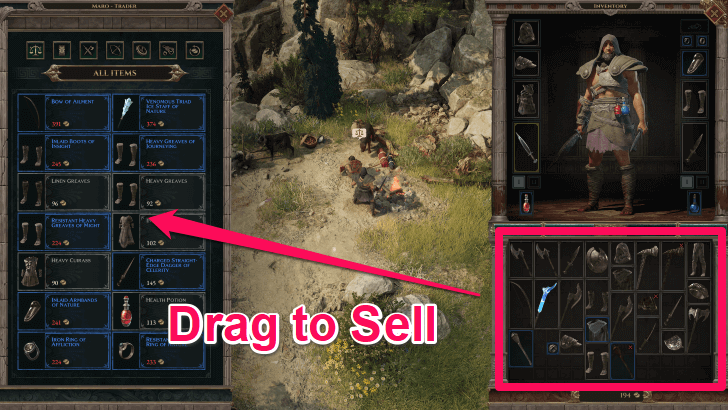
Don't hesitate to sell items you're not using to the various merchants you encounter in-game! This will both free up your inventory, as well as generate extra gold for you to use in your adventure.
Note that you can use the Shift + Left Click input to auto-sell items instead of dragging them over to the merchant's inventory.
Find and Unlock Shrines
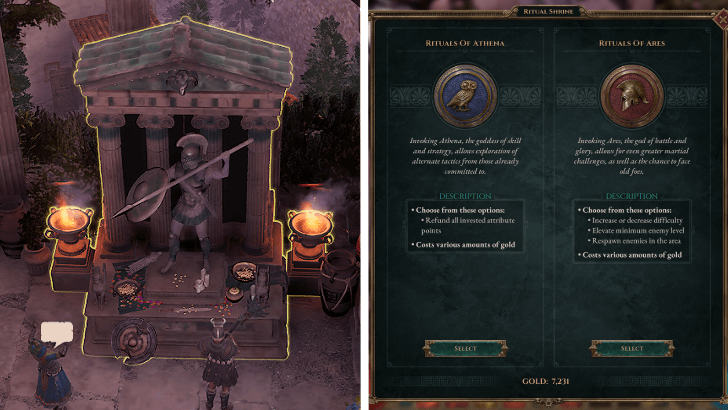
Another mechanic to learn about in Titan Quest 2 are Shrines. These are usually located in villages and offer a variety of beneficial Rituals that can reset your Attribute Points, or modify the game's Difficulty and enemies.
Later down the line, you will be able to offer Remnants to these Shrines. Remnants are earned from Bosses, and giving one to a Shrine causes that boss to respawn, so you can farm them for drops!
Spend Your Attribute and Skill Points
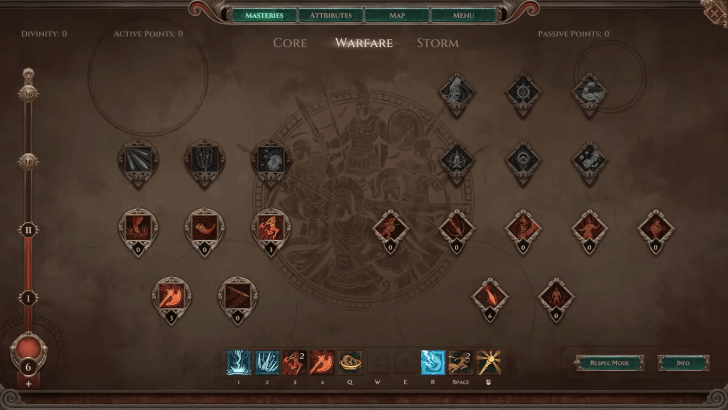
Whenever you level up, spend your Attribute and Skill Points as soon as possible. These are your main way of getting stronger outside of better gear, so spending both are necessary for taking on the challenges ahead.
Titan Quest 2 Related Guides
Titan Quest 2 Walkthrough and Guides Wiki
Best Guides for Beginners
Puzzle Guides
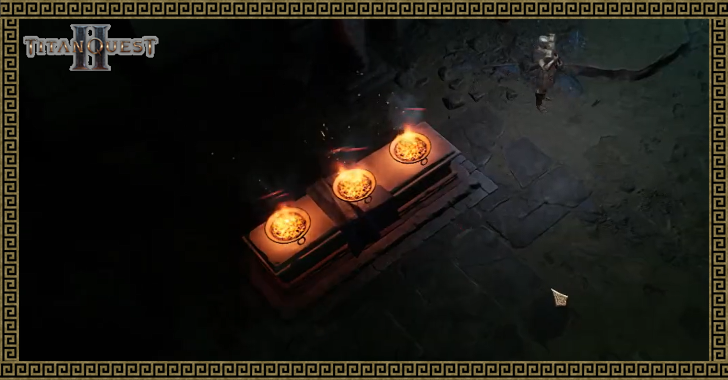 Fiend's Hollow Brazier Puzzle Guide Fiend's Hollow Brazier Puzzle Guide |
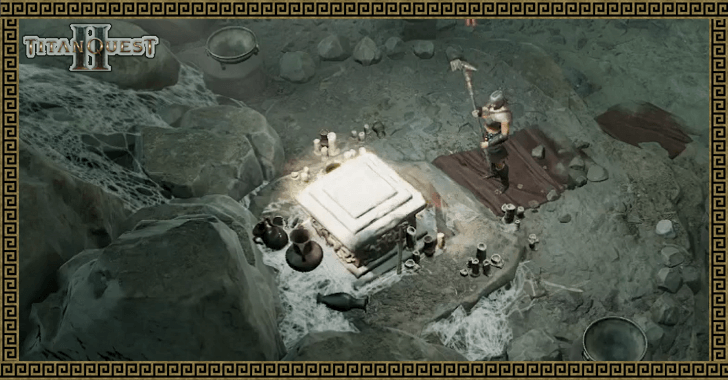 Altar of Hermes Location Altar of Hermes Location |
Game Information
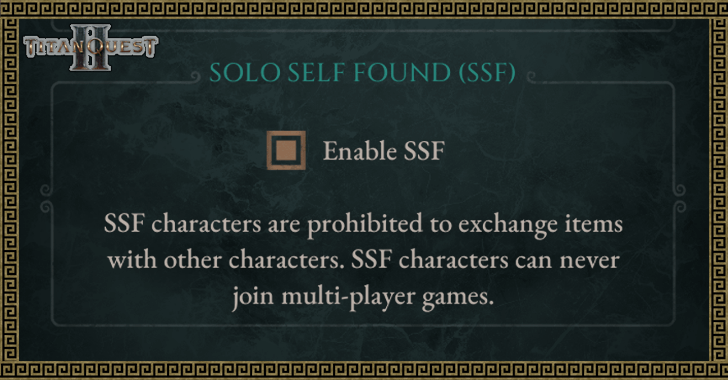 What is Solo Self Found (SSF)? What is Solo Self Found (SSF)? |
 Game Length: How Long to Beat Game Length: How Long to Beat |
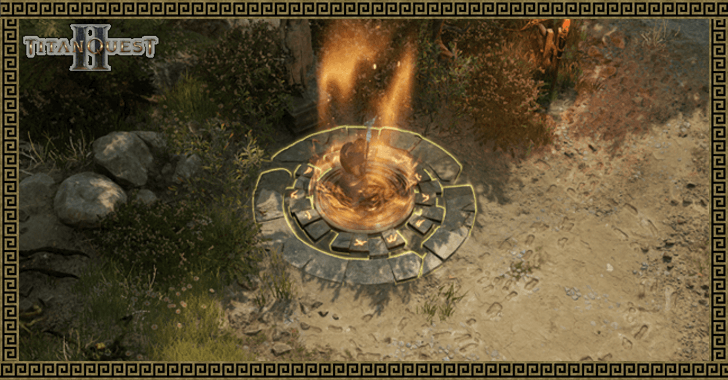 How to Save How to Save |
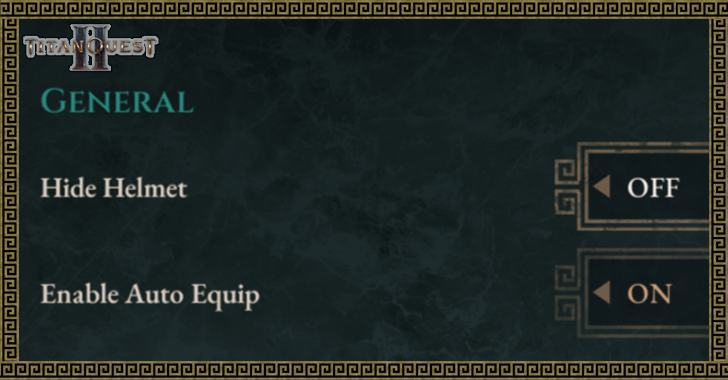 How to Hide Helmet How to Hide Helmet |
- | - |
Comment
Author
Beginner's Guide and Best Starting Tips

Please participate in our site
improvement survey
04/2026
improvement survey
04/2026
Would you assist in
improving Game8's site?
improving Game8's site?

×
We are listening to our users' valuable opinions and discussing how to act on them.
The information collected through this survey will be used for the purpose of improving our services. In addition, the information will only be disclosed a part of a statistic in a format that will not allow identification of personal information.
Begin Survey
Not Now
×
Please rate each item regarding Game8.co's Advertisements.
Amount of Ads
Very Dissatisfied
Somewhat Dissatisfied
Fine
Somewhat Satisfied
Highly Satisfied
Placement of Ads
Timing of Ad Display
Ad Loading Speed
Safeness of Ads
Content of Ads
×
Please rate each item regarding Game8.co's Quality of Articles.
Amount of information
Very Dissatisfied
Somewhat Dissatisfied
Fine
Somewhat Satisfied
Highly Satisfied
Frequency of updates
Speed of new information
Accuracy of articles
Understandibility of articles
Readability of sentences
×
Please rate each item regarding Game8.co's Usability of the Site.
Ease of finding information
Very Dissatisfied
Somewhat Dissatisfied
Fine
Somewhat Satisfied
Highly Satisfied
Loading Speed
Use of Color
Font Size
Visibility of Images
Easy to Understand Layout
×
Please rate each item regarding Game8.co's Message Boards, Comments.
Ease of Writing
Very Dissatisfied
Somewhat Dissatisfied
Fine
Somewhat Satisfied
Highly Satisfied
Readability
Ease in Finding Information
Comment Quality
Comment Quantity
Admin Response
×
Please rate each item regarding Game8.co's Site's new design.
Please rate our site's new design
Very Dissatisfied
Somewhat Dissatisfied
Fine
Somewhat Satisfied
Highly Satisfied
Do you think that the website's design change makes the site easier to use?
Has the new design made it easier for you to find information on the site?
Has the new design improved the overall visual appeal of the site?
How would you rate your overall satisfaction with the new design of the site?
×
How likely are you to recommend Game8 to someone you know?
Very Unlikely
0
1
2
3
4
5
6
7
8
9
10
Very Likely
If you have other opinions regarding potential improvement to the website, please share them with us. We would appreciate your honest opinion.
Note: This is a free response section, so you can proceed without entering anything.
Note: Please be sure not to enter any kind of personal information into your response.
Note: Please be sure not to enter any kind of personal information into your response.
×
Thank You
×
Thank you for participating in our survey! Your answers will help us to improve the quality of our website and services.
We hope you continue to make use of Game8.
We hope you continue to make use of Game8.
Close
Rankings
- We could not find the message board you were looking for.
Gaming News


![Forza Horizon 6 Review [Preview] | Beautiful Roads With a Whole Lot of Oversteer](https://img.game8.co/4460981/a7254c24945c43fbdf6ad9bea52b5ce9.png/thumb)
Popular Games

Genshin Impact Walkthrough & Guides Wiki
Crimson Desert Walkthrough & Guides Wiki
Umamusume: Pretty Derby Walkthrough & Guides Wiki
Honkai: Star Rail Walkthrough & Guides Wiki
Monster Hunter Stories 3: Twisted Reflection Walkthrough & Guides Wiki
Wuthering Waves Walkthrough & Guides Wiki
The Seven Deadly Sins: Origin Walkthrough & Guides Wiki
Pokemon TCG Pocket (PTCGP) Strategies & Guides Wiki
Pokemon Pokopia Walkthrough & Guides Wiki
Zenless Zone Zero Walkthrough & Guides Wiki










Recommended Games
Monster Hunter World Walkthrough & Guides Wiki
Fire Emblem Heroes (FEH) Walkthrough & Guides Wiki
Pokemon Brilliant Diamond and Shining Pearl (BDSP) Walkthrough & Guides Wiki
Super Smash Bros. Ultimate Walkthrough & Guides Wiki
Diablo 4: Vessel of Hatred Walkthrough & Guides Wiki
Cyberpunk 2077: Ultimate Edition Walkthrough & Guides Wiki
Yu-Gi-Oh! Master Duel Walkthrough & Guides Wiki
Elden Ring Shadow of the Erdtree Walkthrough & Guides Wiki
The Legend of Zelda: Tears of the Kingdom Walkthrough & Guides Wiki
Persona 3 Reload Walkthrough & Guides Wiki










All rights reserved
© 2023 by THQ Nordic GmbH, Austria
The copyrights of videos of games used in our content and other intellectual property rights belong to the provider of the game.
The contents we provide on this site were created personally by members of the Game8 editorial department.
We refuse the right to reuse or repost content taken without our permission such as data or images to other sites.