
How to Throw Dosh
★ Disclaimer: Our guides were written before the Rearmament update, so some information may be outdated. We appreciate your support!
★ News: Crossplay | Game Pass | Roadmap
★ Best Settings | Teams | Weapons
┗ Best Bonus Abilities | XP Farm | Difficulty
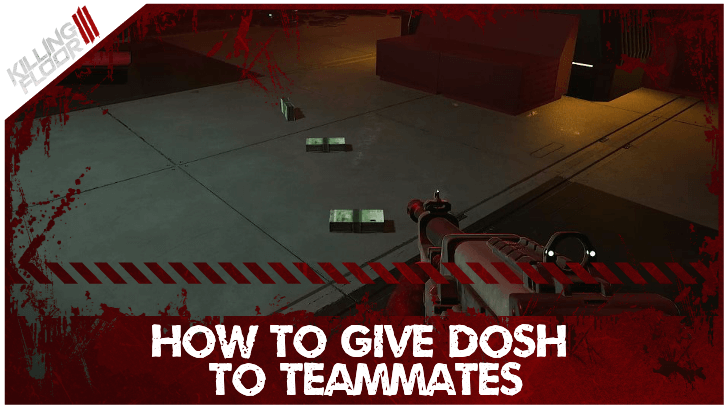
Hold B in PC or down in console to throw Dosh in Killing Floor 3 (KF3). See how to throw dosh, how to request dosh, and how to earn more dosh here!
List of Contents
How To Throw Dosh
Hold Down in Console or B in PC
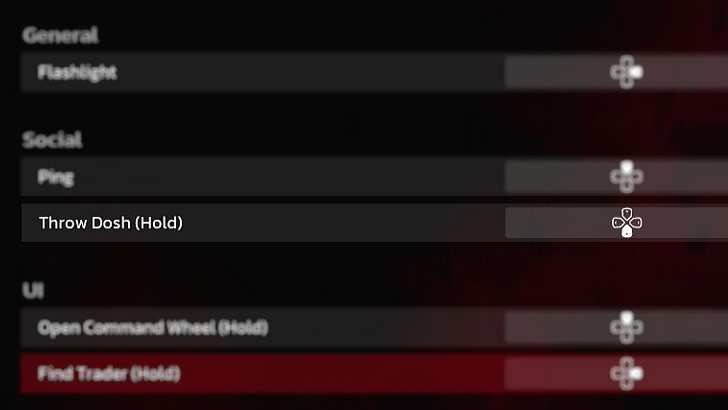
The default input in console would be to hold the down directional button, and for PC it would be to hold the B Key to give Dosh. Doing this would make your character throw some money on the floor for any of your team to pick up.
Can't Throw Dosh Bug
There is a bug where players are unable to throw Dosh when pressing B or Down. This issue can be resolved by switching characters back in the stronghold.
Known Issues, Errors, and Bugs
How to Request Dosh
Request Dosh Through the Trader
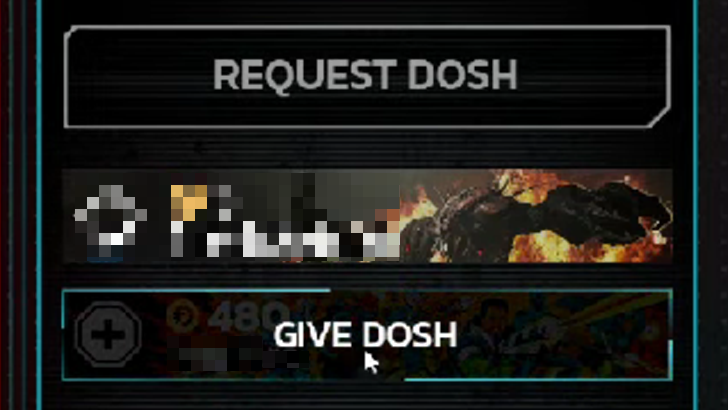
In the Trader window, you can also request Dosh from your teammates. You can also give Dosh to a specific teammate by hovering over their name in the Trader, then select Give Dosh. You can specify how much money you want to give with a slider window that will pop up.
How to Earn More Dosh
Complete Enemy Waves
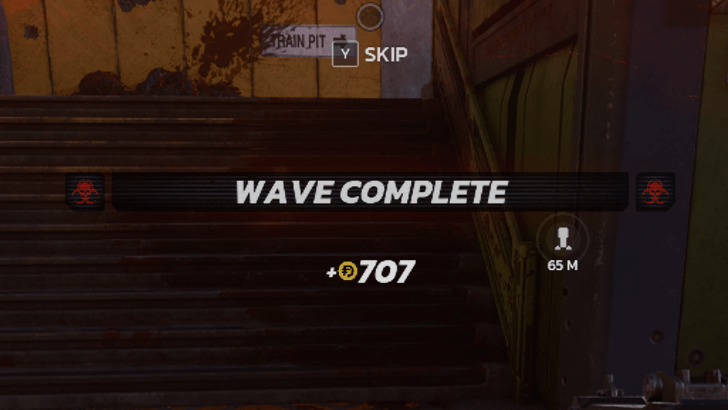
Completing a wave during matches awards more Dosh. This can be used to purchase stronger weapons and refill ammo, tool use, syringe count, and armor at the trader.
Increase Operational Budget
Alternatively, players can increase Operational Budget to start with a higher amount of Dosh.
How to Increase Operational Budget
Killing Floor 3 Related Guides
Beginner's Guide: Tips and Tricks
All Tips and Tricks Guides
Comment



Author

How to Throw Dosh

Rankings
- We could not find the message board you were looking for.
Gaming News

![Death Stranding 2: On The Beach [PC] Review | A Port That Delivers](https://img.game8.co/4447392/15310a0c9aa1b6843bb713b2ea216930.jpeg/show)



Popular Games

Genshin Impact Walkthrough & Guides Wiki
Umamusume: Pretty Derby Walkthrough & Guides Wiki
Crimson Desert Walkthrough & Guides Wiki
Monster Hunter Stories 3: Twisted Reflection Walkthrough & Guides Wiki
Honkai: Star Rail Walkthrough & Guides Wiki
Pokemon Pokopia Walkthrough & Guides Wiki
The Seven Deadly Sins: Origin Walkthrough & Guides Wiki
Wuthering Waves Walkthrough & Guides Wiki
Zenless Zone Zero Walkthrough & Guides Wiki
Arknights: Endfield Walkthrough & Guides Wiki










Recommended Games
Fire Emblem Heroes (FEH) Walkthrough & Guides Wiki
Diablo 4: Vessel of Hatred Walkthrough & Guides Wiki
Cyberpunk 2077: Ultimate Edition Walkthrough & Guides Wiki
Yu-Gi-Oh! Master Duel Walkthrough & Guides Wiki
Super Smash Bros. Ultimate Walkthrough & Guides Wiki
Pokemon Brilliant Diamond and Shining Pearl (BDSP) Walkthrough & Guides Wiki
Elden Ring Shadow of the Erdtree Walkthrough & Guides Wiki
Monster Hunter World Walkthrough & Guides Wiki
The Legend of Zelda: Tears of the Kingdom Walkthrough & Guides Wiki
Persona 3 Reload Walkthrough & Guides Wiki










All rights reserved
Killing Floor© 2009-2025 Tripwire Interactive. Unreal® is a trademark or registered trademark of Epic Games, Inc. in the United States of America and elsewhere. Unreal® Engine, Copyright 1998-2025, Epic Games, Inc. All rights reserved.
The copyrights of videos of games used in our content and other intellectual property rights belong to the provider of the game.
The contents we provide on this site were created personally by members of the Game8 editorial department.
We refuse the right to reuse or repost content taken without our permission such as data or images to other sites.