
Reroll Guide
The Game8 Black Beacon Team has ended coverage as of May 21, 2025. Information on certain pages may not be up-to-date. Thank you for your continued support!
Rerolling is the process of making new accounts and using free pulls to get the best possible characters at the start of the game. Read on to learn how long it takes to reroll, whether or not rerolling is worth it, and which characters you should reroll for.
List of Contents
How Long Does it Take to Reroll?
It Takes 15 to 20 Minutes to Reroll
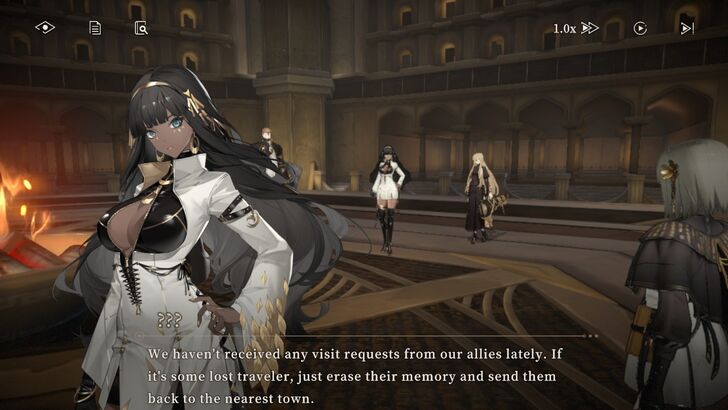
Assuming that you're skipping all the cut scenes and ignoring all the collectibles, it can take anywhere between 15 to 20 minutes to unlock the Retrieval feature and start the rerolling process. All you need to do is to clear Chapter 1-4 of the main quest to unlock the game's Retrieval Pools (gacha banners).
List of All Story Walkthroughs
Black Beacon Reroll Guide
How to Reroll in Black Beacon
| Black Beacon Reroll Process |
|---|
| Step 1: Sign in as a Guest Step 2: Play through the game until you unlock the Retrieval feature Step 3: Gather enough Lost Time Keys, Time-Seeking Keys, and Rune Shards. Step 4: Pull From the Permanent and Limited Banners Step 5: Restart from Step 1 if you didn't get your desired character. |
1. Sign In as a Guest
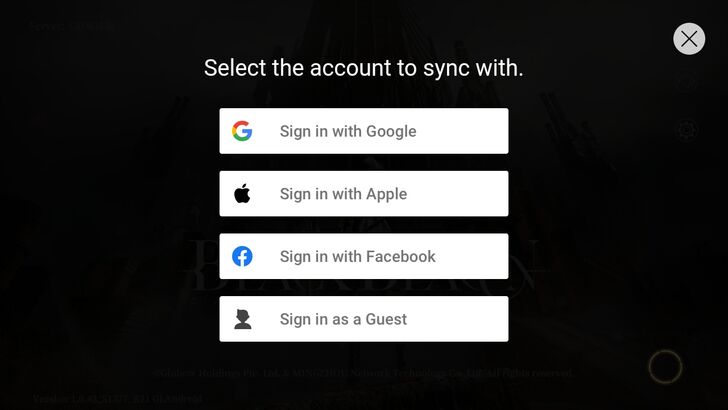
When you are playing the game for the first time, the game will ask if you want to sign in with either a Google, Apple, or Facebook account. Since we want to reroll, choose the last option: Sign in as a Guest.
2. Play Through the Game Until You Unlock the Retrieval Feature
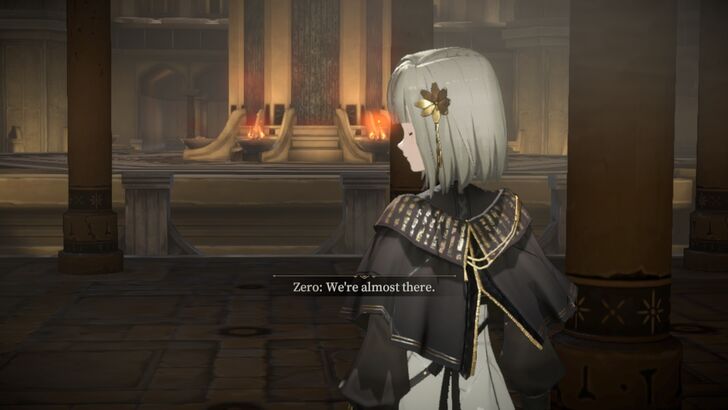
Play through the game until you clear Chapter 1-4. Here, you will be shown how to level up your characters and their weapons, as well as how to do Retrieval or the process of pulling from the game's gacha banners.
3. Gather enough Lost Time Keys, Time-Seeking Keys, and Rune Shards
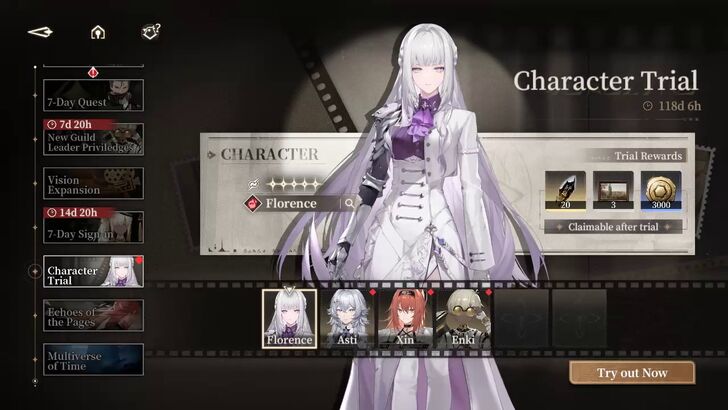 Character Trials give out Rune Shards when completed. |
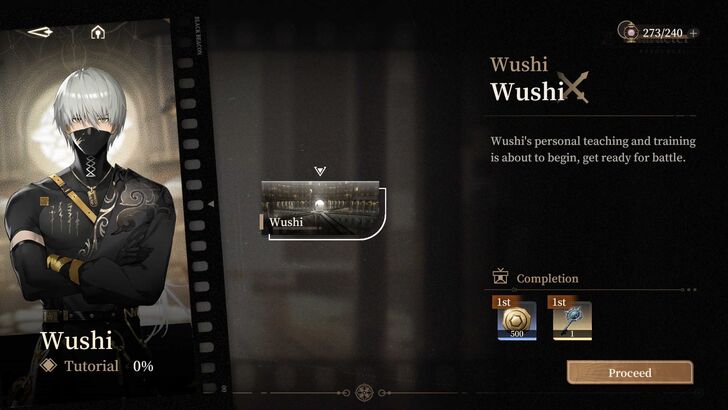 Character Tutorials give one Lost Time Key when completed. |
Before doing your pulls, we recommend playing the Character Trial event from the Events menu and the character tutorials from the Characters menu to get more Rune Shards and Lost Time Keys respectively.
You can also check other sources such as gifts from the developers of Black Beacon in the Mail, ongoing events, and Main Quest progress rewards to maximize your Rune Shards before pulling.
If you have claimed all necessary rewards from the game after clearing Chapter 1-4, you'll likely net 800 Rune Shards and 12 Lost Time Keys. Use the shards to buy 5 Time-Seeking Keys at the Retrieval Redemption's Key Store.
Obtaining these items allows you to pull 20 times from the permanent banner (the first 10-pull is free) and 5 times from the limited banner.
4. Pull From the Permanent and Limited Banners
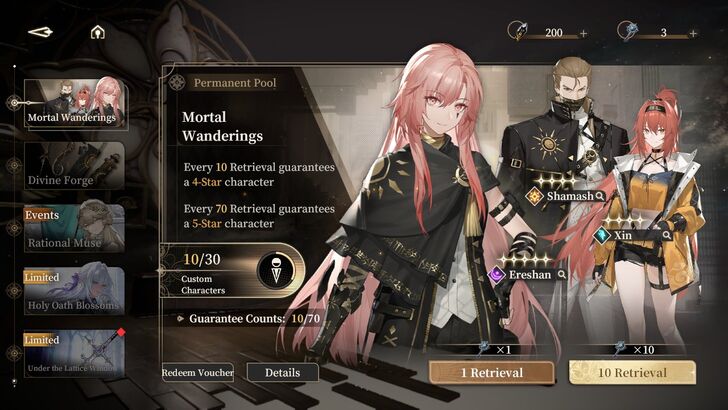
Black Beacon has two permanent retrieval pools (what the game calls gacha banners) for characters and weapons respectively, on top of limited banners for limited 5-star characters.
There are four gacha banners available at this time, though the game will make you get your first 10 pulls from Mortal Wanderings, the game's permanent retrieval banner.
This first 10-pull will almost always give you the healer character Asti. Pulling from this banner 30 times will give you access to a selector that will grant you one 5-star non-limited character, though there's a chance you can get another one before that.
Spend all of the Lost Time Keys (non-limited pull tickets) you have gathered so far, with the objective of completing the remaining 20 pulls and getting another 5-star character aside from the one you will get from the selector.
If you feel the need to, spend the Rune Shards you have gathered to either buy Lost Time Keys or Time-Seeking Keys (limited pull tickets). If you buy the latter, try to pull from the game's limited banner at the time your signed up.
You can also use the Lost Time Seal currency you get after pulling from the banners to pull more Lost Time Keys or Time-Seeking Keys.
5. Go Back to Step 1 if You Did Not Get Your Desired Character
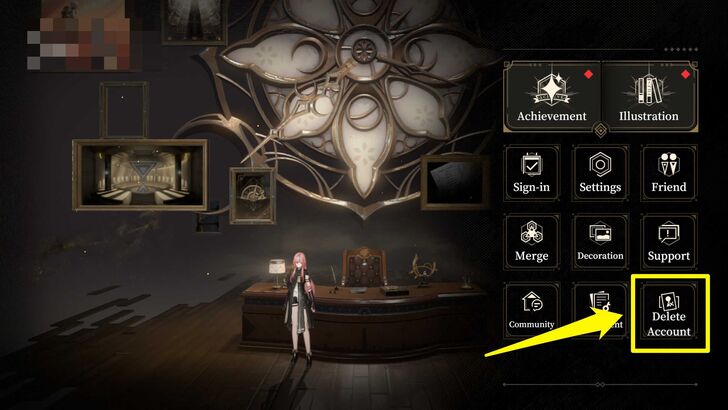
If you are not satisfied with your pulls, you can delete your account by going to the Options menu on the lower left-hand side of the Home Screen. From there, select Delete Account and confirm that you want to delete your account.
Another way to sign out of your guest account is to exit the game, go back to the Title Screen, and tap the "Log Out" option on the top right-hand corner. Doing this will also delete your guest account.
After doing either of these methods, you can then sign in again as a guest and restart the rerolling process from Step 1. If you are happy with your reroll, you can link your guest account to either Google, Apple, or Facebook.
Is Rerolling Worth It?
It is Worth it to Reroll if You Got the Pre-Registration Rewards
| Reroll Process and Notes | |
|---|---|
| Time Consumed | Approx. Total: 15 - 20 mins. Account Creation: 1-2 mins. Story Playthrough: 15-20 mins. |
| Number of Pulls After Clearing Chapter 1-4 (No Pre-Reg Rewards) |
16 to 20 Non-Limited Pulls + 800~ Rune Shards (equal to 5 Non-Limited/Limited Pulls) |
| Number of Pulls After Clearing Chapter 1-4 (With Pre-Reg Rewards) |
36 to 40 Non-Limited Pulls + 10 Limited Pulls + 800~ Rune Shards (equal to 5 Non-Limited/Limited Pulls) |
| Pull Rate | 5-Star Non-Limited Character: 1% 5-Star Limited Character: 1% |
By the time you reach Chapter 1-4, chances are you will have a total of 16 or so Lost Time Keys and 800 or so Rune Shards. This is assuming you have gathered keys from the 7-Day Sign-in event, 7-Day Chapter event, Vision Expansion event, Character Tutorials, Story Progress rewards, Level Rewards, and Character Trials.
However, these resources will likely only be enough to complete the 30 pulls needed to unlock the selector for non-limited 5-star characters. As for the banners for limited 5-star characters, you will only get five limited pulls at best (depending on how many Rune Shards you have).
You can play a little bit more until you get 1500 Rune Shards to get 10 limited pulls, though this will take beyond 15-20 minutes.
You can also take advantage of the pre-registration rewards to increase your chances of obtaining your preferred character, as they provide an additional 20 Lost Time Keys, 10 Time-Seeking Keys, and a free Ninsar character. In total, you'll have 36 or so non-limited pulls and 10 Limited Pulls. You can add 5 more pulls to limited or non-limited banners by spending your 800 Rune Shards.
If you signed up for an account past April 29, 2025, however, we do not recommend rerolling as your resources after unlocking Chapter 1-4 will likely be insufficient to get enough pulls from the limited banner.
Which Character Should You Reroll For?
Pull for Powerful Limited 5-Star Characters
| List of All Limited Retrieval Pools | |
|---|---|
| Retrieval Pool | Featured Characters/Weapons |
| Azure Wavebreaker |
 Qing
(5★, Destruction) Qing
(5★, Destruction)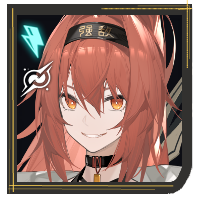 Xin
(4★, Destruction) Xin
(4★, Destruction) Asti
(4★, Assist) Asti
(4★, Assist)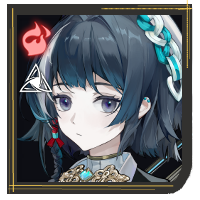 Ming
(4★, Breaker) Ming
(4★, Breaker) |
| Cloud and Water Separation |
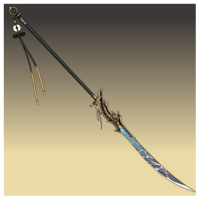 Bieyunshui
(5★) Bieyunshui
(5★)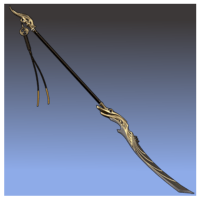 Phoenix Flare
(3★) Phoenix Flare
(3★) |
| Retrieval Pool Period: May 5, 2025 - May 29, 2025 |
|
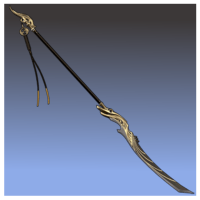 Phoenix Flare - Enhanced
| Other Ongoing Limited Retrieval Pools |
|---|
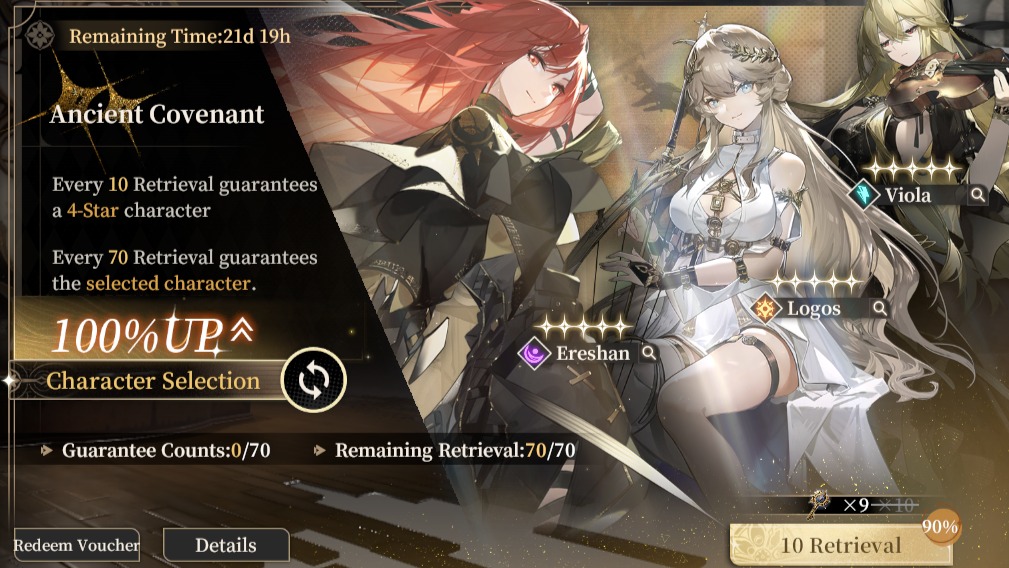 Ancient Covenant Ancient Covenant |
| List of All Permanent Retrieval Pools | |
|---|---|
 Mortal Wanderings Mortal Wanderings |
 Divine Forge Divine Forge |
Depending on when you signed up, there are good chances that Black Beacon could be featuring a powerful 5-star limited character. That character becomes your main reroll target. For example, during launch, the Fire Destruction character Florence was the reroll target for many players due to her powerful and easy-to-use skills.
Aside from looking up tier lists on who are the best characters to reroll for, you can also consult with other Black Beacon players in the official Reddit and Discord to see what they think is the best character new players should reroll for.
Black Beacon Related Guides

All Tips and Tricks Guides
 Beginner's Guide: Tips and Tricks for New Players
Comment



Author

Rankings
Gaming News




![Monster Hunter Stories 3 Review [First Impressions] | Simply Rejuvenating](https://img.game8.co/4438641/2a31b7702bd70e78ec8efd24661dacda.jpeg/thumb)
Popular Games

Genshin Impact Walkthrough & Guides Wiki
Honkai: Star Rail Walkthrough & Guides Wiki
Umamusume: Pretty Derby Walkthrough & Guides Wiki
Pokemon Pokopia Walkthrough & Guides Wiki
Resident Evil Requiem (RE9) Walkthrough & Guides Wiki
Monster Hunter Wilds Walkthrough & Guides Wiki
Wuthering Waves Walkthrough & Guides Wiki
Arknights: Endfield Walkthrough & Guides Wiki
Pokemon FireRed and LeafGreen (FRLG) Walkthrough & Guides Wiki
Pokemon TCG Pocket (PTCGP) Strategies & Guides Wiki










Recommended Games
Diablo 4: Vessel of Hatred Walkthrough & Guides Wiki
Cyberpunk 2077: Ultimate Edition Walkthrough & Guides Wiki
Fire Emblem Heroes (FEH) Walkthrough & Guides Wiki
Yu-Gi-Oh! Master Duel Walkthrough & Guides Wiki
Super Smash Bros. Ultimate Walkthrough & Guides Wiki
Pokemon Brilliant Diamond and Shining Pearl (BDSP) Walkthrough & Guides Wiki
Elden Ring Shadow of the Erdtree Walkthrough & Guides Wiki
Monster Hunter World Walkthrough & Guides Wiki
The Legend of Zelda: Tears of the Kingdom Walkthrough & Guides Wiki
Persona 3 Reload Walkthrough & Guides Wiki










All rights reserved
Game Copyright©Glohow Holdings Pte. Ltd. & MINGZHOU Technology Co., Ltd. All Rights Reserved
The content we provide on this site were created personally by members of the Game8 editorial department.
We refuse the right to reuse or repost content taken without our permission such as data or images to other sites.
©Glohow Holdings Pte. Ltd. & MINGZHOU Technology Co., Ltd (Provider)