
Controls Guide for Switch
★ Latest News: Switch 2 Edition, Tamagotchi Uni
☆ Meet the Tamagotchis: All Tamagotchi & Manager Tamagochis
★ Tamahiko Town Shops: All Shops, All Secret Shops
☆ Beginner Tips: How to Spend Gotchi, Tamahiko Town Guide
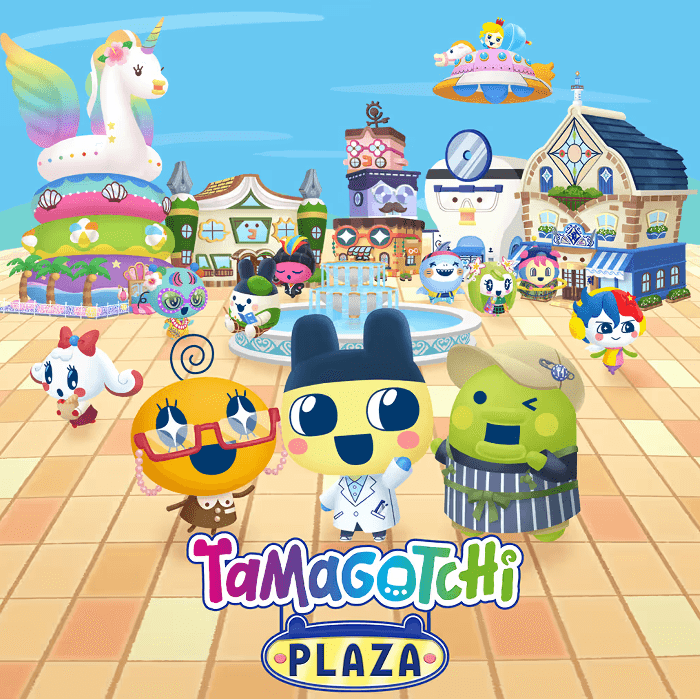
You can play with the Nintendo Switch 1 and 2's controls in Tamagotchi Plaza. Learn the how the controls work and their functions here!
Switch Controls Layout
Similar Controls Setup
| Inputs | Switch 1 | Switch 2 |
|---|---|---|
| Navigate Selection/Minigame Objects |  |
|
| Alternate Navigate Selection |     |
|
| Move Character | |
|
| Turn Camera/Facing Direction |  |
|
| Accept/Confirm/Interact |  |
|
| Return/Back |  |
|
| Reset Option/Finish Minigame |  |
|
| Run | +  |
|
| Minigame Controls* |    |
|
| Home Screen/Quit |  |
|
| Open In-Game Phone/Exit Shop | 
|
|
※ *Used in the different minigames around Tamahiko Town's shops and will vary in context.
Controls are Temporarily Visible
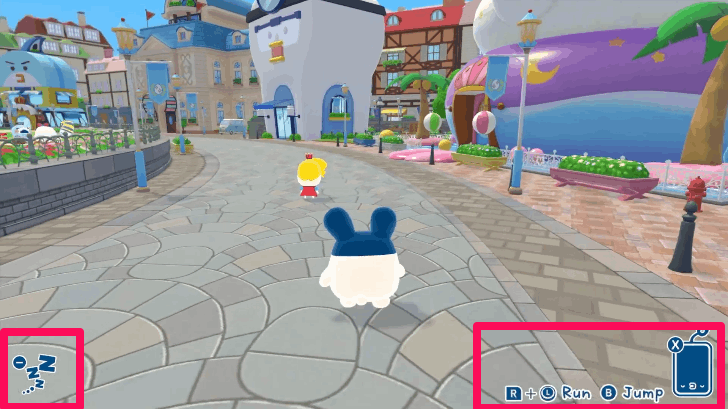
You will always be guided in the game with your controls visible below the screen for a few seconds, allowing you to brush-up quickly with your controls should you forget them in a pinch.
Switch 2 Special Shop Controls
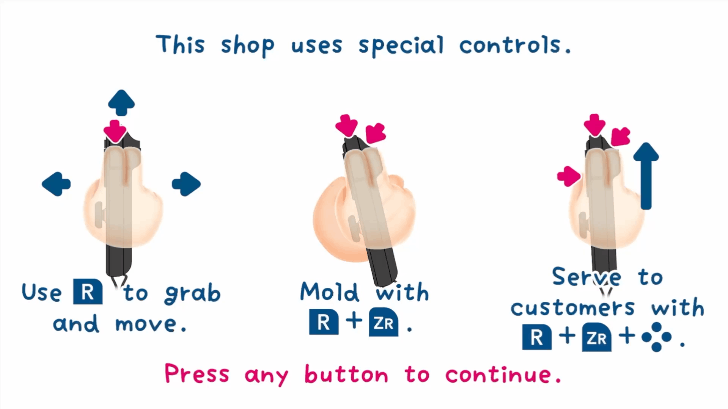
Sushi Shop Controls
| Grab and Move | ||
|---|---|---|
 |
||
| Mold | ||
| + |
||
| Serve | ||
+ + /// |
||
The Sushi Shop uses the Switch 2's Mouse Mode to allow you to serve fellow Tamagochi customers your own handmade sushi in-game!
To enable Mouse Mode, carefully detach your Joy-Con 2 and rest the optical sensor (the colored magnetic end with lights) on a flat surface, preferably with a mouse pad and control them like a regular mouse.
Shuriken Shop Controls
| Aim and Recenter | ||
|---|---|---|
| / |
||
| Shoot | ||
| |
||
| Reload | ||
| |
||
This shop only uses the Optical Sensor of the Joy-Con 2s to act as a swishing sensor to the thrown shurikens. Buttons A and R are used to recenter the cursor and reload the Shuriken, respectively.
Sushi Shuriken Shop Controls
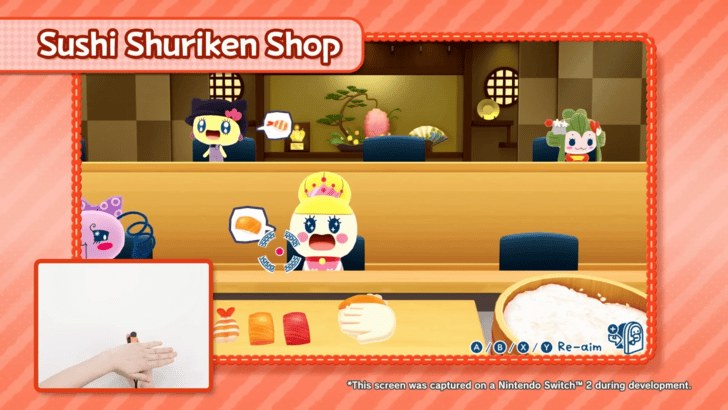
The Sushi Shuriken shop combines both the elements of the Shuriken Shop and the Sushi Shop's controls, allowing you to make Sushi with the Mouse Mode and throw them by swishing your hand under the Joy-Con 2's Optical Sensor!
Used in Exclusive Switch 2 Shops
The Sushi Shop, Shuriken Shop and the Sushi Shuriken Shop are three shops only available for the Nintendo Switch 2 version of the game and these require the Switch 2's special control setup to work properly.
These shops are designed to take advantage of the Switch 2's optical sensor and Joy-Con Mouse feature and are heavily used here.
Multiplayer Controls
Each Player Uses One Joycon
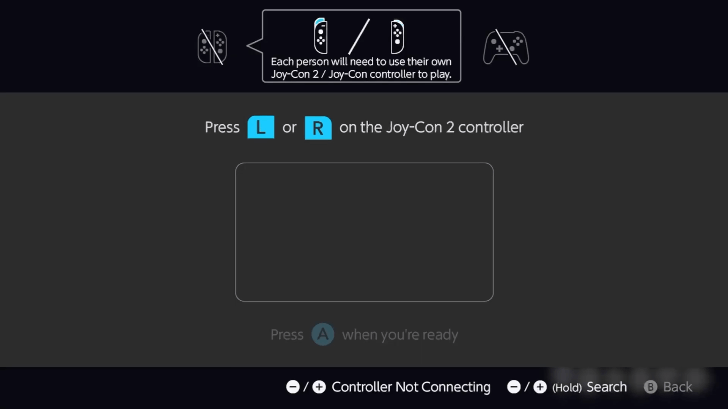
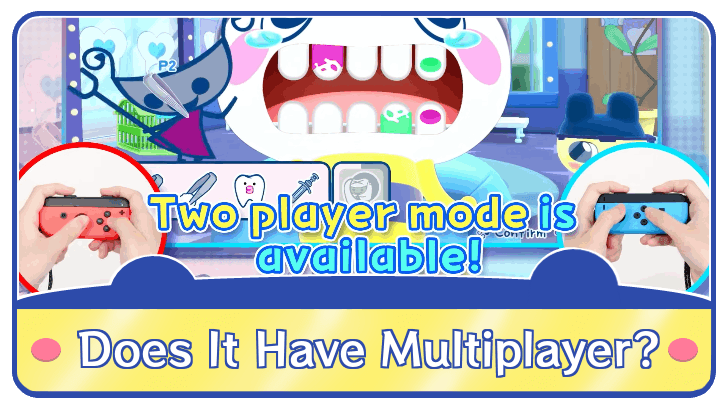
Tamagotchi Plaza also allows 2-player coop via sharing of Joy-Cons. Both players must press the L or R buttons on their detached Joy-Cons to ready the game for multiplayer. The controls will be the same for both players.
Note that not all shops support this feature and you will be notified by the game before starting in single-player or two-player.
Does The Game Have Multiplayer?
Tamagotchi Plaza Related Guides

Other Tamagotchi Plaza Guides
 Tamagotchis Tamagotchis |
 Shops Shops |
 News and Updates News and Updates |
- |
Recommended Guides for Tamagotchi Plaza
 How to Increase Shop Reputation
 Tamagotchi Uni Connect
 Best Names to Use
 Smartphone Guide
 Which Vice-Chairman Tamagotchi to Pick
 Best Settings
 My House and Committee Room Guide
 How to Save Your Progress
 How to Spend Gotchi
 How to Delete Your Save File
 Can Shops Permanently Close?
 All Gift Codes
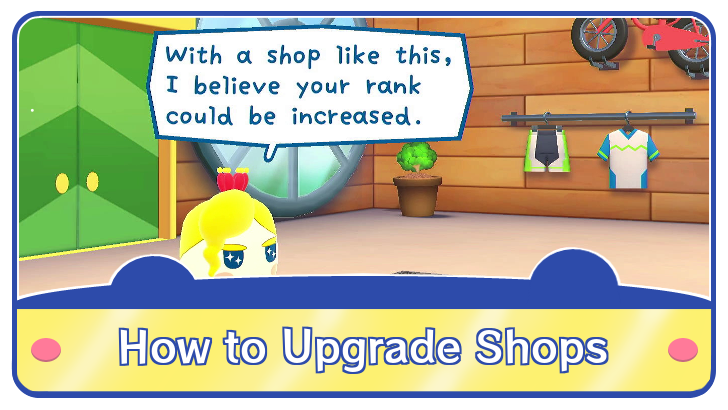 How to Upgrade Shops
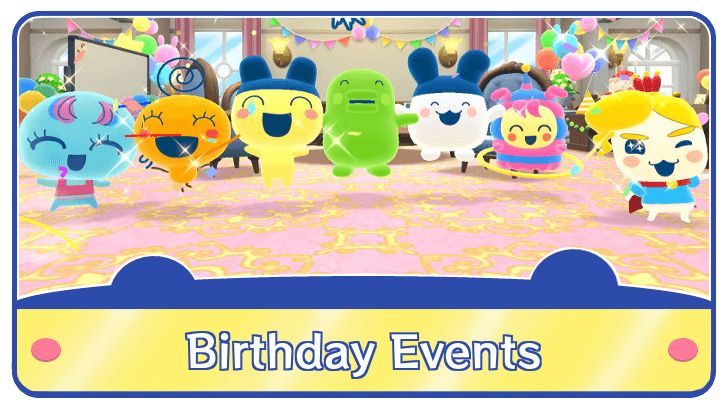 Birthday Event Guide
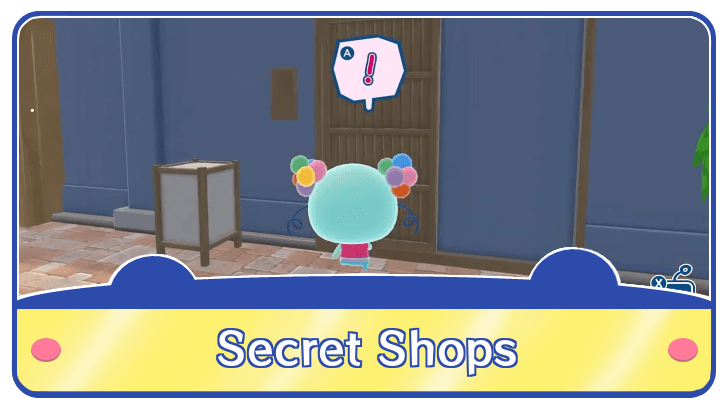 All Secret Shops and How to Find Them
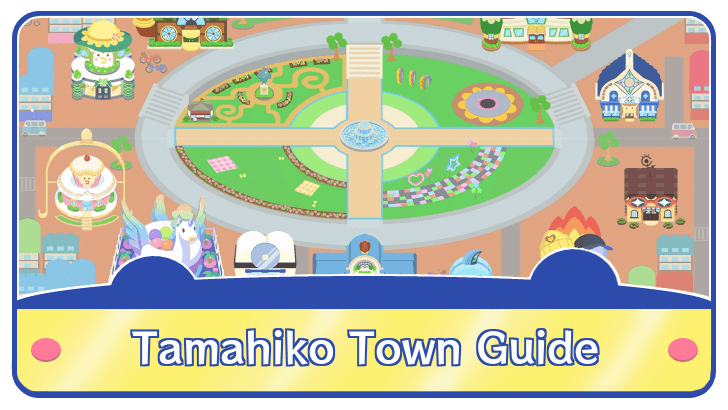 Tamahiko Town Guide
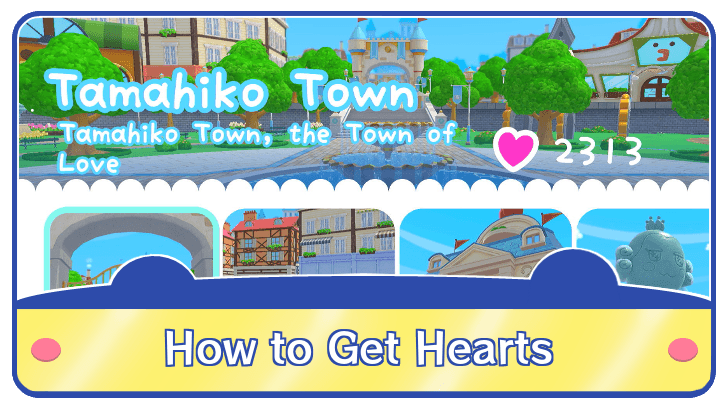 How to Get Hearts
 Things You Can't Change
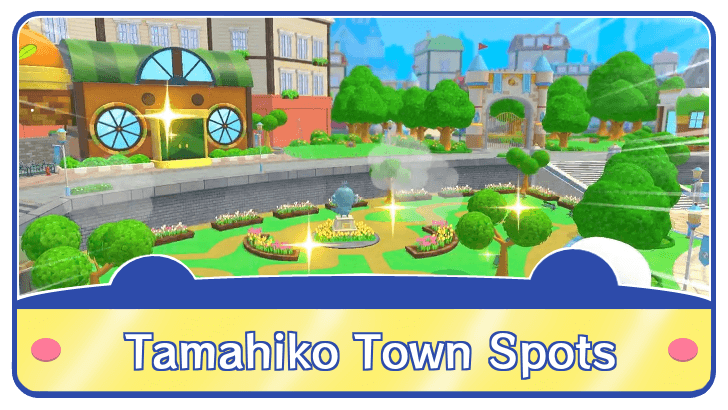 How to Upgrade Tamahiko Town Spots
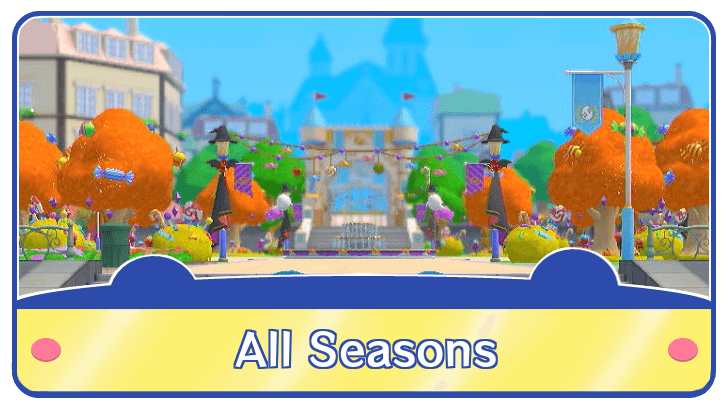 How to Change Seasons
 Tamagotchi Errands Guide
 Tamagotchi Hide and Seek Guide
 Tamagotchi Missing Items
 Tamagotchi Conversations Guide
Comment



Author
Controls Guide for Switch

Rankings
- We could not find the message board you were looking for.
Gaming News

![Star Savior Review [First Impressions] | Engaging, Entertaining, and Expensive](https://img.game8.co/4447603/8f500e9bf666bdb8adb1af478e9dfdbd.png/show)
![Death Stranding 2: On The Beach Review [PC] | A Port That Delivers](https://img.game8.co/4447392/15310a0c9aa1b6843bb713b2ea216930.jpeg/thumb)

Popular Games

Genshin Impact Walkthrough & Guides Wiki
Umamusume: Pretty Derby Walkthrough & Guides Wiki
Crimson Desert Walkthrough & Guides Wiki
Monster Hunter Stories 3: Twisted Reflection Walkthrough & Guides Wiki
Honkai: Star Rail Walkthrough & Guides Wiki
Pokemon Pokopia Walkthrough & Guides Wiki
The Seven Deadly Sins: Origin Walkthrough & Guides Wiki
Wuthering Waves Walkthrough & Guides Wiki
Zenless Zone Zero Walkthrough & Guides Wiki
Arknights: Endfield Walkthrough & Guides Wiki










Recommended Games
Fire Emblem Heroes (FEH) Walkthrough & Guides Wiki
Diablo 4: Vessel of Hatred Walkthrough & Guides Wiki
Cyberpunk 2077: Ultimate Edition Walkthrough & Guides Wiki
Yu-Gi-Oh! Master Duel Walkthrough & Guides Wiki
Super Smash Bros. Ultimate Walkthrough & Guides Wiki
Pokemon Brilliant Diamond and Shining Pearl (BDSP) Walkthrough & Guides Wiki
Elden Ring Shadow of the Erdtree Walkthrough & Guides Wiki
Monster Hunter World Walkthrough & Guides Wiki
The Legend of Zelda: Tears of the Kingdom Walkthrough & Guides Wiki
Persona 3 Reload Walkthrough & Guides Wiki










All rights reserved
© Bandai Namco Entertainment America Inc. All third party content, brands, names, and logos are used under license and remain property of their respective owners. All rights reserved.
The copyrights of videos of games used in our content and other intellectual property rights belong to the provider of the game.
The contents we provide on this site were created personally by members of the Game8 editorial department.
We refuse the right to reuse or repost content taken without our permission such as data or images to other sites.