


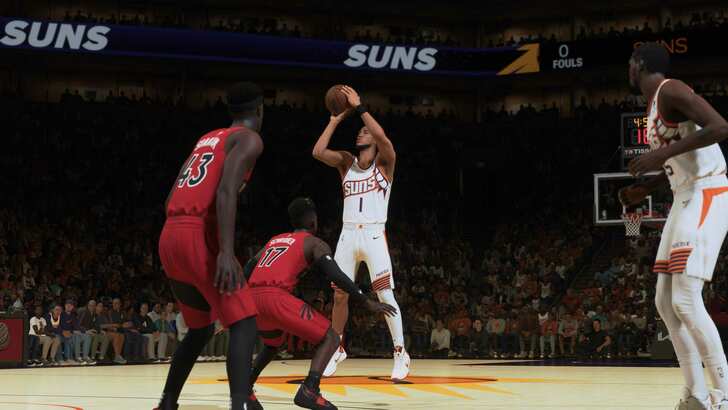
NBA 2K24 introduces shot timing visual cue, a new setting that can be confusing to new players of the game. Read on to learn more about how it works, how it affects the game, and which settings are good.
NBA 2K24 Shot Timing Visual Cue
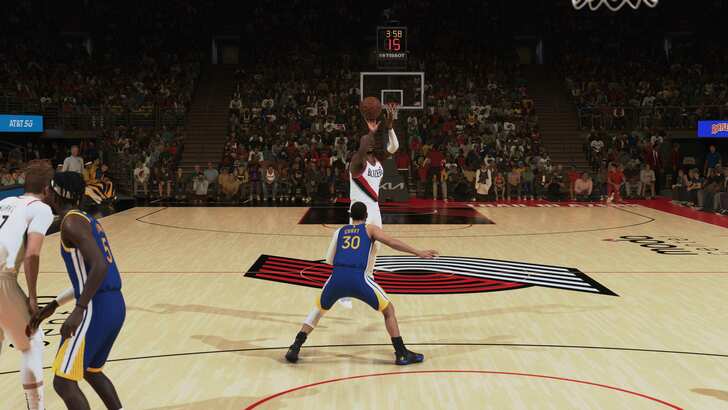
Shot timing visual cue is a new setting in NBA 2K24 that alters the timing of when you should release the Square button on the PS5, X if on Xbox Series X|S, in order to perfectly time your shots, also known as greening your shot. It does not affect the speed of your shot or when your player will release the ball. The timing of your shot is tied to the shooting animation of the player. Hence, it will give you no competitive advantages over the others.
Shot timing visual cue is the same as NBA 2K23's Shot Timing setting. In 2K23 we had Very Early, Early, Late, and Very Late. Now it's Jump, Set Point, Push, and Release respectively. The setting is fairly self-explanatory, but essentially, your setting will determine which point of your jumpshot you should time the release of the shoot button.
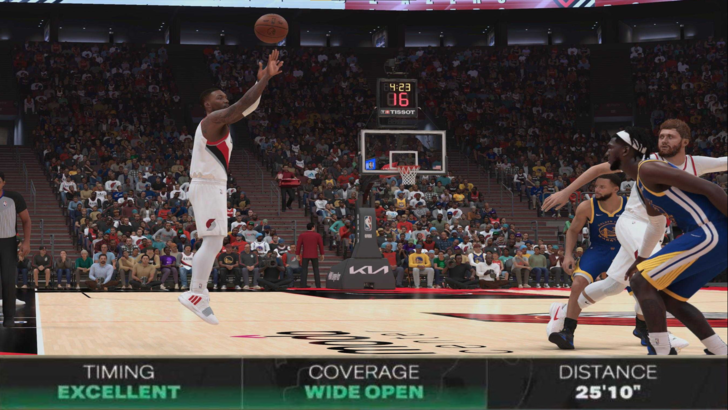
Pick “Jump” when you want to release as early as your player’s jump, “Set Point” when your shot is set, “Push” when your player pushes the ball out, and “Release” right when your player lets go of the ball. Since “Jump” is very fast and “Release” takes ages, most users should probably try out both “Set Point” and "Push” to see which one they are more comfortable with.
If you notice that your timings are always early, try one of the faster visual cues. Inversely, if you find yourself shooting lots of late timed shots, try out “Push” or “Release”. Again, these settings have no bearing on when your shots will actually be released.
Personally, I went with Push since I played with my timing on Late in NBA 2K23. These changes are honestly welcome as shot timing in 2K23 was a lot more vague, forcing you to guess at which point in your jumpshot was your cue to release.
NBA 2K24 Related Links
NBA 2K24 PS5 Review | Time to Return to the Courts
NBA 2K24 Release Date and Preview | Everything We Know
NBA 2K24 Best Builds to Dominate the Courts
NBA 2K24 Best Dribble Moves to Get Open Every Time
NBA2K24 Best Jump Shots for Season 2 | Never Miss